
100+ Malicious Chrome Web Store Extensions Found Stealing User Credentials & Browsing Data
Many of the extensions are still available in the Chrome Web Store


 2 min. read
  Published on

If you use Google Chrome, you probably rely on multiple extensions for different tasks. However, these days, not all of them can be trusted. A new report has now highlighted a large-scale campaign involving malicious extensions operating directly via the Chrome Web Store.
Over 100 Chrome extensions flagged in coordinated attack
The findings come from a cybersecurity firm, Socket, which says more than 100 Chrome extensions are actively attempting to steal sensitive user data (via Bleeping Computer). These include Google OAuth2 bearer tokens, which can allow attackers to access accounts without needing login credentials.
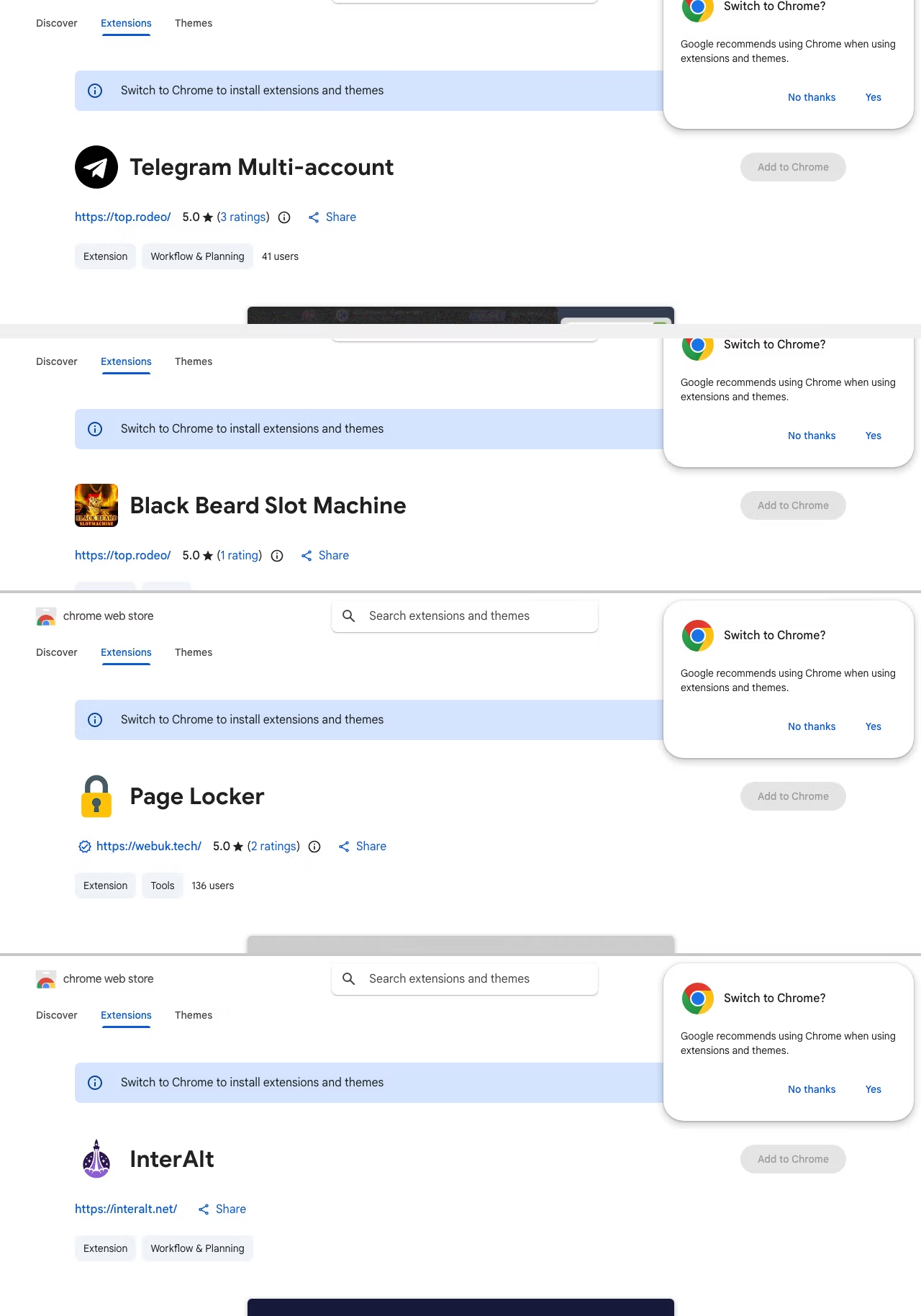
According to the report, these extensions were published under multiple developer identities and span different categories. That includes Telegram tools, gaming add-ons, YouTube and TikTok enhancers, and even translation utilities.
The campaign reportedly runs on a shared command-and-control infrastructure hosted on a VPS, with different subdomains handling tasks like session hijacking and data collection. Researchers also point to possible links with a Russian malware-as-a-service operation based on code patterns.
Extensions can hijack sessions and run in background
Some of the extensions reportedly inject malicious code directly into the browser interface, while others use Chrome APIs to collect personal details like email, profile info, and account IDs. In several cases, extensions can run hidden functions on startup, allowing them to execute commands without user interaction.
One of the more serious examples involves a Telegram extension that reportedly steals session data every few seconds and can even replace it remotely. This could allow attackers to switch accounts without the user noticing.
Many extensions still live on the store
Despite being reported, many of these extensions are still available on the Chrome Web Store at the time of writing this piece. Therefore, you are advised to review installed extensions and remove anything suspicious. All that said, it’s unclear how quickly this issue will be addressed, but the situation raises fresh concerns about how secure browser extension ecosystems really are.

Read our disclosure page to find out how can you help Windows Report sustain the editorial team. Read more



Improve this guide




User forum
0 messages