
Microsoft Edge Tests AI Mode on the New Tab Page, Even With Copilot Disabled


 2 min. read
  Published on
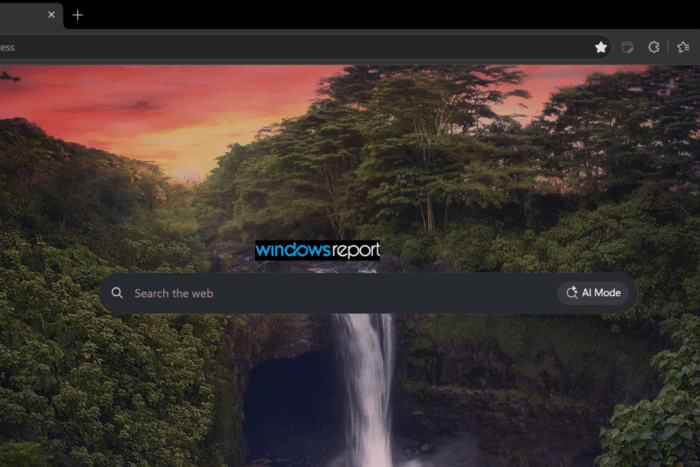
Microsoft is testing a new AI Mode entry point that lives outside the Copilot New Tab Page. In Edge Canary, an AI Mode button now appears inside the standard New Tab Page search box, even when the Copilot New Tab Page is turned off. This suggests Microsoft wants to make AI Mode part of Edge’s regular start experience rather than limit it to the Copilot surface.
Clicking AI Mode displays an “Ask anything in AI Mode” prompt along with several suggested queries. In our tests, the prompts covered topics such as improving sleep quality, rewriting fairy tales, raising a credit score, beating procrastination, and solving a classic river-crossing puzzle.
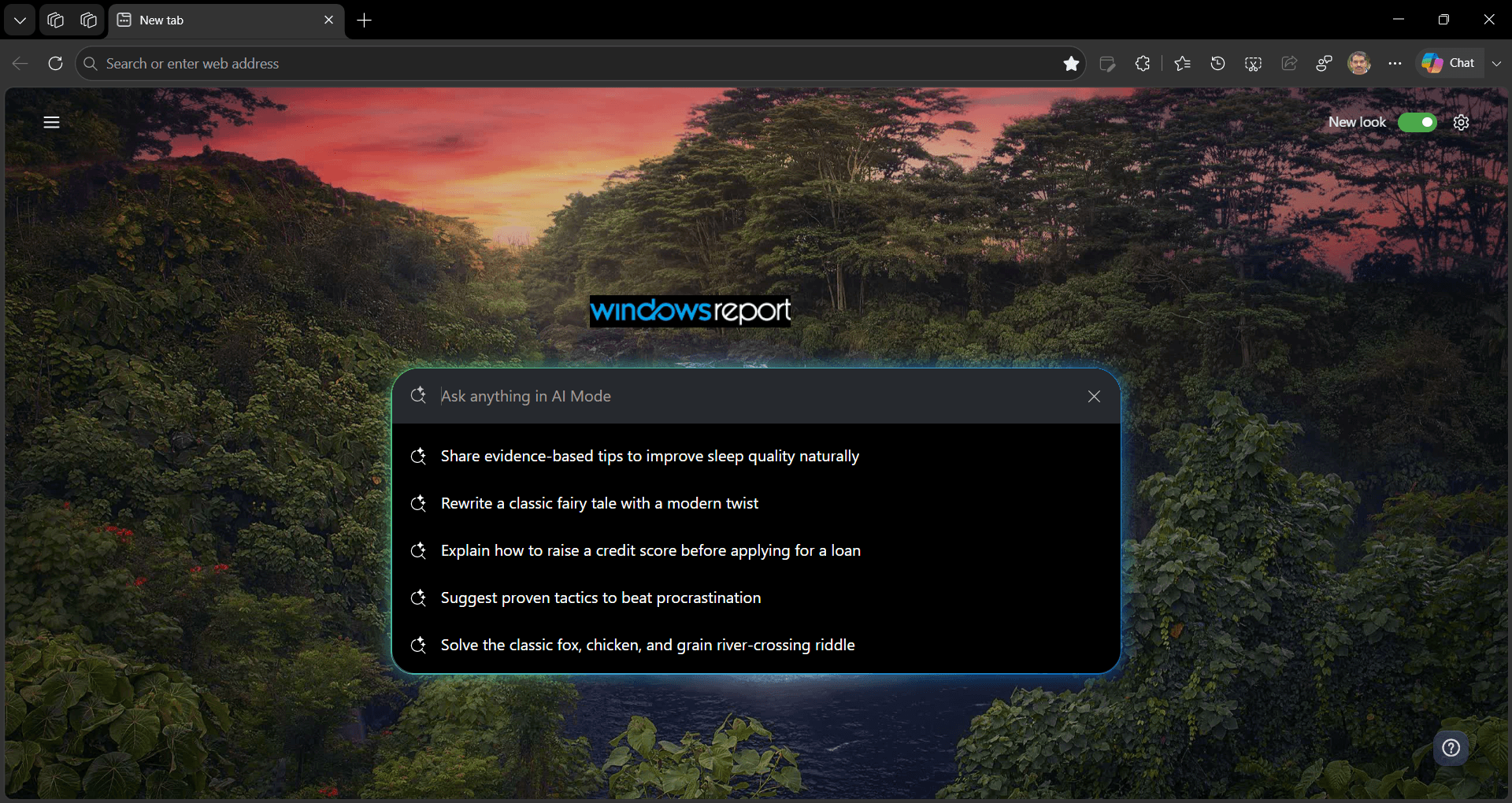
Clicking a suggestion sends the query to Edge’s Copilot Search experience. The resulting page provides an AI-generated answer, supporting sources, and a field for follow-up questions.
This builds directly on our previous Edge AI Mode reporting. We first spotted an AI search entry point in the address bar, which Microsoft later renamed AI Mode. We then found that Edge’s Contextual Tasks experiment could connect AI Mode searches to Copilot Search, opening results on a dedicated Copilot search page.
The new New Tab Page button extends that same flow to another part of Edge. The important change isn’t the connection to Copilot Search. We already documented that. It’s that Microsoft is now placing AI Mode directly on Edge’s standard New Tab Page.
The suggested prompts also give users an immediate way to try the feature instead of starting with an empty search box. They show the kinds of queries Microsoft expects users to send through AI Mode.
As with most Canary experiments, this could change before a wider release. Microsoft may adjust how AI Mode appears, which prompts it shows, or how the experience works before it reaches more users.


Read our disclosure page to find out how can you help Windows Report sustain the editorial team. Read more



Improve this guide



User forum
0 messages