
Firefox tests an AI Tab that turns websites into scannable summaries
The new Firefox Nightly feature uses Smart Window to create separate pages with website summaries, key takeaways, and recent updates.


 2 min. read
  Published on
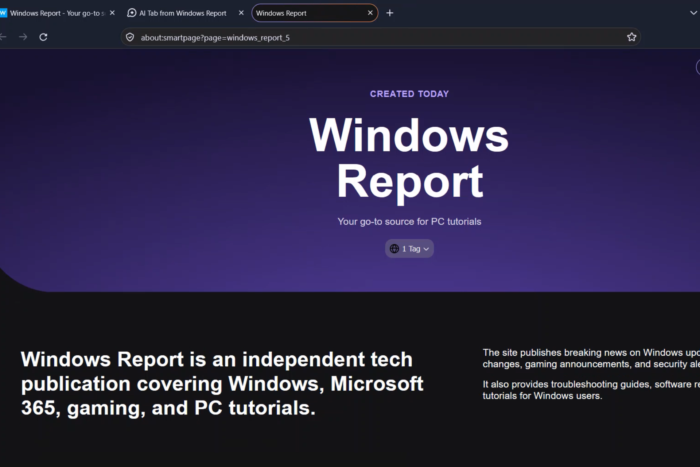
Mozilla is working on an “AI Tab” feature in Firefox Nightly that uses Smart Window to to create a scannable summary of a website, complete with key takeaways and important topics.
Firefox’s Smart Window is an AI-powered browsing experience designed to help users interact with webpages, summarize information, and handle tasks without leaving the browser.
Mozilla has been expanding its features in Firefox Nightly, including AI agent Tasks that monitor websites for price drops and restocks, as well as an Organize Tabs button that automatically groups related tabs. The company is now working on another feature, called Create AI Tab, that generates a Smart Page based on the website open in the current tab.
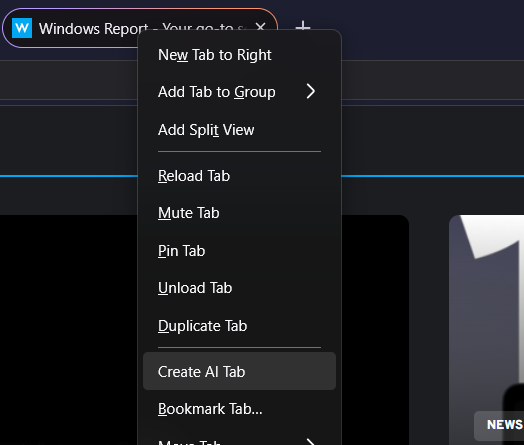
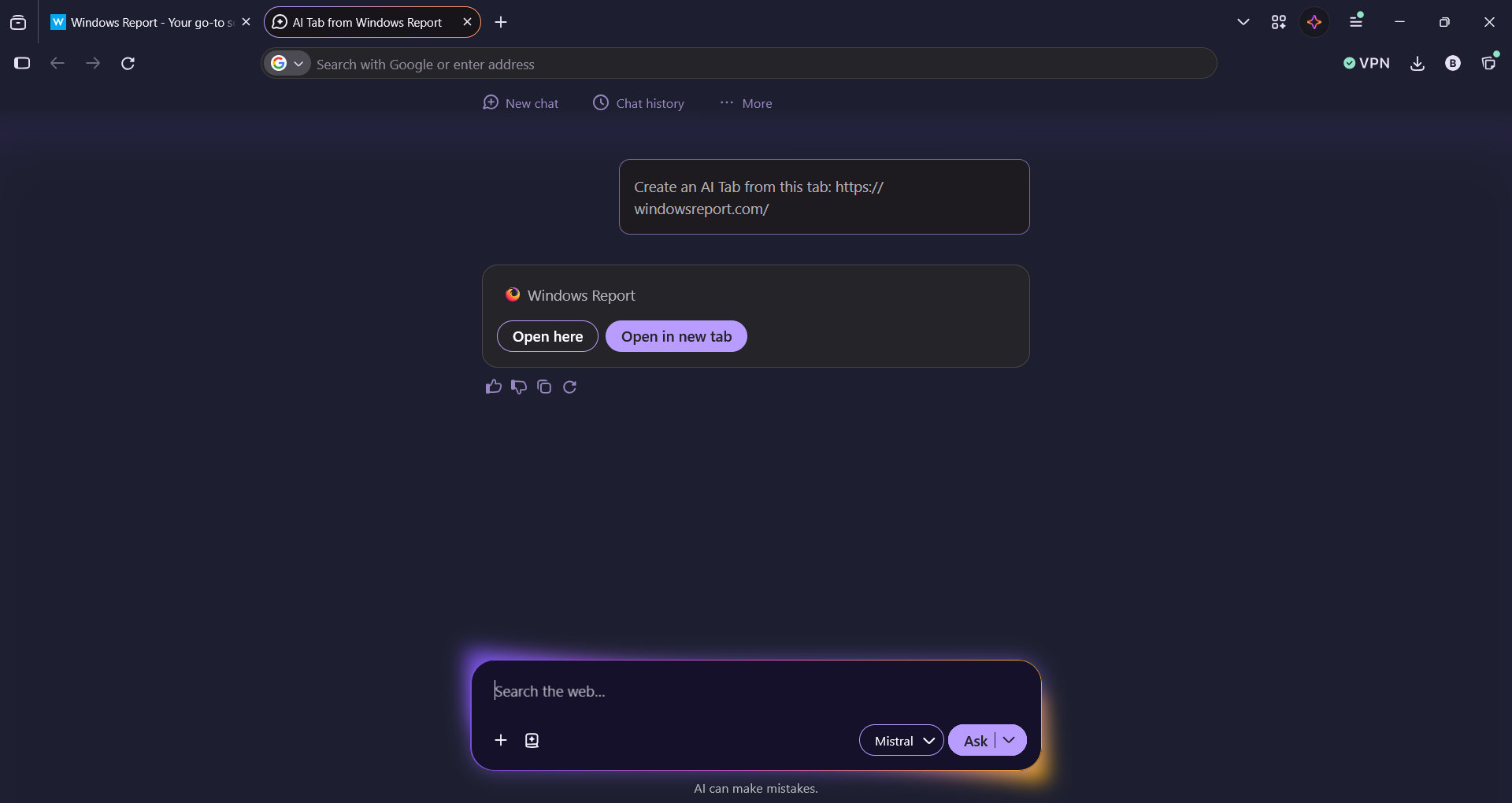
To use the feature, users can right-click a browser tab and select “Create AI Tab”. Firefox opens a new tab and asks Smart Window to generate a page based on the source website. Users can then choose to open the generated page in the current tab or in another tab.
The generated page uses Firefox’s internal about:smartpage URL rather than the original website’s address.
For example, a Smart Page created from Windows Report opens at about:smartpage?page=windows_report_5. It displays a structured overview titled “Key updates from Windows Report,” with individual headlines and short descriptions of recent stories. This gives users a way to scan multiple updates from a website without opening each article separately.
Unlike a conventional AI summary displayed in a sidebar, Smart Window presents the information in a separate page with its own layout and sections.
Create AI Tab is available in Firefox Nightly during development. Mozilla has not confirmed a stable release date.


Read our disclosure page to find out how can you help Windows Report sustain the editorial team. Read more



Improve this guide




User forum
0 messages