
Latest Build Moves the Beta Channel to Windows 11 26H2 With Revamped Windows Search & Other New Features


 2 min. read
 Published on
Microsoft has just released Windows 11 Insider Preview Build 26320.9876 for Beta Channel users. Today’s update moves the channel to Windows 11 version 26H2. However, the build number increase isn’t the only highlight. Microsoft is rolling out a redesigned Windows Search, alongside several useful upgrades for gaming, sign-in, and File Explorer.
Windows Search gets a major redesign with inline actions
The Beta Build 26320.9876 brings the Windows Search experience. Microsoft is rebuilding it with WinUI 3, promising faster performance and a cleaner interface. Users can now perform certain actions directly from search results.
For example, you can turn on Bluetooth or dark mode, adjust brightness, mute your device, and arrange windows. Search is also getting better at understanding typos and synonyms. However, English is the only supported language during this initial rollout.
Live Captions is receiving another useful improvement. Users can now choose whether to transcribe system audio, microphone input, or both. This makes the feature more flexible during meetings and in-person conversations.
Windows 11 adds more useful changes across the system
Gaming is also getting attention in this release. Quick Settings is coming to the Gaming Task View navigation bar in Xbox mode. This gives users access to familiar controls without leaving the gaming experience.
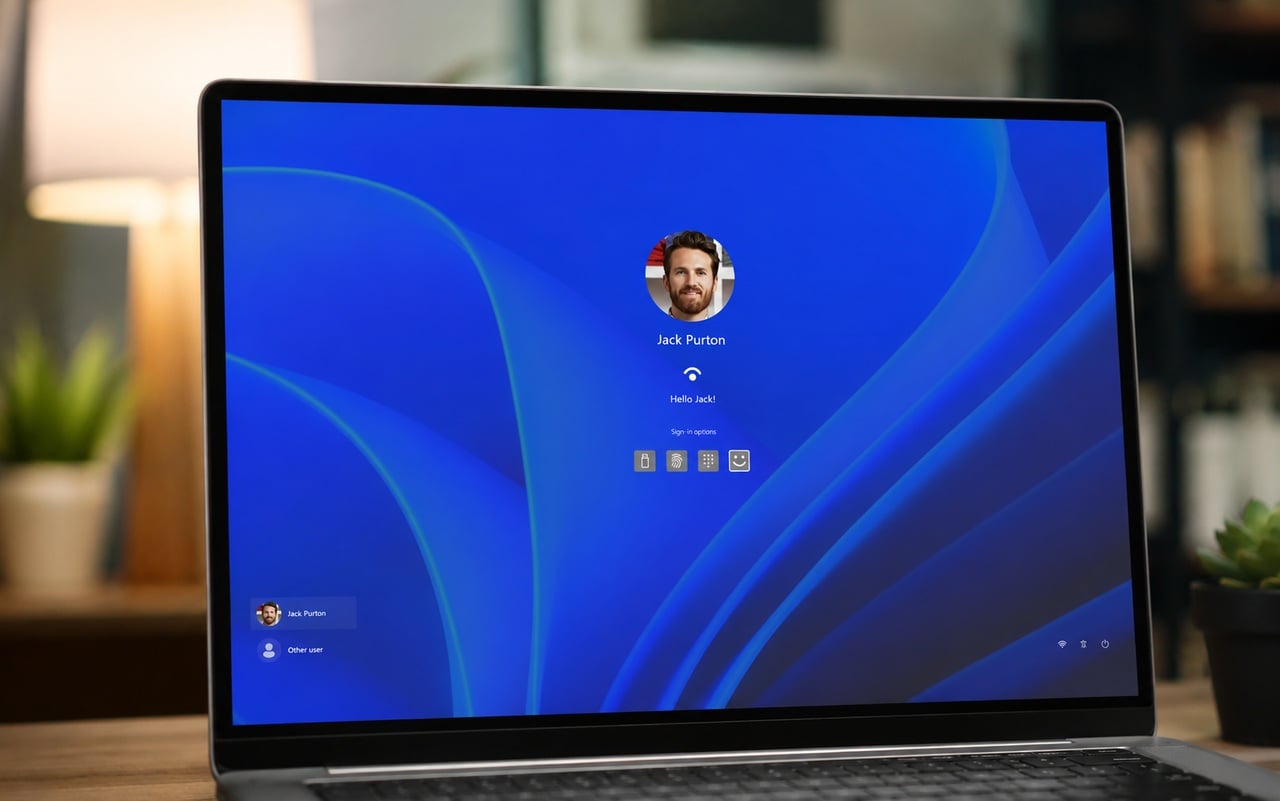
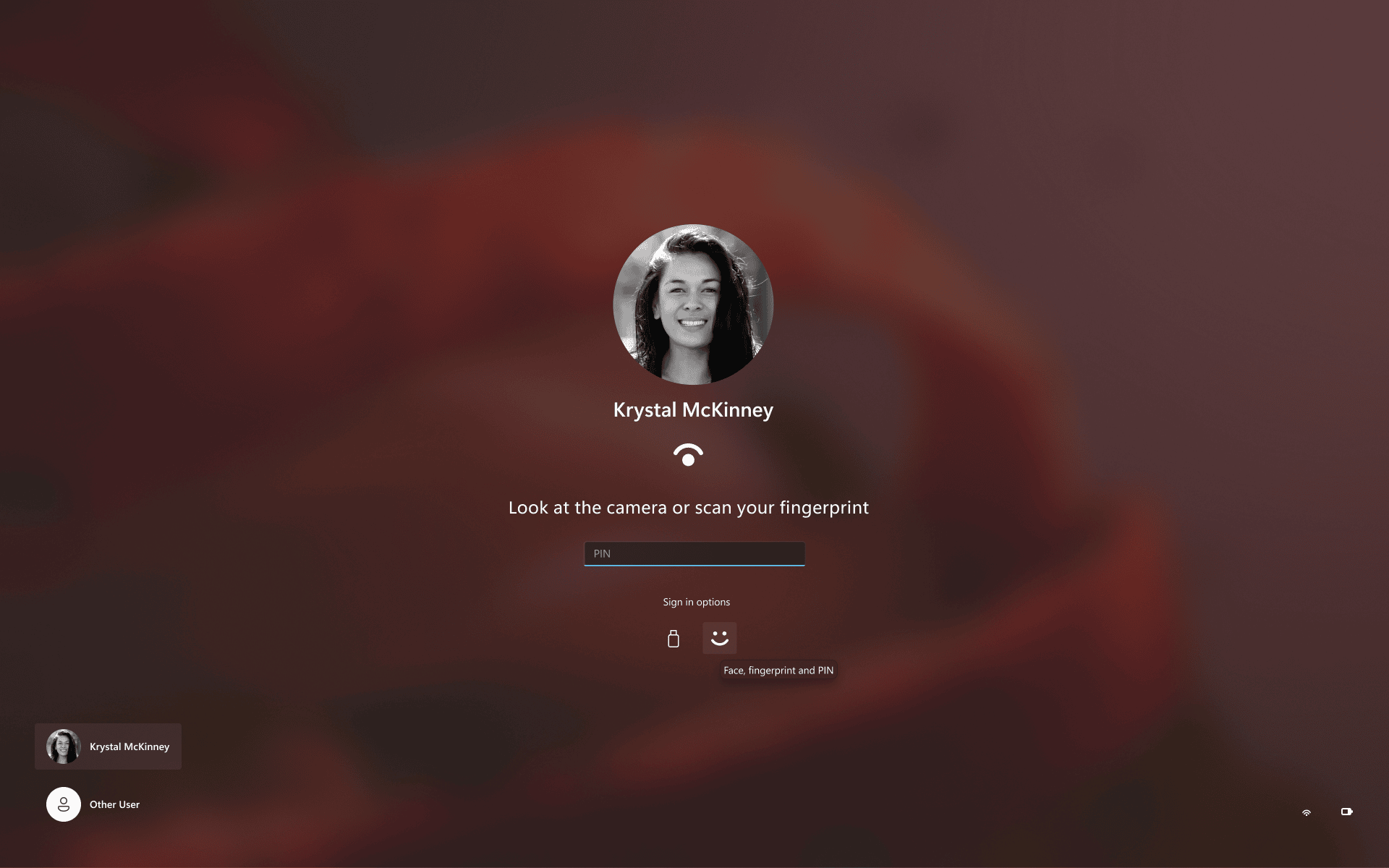
Windows Hello facial recognition can now temporarily brighten the screen in dark environments. Users can enable this under Settings, Accounts, and Sign-in options. Microsoft is also improving web sign-in for Entra hybrid-joined devices, supporting passwordless credentials.
Meanwhile, Windows Settings now displays shared Microsoft 365 Family cloud storage usage. The feature initially applies to subscriptions purchased after October 8, 2026. Older subscriptions will receive it after their first renewal on or after May 2, 2027.
File Explorer is getting a small but handy improvement. Its Address Bar now recognizes the ~ shortcut for opening the user profile folder. For example, entering ~\AppData takes you directly to that location. Microsoft is also updating Sticky Keys and Filter Keys prompts. Users can now dismiss these interruptions permanently when they do not need those accessibility features.
It should be noted that Build 26320.9876 is delivered through an enablement package. This means the move to version 26H2 does not introduce a major change by itself.

Read our disclosure page to find out how can you help Windows Report sustain the editorial team. Read more


Improve this guide
User forum
0 messages