
8 Best ePub Readers for Windows 11 and 10 in 2026
Choosing the best ePub reader for Windows 11 is essential for every user experience


 7 min. read
  Updated on

Tired of searching for the perfect ePub reader? We’ve got you. Whether you’re into free tools or premium features, this list has something for every Windows user.
Let’s skip the small talk and get straight to the best options out there.
Table of contents
- What are the best ePub readers for Windows 11?
- Icecream E-book Reader – Intuitive book management
- Adobe Digital Editions – Great text highlighter
- FBReader – Cross-platform reader
- Epubor Ultimate – Straightforward reader
- Calibre – Very easy to use
- Kobo – Built-in dictionary
- Neat Reader – Data synchronization
- Cover – Limitless library
- What other kinds of apps come highly recommended?
- FAQs
What are the best ePub readers for Windows 11?
Icecream E-book Reader – Intuitive book management
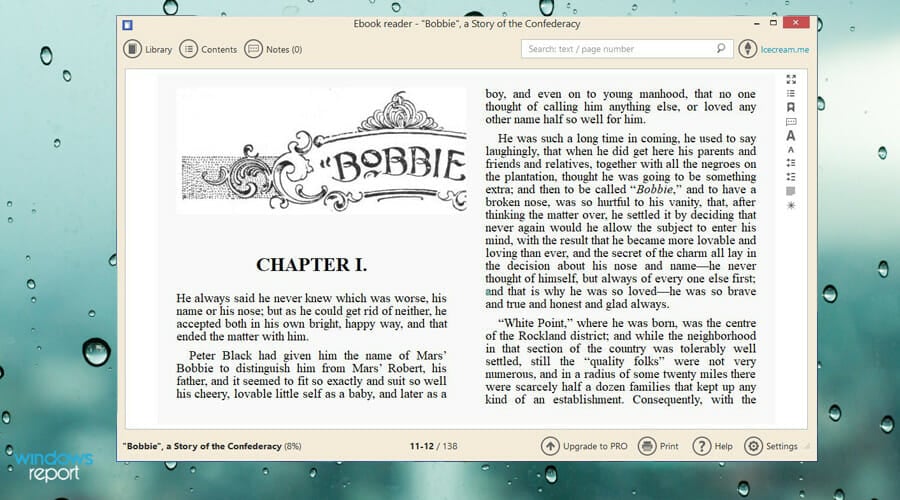
Icecream E-book Reader is sleek, straightforward, and perfect for organizing digital libraries. It supports formats like ePub, MOBI, and FB2.
The interface is intuitive, with features like full-screen mode, bookmarking, and automatic page tracking.
We like its Translate tool and note-taking capabilities. The app feels modern and hassle-free, making it ideal for casual and serious readers alike.
Pros:
- Simple, user-friendly design
- Supports multiple eBook formats
- Translation and note-taking tools
Cons:
- No cloud syncing
- Limited customization options

Icecream E-book Reader
Try this excellent ePub Reader and manage your e-books better.Adobe Digital Editions – Great text highlighter
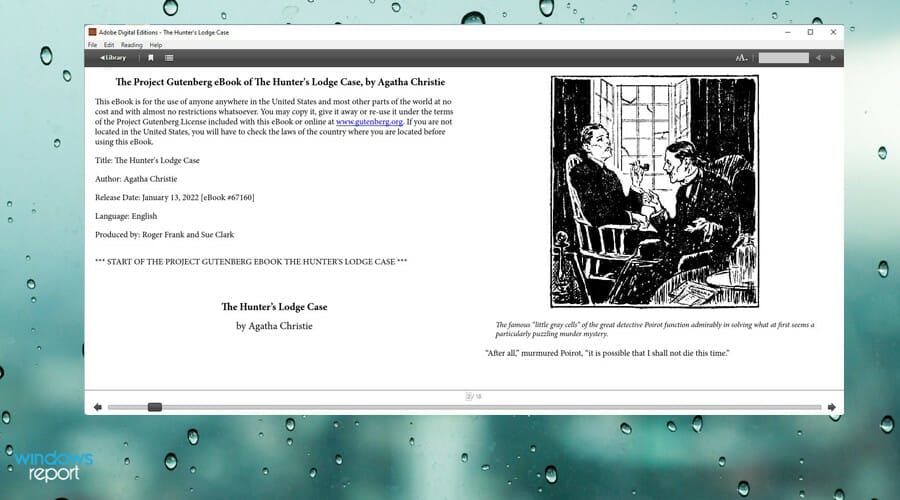
Adobe Digital Editions (ADE) makes reading effortless across devices. It syncs eBooks purchased on one device to all others with ADE installed.
The text highlighter and customizable interface add value for readers who like control.
We think ADE shines in its simplicity and smooth syncing, though it feels a bit dated compared to competitors.
Pros:
- Free and easy to use
- Cross-device syncing
- Access to a vast eBook library
Cons:
- Limited advanced features
- Outdated design

Adobe Digital Editions
Increase your reading experience by using this outstanding tool.FBReader – Cross-platform reader

FBReader is the minimalist’s dream. It’s a fast, lightweight ePub reader supporting multiple formats like MOBI and RTF.
It works seamlessly on Windows and other platforms like Linux and iOS.
We like its simplicity and stability. While it’s not fancy, it gets the job done perfectly for basic reading needs. If you need a free ePUB reader for Windows, this might be the right choice.
Pros:
- Free and cross-platform
- Very lightweight
- Simple library syncing
Cons:
- Few advanced features
- Interface looks dated
Epubor Ultimate – Straightforward reader
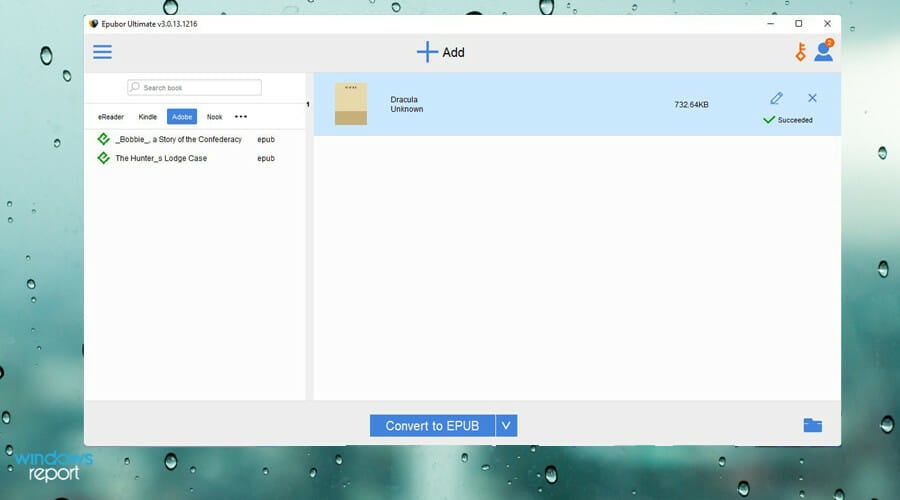
Epubor Ultimate is a powerhouse for managing eBooks. It converts eBooks to formats like ePub or PDF and removes DRM restrictions. This is a lifesaver if you’ve ever been frustrated with device compatibility. We like how straightforward the interface is, though it’s pricier than most readers.
Looking to convert Kindle books to ePub format for easier reading? Check out this guide on how to convert Kindle to ePub: convert Kindle to ePub.
Pros:
- Converts eBooks to multiple formats
- Removes DRM restrictions
- Easy-to-use interface
Cons:
- Basic reader compared to competitors
- Paid software
Epubor Ultimate
Try this advanced-shape eBook tool and enjoy reading your books more comfortably.Calibre – Very easy to use
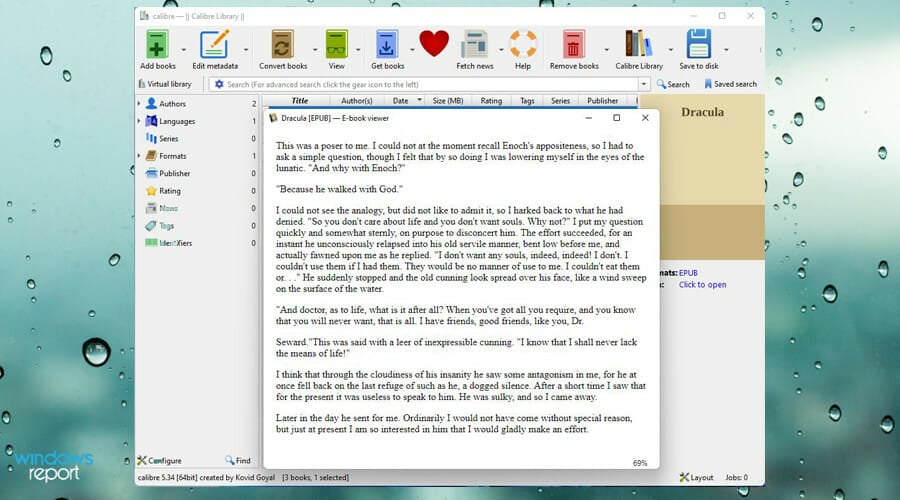
Calibre is the veteran of eBook management. It organizes libraries, converts formats, and even lets you edit metadata.
We find its open-source roots inspiring, offering powerful features at zero cost.
However, it’s not the prettiest app, and beginners might feel overwhelmed at first, but it’s still a great free ePUB reader for Windows.
Pros:
- Free and open-source
- Converts and edits eBooks
- Powerful library management
Cons:
- Steeper learning curve
- Clunky interface
Kobo – Built-in dictionary
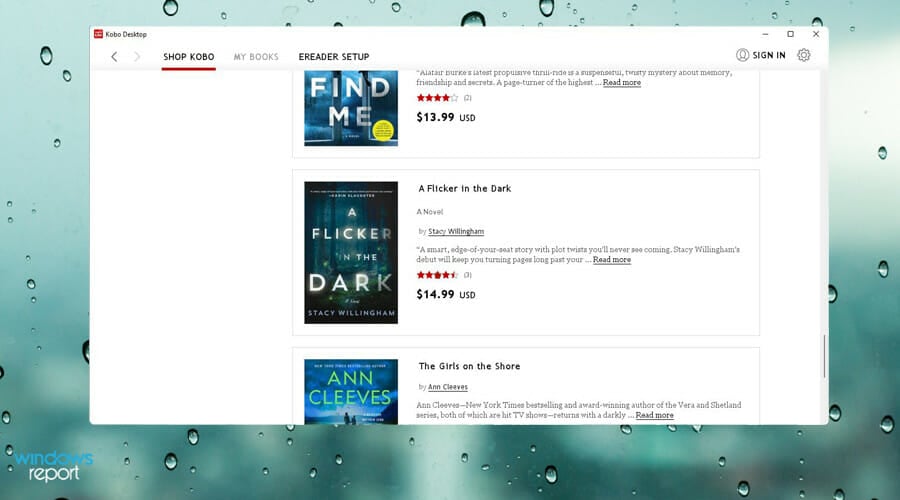
Kobo offers a robust ePub reader with a built-in store of 5+ million books. It includes tools like a dictionary, bookmarks, and annotations.
The app encourages community engagement with user reviews and ratings.
We enjoy its polished interface and the ability to buy books directly, but it can be slow on older devices.
Pros:
- Access to millions of books
- Built-in dictionary and notes
- Sleek interface
Cons:
- Requires an account for many features
- Sluggish on older devices
⇒ Get Kobo
Neat Reader – Data synchronization
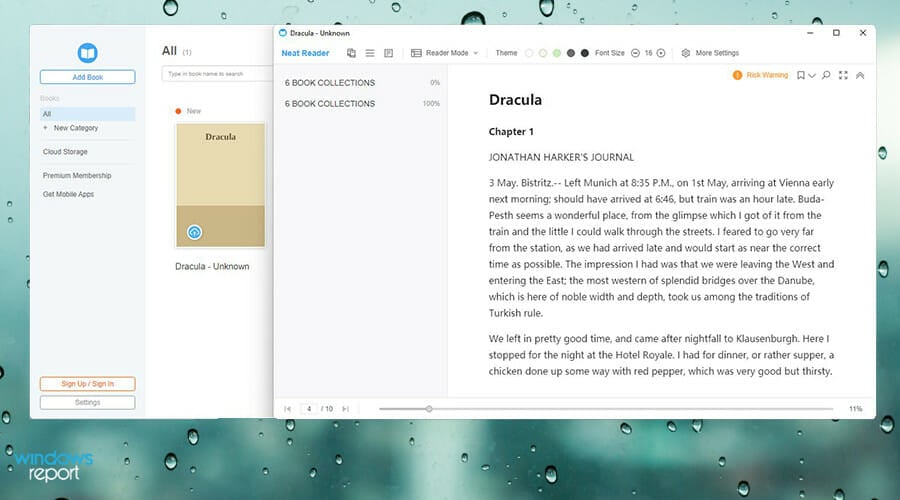
Neat Reader combines simplicity with cross-device syncing. The free version handles most reading needs, while the paid version adds 10GB cloud storage and advanced settings. We think its clean design and ease of use are standout features. However, ads in the free version can be distracting.
Pros:
- Cross-device syncing
- Simple and modern design
- Free version available
Cons:
- Cloud features locked behind a paywall
- Ads in the free version
Cover – Limitless library
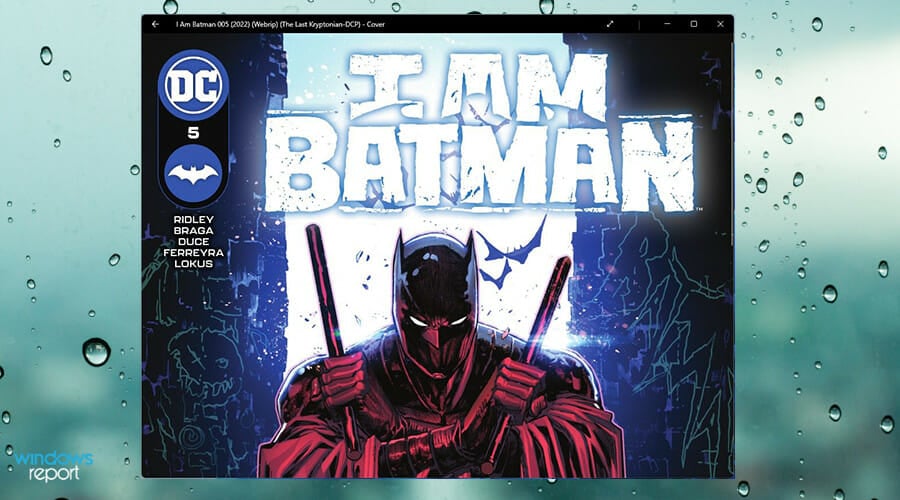
Cover specializes in comics and manga, supporting ePub, CBR, and CBZ formats.
Its shelving system organizes your collection seamlessly, and the app remembers where you left off.
We love its manga-friendly right-to-left reading mode. However, it’s not ideal for regular eBooks.
Pros:
- Great for comics and manga
- Organizes collections neatly
- Supports OneDrive and Dropbox integration
Cons:
- In-app purchases for additional features
- Focused on comics, not general eBooks
What other kinds of apps come highly recommended?
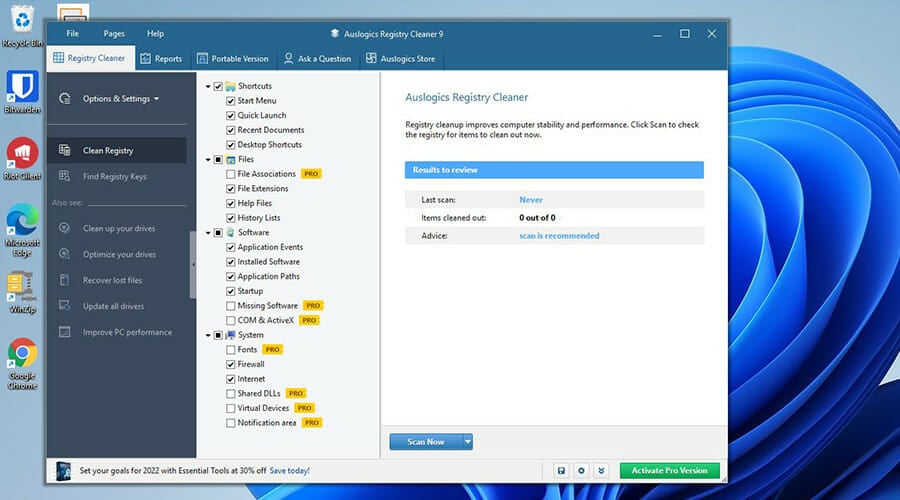
If you want to get the most out of your Windows 11 computer, there are particular apps that you should get. This is especially important if you want to keep your computer’s performance at its best and not have it degrade.
FAQs
An ePub reader is software designed to open and display ePub files, which are a popular format for eBooks. These readers allow you to view, navigate, and sometimes annotate eBooks.
Popular options include Calibre, Adobe Digital Editions, Sumatra PDF, and Microsoft Edge. Each offers unique features like customization, library management, and advanced formatting support.
Yes, some browsers, like Microsoft Edge, allow you to open ePub files directly without additional software. However, dedicated ePub readers often provide better navigation and features for eBooks.
Yes, many ePub readers, such as Calibre and Sumatra PDF, are free to use. Some paid versions offer extra features like advanced annotations, cloud syncing, or better formatting options.
You may also be interested to know which virtual machines work the best on Windows 11. Virtual machines are useful if you want to try out the latest features of Windows 11 or the beta version, but don’t want to deal with bugs or glitches. One of the best ones VMware Workstation for its high versatility and how easy it is to set up.
And for fun, you should download a photo viewer. A good photo viewer does more than view pictures, but also comes with great features like editing tools and taking screenshots. In fact, the Photo viewer app that comes with Windows 11 natively has a ton of features. But if you prefer a third-party app with more, an app like Movavi is the way to go.
Besides, you might be interested in the best ways to open EPUB files in Windows 11. You can also use Any eBook Converter to convert them into various formats.
Feel free to leave a comment below if you have any questions on other Windows 11 apps. Also, leave comments about guides that you’d like to see or information on other Windows 11 features or list guides like this.


Read our disclosure page to find out how can you help Windows Report sustain the editorial team. Read more



Improve this guide
User forum
0 messages