
Best Alternative Browsers for Windows 11 You Should Try Today


 4 min. read
  Published on

Windows 11 supports many browsers besides the popular options most users already know. If you want faster performance or a cleaner interface, lesser known browsers can deliver a smoother experience.
Table of contents
What Are The Best Alternative Browsers for Windows 11?
1. Vivaldi – Advanced customization

Vivaldi gives you deep control over panels, layouts, and navigation tools. You can adjust themes, move UI elements, and create shortcuts that match your workflow. This flexibility helps you shape your browsing style on Windows 11.
Its powerful tab tools and privacy controls create an efficient experience that feels more organized than many standard browsers. If you use older PCs, you may also want to read about the best browsers for older computers to compare performance.
Other great features:
- Custom theme builder
- Tab Stacks and split view
- Built in ad blocker
- Strong privacy settings
2. Brave – Strong privacy focus

Brave blocks ads and trackers automatically, which improves page loading and gives you more privacy across the web. Its Shields panel lets you control site permissions quickly without digging into settings.
The browser includes its own privacy friendly search engine and several optional security tools. The interface remains simple, which helps you focus on your tasks.
Other great features:
- HTTPS upgrades
- Fingerprint blocking
- Private Window with Tor
- Local playlist manager
3. Waterfox – Legacy extension support

Waterfox supports classic Firefox extensions that modern browsers dropped years ago. This gives you more customization freedom if you rely on older add ons for productivity or research.
It also avoids telemetry and uses a lightweight interface that works well on both modern and older Windows 11 systems. If you want a direct comparison, you can check this breakdown of Opera vs Waterfox to understand how it stacks up against bigger names.
Other great features:
- Open source build
- Multi process performance
- No data collection
- Full theme customization
4. Midori – Lightweight performance
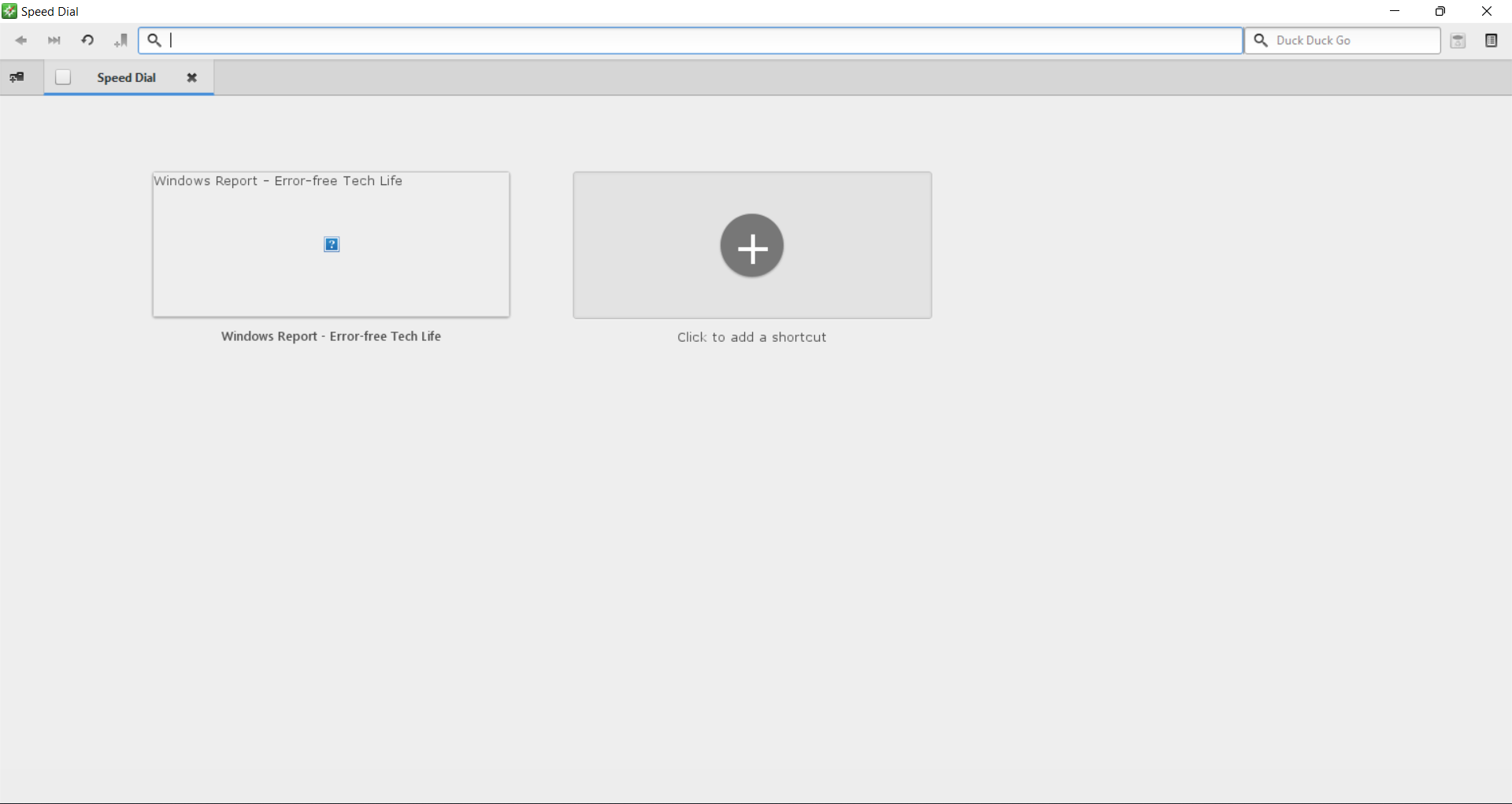
Midori focuses on speed and simplicity. It works well on low powered devices and offers a clean layout that cuts out unnecessary elements. This makes it a great option for users who want a minimal browsing experience.
Its fast loading engine and sync features help you switch devices easily while keeping your bookmarks and sessions organized.
Other great features:
- Clean interface
- Private browsing mode
- Fast startup
- Cloud sync support
5. Iridium Browser – Security hardened build
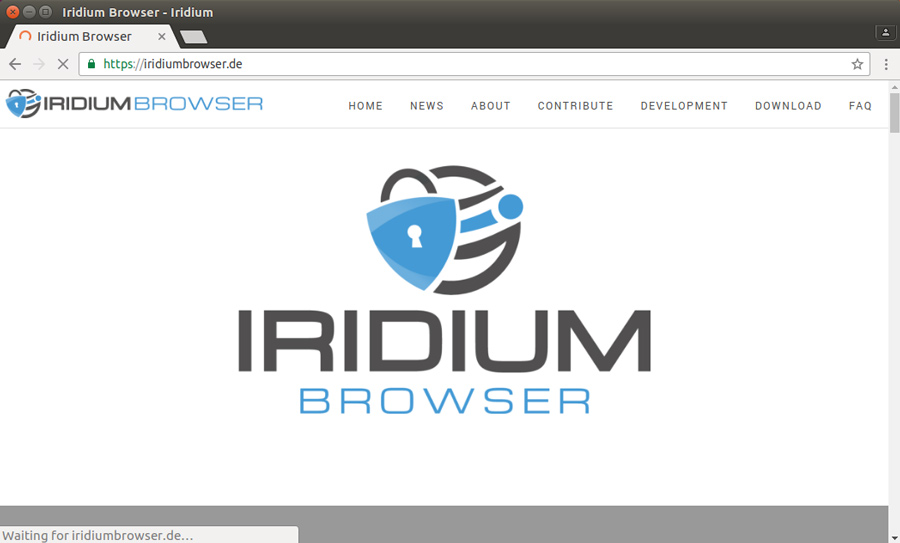
Iridium improves the standard Chromium engine with stricter privacy defaults and additional security patches. It removes unnecessary background connections and gives you more control over which services run.
The browser feels familiar if you come from other Chromium based tools, so you adjust quickly while gaining stronger protection.
Other great features:
- No telemetry
- Hardened privacy settings
- Fast browsing performance
- Frequent security updates
FAQ
Brave and Iridium focus heavily on privacy and security, making them strong options for users who want tighter control over online tracking.
Midori loads pages quickly and uses fewer resources, which makes it a strong choice for slower or older devices.
Most of them support sync features, but the level of integration varies. Vivaldi and Brave offer the most complete sync systems.
Brave, Iridium, and Vivaldi support Chrome extensions because they run on the Chromium engine.
These alternative browsers give Windows 11 users more options beyond the familiar choices. Whether you want strong privacy tools, advanced customization, or lightweight performance, each option offers unique value. Try a few to see which one improves your daily browsing workflow.
You can also check this guide on the best browsers for Windows 11 if you want more mainstream alternatives.

Read our disclosure page to find out how can you help Windows Report sustain the editorial team. Read more



Improve this guide


User forum
0 messages