
Auto Change Wallpaper on Your Desktop: 5 Tools to Try Today


 4 min. read
  Published on
Keeping your desktop background fresh can make your workspace feel new every day. Here are the top 5 apps that automatically change wallpapers on Windows, macOS, and other platforms.
Table of contents
What is The Best Auto Change Wallpaper to Use?
1. John’s Background Switcher – Simple Yet Powerful

John’s Background Switcher is one of the most flexible tools for users who love variety. It automatically pulls wallpapers from local folders or online sources like Flickr, Unsplash, and Instagram.
You can customize how often the wallpaper changes, from every few seconds to every few hours. It even supports multiple monitors, displaying different images on each screen.
If you’re looking for even more personalization tools, check out our guide on the best Windows 11 wallpaper apps.
Other great features:
- Supports online image feeds and RSS photo streams
- Easy slideshow transitions and fade effects
- Multi-monitor compatibility
- Custom collage and photo montage modes
- Lightweight with minimal system impact
2. Wallpaper Engine – Dynamic Wallpapers in Real Time

Wallpaper Engine is perfect for users who want interactive or animated backgrounds. It supports live wallpapers, videos, and even 3D scenes that respond to mouse movement or system audio.
You can browse thousands of community-made wallpapers on Steam Workshop or create your own. It’s an ideal choice for gamers and creative users who want to personalize every detail of their desktop.
Other great features:
- Supports 4K and ultrawide resolutions
- Pauses automatically when gaming to save resources
- Works on Windows and Android
- Full Steam Workshop integration
- Advanced performance optimization settings
3. DeskScapes – High-Quality Motion Backgrounds

DeskScapes transforms your desktop into a living canvas with animated wallpapers. It includes a large library of motion backgrounds and allows you to apply effects or filters to any image.
The interface is intuitive, letting you quickly preview and apply changes. You can even personalize videos, making them loop smoothly for a seamless wallpaper experience.
For more customization tools, explore our roundup of the best Windows 11 extensions.
Other great features:
- Includes over 60 built-in effects and filters
- Supports both images and video backgrounds
- Works well with multiple displays
- Easy customization and preview options
- Cloud access for downloading additional themes
4. Bing Wallpaper – Daily Images from Around the World

Bing Wallpaper is Microsoft’s official tool that sets your desktop background to the Bing image of the day. Each day, you get a high-resolution photo from global destinations, nature scenes, or cultural events.
It’s simple to use and doesn’t require any configuration. You can also view image details, including location and photographer info, directly from your desktop.
Other great features:
- Free and lightweight
- New wallpaper daily from Bing’s curated collection
- Includes photo descriptions and map links
- One-click install and use
- Compatible with Windows 10 and 11
5. Splashy – Unsplash-Powered Automatic Wallpapers
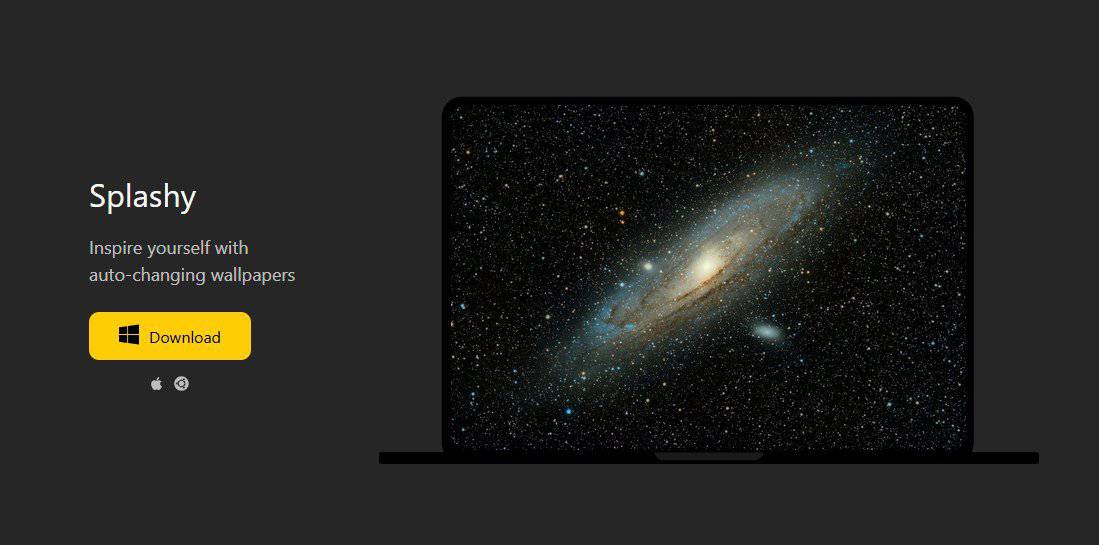
Splashy connects directly to Unsplash, one of the largest collections of free high-quality photos online. It updates your desktop automatically at set intervals with beautiful, curated images.
You can choose from specific categories such as nature, architecture, or minimalism. The clean interface and auto-start feature make it a great background manager for productivity setups.
Other great features:
- Pulls from Unsplash’s entire photo library
- Customizable change intervals
- Option to blur or color-tint wallpapers
- Auto-start on system boot
- Works on Windows, macOS, and Linux
FAQs
You can use tools like Bing Wallpaper or John’s Background Switcher. Once installed, they automatically update your wallpaper at your preferred time intervals.
Yes, apps like Wallpaper Engine and DeskScapes support live and animated wallpapers that can respond to music or mouse movement.
Most reputable apps like Bing Wallpaper and Wallpaper Engine are completely safe. Always download them from their official websites or trusted stores.
Yes, several options like John’s Background Switcher and DeskScapes let you display different wallpapers across multiple screens simultaneously.
Final Thoughts
If you’re tired of static backgrounds, these tools can keep your desktop feeling fresh and inspiring. For dynamic effects, Wallpaper Engine is unmatched, while Bing Wallpaper and Splashy are ideal for users who prefer automatic, minimal setups.
For multi-monitor setups, you can also try DisplayFusion, a powerful app that offers advanced wallpaper management and window control options.
Looking to spice up your display with a new screensaver? If so, try these great clock screensavers!

Read our disclosure page to find out how can you help Windows Report sustain the editorial team. Read more



Improve this guide


User forum
0 messages