
Copilot in Excel Is Now Your Bracket Sidekick; Here’s How to Use It


 2 min. read
  Published on
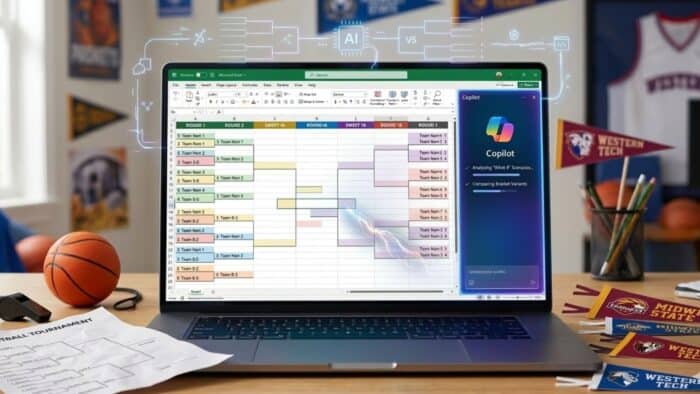
Bracket season comes with a familiar challenge. You want to pick a winning bracket, but you probably do not want to spend hours cross-checking team stats. Microsoft recently outlined a way to skip the manual spreadsheet work entirely. You can now use Copilot in Excel to generate, test, and compare basketball brackets using plain text prompts.
Instead of copying data and building formulas yourself, you just tell Copilot what you want. It handles the formatting and data pulling so you can focus on making your picks. So, here’s how you can set it up.
Setting up your bracket
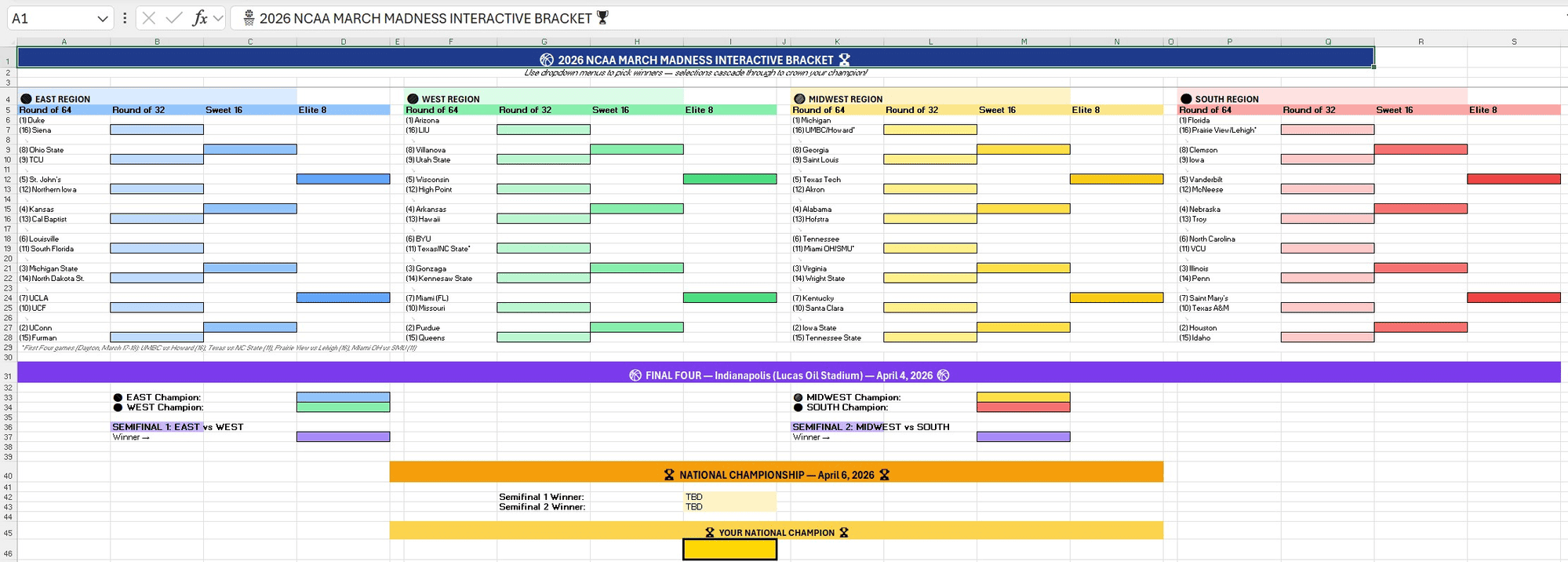
First, open a new Excel workbook and make sure the Edit with Copilot feature is active. You can then type a prompt asking it to build a 2026 men’s or women’s college basketball bracket.
Tell Copilot to include the latest teams and seeds. You should also ask it to create dropdown menus for the matchups. This gives you a clean template where you can just click to advance teams through each round. You can even ask the tool to customize the sheet with your favorite team’s official hex colors and conditional formatting.
Stress testing the upsets
Picking a bracket strictly by the higher seed rarely works out. You need to account for upsets. Copilot lets you spin up different scenario tabs to see how wild outcomes impact the rest of the tournament.
You can ask it to model a run where a low seed makes it to the Sweet 16. You could also tell it to simulate a bracket where most of the top seeds lose early. The tool will adjust the path to the championship based on those rules. If you want to factor in recent performance, you can prompt Copilot to calculate a momentum multiplier based on late-season games.
Comparing the final options
After running a few scenarios, you will have a few different brackets. Copilot can look at all of them and help you decide which one actually to submit. Ask it to run a comparison analysis. It will generate charts showing how many upsets each bracket relies on and highlight your riskiest picks.
You can then ask for a recommendation based on your strategy. It will tell you which version to use if you want to play it safe, and which one to pick if you are trying to win big.


Read our disclosure page to find out how can you help Windows Report sustain the editorial team. Read more



Improve this guide




User forum
0 messages