
Windows 11 Weather App Is Using More Than 1GB of RAM


 2 min. read
  Published on
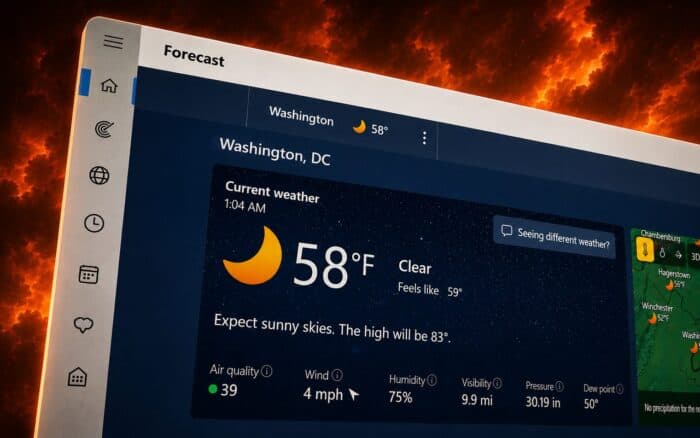
The Windows 11 Weather app can consume more than 1GB of RAM shortly after launch, raising questions about its efficiency on PCs with limited memory.
Testing shows the app can use around 1GB immediately after opening. Memory consumption may eventually fall to roughly 500MB to 600MB while idle, but interacting with the app can push usage to around 1.5GB. Reported spikes have reached approximately 1.6GB.
Weather app could hit 8GB PCs harder
The high memory usage matters less on PCs with 32GB of RAM, but systems with 8GB or 16GB could feel a greater impact.
When Windows runs low on available memory, it can rely more heavily on virtual memory stored on the system drive. That can make the system feel slower when users have several applications open at the same time.
The figures also stand out because Microsoft has been working to improve Windows 11 performance on devices with only 8GB of RAM.
Ads make the Weather app heavier
Memory usage is not the only criticism. The Weather app also includes numerous ads and MSN-powered content.
As a result, the app works more like a web-based content portal than a simple weather utility. The combination of advertising, news content, and high RAM consumption makes it considerably heavier than users might expect from a basic weather application.
Microsoft could still optimize the app further if it wants Windows 11 applications to run comfortably on lower-memory systems.
Users can remove the Weather app
Users who do not need the Weather app can uninstall it and use another weather service instead. Preventing unnecessary background activity can also help reduce resource usage.
In other news, Microsoft Planner is getting a redesign next month, and after backlash Microsoft will allow users to remove OneDrive Photos app. Lastly, Microsoft Edge plans to completely disable Manifest V2 extensions early next year.
Via Wccftech

Read our disclosure page to find out how can you help Windows Report sustain the editorial team. Read more



Improve this guide




User forum
0 messages