
How to download and install Silverlight on Windows 10


 3 min. read
  Updated on

Microsoft Silverlight was used in the past, but with rapid change of Internet and introduction of new technologies Silverlight was replaced by them.
If you want to use Silverlight on Windows 10, today we’re going to show you how to do it.
Table of contents
How to install Silverlight on Windows 10?
To install Microsoft Silverlight, you need to do the following:
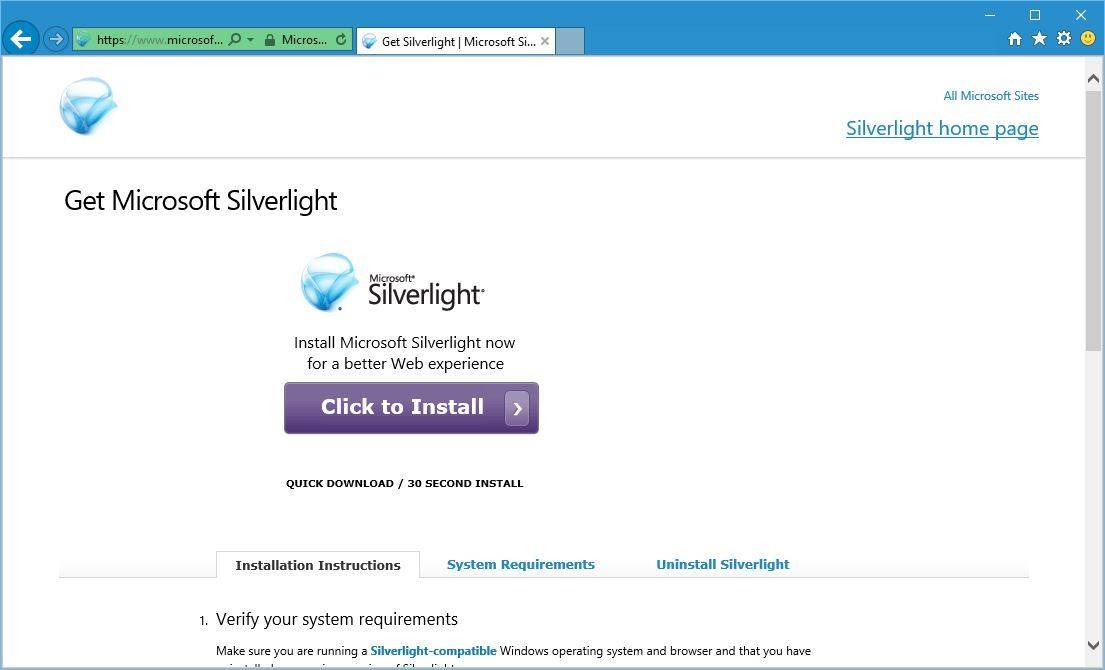
- Go to Microsoft’s website and download Silverlight.
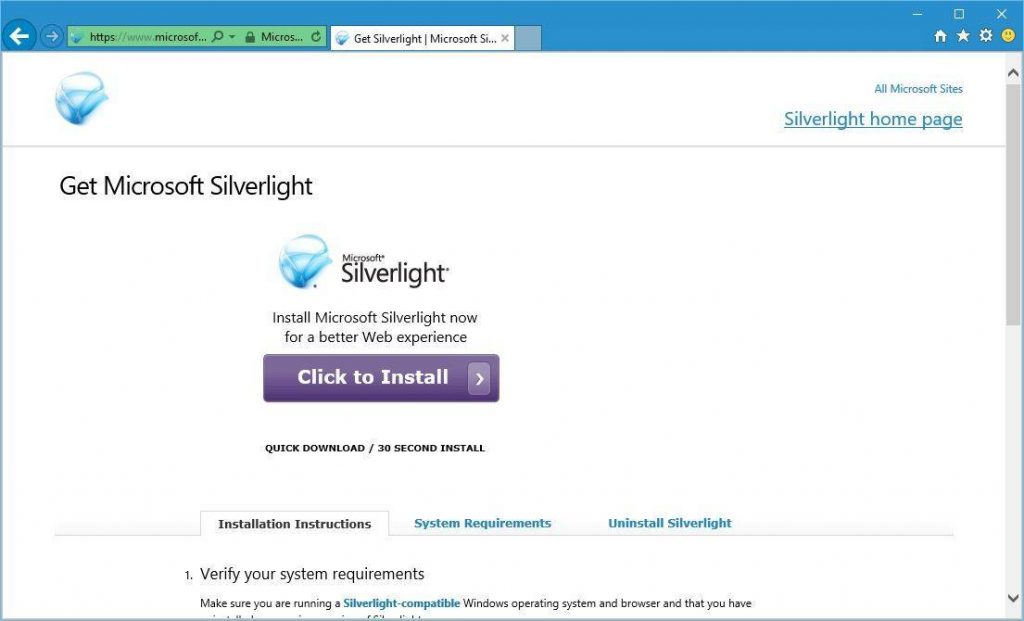
- After downloading it, you should be able to use it without any problems.
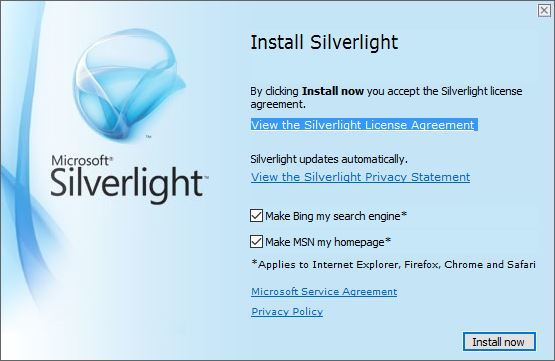
As we already mentioned, if you visit a website that still uses Silverlight, you’ll have to use Internet Explorer 11 or Firefox in order to display Silverlight content.
Google Chrome has dropped support for NPAPI plug-ins and it doesn’t run Java or Silverlight anymore, so you’ll have to use one of aforementioned browsers.
Check which browsers still work with Silverlight and fix common errors with these guides: Browser support for Silverlight and Silverlight not working.
Silverlight was once a popular framework, but it was replaced by HTML5, and in fact, even Microsoft recommends streaming services to use HTML5 over Silverlight.
HTML5 is supported by all major modern browsers. It works perfectly on all platforms and devices, and there are no additional plug-ins to install.
Silverlight is slowly but surely becoming a thing of a past, and even Microsoft suggests users to move on from Silverlight to different technologies.
If you still need to run Silverlight, you can download it and install it by following the instructions above.
FAQs
Yes, the legacy installer still runs, but Silverlight reached end of support in October 2021 and modern browsers block it; it only works through Internet Explorer mode in Microsoft Edge.
Install Silverlight, open Edge, go to Settings > Default browser, set Allow sites to be reloaded in Internet Explorer mode to Allow, restart Edge, visit the site, then select … > Reload in Internet Explorer mode.
Chrome, Edge, and Firefox removed plugin support, so Silverlight content will not run in standard tabs; only Internet Explorer mode in Edge can host the required ActiveX control.
It is not recommended for the open internet since it is out of support; if you must use it for a line of business app, isolate usage to trusted intranet sites, restrict permissions, and plan a migration to HTML5 or WebAssembly.

Read our disclosure page to find out how can you help Windows Report sustain the editorial team. Read more



Improve this guide



User forum
2 messages