
Free AI Image Generator - 6 Best Tools for Beginners


 7 min. read
  Updated on
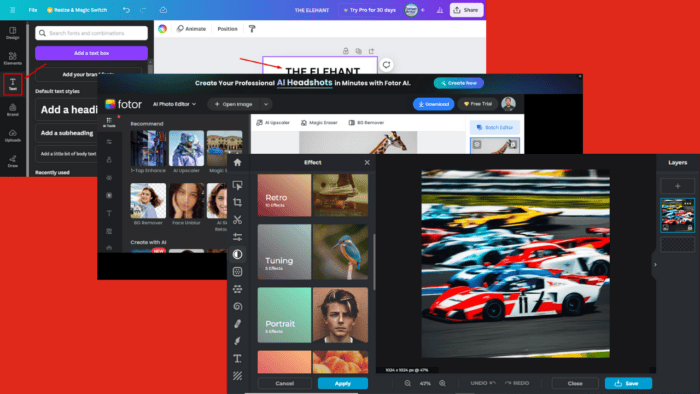
Browsing for a decent free AI image generator? These online tools use artificial intelligence to produce high-quality images with ease. However, finding a reliable one can be time-consuming.
Luckily, this list can help you out with that! After testing over 25 tools, I identified six that stood above the rest performance-wise.
I picked each platform for its unique features and impressive visuals that don’t require extensive design skills. Let’s have a look!
6 Best Free AI Image Generators
Here are my top picks:
1. Canva – Best Overall Performance
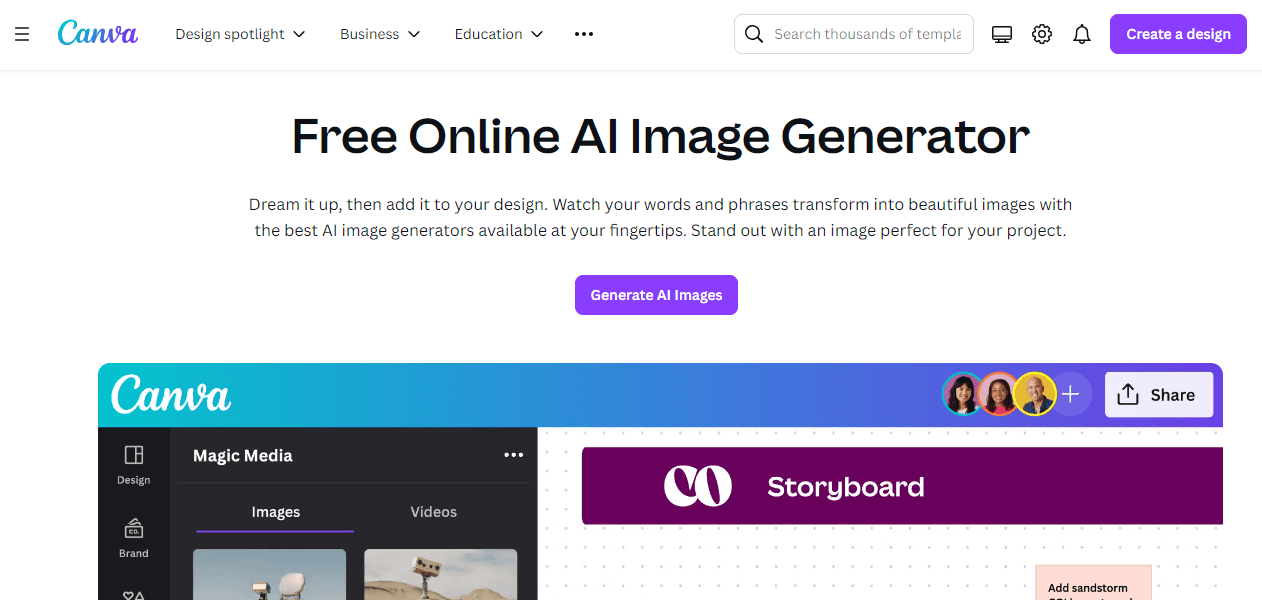
Canva is a popular graphic design platform known for its user-friendly interface. It also stands out for its templates, which allow you to select from different styles. This makes it easy for users to start quickly, even without design experience.
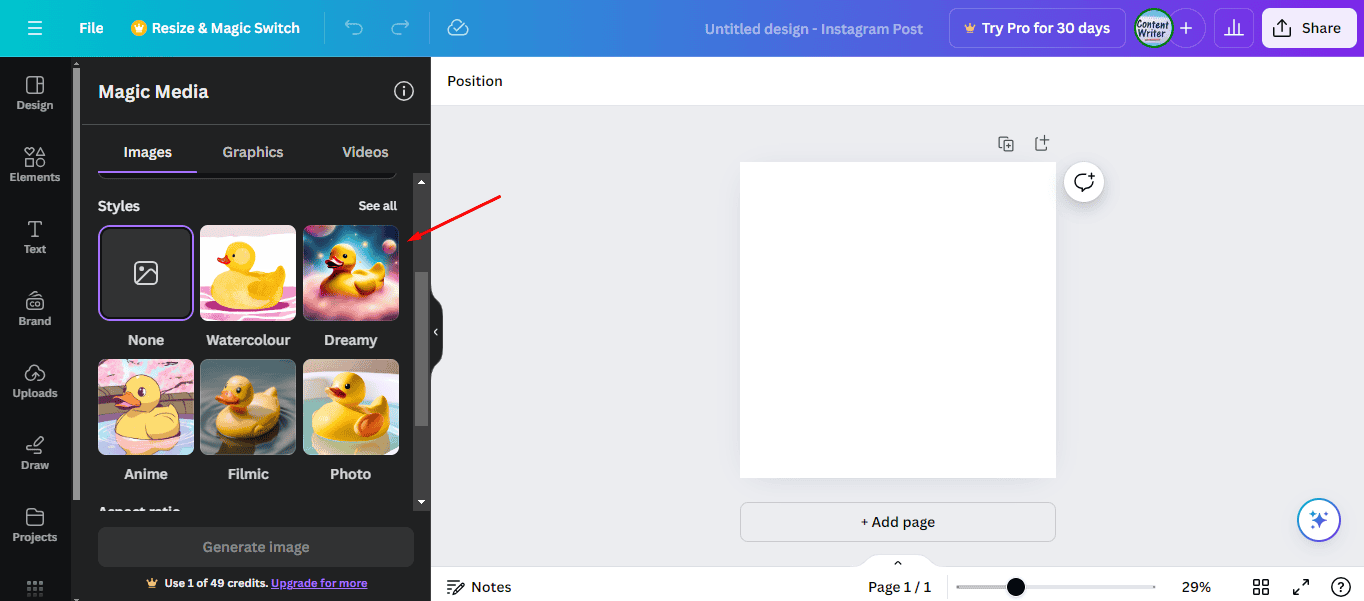
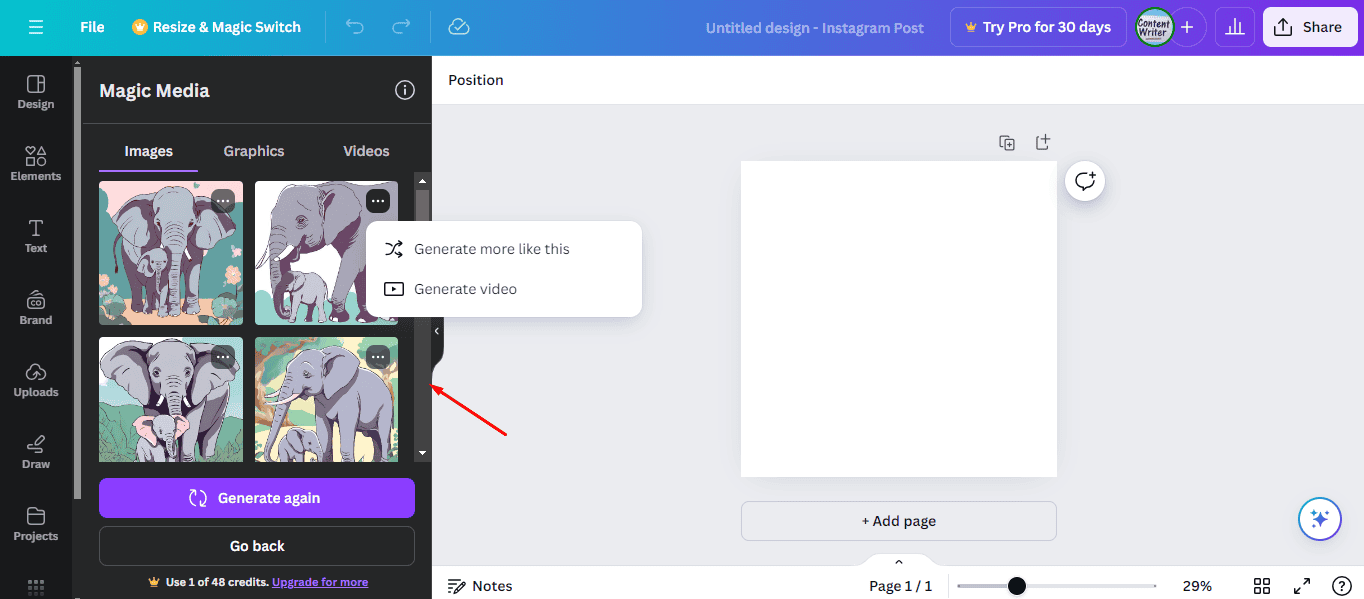
Moreover, you can enter a five-word description for any image you want to generate. After you describe it, Canva creates four images, with the option to generate more or create a video.
But that’s not all.
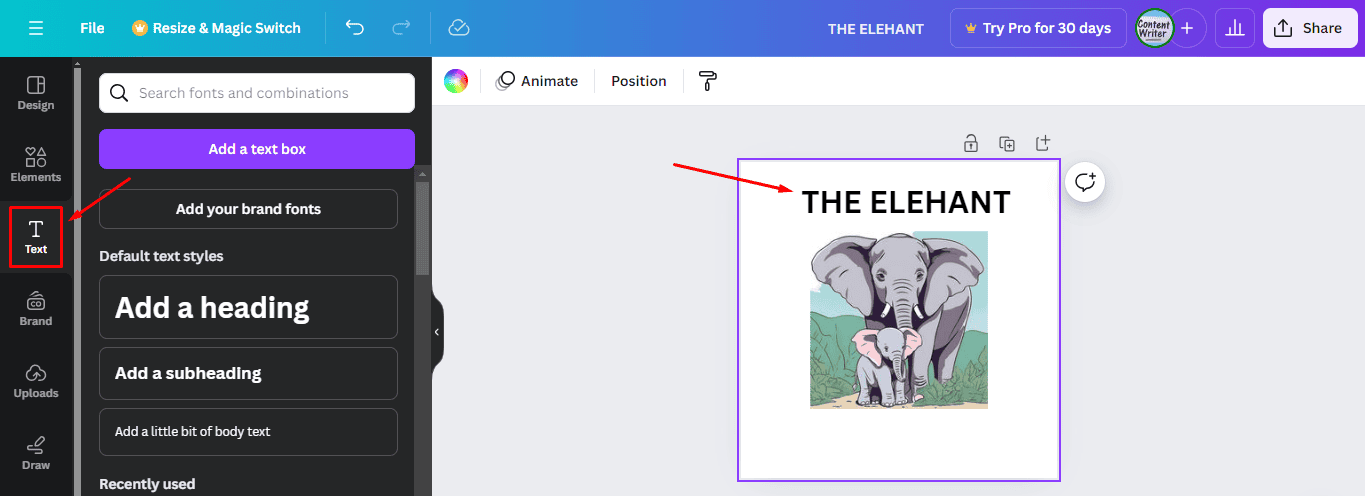
You can easily add text and upload images and elements to projects by dragging them into place. This feature is handy for creating complex designs without spending too much time on them.
Pros:
- It has a user-friendly interface.
- Free version.
- Extensive library of templates and design elements.
- AI-powered design suggestions for improving layouts.
- Several selections of stock images, icons, and fonts.
Cons:
- Some advanced features require a paid subscription.
- Limited customization options for free templates.
2. Fotor – The Most Feature-rich Option
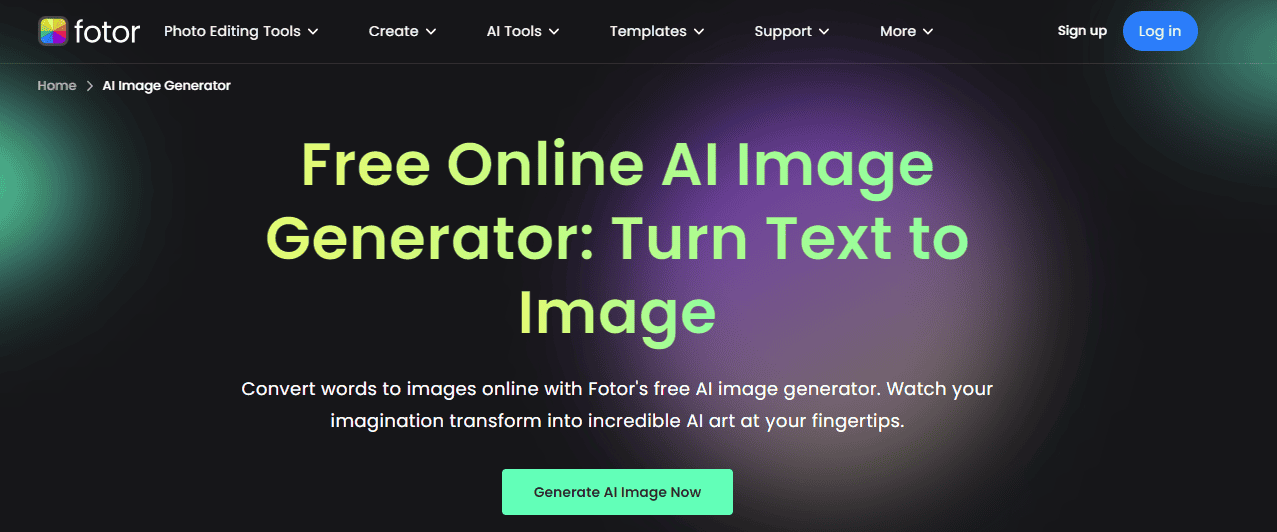
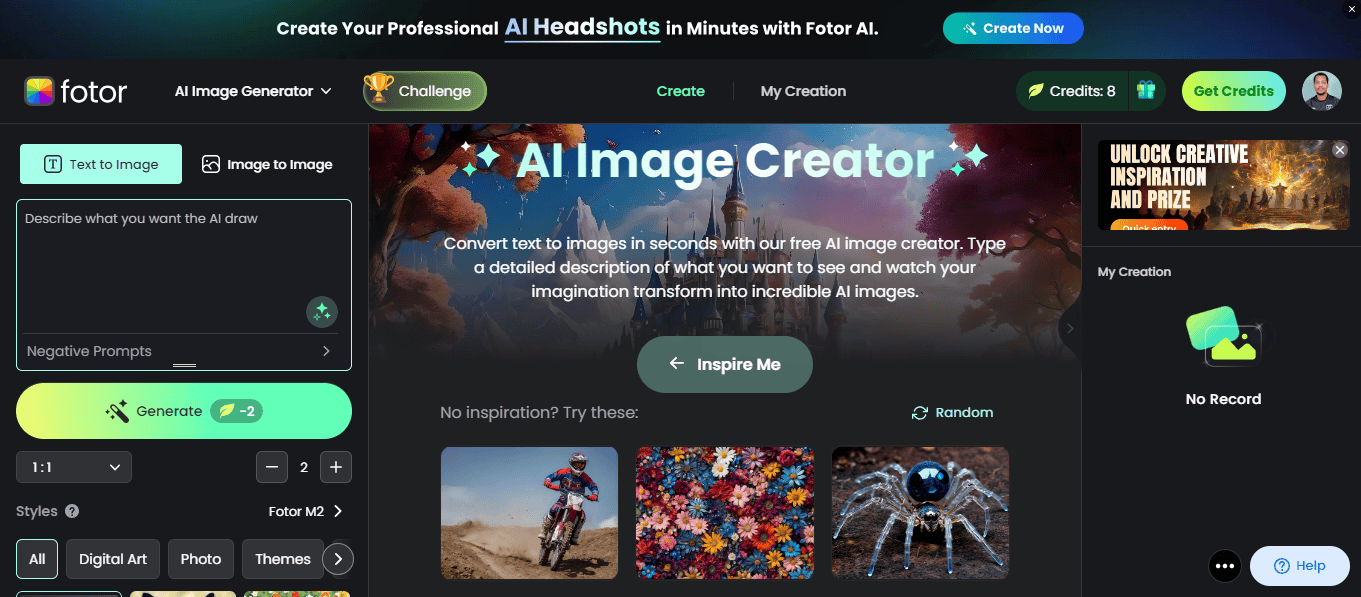
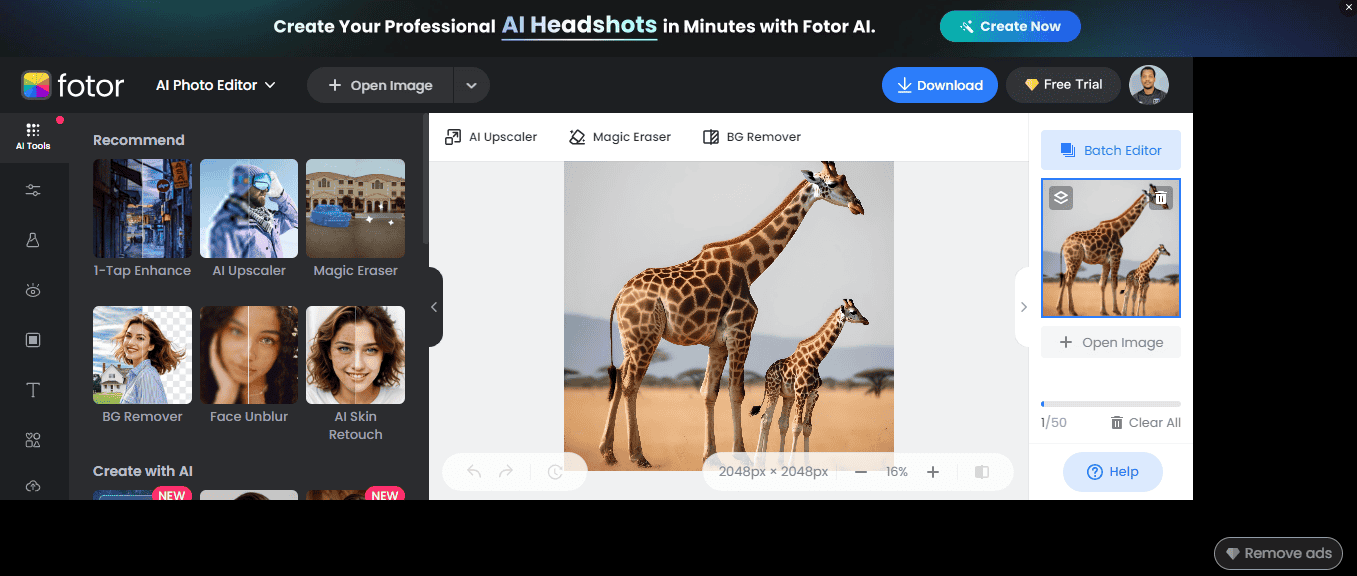
Fotor is a comprehensive photo editing and design tool with several AI-powered features. One of its standout features is the ability to convert text to images and images to images.
Fotor also has a user-friendly interface.
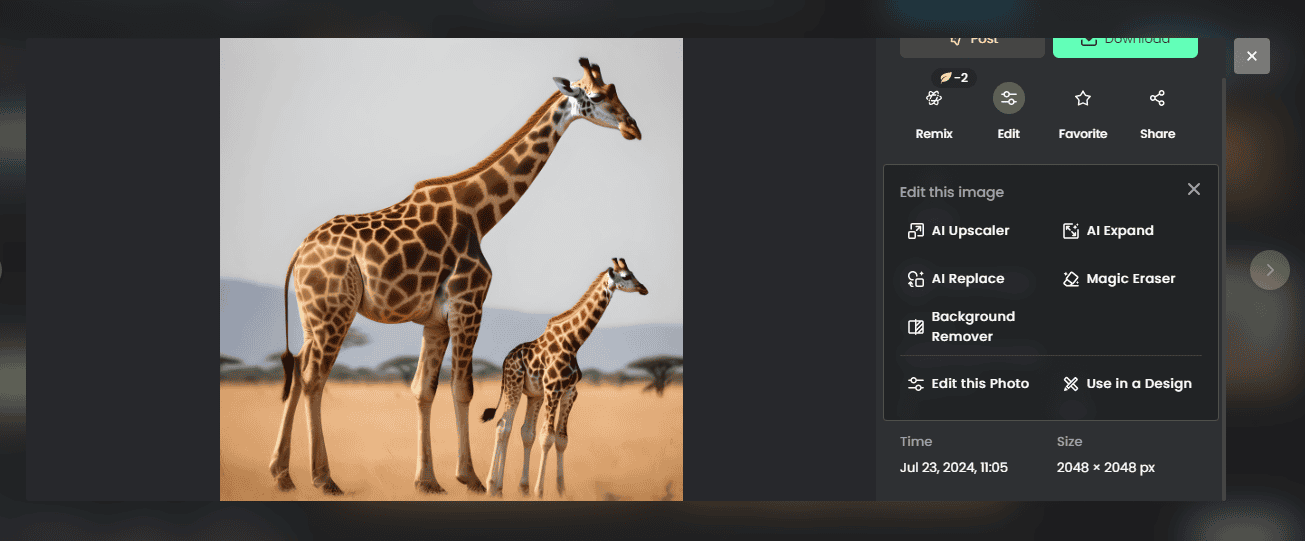
This app adjusts various aspects of the photo, such as brightness, contrast, and saturation, to produce a more polished and professional look. Fotor’s retouching tools are another highlight, offering features such as background removal, a magic eraser, and an upscaler. They make it easy to enhance portraits and create flawless images without editing skills.
Another essential feature is its collage maker, which allows users to combine multiple photos into a cohesive design. You can also add text, effects, and filters and modify the image. Best of all, you can edit images in batches to save time.
Pros:
- It has a free version.
- AI photo enhancer for automatic image improvement.
- Comprehensive collage maker with customizable templates.
- Retouching tools for portrait enhancement.
- Offers several design elements and templates.
Cons:
- Some features are only available in the premium version.
- It can be less intuitive for users unfamiliar with photo editing.
- Occasional ads in the free version.
3. Pixlr – Best Free Version
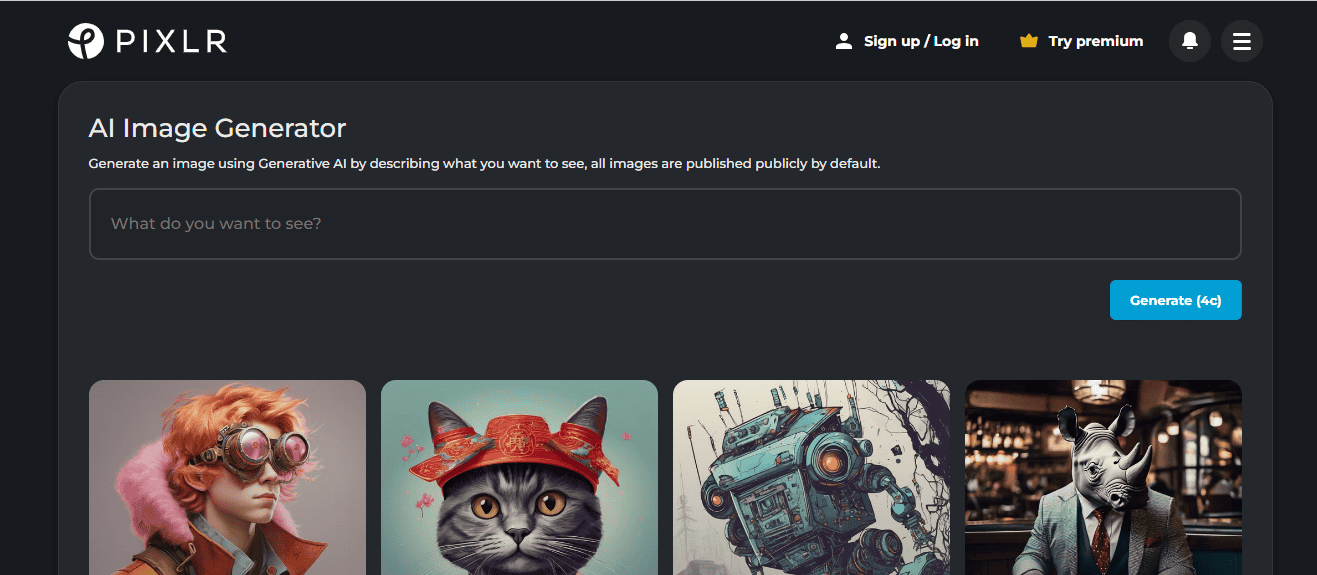
Pixlr is another reliable AI image generator for beginners and professionals. You can create photos from texts or add images and edit them to make them personalized. You can also select the shape, style, color, lighting, and composition.
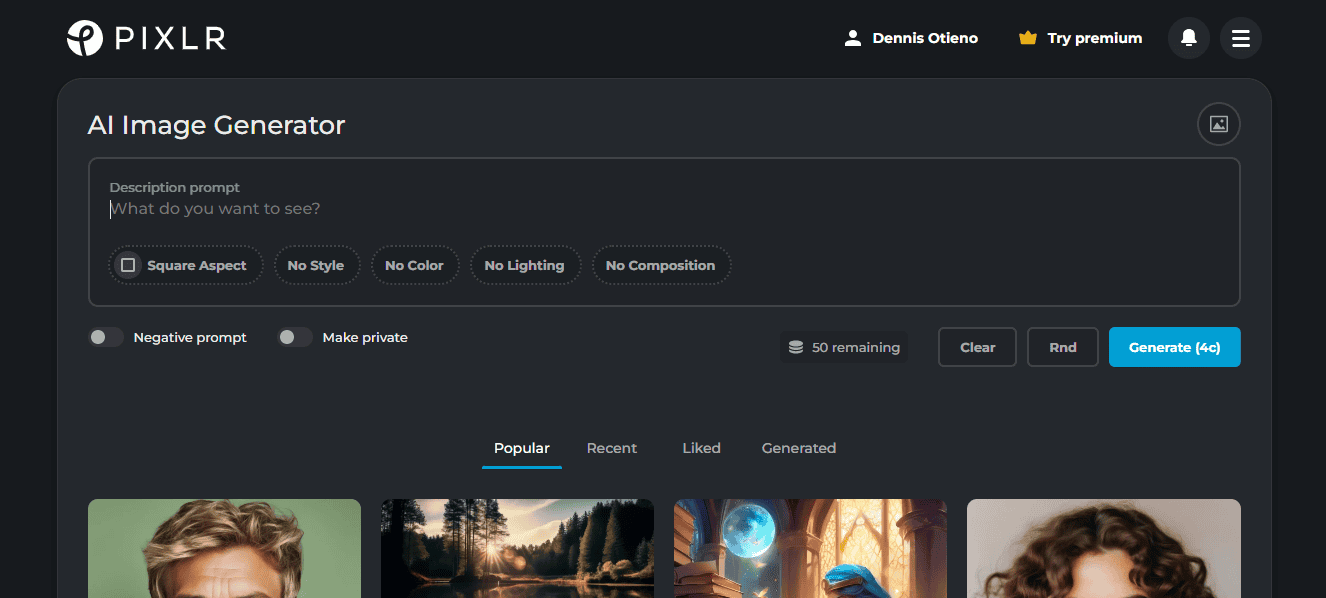
Another highlight is its intuitive interface. This ease of use allows you to quickly edit and enhance your images, even if you have little to no experience with photo editing software.
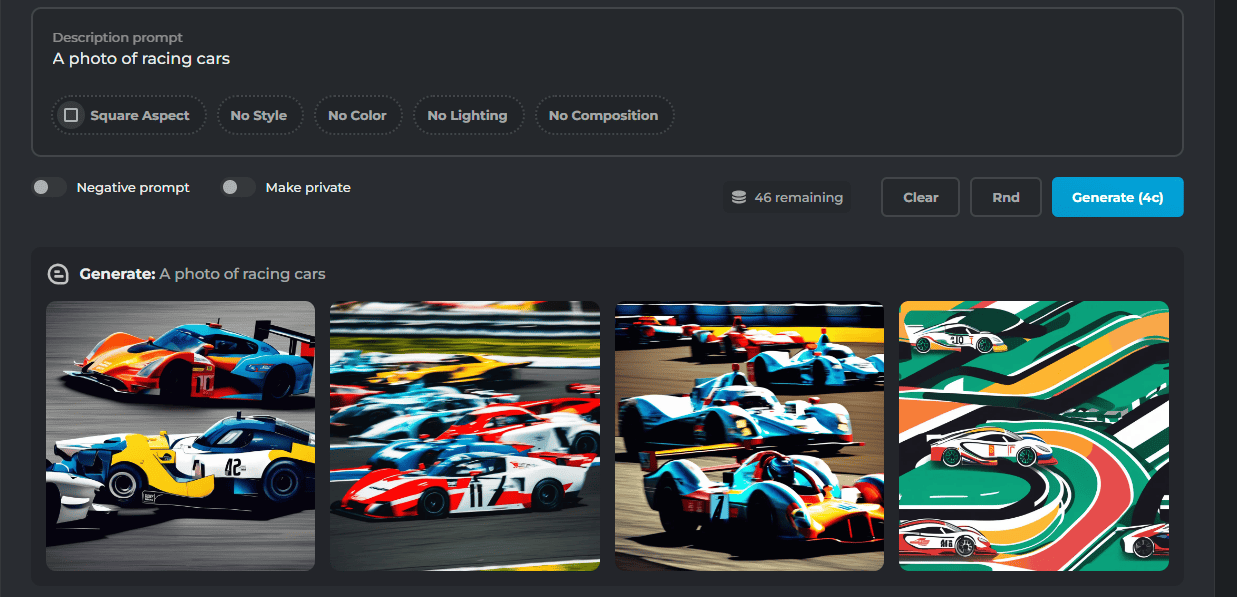
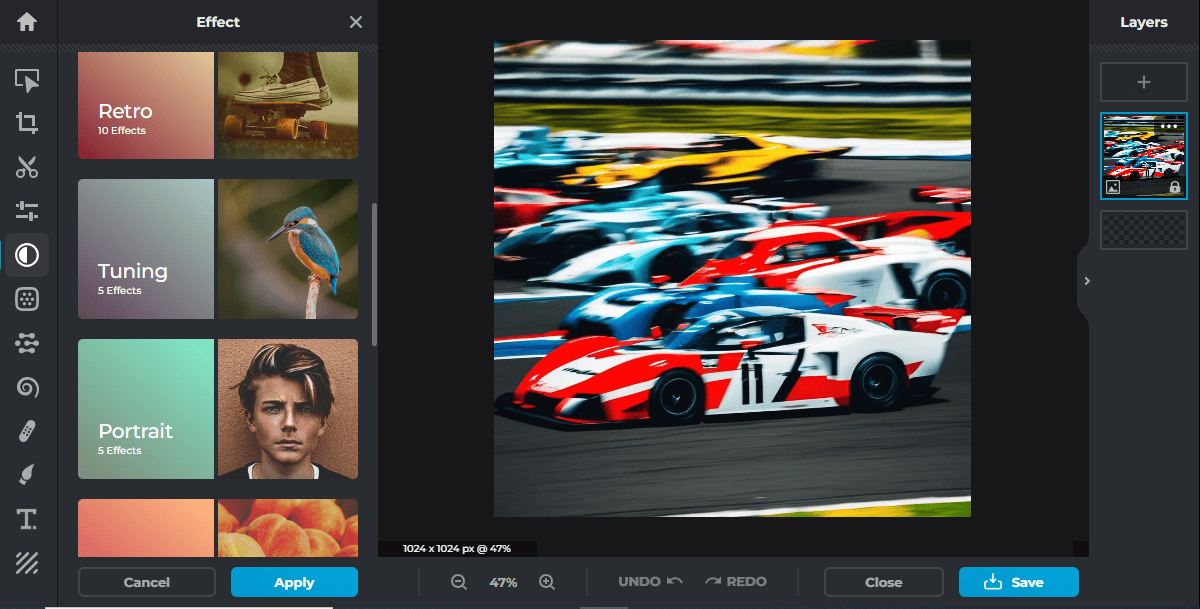
After the tool has generated images, you can pick one and edit it further using different features. It allows you to add text, drawings, effects, retouch, and more. You can customize your image by adding captions, quotes, or other text elements with various fonts and styles.
Additionally, you can apply various effects to enhance the overall look, such as filters, color adjustments, and artistic overlays. The retouching tools are handy for refining details and correcting imperfections.
Pros:
- It has a free version.
- Easy to use.
- Offers advanced photo editing tools similar to professional software.
- AI-powered tools like background removal and automatic enhancement.
- Variety of templates and pre-designed elements.
Cons:
- Some features are locked behind a paywall.
- Limited integration with other design tools.
4. Deep Dream Generator – Best User-friendly Option
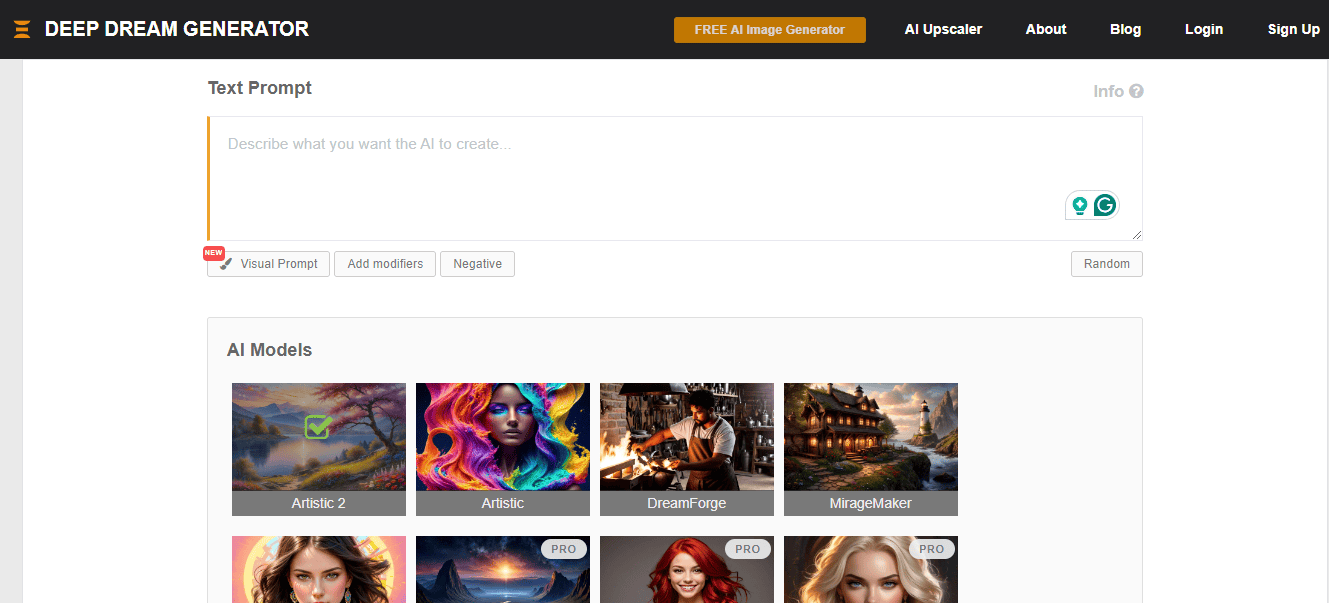
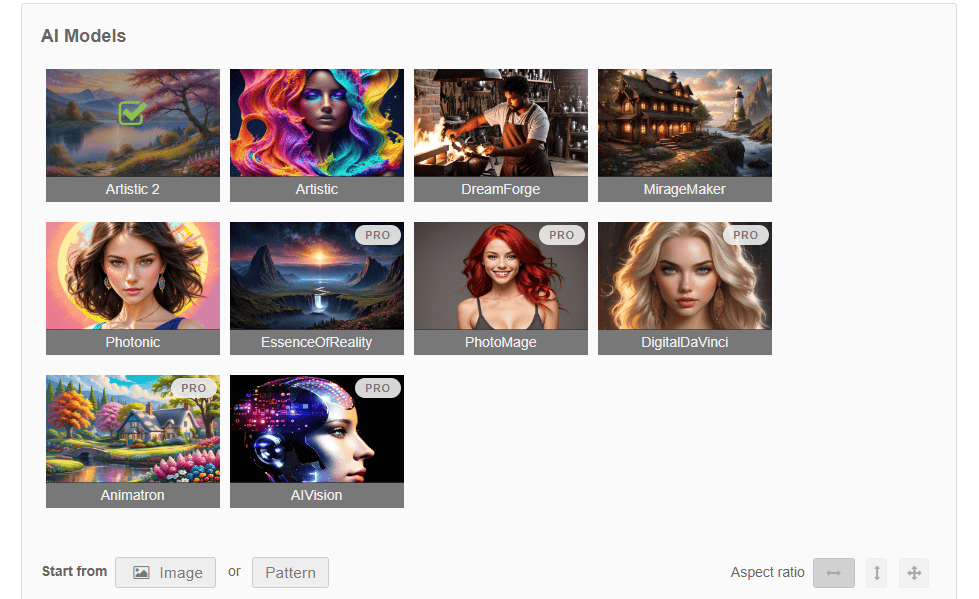
Deep Dream Generator is a special AI image tool that can turn regular photos into dream-like pictures. It uses a neural network that has learned from millions of images to create its unique style. You can either prompt it to create an image or upload a photo, and it edits it according to your preference.
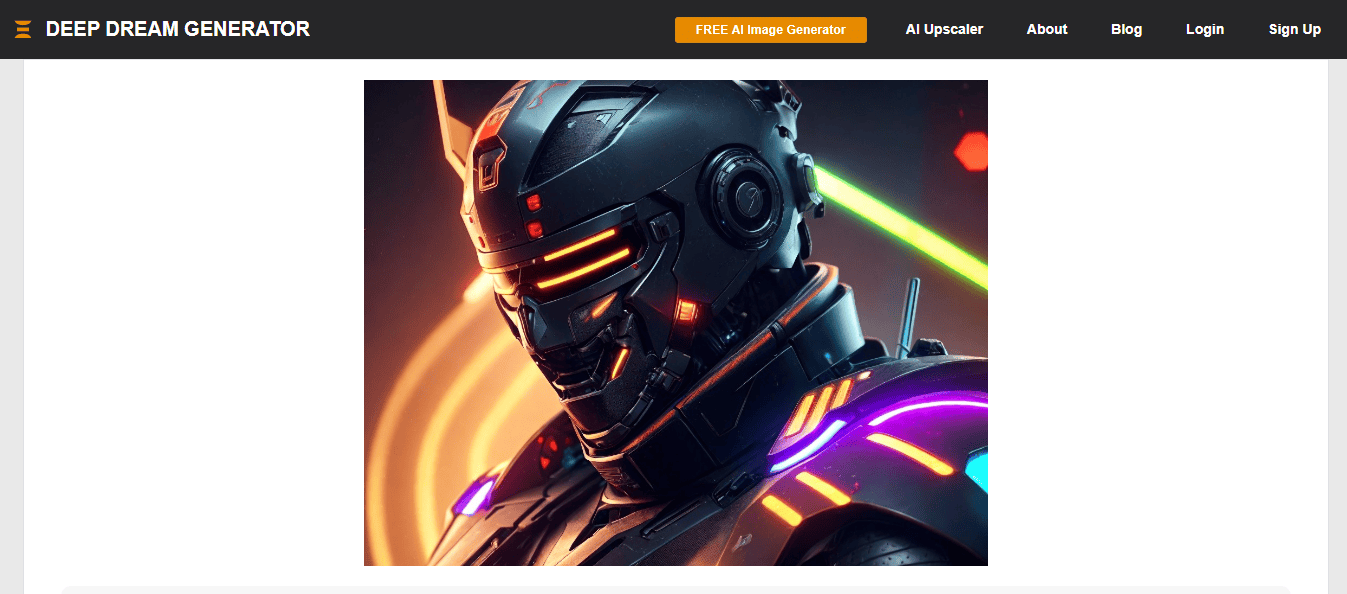
Its AI models let you apply the artistic style of one image to another. This can produce many effects, from subtle enhancements to dramatic transformations.
Deep Dream inspires creativity and experimentation. By turning everyday photos into extraordinary works of art, this tool encourages users to explore new artistic possibilities.
Pros:
- Easy to use for beginners and experts.
- Style transfer feature for artistic effects.
- Customization options for effect strength and detail.
- Encourages creativity and experimentation.
Cons:
- Limited control over certain aspects of the generated images.
- It can produce unpredictable results.
5. Freepik AI Image Generator – Best AI Models
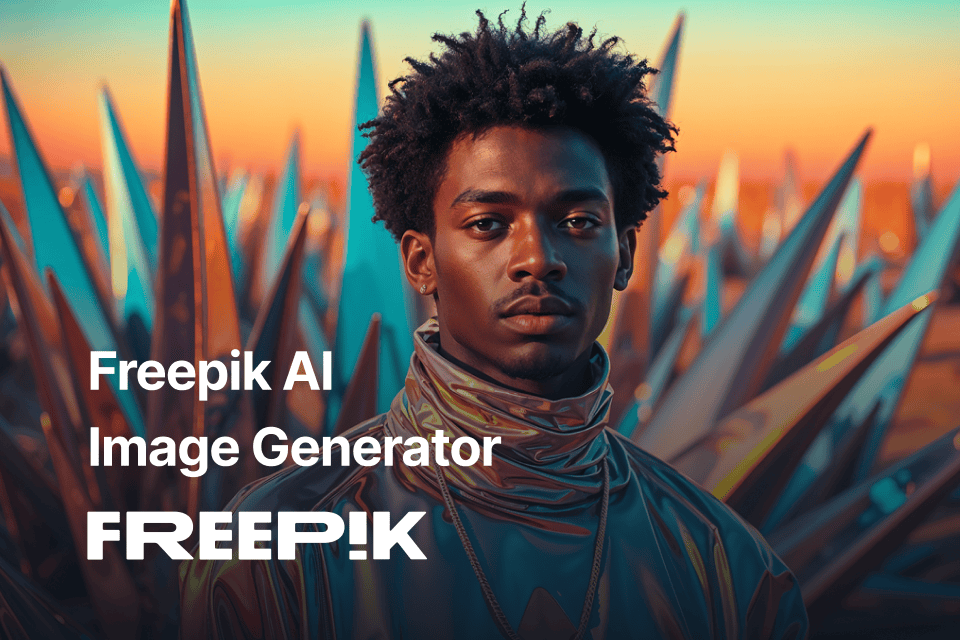
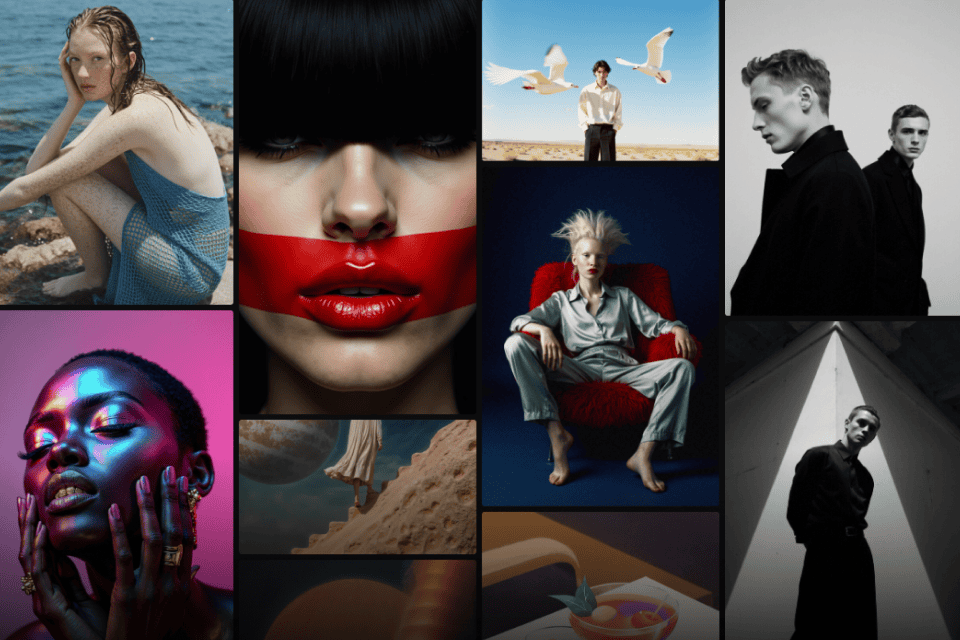
Freepik AI Suite is a complete set of creative AI tools designed to streamline and inspire the design process. Its powerful AI Image Generator allows users to create stunning visuals from simple text-to-image prompts or by uploading an image as the starting point. Images can also be used as style or composition references, enabling the generation of new visuals that perfectly match the desired aesthetic.
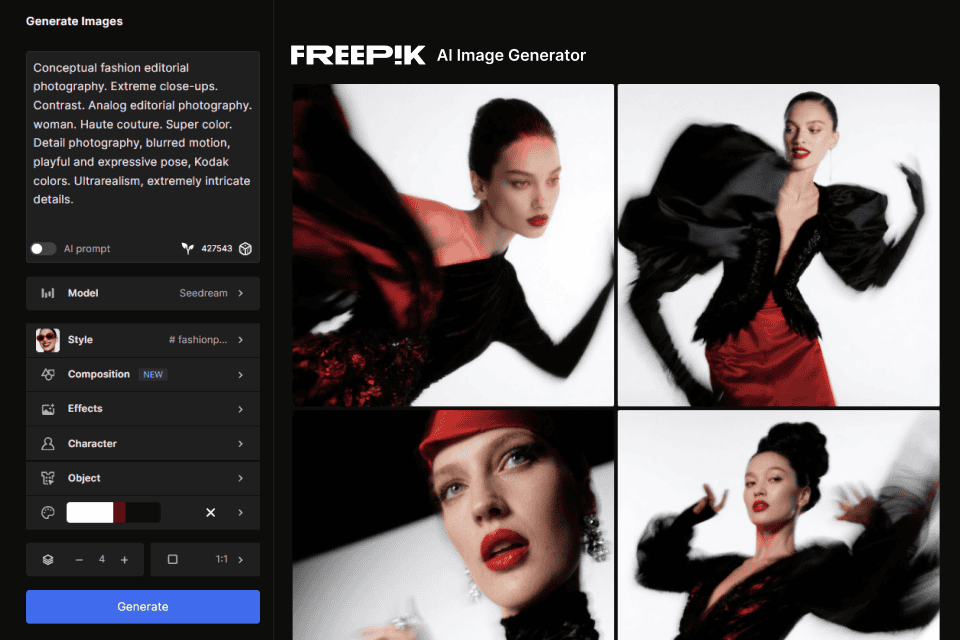
Beyond prompting, it offers a lot of settings to fine-tune the results. This includes a huge library of effects that define colors, lighting, shot style, framing, etc. Moreover, you can add individual objects and characters, instead of relying solely on prompts.
Hundreds of styles are also available, though the majority require you to purchase a plan.
What makes Freepik AI Image Generator stand out the most is the ability to choose the AI model. Free users get access to Mystic, Google Imagen, Flux, and GPT, while paid users also get Seedream and Ideogram 3.
Pros:
- Lots of impressive styles and effects.
- Choose the AI model that suits your project the best.
- Supports prompting and reference images.
- Free to start.
Cons:
- Free version is scaled back.
- A bit of a learning curve due to many features.
6. DeepAI – Best for Image Enhancement
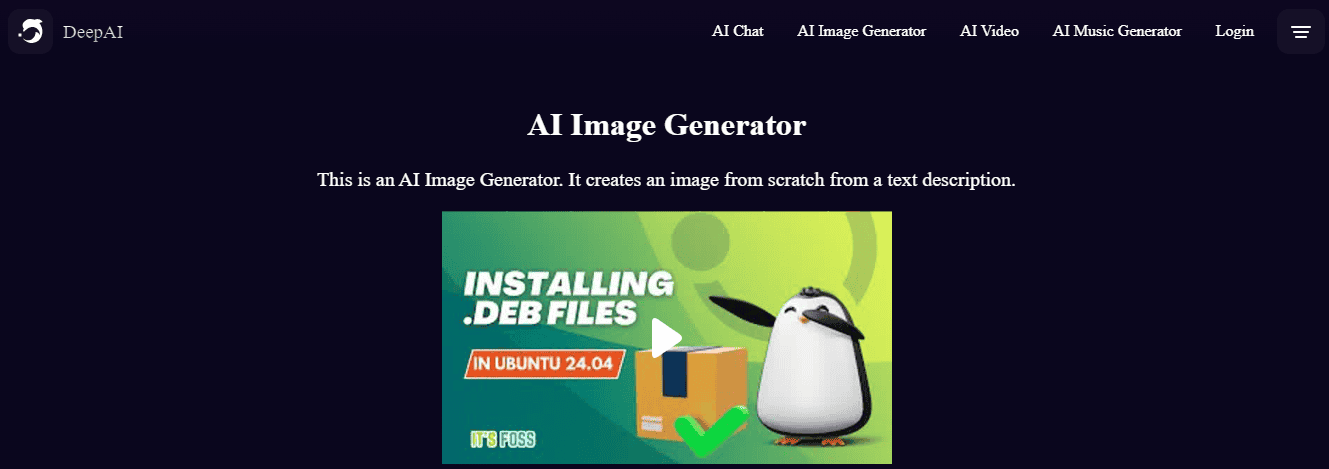
DeepAI is a powerful suite of AI tools for image generation and enhancement. Its generator can create high-quality images from text descriptions. This feature is handy for generating custom visuals.
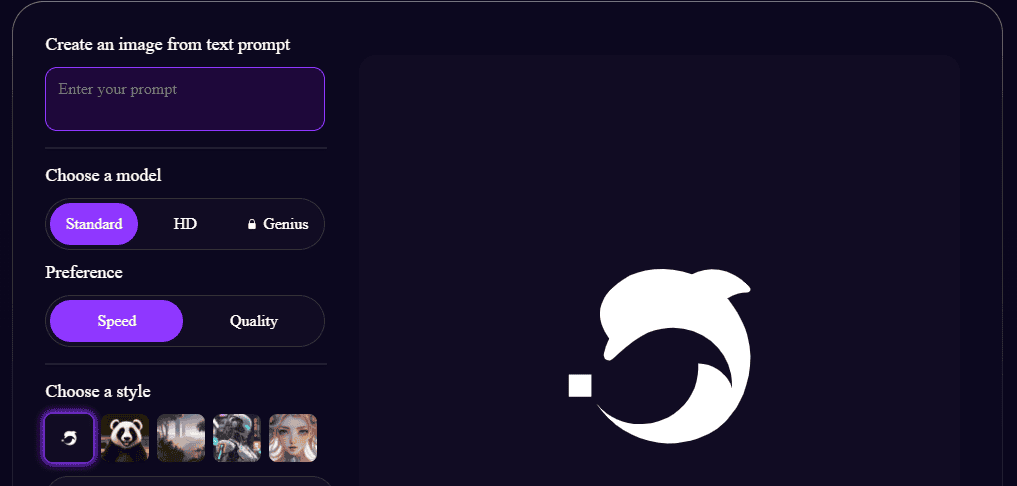
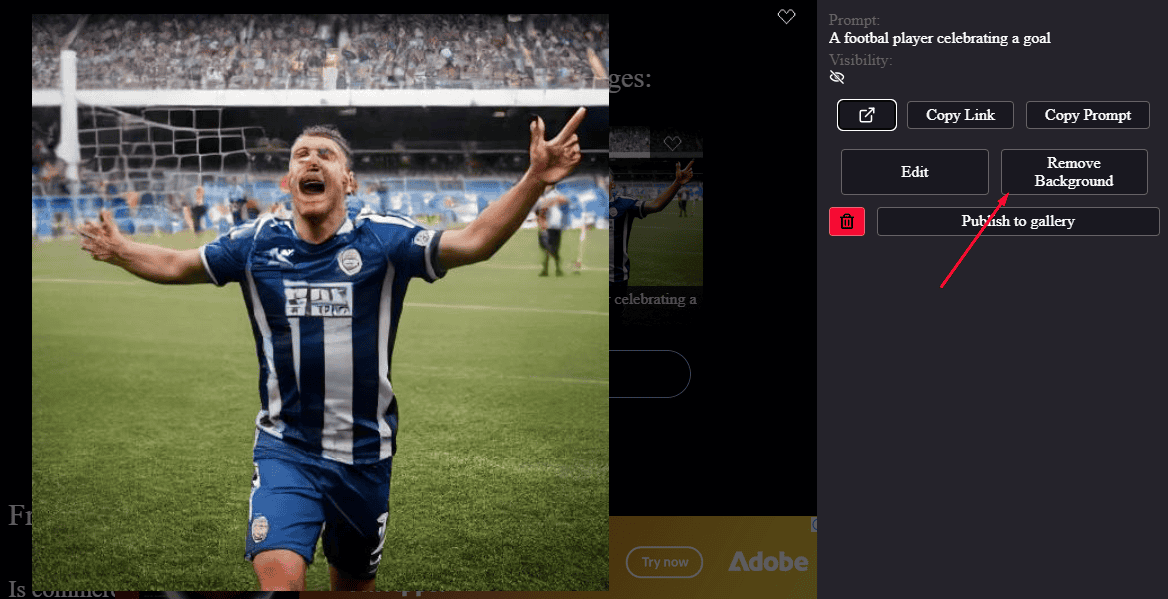
Its easy-to-use interface ensures these advanced features are accessible to users of all skill levels. In addition to image generation, DeepAI can help you remove the background if it’s not pleasing or if you want to change it.
Pros:
- Powerful image generation from text descriptions.
- Has a free version.
- Tools for image colorization, super-resolution, and style transfer.
- Easy-to-use interface for advanced features.
- Versatile applications for both creation and enhancement.
Cons:
- The quality of generated images can vary.
- Some advanced features require a subscription.
- Limited design elements compared to other platforms.
How I Chose the Best Free AI Image Generator
I selected these AI image generators based on their ease of use, range of features, and overall effectiveness in creating high-quality visuals. Here are the criteria I considered:
- UI design and user-friendliness.
- Variety of design templates and elements.
- Availability of advanced editing tools.
- AI-powered features for enhanced creativity.
- The range of tools available in the free version.
- Quality of generated images.
- Versatility for different design needs.
So, now you’re much closer to finding your ideal free AI image generator! Whether you need a user-friendly design platform like Deep Dream Generator or a powerful photo editor like Canva, there’s an option to suit your needs. Explore these tools and discover how they can suit your creative projects.

Read our disclosure page to find out how can you help Windows Report sustain the editorial team. Read more



Improve this guide

User forum
0 messages