
Stop & Shop App Not Working? Here's Why & How to Fix Loading, Login & Barcode Issues


 4 min. read
  Published on
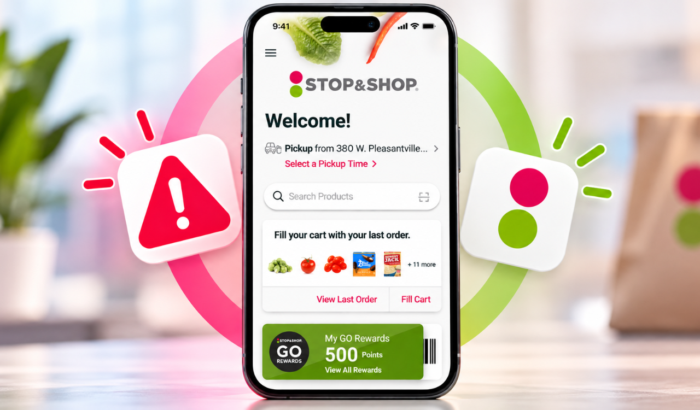
If Stop & Shop app isn’t working, you are likely having issues with digital coupons, weekly deals, Go Rewards points, and your digital loyalty card. If you are wondering the reasons, it could be caused by temporary service issue, a weak internet connection, an outdated app, or corrupted cached data. In this guide, we’ll walk you through step-and-step guide to fix the Stop & Shop app issues.
How to fix the Stop & Shop app not working
1. Check whether Stop & Shop is experiencing an outage
First, check whether the problem affects other users. If the app fails on multiple devices or networks, the issue may be server-side.
- Visit the Stop & Shop website.
- Try opening your account or browsing groceries.
- Check recent reports on Downdetector.
- If the service appears unavailable, wait before trying again.
2. Switch your internet connection
A weak connection can prevent the app from loading deals, coupons, or your shopping cart.
- Switch between Wi-Fi and mobile data.
- Open another website to test your connection.
- Disable any VPN temporarily.
- Reopen Stop & Shop and check whether it loads.
3. Update the Stop & Shop app
An outdated version can cause crashes, login failures, and other unexpected problems. The app’s official Google Play listing includes bug fixes and improvements.
- Open the Google Play Store or Apple’s App Store.
- Search for Stop & Shop.
- Tap Update if available.
- Launch the app again.
4. Force-stop the app and clear its cache
Temporary app data can sometimes cause loading problems on Android. Clearing the cache removes temporary files without normally deleting your account.
- Open Settings on your Android phone.
- Tap Apps, then Stop & Shop.
- Select Force stop.
- Open Storage & cache or Storage.
- Tap Clear cache, then reopen the app.
On iPhone, close the app completely and reopen it. iOS does not offer the same general-purpose app cache-clearing option.
5. Sign in again and check your account
If the app opens but refuses to sign you in, your session or password could be the problem.
- Close and reopen Stop & Shop.
- Sign out if the option is available.
- Sign in again using your registered account details.
- Use the password-reset option if your credentials fail.
Avoid repeatedly attempting to sign in if the app keeps rejecting your details.
6. Reinstall the Stop & Shop app
Reinstalling can help when the app continues crashing or freezing after other fixes. Make sure you know your login details before removing it.
- Uninstall Stop & Shop from your phone.
- Restart your device.
- Install the official app again.
- Sign in and test the feature that previously failed.
What to do when Stop & Shop app still isn’t working?
If none of these fixes works, contact Stop & Shop through its official website. The app listing also provides the support email [email protected]. Explain whether you’re facing crashes, login errors, missing coupons, or a stuck loading screen. Include your phone model and app version to help narrow down the issue.
That’s all we have for you in this guide; we hope the aforementioned steps helped fix the issues. We also have troubleshooting guides for times when you face issues with DoorDash app and McDonald’s app. If you use Dasher app, we have a separate guide to fix if it is not working.
FAQs related to Stop & Shop app not working
1. Why is my Stop & Shop app not opening?
A temporary service issue, outdated app, or corrupted cache could prevent it from opening. Check for an outage, update the app, and restart your phone.
2. Why are Stop & Shop digital coupons not loading?
Coupons may fail to load because of connection issues, app bugs, or account problems. Switch networks, update the app, and sign in again.
3. Why can’t I log in to Stop & Shop?
Incorrect credentials, an expired session, or a temporary sign-in issue may block access. Reset your password if necessary and try again.
4. Can I use Stop & Shop without the app?
Yes. Visit the Stop & Shop website to access online shopping and available account features while troubleshooting the app.

Read our disclosure page to find out how can you help Windows Report sustain the editorial team. Read more



Improve this guide


User forum
0 messages