
Google Desktop App for Windows Launches Globally with AI Mode & Upgraded Features
The app is now available in English for Windows users


 2 min. read
  Published on
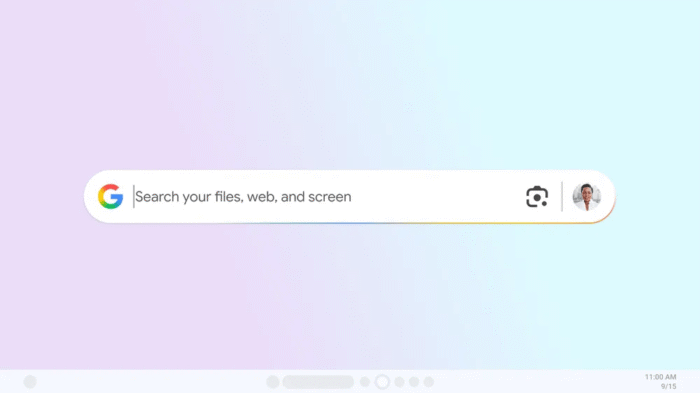
After testing the new Google desktop app for Windows, the company has now officially launched it globally. The move brings a more integrated Search experience directly to the desktop, with AI features baked in. With the latest rollout, the Google app for desktop is now available in English for Windows users (download here).
At the center of the browser-free web browsing experience is AI Mode, which allows you to ask questions and get AI-powered responses alongside relevant web links. Google wants to keep everything in one place without needing to jump between apps or browser tabs.
One of the key highlights is quick access through a keyboard shortcut. Users can simply press Alt + Space to open the search box and instantly look for anything. That includes web results, local files, installed apps, and even content from Google Drive.
Another feature Google is pushing here is screen sharing support. You can select a specific window or even your entire screen while asking questions, which means you don’t have to break your workflow just to search something. It appears Google wants this to feel more like a continuous assistant rather than a separate tool.
Speaking of convenience, the app also brings Lens integration to desktop. That means you can select anything visible on your screen and search it instantly. From translating text in images to getting help with problems, this feature goes beyond standard search.
Will you be using the standalone Google app, or will you stick to the browser as you always have? Let us know in the comments below.

Read our disclosure page to find out how can you help Windows Report sustain the editorial team. Read more



Improve this guide




User forum
0 messages