
KB5065797 Preview Now Allows You Name Your User Folder During OOBE in Windows 11
OOBE gets a small but useful tweak


 2 min. read
  Published on
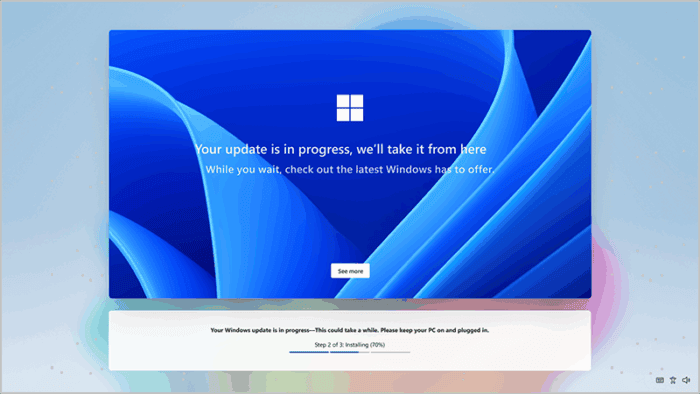
Windows 11 Dev Insider Preview Build 26220.6772 (KB5065797) introduces a small but highly requested setup feature. You now get the ability to name your user folder during out-of-box experience (OOBE)
When setting up a new PC, users can now press Shift + F10 at the Microsoft account sign-in screen, type cd oobe, and then run SetDefaultUserFolder.cmd . This lets you customize the C:\Users path before finalizing your setup. Folder names can be up to 16 characters long and must use standard Unicode characters.
This change adds a layer of personalization that power users have wanted for years, making it easier to manage systems with multiple profiles or clean installs.
However, the same update also removes several local-only setup commands that users previously exploited to bypass the Microsoft account requirement during OOBE (Out of Box Experience). Microsoft says these workarounds could “skip critical setup screens,” leaving devices misconfigured.
Now, Windows 11 setup requires both an internet connection and a Microsoft account to proceed. It is one of the Microsoft’s ongoing effort to unify device activation, sync, and cloud-linked personalization across all PCs.
Do note that this change is also visible for users in the Beta channel of Windows 11 version 24H2. Moreover, the update also adds smart image object select in Click to Do and enhanced dark mode in File Explorer.

Read our disclosure page to find out how can you help Windows Report sustain the editorial team. Read more



Improve this guide




User forum
0 messages