
KB5077232 & KB5077231 Dev & Beta Update Improves Context Menu, Adds Device Cards in Settings & More


 2 min. read
  Published on

Microsoft has released Windows 11 Insider Preview Build 26300.7877 (KB5077232) to the Dev Channel. Not to forget, another update dropped in the Canary Channel has introduced the freeform rotate feature to the Paint app, peripheral fingerprint sensors support for improved Windows Hello security, expanded functionality of the Cross-Device Resume feature, and more.
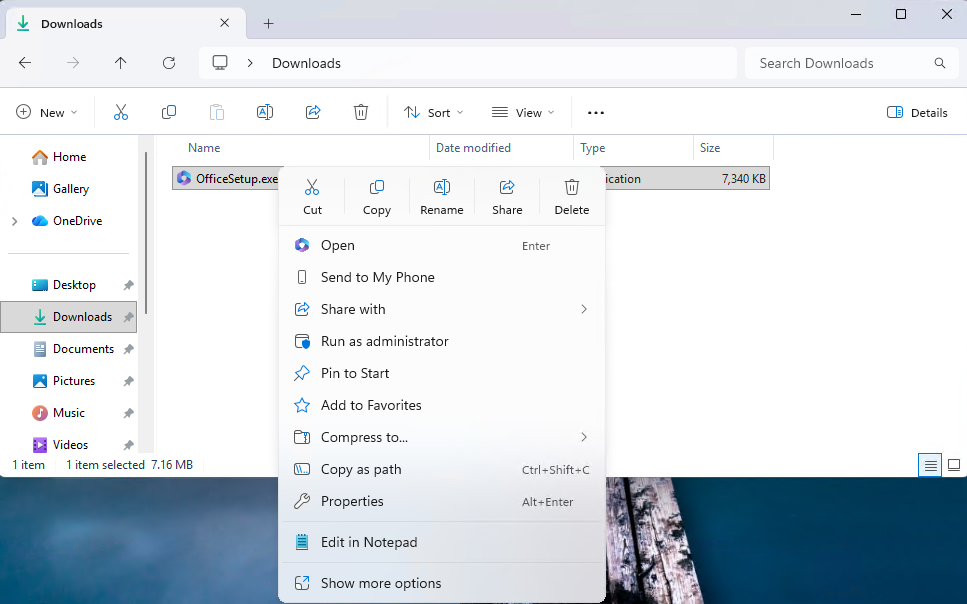
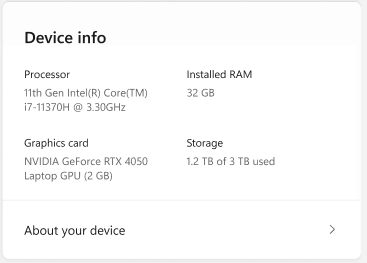
Speaking of the Dev Channel, Microsoft has updated Context Menu. When right-clicking on a .exe, .bat, or .cmd file, the menu’s “Open” verb now matches the icon of the file’s default app. Moving on, the updated Device Cards in Settings now display all key system specs in a clear, scannable layout. Graphics, storage, and hardware info are easy to find, with simple copy/paste support for sharing or troubleshooting. Enterprise users on IT-managed devices continue to get a dedicated version.
Additionally, Taskbar and System Tray get small but useful upgrades. After installing this update, hovering over app groups now feels more responsive thanks to improved animations, and icons appear more reliably when the taskbar is set to autohide. Meanwhile, Microsoft has also fixed a File Explorer issue where open windows and tabs would unexpectedly jump to Desktop or Home. Furthermore, Nearby Sharing can now handle larger files more reliably.
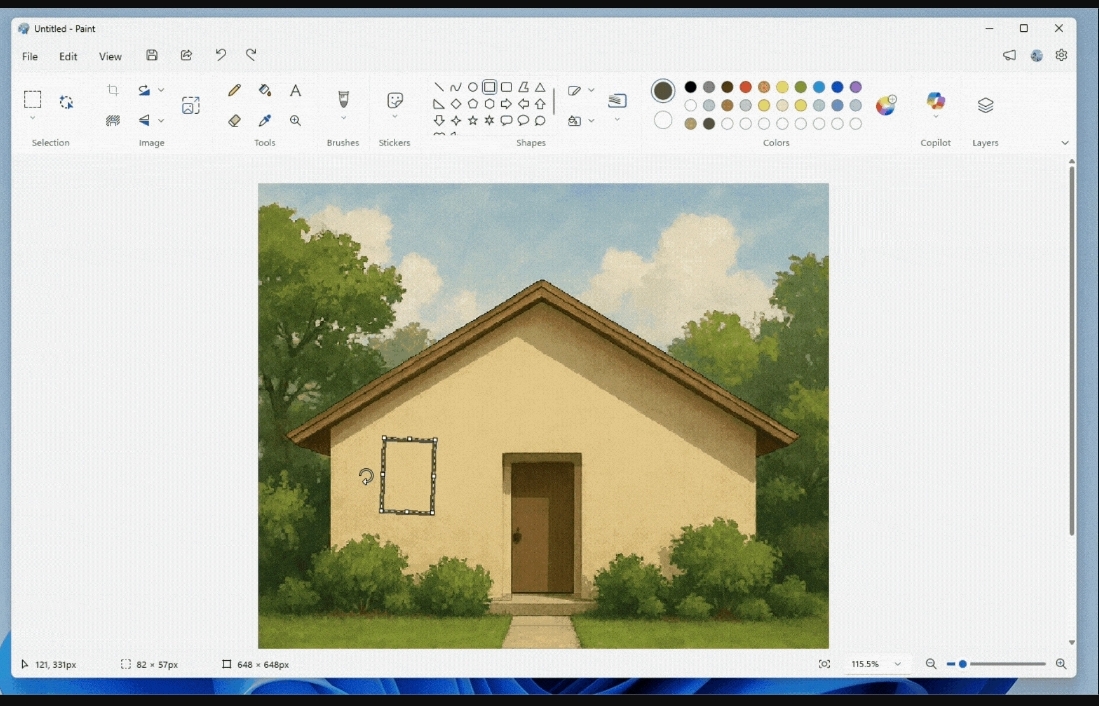
Last but not least, Paint version 11.2601.391.0 adds freeform rotate. Shapes, text, or any selection can now rotate to any angle. For improved precision, users can enter a custom angle via the Rotate menu.
It’s worth noting that changes related to Context Menu, Device Cards, Taskbar and System Tray will also be visible for Beta Channel Insiders after installing KB5077231, which bumps systems to Build 26220.7872.

Read our disclosure page to find out how can you help Windows Report sustain the editorial team. Read more



Improve this guide




User forum
0 messages