
Microsoft Launches ‘Hey Copilot’ and Copilot Vision for Windows 11
Hands-free AI meets smarter screen awareness


 2 min. read
  Published on
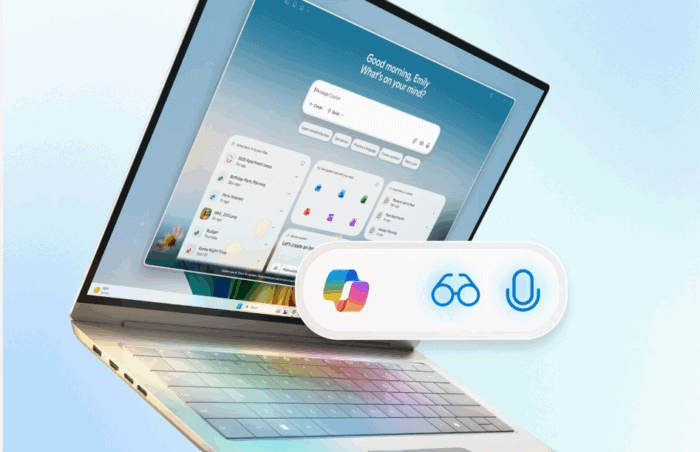
Microsoft is giving Windows 11’s Copilot a major upgrade, as it promised in a recent teaser post on X. The company has officially launched “Hey Copilot.” It’s a voice wake command that lets users summon the AI assistant without touching the keyboard.
Just say the phrase, and Copilot responds with a chime and a microphone overlay, ready to take your command. The new feature makes it easier to interact with Copilot hands-free. You can start a chat, ask questions, or say “goodbye” to end the conversation. After a few seconds of silence, Copilot shuts down automatically.
Alongside this, Microsoft is introducing Copilot Vision, a powerful new feature that allows the AI to “see” your desktop or specific app windows. It can analyze what’s on-screen, explain content, offer contextual insights, and even show you how to do things with step-by-step guidance.
Early users have already found creative uses, from troubleshooting settings to editing tutorials. The update also adds a “Text-in Text-out” option, letting users chat with Copilot during Vision sessions using text instead of voice.
“Getting something done is now as easy as asking for it,” said Yusuf Mehdi, Microsoft’s Consumer CMO. “With your permission, Copilot Vision can analyze what’s on your screen, helping you learn new apps or complete projects faster.”
Voice activation is off by default, but can be enabled in Copilot Settings > ‘Listen for Hey Copilot’. Both Hey Copilot and Copilot Vision are now rolling out globally across Windows 11.

Read our disclosure page to find out how can you help Windows Report sustain the editorial team. Read more



Improve this guide




User forum
0 messages