
Microsoft Makes Adding Links in Word Faster With a Simple Paste Update


 2 min. read
  Published on
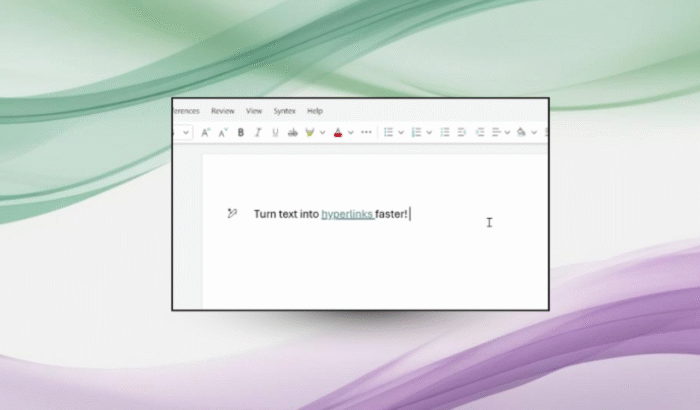
Microsoft has quietly updated one of the most-used features inside Microsoft Word, and this time it’s focus on speed. The feature I’m talking about is the ability to add hyperlinks across Word for the web, Windows, and macOS.
As part of the update, Microsoft Word will now allow you to simply highlight any word or phrase and paste a copied URL directly onto it. Word automatically converts the selected text into a hyperlink. Yes, it’s a small change, but one that cuts time, given that it is used dozens of times by working professionals.
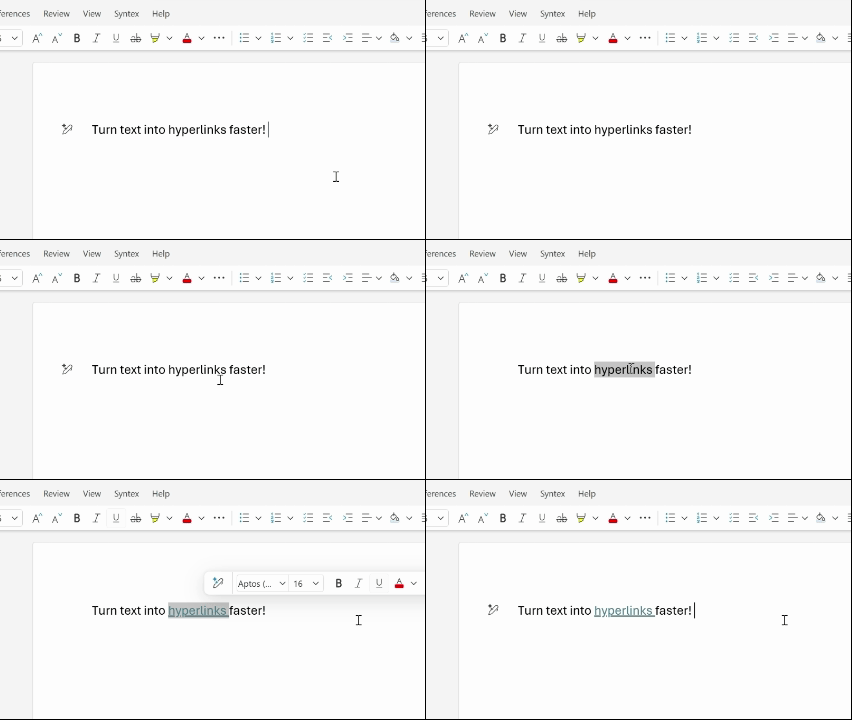
Microsoft says the idea behind the update is to make everyday actions feel effortless. Hyperlinking text is a core part of modern documents, whether you’re citing sources, sharing internal resources, or connecting related sections in long files. By reducing the number of steps involved, Word stays focused on writing instead of formatting.
The feature works consistently across platforms. You just need to copy a link in their browser, select the anchor text inside Word, and paste. From there, Word handles the rest automatically. As for availability, the feature is already live for Word for the web users.
On Windows, it’s rolling out to users running Version 2511 (Build 19530.20006) or later. Mac users will need Version 16.104 (Build 25120915) or newer. For anyone who spends hours inside Word, saving a few clicks here and there adds up to their productivity.

Read our disclosure page to find out how can you help Windows Report sustain the editorial team. Read more



Improve this guide




User forum
0 messages