
Microsoft Teams Now Lets You Add Copilot to Group Chats
Collaborate with Microsoft's AI assistant in real time


 2 min. read
  Published on

Copilot has been instrumental in Microsoft Teams for individuals out there. Now, the company has added a new feature that allows Copilot to join group chats. Announced via a Tech Community Blogpost over the weekend, the new feature lets users add Copilot to any Teams chat.
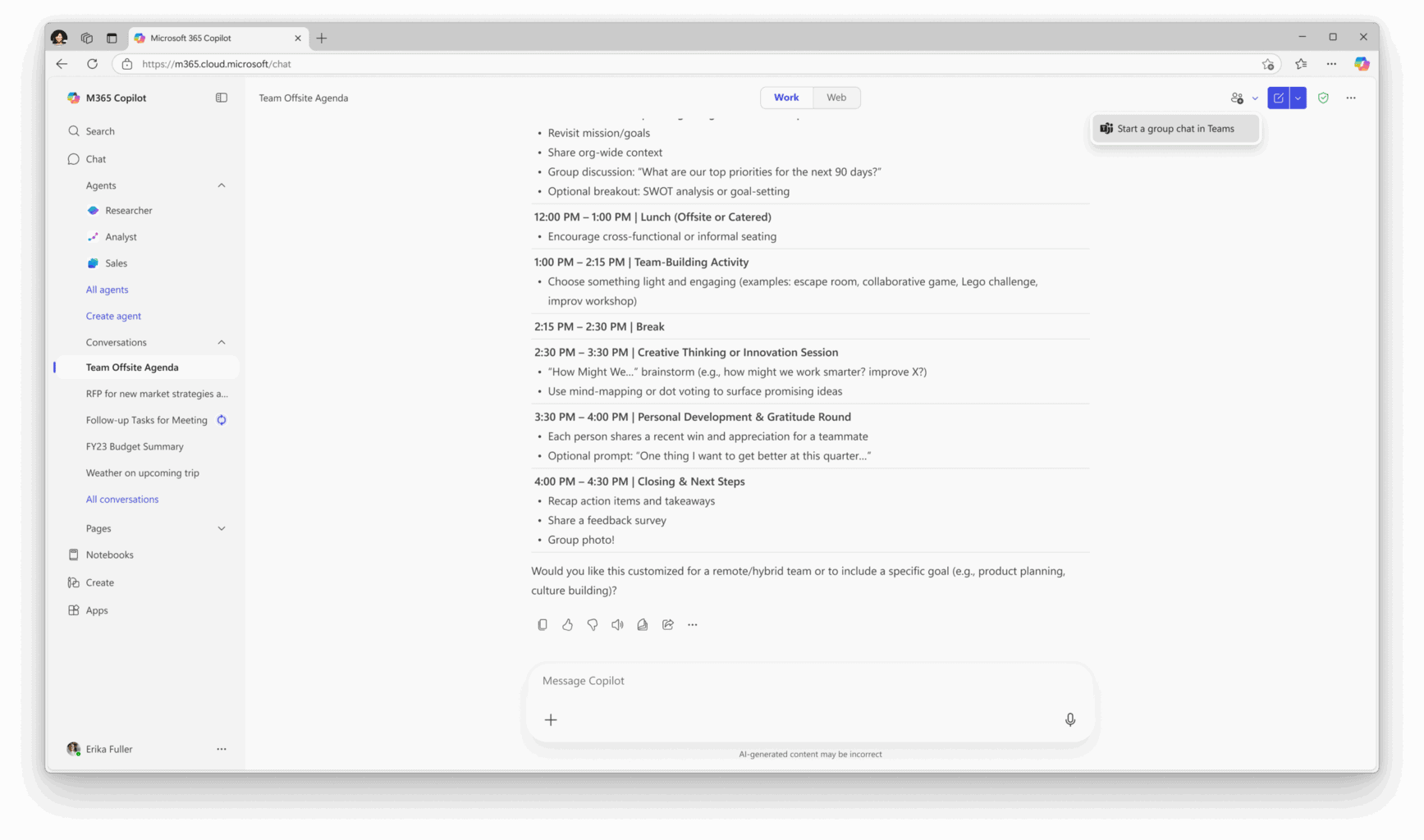
You can even start a new group chat directly from a Copilot conversation. Once Copilot is added, it can summarize discussions, draft meeting agendas, pull insights from files or the web, and even create FAQs or project outlines.

You can simply type @Copilot or add it through the “Add people, agents, and bots” menu rto add the AI assistant to group chats. Once active, it sends a welcome message and can respond to prompts visible to all participants.

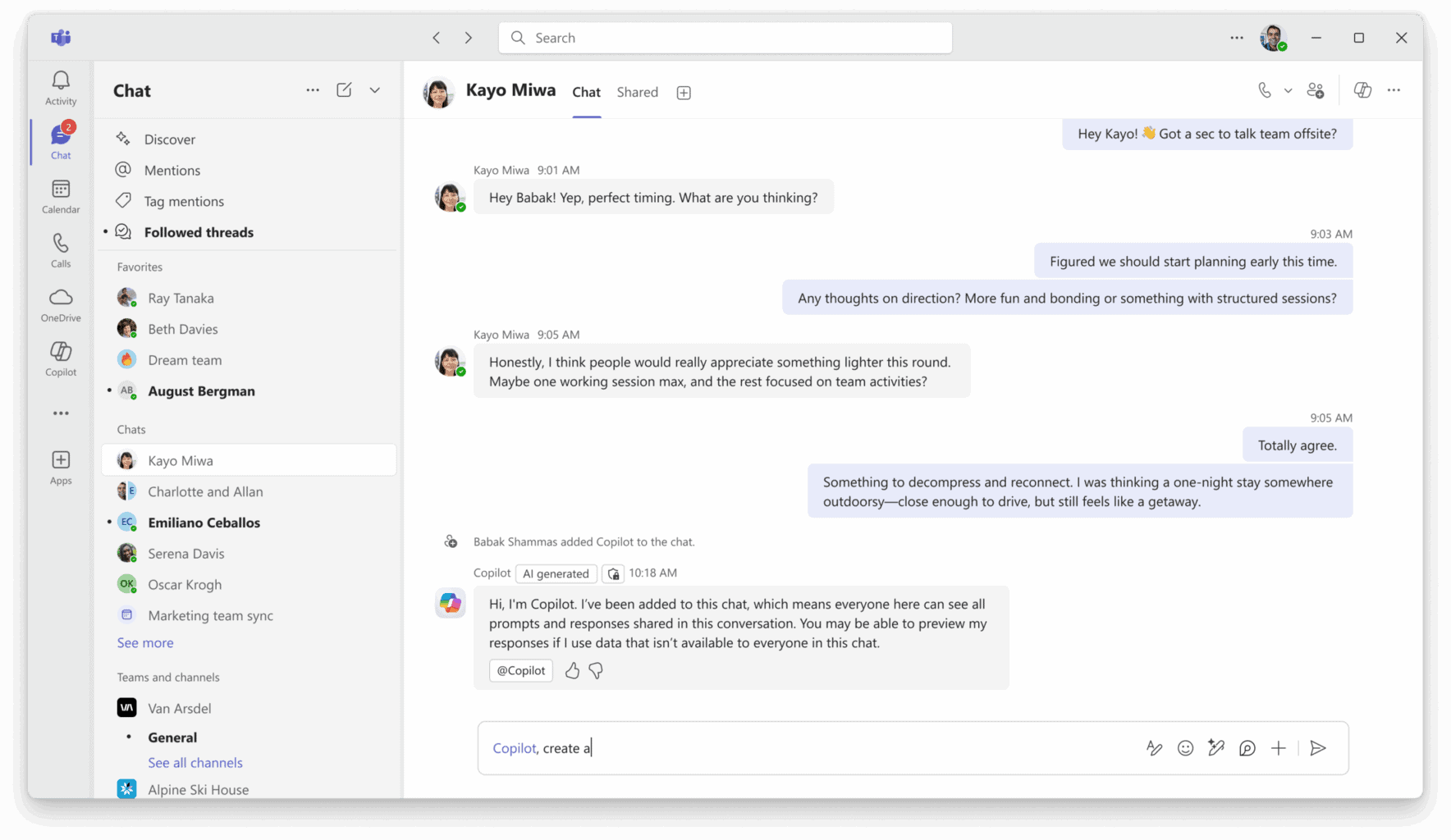


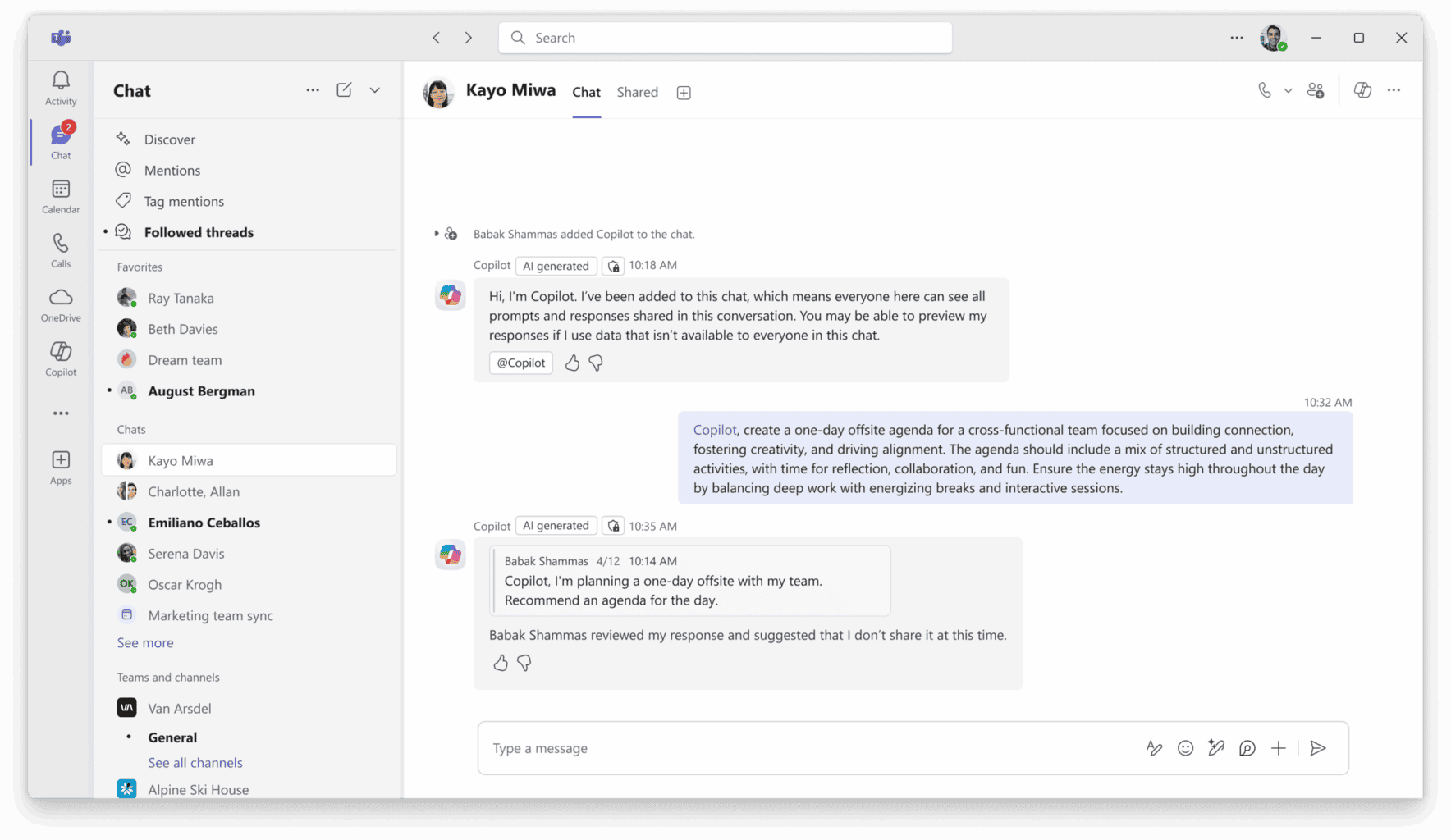
When an answer relies on data not everyone can access, Copilot first shows a private preview, allowing the initiating user to allow or reject before sharing with the group. According to Microsoft, Copilot’s responses are grounded in accessible data, including the user’s chat history, viewable documents, and web search results (if enabled by administrators).
However, there are some limitations that you need to know. Copilot can’t yet join meeting chats, text-to-image generation isn’t supported, and mobile users can’t currently add or remove the assistant from group chats.
To use the feature, participants in the group chats Microsoft 365 Copilot license and Teams Public Preview enabled by IT admins under Show preview features. While you can still see Copilot’s shared responses, you can’t directly interact with the AI assistant if you don’t have the above.
Microsoft encourages users to experiment with prompts like:
- “Summarize this chat for the past week and list next steps.”
- “Generate an agenda for this week’s meeting.”
- “Create an FAQ based on this document.”
The update, now rolling out to Teams Public Preview on Windows, macOS, iOS, Android, and the web, aims to help colleagues in teamwork faster and smarter.

Read our disclosure page to find out how can you help Windows Report sustain the editorial team. Read more



Improve this guide


User forum
0 messages