
Office Apps Aren’t Becoming Copilot, Microsoft Confirms


 2 min. read
  Published on
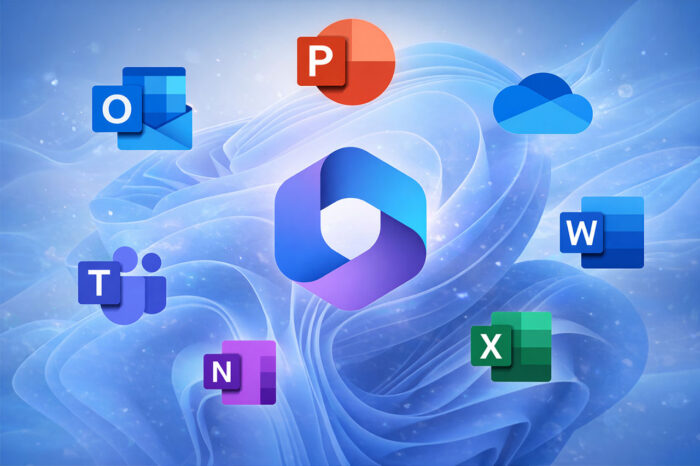
Microsoft has moved to shut down rumors claiming it plans to rename its core Office apps under the “Copilot” brand, following growing confusion fueled by its expanding AI strategy.
It’s no secret that Microsoft is rolling out Copilot across its ecosystem. The company has already confirmed that Copilot is coming to Classic Outlook, and it’s also testing a Copilot-first New Tab Page experience in Edge. With Copilot appearing more prominently across apps and services, speculation around a broader rebrand intensified.
Office Is Not Rebranding to Copilot Despite What Rumors Might Say
The rumors gained traction after users spotted updated wording on the Office website stating:
“The Microsoft 365 Copilot app (formerly Office) lets you create, share, and collaborate all in one place with your favorite apps now including Copilot.”
Many interpreted this as confirmation that Word, Excel, and PowerPoint had been renamed.
Microsoft has now clarified that this is not the case. The company says it has not rebranded its classic Office applications and has no plans to change their names. Word, Excel, PowerPoint, and other Office apps retain their existing branding.
Social media amplified the confusion, with users assuming that Copilot branding would replace Office entirely. Microsoft says the misunderstanding stems from its broader AI push rather than any renaming of individual apps.
The company previously rebranded the Microsoft 365 app itself as the Microsoft 365 Copilot app, positioning it as a central productivity hub enhanced by AI. That move, combined with Copilot’s expansion into Outlook and Edge, appears to have blurred the lines for some users.
Microsoft emphasized that Copilot acts as an AI feature layer across its products, not a replacement brand for the Office suite. While Copilot continues to spread across Microsoft’s apps, the familiar Office names remain unchanged.
Via Neowin

Read our disclosure page to find out how can you help Windows Report sustain the editorial team. Read more



Improve this guide




User forum
0 messages