Having just finished a great year of sales for the Xbox One, Microsoft isn’t taking a moment to rest on its laurels. Instead they’ve just released a video today highlighting what makes Xbox One one of the greatest consoles of this generation: the games that are available to play today and what the future holds.
Take a look:
From the looks of this video, Xbox One fans have a lot to appreciate from the past year and an exciting year to look forward to. In the meantime, what games for this upcoming season are you anticipating? Let us know in the comments and start saving those dollars!
The number of Microsoft Surface devices being sold in the wild has recently become a hotly contested topic of debate, especially in the face of new numbers emerging for its seemingly competitive brethren, the iPad Pro and Pixel C tablets.
A new report coming out of DigiTimes points to a Taiwan-based supply chain maker that claims that Microsoft shipped 2.5 million ‘Surface-series’ tablets in the fourth quarter of 2015. According to the Taiwanese company, the total shipments of tablets for the year are upwards of six million, beating its market expectations of four million. Keep in mind, ship and sold might be flexible terms for manufacturers, they are still two different metrics to track. Even though Microsoft managed to ship that many Surface devices, some may still be on the shelves ready and waiting to be sold. However it’s diced and examine, the overall theme appears to be a growing inflection point in the evolution of PC spending trends.
While the overall PC market is still in decline, it seems as though companies may be finding a pivot point with 2-in-1 convertibles or, as IDC calls them, ‘detchables.’ During its most recent earnings call, Microsoft highlighted that Surface device shipments managed to increase by 29% year-over-year, proving that there is an apparent consumer or enterprise desire for the tablet.
As the desire for Surface devices steadily grows, it seems that Microsoft’s interest in expanding the category is growing as well. According to the same Taiwanese supply company responsible for the recent shipment numbers, “Microsoft has begun developing new Surface models in cooperation with supply chain makers, with new products likely to be unveiled in the second half of 2016.”
Based on these claims, it looks as though Microsoft may once again surprise its fans during another event in the fall where a possible ‘new’ Surface device gets added to the brand name.
As Office 365 continues to gain adoption, Microsoft has found itself pouring more resources into evolving the customer experience both from a user perspective and in regards to how IT can manage the service. Recently, Microsoft announced a new experience for Office 365 users that presents a visual way for customers to organize their teamwork. The new experience is called Office 365 Planner and was initially introduced as a sort of Insider program for Office 365 users called Office 365 First Release.
Now it looks like Microsoft has gotten enough feedback to open up access to Office 365 Planner to more customer segments. In a new announcement, Microsoft has outlined its plan to provide the Planner preview to Office 365 customers with “Education and Nonprofit plans, as well as to Government tenants in the multi-tenant environment.”
Not only that, but Microsoft is also expanding the preview to Office 365 configurations that include ‘Select people’ options for the Office 365 First Release program. Apparently, Office 365 Planner preview was only available to a sub-section of First Release users that had ‘Entire organization’ configurations set.
To add Office 365 Planner preview, Microsoft encourages customers to visit their Message Center within Office 365. The Message Center should include steps that walk through the setup process as well as a Planner preview promo code needed to add Planner to accounts.
Promo codes for eligible Enterprise SKU’s can be found here. Promo codes for eligible Education tenants can be found here.
In this cloud-first, mobile-first world, SwiftKey’s technology aligns with our vision for more personal computing experiences that anticipate our needs versus responding to our commands, and directly supports our ambition to reinvent productivity by leveraging the intelligent cloud. We believe that together we can achieve orders of magnitude greater scale than either of us could have achieved independently.
We’ll continue to develop SwiftKey’s market-leading keyboard apps for Android and iOS as well as explore scenarios for the integration of the core technology across the breadth of our product and services portfolio. Moreover, SwiftKey’s predictive technology aligns with Microsoft’s investments and ambition to develop intelligent systems that can work more on the user’s behalf and under their control. In the coming months, we’ll have more to share about how we’ll integrate SwiftKey technology with our Guinness World Record Word Flow technology for Windows.
So as we told you yesterday, Microsoft really believes it is the best company to leverage on the artificial intelligence behind SwiftKey’s predictive typing. And as Microsoft want to be recognized as a productivity-focused company, it really makes sense to keep the app a cross-platform solution.
Microsoft’s mission is to empower every person and every organization on the planet to achieve more. Our mission is to enhance interaction between people and technology. We think these are a perfect match, and we believe joining Microsoft is the right next stage in our journey.
Our number one focus has always been to build the best possible products for our users. This will not change. Our apps will continue to be available on Android and iOS, for free. We are as committed as ever to improving them in new and innovative ways.
We’re really looking forward to see how SwiftKey is going to evolve these coming months, and how Microsoft’s own keyboards on Windows 10 and Windows 10 Mobile are going to be affected. And as the Surface Pro is competing against the iPad Pro for the lead in the detachable tablets market, a better Windows 10 virtual keyboard could really help Microsoft to improve on a product category it invented.
I owned a Surface Pro 3 from launch week in June 2014 through roughly three weeks ago. It was an excellent machine, easily one of my favorites in over three decades of buying a great many personal computers. In terms of overall usefulness, the Surface Pro 3 might have been the best machine, bar none. I used it as a productivity “notebook” and as a consumption tablet, and it served me well in both capacities.
After some back and forth debate with myself, I finally decided to moved up to a Surface Pro 4. After using the newest Surface Pro machine for a few weeks, and challenging my own decision, I thought I’d spend a few minutes answering an obvious question for WinBeta readers. Is the Surface Pro 4 a viable upgrade from a Surface Pro 3? My answer is a bit nuanced, as you’ll see, and all I can say right now is, “it depends.”
Surface Pro 4
Look at that screen!
The single biggest reason that I even considered moving from a Surface Pro 3 to the Surface Pro 4 is the quality of the latter’s display. I saw the two models side-by-side in a Microsoft Store shortly after the Surface Pro 4 was released, and I noticed the difference between them instantly. Long story short, the Surface Pro 4’s display is significantly improved, at least to my eyes.
To begin with, I love high-res displays. I work a great deal with text, as a writer and an avid reader, and I’ve grown to abhor pixelated text. The iPad 3 with its groundbreaking Retina screen was my first experience with superior resolution, and I haven’t looked back since. Yes, Apple is big on marketing-speak, but in this case they weren’t lying–the iPad 3’s high resolution provided superior text compared to anything else on the market at the time, and Apple can take some credit for improving this particular metric industry-wide.
In this regard, the Surface Pro 4 shines. It’s significantly higher in terms of PPI (267 PPI vs. the Surface Pro 3’s 216 PPI), and to me at least, there’s a noticeable difference. The Surface Pro 3 doesn’t have a poor screen by any means, but I’ve never owned a Windows machine that displays high-quality text as well as the Surface Pro 4.
The higher resolution and slightly larger screen isn’t the only thing that’s significantly improved. I also like whites that closely match standard color temperature, that is, not too warm (reddish) nor too cold (bluish). I also like high contrast, where blacks really stand out against the whites. That, too, is important when you’re reading and writing a ton of words. In this regard, the Surface Pro 4’s improvement over the Surface Pro 3 is equally impressive.
In short, whites on the Surface Pro 4 are much closer to standard white, and contrast is very high. This combines to make for a much more pleasant experience than my Surface Pro 3, where whites were quite a bit colder and contrast was much lower. Along with its excellent color performance, these factors combine with the higher resolution to result in a display that’s simply a joy to use.
Based on our extensive Lab tests and measurements on the display for the Surface Pro 4, Microsoft has produced an excellent professional grade high performance display for Windows that breaks a number of LCD Tablet performance records. In fact, the Surface Pro 4 has one of the very best and most accurate displays available on any mobile platform and OS. It joins near the top of a small set of Tablets that have excellent top tier displays – ideal for professionals that need a very accurate high performance display for their work, and for consumers that want and appreciate a really nice and beautiful display.
In addition, what is particularly significant and impressive is that Microsoft has systematically improved every display performance metric over the already excellent Surface Pro 3, including the display’s Maximum Brightness, Contrast Ratio, Absolute Color Accuracy, Viewing Angle Performance, and with lower screen Reflectance, resulting in much better performance in Ambient Light.
Bottom line: If you really, really like excellent displays, then the Surface Pro 4 is a superior machine and well worth the upgrade.
Design and build
Put the Surface Pro 4 next to the Surface Pro 3 and you’d be hard-pressed to tell them apart. The latest model is a bit thinner and lighter, but otherwise they look and feel almost identical.
The Surface Pro 4 pen and active digitizer is better on paper, being of Microsoft’s most recent PixelSense technology. I really can’t tell much of a difference in practice, but then I only use the pen for basic notetaking. My drawing skills are elementary (as in, elementary school), and so I don’t use the added pressure sensitivity and overall better design.
The Surface Pro 4 Type Cover is also significantly improved, but you can use that on your Surface Pro 3. It’s worth the upgrade all by itself.
Bottom line: Both the Surface Pro 3 and Surface Pro 4 are well-built and -designed machines, and unless you’re a creative professional who will really use the extra Pen capabilities, there’s not so much to justify an upgrade.
Performance and reliability
Intellectually, I know that the Surface Pro 4 has a newer generation Intel processor than the Surface Pro 3. In practice, I can’t tell the difference in performance. Both are Intel Core i5 machines with 8GB of RAM and 256GB SSDs, and for how I use them, they might as well be identical.
In terms of reliability, however, my Surface Pro 3 had plenty of time for Microsoft to get rid of the bugs. It was finally, after many firmware and driver updates, a stable, reliable machine with decent battery life (typically 7+ hours). My Surface Pro 4, however, is already less reliable than the Surface Pro 3 was from the start. At least the older model could go to sleep reliably.
Bottom line: much has already been written about the Surface Pro 4’s many firmware issues, and so I won’t beat that dead horse here. If you’re looking for the most stable machine, however, then I suggest that you do not upgrade to a Surface Pro 4 right now. Give it a month or so more, because we’re expecting (or maybe hoping for) firmware to resolve the issues soon.
Conclusion: should you or shouldn’t you?
Of course, such an upgrade depends a lot on a person’s finances and situation. I can imagine few scenarios.
Scenario 1: You’re already planning to buy a new machine
If you have someone to pass your Surface Pro 3 along to who can benefit from it, and need to buy a new machine anyways, then the decision should be easy. The Surface Pro 4 is an excellent 2-in-1 and well worth the purchase–assuming, as do I, that Microsoft will resolve the current firmware issues.
Scenario 2: You want a really good display and are willing to pay for it
If you can get enough money for your Surface Pro 3 to make the upgrade to the Surface Pro 4 make financial sense for you, and want a machine with a vastly improved display, then by all means, go for it. This is my personal scenario. One caveat: I also write about Microsoft products, and so having the latest and greatest adds another layer of value to me.
Scenario 3: You’re a creative professional who needs the best screen and pen input
If you do any kind of creative work where screen quality and pen input is important, then depending on your business I’d say you could probably justify the investment. Certainly, editing photos is a much better experience on the Surface Pro 4 given its wider color gamut and the Surface Pro 4 Pen is a real upgrade.
Everyone else
For many people, the Surface Pro 3 is likely a perfectly fine machine and it would make absolutely no sense to swap it out for a Surface Pro 4 if any serious money is involved. Given the reliability issues with the latest machine and the lack of a fix so far, I sometimes find myself almost regretting the decision.
Nevertheless, should Microsoft resolve the nagging sleep and display issues, then in the end I’ll be happy I made the investment. Let me know in the comments whether upgrading to a Surface Pro 4 could make sense for you.
Ocean First Institute is a non-profit organization that is promoting the protection of our marine environments. They have been using Skype in the Classroom since 2014, and have so far conducted over 240 Skype sessions with over 7,000 students across the globe to explain them the importance of the ocean and marine life. And more than that, they can really help pupils traumatized by cult-classic movies like “Jaws” or “Sharknado” to overcome their fear of sharks.
Dr. Mikki McComb-Kobza, Ocean First’s Executive Director, explained to the Skype team why the organization decided to use Skype in the Classroom:
I thought it was the greatest way to share my knowledge and passion with interested teachers and students all over the world. In just one day I might be with a class in Cambodia, London and then Sydney. It’s incredible to have this opportunity to engage students without any barriers. I am talking to students every week and some weeks I do 10 or 11 sessions. It’s fantastic and I learn so much from the students and their questions.
She also gave many interesting details about what happens during a typical Skype session:
Kids are natural scientists and they love animals. They want to know about sharks because they are a bit scary and misunderstood. I show clips of very unique shark species — when they see there are sharks that glow in the dark, that can walk on land, that look like pieces of carpets — they are hooked! It’s a new way to see sharks and students love to ask questions about each shark and why they have these remarkable adaptations.
I close by sharing that sharks are in trouble today, because we are taking too many of them out of the ocean for food and fins. Sharks need protection, from us. I let students know how they can be part of the solution.
I have had so many magical opportunities to tell young people to pursue their dreams no matter how unlikely and no matter what others might say. Being a lady that wrangles sharks isn’t really normal and I am ok with that. I think many young people I talk with think that it’s ok too.
These are definitely inspiring words, and the people behind Ocean First Institute also deserve credit to help us realize how our fears can always be overcomed with knowledge. By the way, if you want to know more about their activities, please watch this video below:
It’s always interesting to discover new use cases for Skype in the Classroom, and we hope to continue to tell you more of these inspiring stories this year.
Every one of us must have gone through the pain of trying to find our car in a crowded parking lot. Microsoft is seeking to alleviate that trouble, at least for Windows 10 Mobile Insiders, with a new feature coming to the Maps app that will help you save your parking location, announced through the Insider Hub.
The new feature is part of the Favorites section of the Maps app on Windows 10 Mobile, so accessing it is simple:
Once you’ve parked, open Maps app
Click on the Favorites icon
Choose Add location under Car. The Maps app will log your location.
Additionally, to help with recognition, you can also take a picture of the parking spot, and even add notes about it or readjust the estimated location as needed. When you need to go back to the car, the app will then provide directions to help you navigate.
Car location
The feature is a small but nifty addition to the already overhauled map experience on Windows 10 Mobile, and will most likely help save a lot of time for many. Seeing how the built-in Maps app is the only first-party choice for navigation for Windows 10 Mobile, it’s encouraging to see Microsoft continually updating its OS’ essential experience.
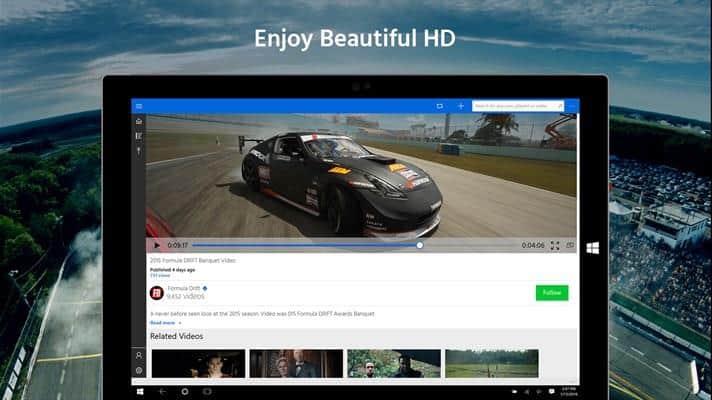
The popular video streaming website DailyMotion now has a universal Windows 10 app. This means that you can install the app on every Windows 10 device you own. Users can view their favorite videos while they are on a mobile device or a desktop.
With the app, you can browse your favorite videos, comment on them, and share the videos. Users can also discover trending videos through staff picks and personalized suggestions.
Here’s the complete list of features the app has to offer:
Easy drag & drop to upload videos in app
Moveable in-app mini player
Get personalized suggestions and curated content
Enjoy stunning 4K HD videos
Search by keyword or browse by category
Easily share and favorite videos
Follow your favorite channels
Manage your channel
If you happen to be a regular user of DailyMotion, head over to the Windows Store using the link below and install the app. Let us know about your thoughts regarding the new DailyMotion app.
As the launch of DiRT Rally for consoles nears, the Xbox One looks like it will adopt dynamic resolution to maintain the Codemasters’ 1080p / 60fps mix they want to allow console players to experience.
Codemasters spoke with VideoGamer.com regarding the current in-testing state of both console versions of the game. The PlayStation 4 is reportedly almost able to handle the 1080p / 60fps goal, but the Xbox One drops below the 60fps goal line during more visually-demanding sequences. Heavy snow or rain on certain tracks are common culprits, and the Xbox One will likely see a dynamic resolution drop to 900p rather than letting the framerate pull players out of the moment.
According to Codemasters, as reported by VideoGamer.com, chief game designer Paul Coleman is “absolutely confident” of the PlayStation 4’s capability of achieving the desired resolution and framerate combination, with the Xbox One’s version looking “pretty good” for the same goal.
As Coleman told VideoGamer.com, the shelf launch is still set for April 5, and if all does not go as well as it needs to, “there’s no reason we can’t do a day-one patch to continue those optimizations,” Coleman said.
To check out a look at some Xbox One gameplay of the in-development version of DiRT Rally, check the video below, courtesy of GameSpot.
While we’ll have to wait until the game officially launches on April 5, players will likely see dynamic resolution decreases for more graphically-intense sections, then a return to the wonders of 1080p / 60fps to carry on to the finish line. We’ll keep you updated on the games progress.
Did you know that animals can play video games? Well, YouTube has a large collection of videos of cats playing with iPads, and it’s pretty funny to see these poor kittens failing again and again to catch virtual fish or mice. But what if animals playing video games could actually be an interesting use case for scientific research?
Around the world, many zoos have been experimenting for some years with computers and tablets to try unusual and fun activities with their primates. But if orangutans seem to really enjoy playing with tablets, the devices are not completely suitable as our curious furry friends could easily drop and break them.
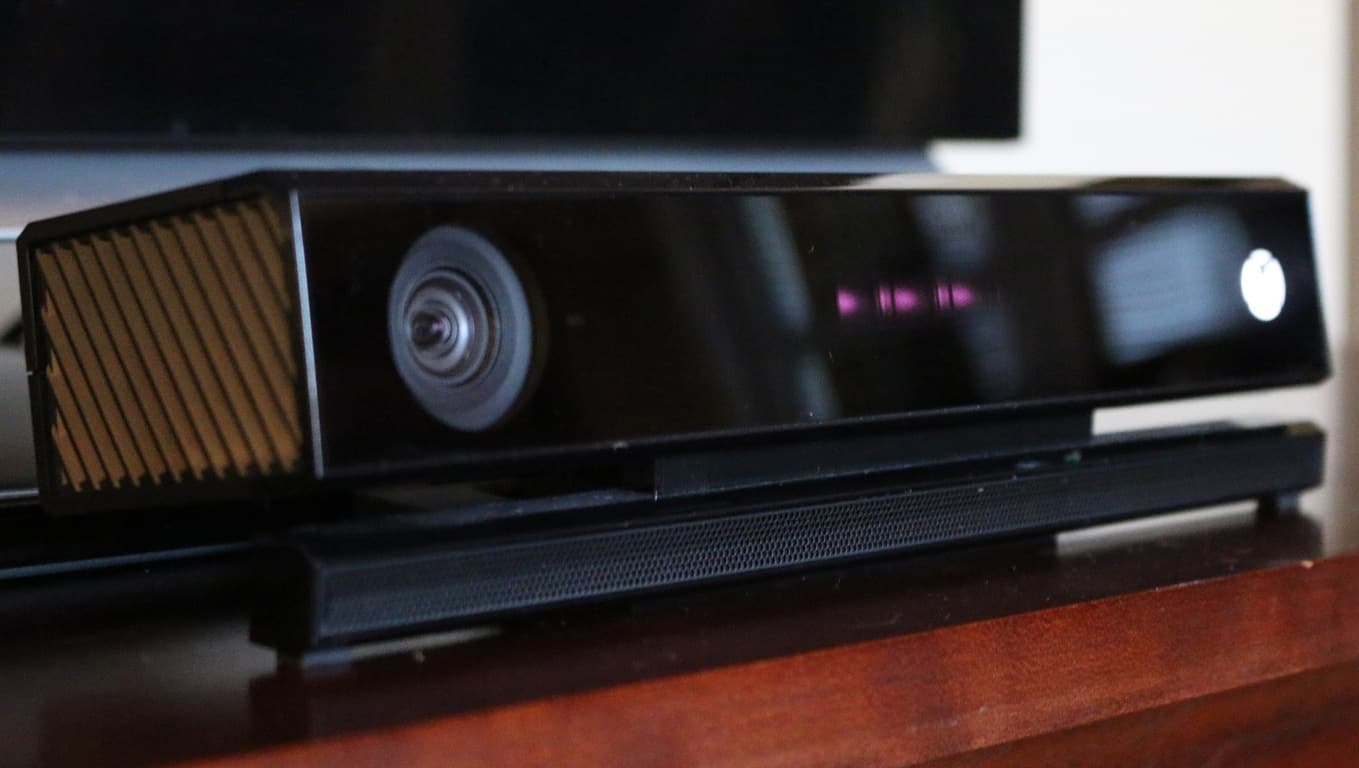
However, Dr Marcus Carter, Human Computer Interaction Researcher at the University of Melbourne, had the idea to use Microsoft’s Kinect 3D sensor and the Xbox One to project an interactive digital space directly onto the floor inside an orangutan’s enclosure. The animal could simply activate the space by moving any part of its body across the projection, and then control any games or applications it would like to challenge their minds.
The orangutang Kiani is interacting with physical objects in the projected digital space. Picture: Zoos Victoria
This “intelligent projection” technology is a world first experience, and in case you’re wondering about safety issues, researchers are actually projecting through enclosures protected by three panels of bulletproof glass. That’s really necessary, as orangutans are three times stronger than us.
The team is now actively developing games, picture galleries and painting applications specifically designed for orang-utans, but designing for animals is a real challenge for scientists accustomed to working with human subjects. Sarah Webber, PhD candidate working with Dr Carter, explains:
“As interactive game designers we use what we call participatory design. We work with the people who use the products and they provide input and feedback for prototypes. You can’t have those conversations with animals, so we have to find new ways to include them as participants in the design process.”
In fact, zookeepers who really know what orangutans are interested in can help researchers to design the perfect games.
“These individual differences are things we can use as inspiration to design something that is complex and motivates them to solve puzzles. We know apes can successfully use touch screens but they are very task orientated, so we want to see if we can devise experiences that are inherently engaging to them,” (added Ms. Webber).
Kiani is enjoying the projections appearing on her body. Picture: Zoos Victoria
To give you an example, Orangstagram is a selfie app which was designed for Kiani, a female orangutang who loves to look at pictures of herself. And because this app allows her to browse through her picture library, it is opening up the possibility of animal psychologists to ‘read’ the emotional health of orang-utans by analysing what pictures they select.
Could this intelligent projection technology be used with other species? Zoos Victoria’s Animal Welfare Specialist Sally Sherwen explains:
“We don’t just want to stop here. If the trial is successful we could utilise digital enhancement to benefit a range of species, but this will be different according to a species’ preferences.”
So, if you thought Kinect was a dead technology, some animals actually love it! But before we imagine Kinect games for animals on the Xbox Store, maybe the technology could create new opportunities for interaction between the orang-utans and zoo visitors. Wouldn’t it be fun if zoo visitors could play collaborative games with animals? We’ll have to wait for the results of these interesting research to find out.
It’s that wonderful time of the week, when we are blessed with some great deals on popular Xbox titles. This week the spotlight is on EA’s FIFA 16 and Battlefield 4 franchises. Along with those titles are a list of others you may want to take a look at. Without further ado, here are the Xbox Deals with Gold.
The current update brings the game to version 1.3 and brings several new features and fixes to the the key bugs and glitches in the open world RPG game. New features include a new ambient occlusion setting, weapon debris effects, a status menu for settlers, and the ability to rotate an object you are holding with the left and right triggers. Lastly, thanks to the update, pressing down on the left thumb stick will also now let you switch the rotating axis.
The update for PC users includes several gameplay fixes, some of which are listed below:
– Improved performance when looking through a scope
– Fixed issue where player could warp to a different location when aiming
– Companions can no longer get stuck with radiation poisoning
– Fixed an issue where Vault 81 residents would not dismember correctly
– Big Leagues perk now displays calculated damage correctly
– Fixed issue with third person camera not displaying properly after exiting certain crafting stations
– Fixed an issue where subtitles would occasionally not update properly
– Effects will properly be removed on companions when items are unequipped
– MacReady’s Killshot perk now calculates headshot percentages properly
– Fixed an issue with NPCs getting stuck in Power Armor
– Fixed a rare issue with companions getting stuck in down state
– Second rank of Aquaboy now calculates properly
– Fixed an issue with resistance not always lowering the damage correctly when added by mods
– Enabled number of characters available when renaming an item (XB1)
– Fixed issue with player becoming dismembered while still alive
– Robotics expert is now usable in combat
– Stimpaks can now be used on Curie after the transformation
– Playing a holotape found in wilderness while switching point of view no longer causes the screen to blur or controls to be locked.
Version 1.3 also brings several changes to Quest and Workshop modes, and a whole host of other changes. If you’re a Fallout 4 PC user, then go ahead and get updated. If you’re an Xbox One Fallout 4 user, then hang tight because your update is coming soon.
Are you a fan of Yammer? Well, if not, you soon might be thanks to Microsoft activating Yammer for eligible Office 365 tenants. More precisely, every new or existing eligible Office 365 tenant will gain access to Microsoft’s business-focused social networking application “without requiring additional action on the part of admins,” further solidifying the company’s efforts to deliver an all-in-one suite or productivity.
According to a recent announcement from Microsoft, the company sees the Yammer integration as a seamless value proposition that will help bind the various Office 365 group services while delivering better cross-suite collaborations and results.
Making Yammer available in Office 365 is key to unlocking new experiences for users that span their productivity apps. As a case in point, Yammer will hook into the Office 365 Groups service in the first half of 2016 to deliver powerful cross-suite scenarios that let you escalate your Yammer conversation into a Skype call, schedule a meeting using Outlook calendar, access your files in OneDrive, create tasks in Planner and more, all from your Yammer group.”
While the idea is to make the lives of admins regulating the functions of Office 365 easier, Microsoft is still empowering them with a robust set of management options for more granular Yammer deployment. Soon, admins will be able to take control of options such as identity, user and license management and offer controls to help admins keep up with the evolving regulatory standards of their businesses and areas.
Also accompanying the announcement of Yammer and Office, 365 integration is the news Yammer has also fallen under the cover of Office 365 Trust Center. The Office 365 Trust Center is a very technical regulated level of protection that ensures communication and data in regional and international areas are met. Microsoft has a more complicated way to describe Yammer’s new security and privacy accomplishment.
Yammer is now covered by the Office 365 Trust Center, which offers the protection of international and regional standards such as the Office 365 Data Processing Agreement with European Union Model Clauses (DPA with EUMC), Health Insurance Portability and Accountability Office 365 Business Associate Agreement (HIPAA BAA), ISO 27001, ISO 27018, compliance with Section 508 for web accessibility and SSAE 16 SOC 1 and SOC 2 reports.”
Yammer’s seamless integration with Office 365 starts February 1, 2016, and for more information, visit the Office Blogs to read a list of the “Frequently asked questions” about Yammer and Office 365.
I wrote an article last year following the Surface Book hype, where I talked about what in my opinion are reasonable alternatives to Microsoft’s “ultimate laptop“. Those of you who read it may remember my mention of a certain contender from Japan being my former dream machine – the VAIO Z 2015 model, duped “Monster PC” in its homeland – and how I lamented its lack of availability in the US and a Skylake refresh. Well, apparently the tech gods (or at least VAIO) listened to my desperate plea, as a Skylake version of Vaio’s flagship convertible, under a new name – VAIO Z flip, will be sold in the US very soon, reports IBTimes.
As a quick recap, the VAIO Z, along with its bigger brother the VAIO Z Canvas (available in the US from last year), represents once-prestigious PC maker VAIO’s attempts to reclaim its glory since SONY’s sold-out of its computer division, by making high-quality, high-performance machines. And boy did they deliver. The VAIO Z Canvas manages to cram a full-powered quad-core Core i7, pen support and up to 1TB of SSD into a relatively thin and light 12.2-inch body. The VAIO’s tablet-centric form factor and astronomic price (we’re talking upwards of $3000 here), however, means that it’s more suited to desk work by professional artists and designers.
The first 28w Skylake ultrabook on the market
For everyone else, there’s the 13.3″ VAIO Z (and now the VAIO Z flip). The 2015 model was the first Windows laptop to use Intel’s 28W Broadwell CPUs, formerly only found on Apple’s Macbook Pro 13″, giving it superior performance in a sub-3-pound ultrabook form factor. With the Skylake refresh this year, the VAIO Z flip will be the first laptop in the world with Skylake 28W CPUs, effectively beating Apple to the market – whose equivalent still runs on Broadwell – and smoking all ultrabook-class competitors in performance.
From MobileTechReview.The glorious flipping mechanism. From MobileTechReview.
While pre-orders will starts from February 8, 2016, as stated on VAIO’s US website, a prototype model has been circulated around the tech press for some early street cred. Lisa Gade of Mobile Tech Review has made an excellent review of the machine, where she talks at length about the gorgeous 2560×1440 IPS display, the elegant flip-and-switch mechanism that’s still the best in the convertible world, the excellent keyboard and trackpad, and pen performance.
Power-packed
What’s more interesting from Lisa’s review though is the laptop’s performance, which leaves little to be desired given the form factor. In fact, the VAIO Z flip is shown to even outperforms Microsoft’s Surface Book with the dedicated GPU, the result of a combination of more powerful CPUs and competitive iGPU.
From MobileTechReviewsThe speed of the SSD is nothing to scoff at either. From MobileTechReviews
With this, it can be suggested that the integrated Iris Graphics 550 is on equal grounds with an Nvidia 940m, no small feat for Intel. Given how its smaller brother, the Intel Iris Graphics 540 in the highest-end Surface Pro 4 has already been shown to come close to the performance of Surface Book’s dGPU without throttling, the result is understandable; after all, the traditional laptop design, coupling with VAIO’s liquid cooling system, should make thermal a complete non-issue. Battery gets around 8 hours of use, a bit away from VAIO’s claim of 11.5 hours, but still respectable for the amount of power under the hood.
Conclusion
With its combination of power and mobility, the VAIO Z flip already looks like the ultrabook convertible to beat in 2016. Of course, the price is also at a premium: starting at $1,799 and going up to $2,399. For people who needs something like it though, there’s no equal on the market. Those who can forgo the touchscreen, stylus support and convertible aspect can opt for a clamshell version which starts at $1,499, or going even lower to the no-nonsense Vaio S starting at $1,099; both of which will goes on sale in March. The Z flip itself will be available through the Microsoft Store, VAIO and selected partners.
Back in 2015 I was very excited to get my Surface 3. Aside from wonderful design, the 2 GB of RAM, 64 GB of space, and free Office 365 subscription were all very appealing for the price point.
Ultimately though the key decision point for me in this purchase was the fact that Surface 3 runs Windows 8.1.
At the time of my purchase I was a student, and I was not looking for yet another mobile device like an iPad. I wanted something that would run in a mobile and touch friendly form, but act like a desktop computer.
Long story short, we have now entered the Windows 10 era of Microsoft with the company now making it a required update, and here are my top three current reasons as to why I refuse to update my Surface 3 to Windows 10 for as long as I can.
1) Windows 10 bugs
It appears that many new Surface devices running Windows 10 have had several issues. The issues range from faulty screens, poor software, and black screens after sleep. Microsoft has even attempted to address these issues with a recent firmware update, but they have not really worked. To me, this shows that Microsoft is essentially coming off as clueless when it comes to getting Windows 10 to run perfectly on Surface devices.
Meanwhile, with Windows 8.1 on my Surface, I continue to have no such issues. Everything continues to runs just as the day I purchased my device. I find it better to stick with an operating system that has been with the Surface lineup since it was first announced, rather than jump on board a new experience and face issues such as those mentioned above.
2) Elimination of Metro Start Screen & Charms Bar
The all important metro start screenThe disappearing desktop on the Windows 10 Start Screen
While Windows 10 does feature Continuum to help touch screen devices switch between tablet and desktop mode, it does not feature a full Metro start screen. Windows 8.1 is more heavily aimed towards touch devices such as Surface 3, and getting to apps while sitting in desktop mode was very easy. I simply could tap the Start button while on my desktop to go back to the Metro screen with favorite apps. In Windows 10, however, a tap of the start button in tablet mode overtakes the entire desktop to show me my apps, and I lose sight of my folders underneath. This is a massive loss of productivity and kills the desktop-like experience of a Surface device.
My other favorite feature of Windows 8.1 is the Charms bar. So, the lack of a Charms bar in Windows 10 is another reason why I refuse to update. In Windows 10, to search, I need to move my fingers to the bottom of the screen in order to tap on a very tiny search button. The charms bar in Windows 8.1, however, gives me faster access to search, brightness, and other settings. With the Charms bar, I am able to drag my Surface 3 screen brightness level custom levels using a slider. In Windows 10, however, the slider is replaced by a brightness button, again eliminating control of a desktop like experience.
3) OneDrive Placeholders
A lot of my work is done between devices, and I depend on OneDrive to move files from one device to another. Windows 8.1 offers OneDrive placeholders, which let me see my one drive files, even if they are located in the cloud and not on my Surface. Thanks to this feature in Windows 8.1, my files are available, but not taking up space on the limited space on my Surface hard drive.
With Windows 10, however, OneDrive place holders do not work. This is yet another reason why I refuse to update. The lack of a placeholder means I need to go to two places, both my OneDrive folder and the web OneDrive to see my files online files that are being uploaded or downloaded from my Surface 3. Again, this kills the experience of the Surface 3, as I am forced to do two things to retrieve and upload files.
At the end of the day there is no denying that Windows 10 is beautiful. I run it on my Desktop and I absolutely love it, but the same can not be said for Surface devices. The killing of the charms bar, and the amount of bugs ruin the Surface 3 touch screen experience. Windows 10 is great for desktops and non touch devices, but not built with Surface devices in mind.
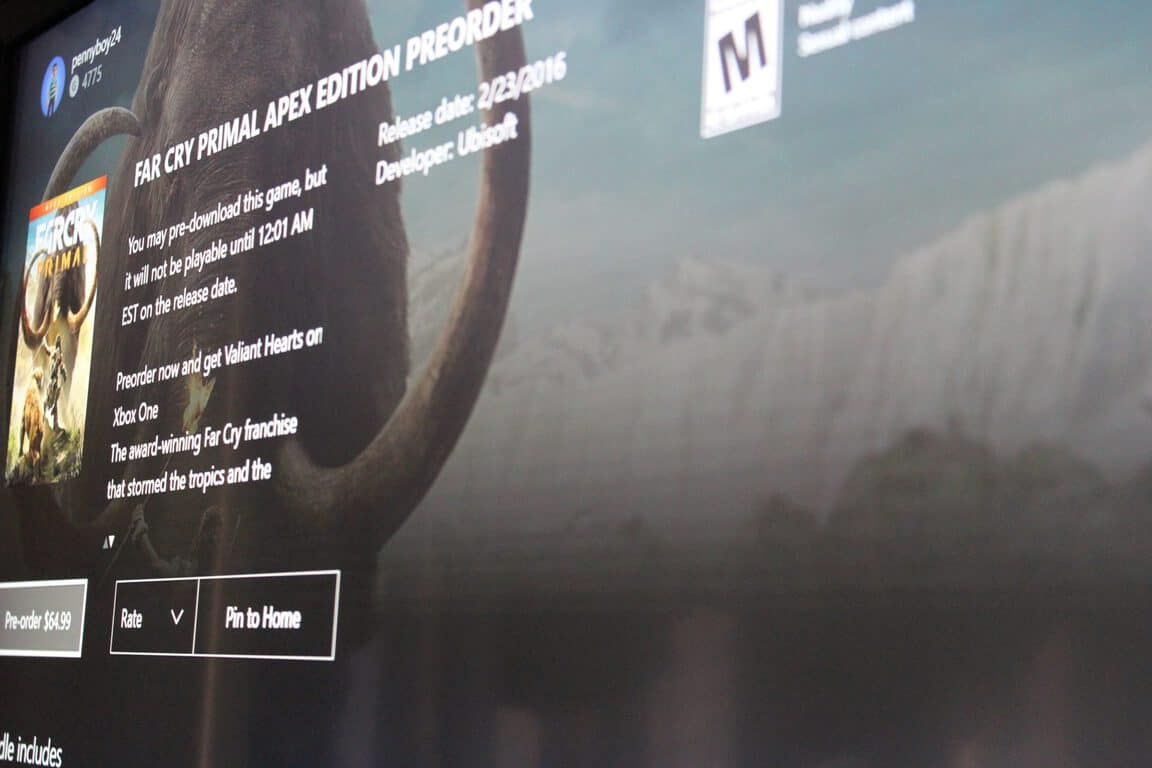
The number of games on Xbox One keeps growing and growing. Today, you can add a new game to the list, as Far Cry Primal is available for digital pre-order on Xbox One.
Two versions of Far Fry Primal are now are now up for pre-order grabs. The first is Far Cry Primal bundle, which includes Far Cry Primal, Legend of the Mammoth (3 extra missions) and Valiant Hearts. The second is the Far Cry Primal Apex Edition, which includes Far Cry Primal, 3 extra missions, Valiant Hearts + the Blood Shasti Club, and 4 enhancement packs.
The game is set in the Stone Age’s time of extreme danger and limitless adventure. As the last survivor of your hunting group, you will play and learn to craft a deadly arsenal, fend off fierce predators, and outsmart enemy tribes to conquer the land of Oros and become the Apex Predator.
The game is expected to release on February 23, 2016. You can download and pre-load the game before then, but you won’t be able to play until 12:01 AM PST & 3:01 EST on the release date.
The US presidential elections are taking place this year, and it’s a highly charged campaign already, with the first official milestone, the Iowa Caucuses, taking place last night. Ted Cruz narrowly bested Donald Trump in the Republican caucuses, and the Democratic caucuses were almost too close to call, with Hillary Clinton barely squeeking by Bernie Sanders. But the emotionally charged moments weren’t confined to just news about the candidates, and Microsoft’s name was pulled into the mix after a series of temporary outages cast some doubt, or at least some news cycles, on Microsoft’s involvement in the election process.
Caucus meetings are held in Iowa, one in each county, and collecting, counting, and reporting the results has been less than optimal in the past. Last June, Microsoft announced that it was stepping in to help, modernizing the vote collection process with Microsoft technologies, and providing those technologies to each of the political parties.
Iowa Caucus Republican results
That process came under fire recently when Democratic candidate Bernie Sanders questioned Microsoft’s involvement, perhaps because of significant campaign contributions made to Bill Clinton in past elections by Microsoft founder Bill Gates.
The Microsoft technologies, supplied by Interknowlogy, consisted of two parts; one, a system of collecting votes using apps, and the other, reporting the results via Democratic and Republican Iowa Caucus websites.
Iowa Caucus Democratic results
While there were at least some reports of the apps not working properly, Microsoft replied to a query from USA Today that the apps worked “without issue”.
There were, however, other problems with the reporting websites, which were down temporarily due apparently to volume, according to USA Today:
However national interest in the Iowa Caucuses overwhelmed the Democratic and Republican Party Iowa Caucus websites, which Microsoft was working to resolve, the company said.
A number of pundits (including yours truly) placed blame Microsoft for the outages, while others felt that the very brief outages were excusable. However, Microsoft, who placed their logo on the caucus websites, was already taking heat for being involved to begin with, and is taking at least a bit more heat now as the websites weren’t available for short, but critical times.
This election cycle is looking to be one of the most hotly contested in history, with a high degree of interest, and an even higher degree of scrutiny. Microsoft may not have failed in Iowa, but they didn’t come away unscathed, either.
Lego’s venture into the realm of video games really got off the ground with the first Lego Star Wars, so it’s only fitting that the newest blockbuster in the sci-fi franchise, Star Wars also gets the playing block treatment. After some leaks not too long ago, there is finally some concrete information regarding the release of the game, in the form of an appearance on the Xbox Store page and a new trailer, and from what we’ve seen of LEGO Star Wars: The Force Awakens, Star Wars has never looked better in LEGO.
The trailer is a lighthearted parody of the original Star Wars trailer (fitting since the game is a parody of the movie itself), sprinkling trademark LEGO humor into key moments. Characters from both sides, from main protagonists Rey and Finn, to beloved droid BB-8 and even gloomy Kylo Ren gets to be their ditzy blocky LEGO figure self, while being caught up in various funny situations.
As the third Star Wars-themed title in the LEGO game franchise after many different themed games based on popular media , the game incorporates all the goodness from previous LEGO titles, while adding some new mechanics in the form of Multi-Builds and Blaster Battle. Multi-Builds grants player the ability to build objects from LEGO parts, and break them up to build new objects. Blaster Battle will reportedly add cover-shooter-like gameplay to heated exchanges, though there is no information on what it will look like.
LEGO Star Wars: The Force Awakens looks set to be another fine addition to the popular LEGO video game franchise, and a worthy parody of its original masterpiece. The game will also get some exclusive content to bridge the story of Episode VI and VII, which should make it even more of an essential buy for Star Wars fans. The game will be releasing on June 28, 2016 on Xbox, with prices coming soon.
Xbox head Phil Spencer is often credited with turning around Microsoft’s Xbox business after a disastrous PR misstep, whose effect can still be felt in the console’s trailing behind its biggest competitor till this day. While Spencer is often seen on the big stage smiling and being excited, given the street cred of Microsoft’s old bosses, one cannot help but wonder: just how different is he back at work? Turns out, not much, as Xbox Games Marketing head Aaron Greenberg, has revealed to IGN in a new interview.
While the interview is not long (and rather entertaining), to save you the trouble, I have taken out important information from the video and make a list out of it. Without further ado, here is the real Phil Spencer, according to Aaron Greenberg:
He’s a Super Nice Guy
If what Greenberg says is true, Spencer might just be the nicest guy I know to work in the video games industry. He “never curses”, or at least, has never been heard to have cursed at work. Spencer’s so nice, in fact, that he refused to wear a button with the words “Ship happens”, made as a joke by the Xbox engineering team to celebrate the launch (heh, get it? “Ship” and, uh, you know what it is.) As Greenberg put it, Spencer has a high standard, which has garnered him respect from his colleagues. And his competitors too, it seems, given how he reportedly gets along with everyone from Sony to Nintendo
He’s very driven
Of course, Spencer’s high standard does not stop at verbal communication, it also shows in his work and vision. Characteristic of great leaders in any industry, the Xbox chief is always hunger to do more, achieve more, and is unyielding when it comes to doing business.
He has a great sense of humor
While no tales about the jokes Spencer would tell were shared, the point was driven home when Greenberg removed his Xbox sweatshirt to reveal the never-before-seen, fan-made T-shirt featuring a young Phil Spencer in a parody of “The Godfather”. Greenberg also some heartwarming joke from that shows just how comfortable colleagues are around Spencer.
Behold, “The Xboss.”
“There is only one Phil”
The above quote from Greenberg sums it up nicely: Phil Spencer is one and the same on and off-stage: cheerful, enthusiastic, and ambitious, a figure people can trust and “blindly follow into the future”.
“How many people have you worked for that people love so much they’ve actually made a T-shirt out of ’em?”
– Aaron Greenberg, Head of Xbox Games Marketing
Spencer is one of the champions of a new generation of Microsoft leaders with a different mindset and very different way of doing things, and the positive effect has been clearer by the day. “We love Phil”, Greenberg said, and I have to agree. It will be exciting to see how Spencer and his team will continue to develop the Xbox brand in the future.
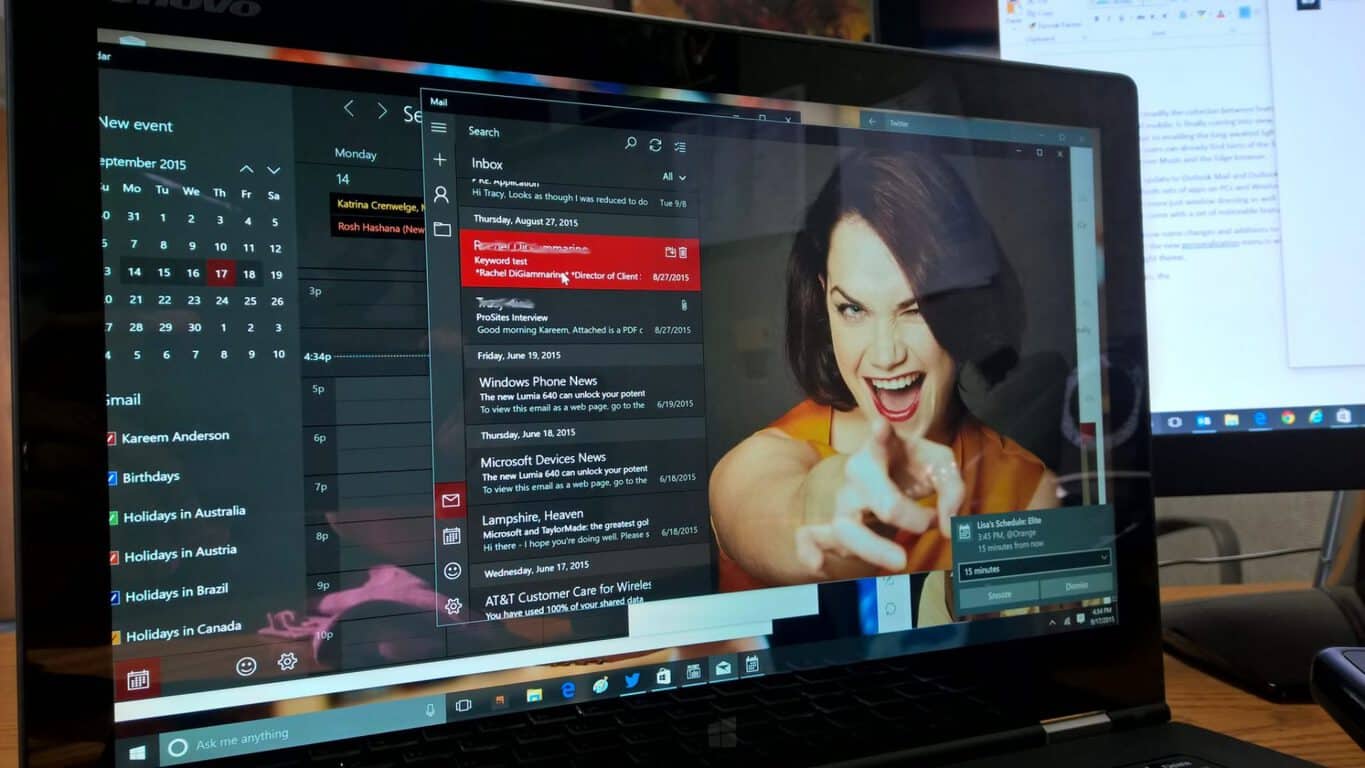
Microsoft has rolled out a new update to the Outlook Mail and Calendar app for Windows 10 today, bringing the features on-par with the app available for Windows Insiders. In this update, you can now mark your calendars with holidays, jump to any day of the year with Year view, and other improvements to both apps (first spotted by our friends at WindowsCentral).
Other improvements to the apps include agenda view showing the weather in addition to week view, the ability to group notifications in the Action center by account, and the ability to see the original email automatically during a reply without having to press to see more content. Email rendering as also received an improvement, fixing some issues with the way emails are displayed in the app.
For those that did not know, both apps have a “What’s New” category in the settings, revealing the following change log of the top new features added to both apps:
Link multiple inboxes together to view all of your email in one unified inbox.
Select and interact with many messages at once by using Select All and Shift+Select.
Right-click to empty deleted items and junk email folders.
Set a swipe to move to a custom folder
Search within a message directly in the reading pane
View email more easily with improved image scaling.
View your calendar in month view on mobile devices.
Mark your calendar with holidays
View an entire year at a glance with Year view
See organization’s contact information for email senders and recipients (for Exchange accounts only).
Keep in mind that Microsoft rolls out new features to these apps if you are a participant of the Windows Insider program. After a few weeks, these updates make it to the apps for those who are not in the Insider program. Many of these changes listed above have already been noticed by many of you, but for those who are not in the Insider program, grab the latest version of the Mail and Calendar apps below and experience what changes Microsoft has made over the past several months.
The new Windows 10 game, Hand of Fate, has been given a temporary discount of US$5 until February 15th on devices running Windows 10 (that includes Windows 10 Mobile) only. The game is a virtual card game of sorts that features the usual card game mechanics such as deck building and turn taking but also incorporates fully realised 3D models and roleplaying game-esque combat.
Players can unlock hundreds of special items, armor, and weapons while playing with all of the quests being advertised as being completely replayable.
Deckbuilding comes to life in Hand of Fate! An infinitely replayable series of quests – earn new cards, build your deck, then try to defeat it! Beyond the thirteen gates at the end of the world, the game of life and death is played. Draw your cards, play your hand, and discover your fate. Hand of Fate is a hybrid roguelike/action-RPG/deck builder, in which the player builds a set of cards into a deck, which is then used to deal out the dungeon floors through which they adventure. Upon entering a combat, all of the cards the player has collected fly into their hands as fully modeled 3D assets, and combat begins. Build your deck, enter the world of Hand of Fate, and prepare to face the Ace of Skulls.
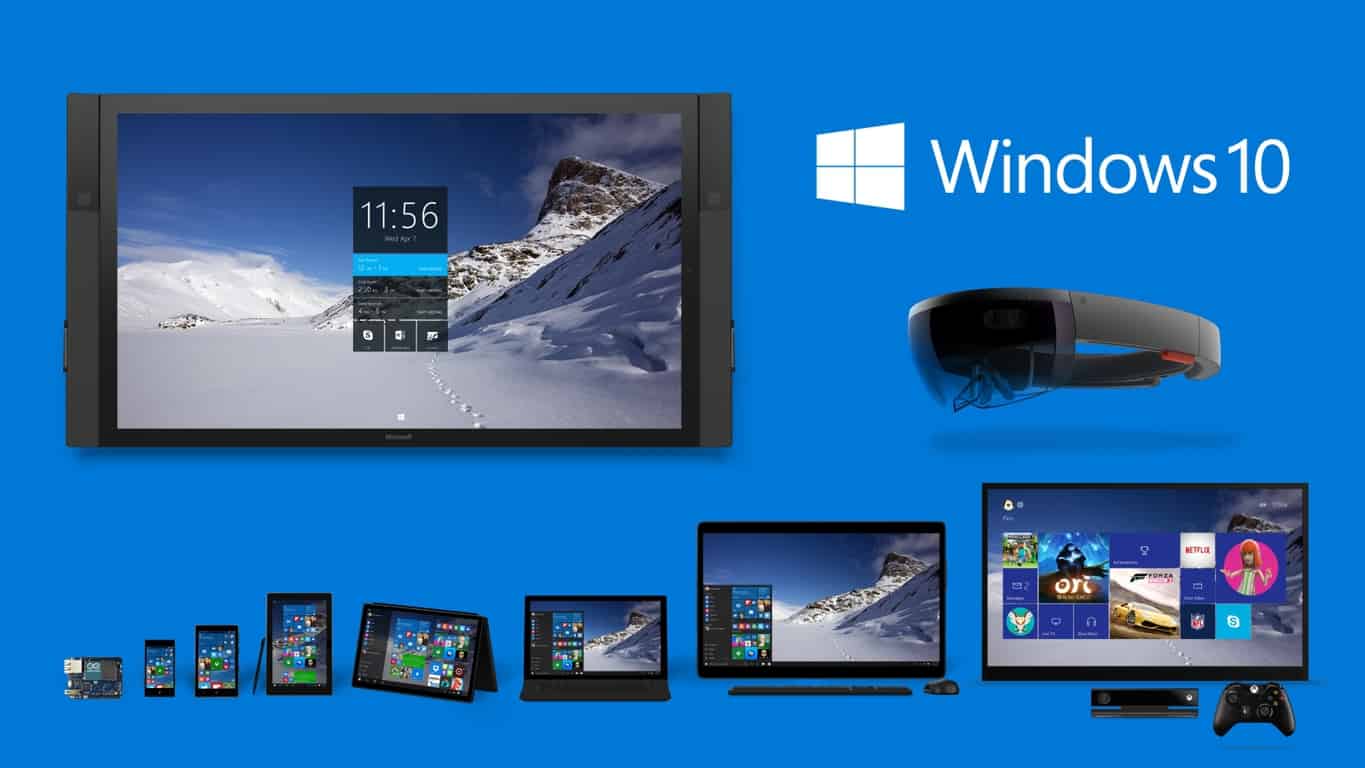
According to ZDnet, Microsoft is starting on its planned transition to pushing Windows 10 as a “recommended” upgrade within the Windows Update service on Windows 7 and 8.X machines.
“As we shared in late October on the Windows Blog, we are committed to making it easy for our Windows 7 and Windows 8.1 customers to upgrade to Windows 10. We updated the upgrade experience today to help our customers, who previously reserved their upgrade, schedule a time for their upgrade to take place,” said a company spokesperson.
While Windows Update will offer Windows 10 as a recommended upgrade, and go so far as to prep the upgrade for installation on machines with automatic updates turned on, users will still need to accept the upgrade before moving forward. They’ll have to keep doing so, however, as the update will continue to be offered, and so eventually many users might be compelled to just accept the update rather than fighting it off forever.
If you haven’t upgraded yet to Windows 10, remember that you only have until July 29, 2016, to take advantage of the completely free upgrade. Windows 10 does add some compelling features, along with improved security, and so it’s a worthy upgrade. Just keep in mind that your efforts to refuse the upgrade just got a bit more complicated.
Since Windows 10 launched publicly last July, the in-built Mail app for Windows 10, which acted as an early example of the new Universal Windows Platform, has seen numerous updates, bringing new usability and accessibility features to users. Favorites like linked inboxes have returned and migrated to desktops, but Microsoft notes some of the more essential improvements to the app in an official post on its MSDN blog.
Accessibility is key to reaching as many users and having them be able to take advantage of an app’s features, and Microsoft describes some of the ways its Mail app for Windows 10 is more accessible. The company writes that the Mail app is ideal for a simple interface for reading complex emails, as well as making navigation with a keyboard easier, with Enter moving between sections and Esc allowing users to go back from within an email to the email list.
Other accessiility tweaks and improvements include the inclusion of Narrator, Windows 10’s in-built screen reader. Microsoft continues to work actively with developers of third-party screen readers to better optimize them for Windows 10 and Mail. Some of the most recent improvements to Mail include:
– There is more predictable keyboard behavior so you always know where you are in the app.
– Navigation is more familiar. You can move to the content of an email using the Enter key instead of the F6 Key, and use the Escape key to move back to the message list.
– Reading mails with bullet points with Exchange accounts is more reliable when using a screen reader.
– We’ve worked on improving the names of items and information used by screen readers as you move around the mail app, so you have more information that you need and less that you do not.
– You can enjoy a more efficient reading experience for complex emails.
Microsoft also briefly discusses their plans going forward. The company hopes to continue to work with third-party screen reader developers to further optimize the platform, as well as working within their own apps to make the experience of setting up an account even simpler and more accessible. Complex email reading will also be a target area of improvement.
With Windows 10’s accessibility becoming not only a highlight but also a necessity for some users, Microsoft hopes to improve the experience of communication for all users. The work that Microsoft is putting into Windows 10’s Mail app demonstrates their ongoing commitment to making sure all users can effectively use Microsoft solutions going forward.
To address the growing number of small to midsize businesses (SMBs) looking for productivity solutions, Microsoft is now offering new services directed at helping customers with 50 to 149 seats in their company adopt Office 365. The service known as Microsoft FastTrack and was previously available for customers with over 150 seats in their company and is now being re-tooled to welcome businesses with fewer.
The Microsoft FastTrack service essentially provides resources such as dedicated engineers to assist companies and their Microsoft partners they work with, through the adoption, implementation and migration of Office 365. Beyond making the Microsoft FastTrack service more inclusive, the company is also “expanding its FY16 Adoption Offer to include Office 365 small business plans,” as well as adding payouts for customer deployments of 50 to 149 seats, bumping the company’s allotment numbers up a category.
Anecdotally, Microsoft partner and principal of Kamind IT Matt Katzer, explains the shift that he sees companies go through when adopting Google for Work and eventually transitioning over to Microsoft Office 365.
Companies tend to reach a breaking point with Google Apps around the 50-employee mark because it doesn’t provide the centralized management and security capabilities, nor the breadth of integrated collaboration tools, that Office 365 does.”
Further backing up Katzer’s observations is Ted Vu, a co-founder of beverage retailer Tastea, whose own experience mirrored a growing group of SMB’s. Vu began with Google Docs and other free software solutions but ultimately saw that his company wasn’t equipped for a growth scale while continue to use those products.
“We always knew we wanted to grow this business. We needed a trustworthy, scalable solution, and Office 365 is it.”
It seems that Microsoft isn’t so much losing ground to Google in SMB sector as much as it hasn’t been offering a viable enough solution to address Google’s inability to support growing companies. We’ll be keeping our eyes on how both Google and Microsoft mend and mold to the highly contested SMB market segment over the coming months and years.
OneNote is a great tool for teachers because it’s free and can be used on any device. With Office 365, OneNote Class Notebook makes it easy to create course materials, write notes, assign homework, grade homework, or share students’ work with other teachers or students’ parents. OneNote Class Notebook makes collaboration in the classroom easy. Here is a more in-depth video on how to use OneNote Class Notebook.
Sway is another free Windows 10 application that is best used for presentations. Whether it be in the classroom or in the office, Sway makes it quick and easy to create interactive reports, presentations, and interviews, and to share work with others for comments and suggestions. With Sway everyone in a group can see where everyone else is editing a project. Sway is also available online, on the iPhone, and iPad, making it a good solution for cross-platform teams. In short, Sway is a great tool that can be used by teachers or by students to bring presentations to life.
Here’s a video of a Sway collaborative project in action:
Office Online is another resource that students, teachers, and school administrators can take advantage to work on classroom projects, administrative projects, and is also helpful with school and classroom budgets. Word, Excel, and PowerPoint are all available for free online. For group projects, students working on the same document, image, or spreadsheet can create, share, and see what changes are being made in real-time. Teachers can track what students are contributing to the project and be able to see how students interact on projects.
As we all know, OneDrive is a great cloud-based option to save all of your documents in one place and access across any device you choose. OneDrive allows you to save documents and share them with individuals or groups with a simple link. Any document you edit on Office Online; Word, PowerPoint, Excel, or OneNote can be saved to OneDrive. On a team project, everyone can upload documents to OneDrive and be notified via email of any changes being made to the documents, files, or spreadsheets for the project and which team member made the changes.
Skype is evolving in the classroom in more ways than one. Skype was originally used to connect people for video calls, but in the classroom, it’s being reincarnated. Skype in the classroom is a new global teaching community, where teachers and students from across the globe can collaborate and share ideas. Students can hear guest speakers from other countries and even go on virtual field trips.
Teachers and students can see first-hand just how different cultures can be over Skype without ever leaving their classroom. Skype can also allow students to communicate even if they don’t speak the same language with Skype Translator. Skype also has a resource for teachers looking for ideas on what to teach their students with live Skype lessons. You can find hundreds or Skype lessons to share with your students or create your own.
With Office 365 and Office Online, a great number of tools and resources are available for teachers and students to learn, collaborate, and engage with others across the country and the world. Microsoft is constantly adding new features to OneNote, Sway, OneDrive, and Skype to make it easier to communicate and collaborate.
Bing has already offered it’s SuperBowl predictions to the world, but the Microsoft and NFL fun does not end there. SuperBowl 50 is now just days away, and Microsoft is offering you great and fun ways to keep up with football’s biggest event.
The fun begins with two ways for watching the Super Bowl live. Method one is the official NFL App, free in the Windows Store on Windows 10 devices. This app features Next Gen Stats and Next Gen Replays which show player speed and position on the field thanks to data collected though RFID chips in players shoulder pads.
If the NFL app is not to your liking, however, Microsoft is also offering the CBS Sports app for another ultimate Super Bowl experience. The CBS Sports app on Windows 10 and Xbox devices will be the only platforms where you can watch the game with multiple camera angles.
If watching football, or statistics or data are not to your liking, you can still have fun with Cortana’s fun NFL trivia games this week. Just ask Cortana “Guess the team” and she will give you a clue about an NFL team. Then, if you’re looking to impress friends and come across as a football historian at a Super Bowl Party, you can also use Cortana. Just ask Cortana “give me a Super Bowl fact” and Cortana will deliver you a random fact.
Cortana provides NFL trivia.
Microsoft stores in North Carolina, Denver and New York City are also taking part in the Super Bowl fun. You can put your football skills to the test in Microsoft Stores with Xbox Madden Tournaments on Saturday, Feb. 6. Lastly, Fans everywhere can get in on the fun with $20 off Madden NFL 16 for Xbox One and Xbox 360 at the more than 110 Microsoft stores and at microsoftstore.com.
Clearly, Microsoft wants you to have some fun on Windows 10 come Super Bowl Sunday. Make sure you download all of the relevant apps, and go root for whichever team you want to take home the championship.
Independent metrics firms are continuing to validate Microsoft’s most recent claim that Windows 10 is running on 200 million devices. Earlier this morning we reported that analytics firm NetMarketShare found Windows 10 was running on 13.1% of all Windows Devices. Impressively, the numbers also show January was Microsoft’s second largest one-month increase since Windows 10 was released.
Now, another analytics firm, StatCounter, is reporting that Windows 10 had a global usage share 13.7% for December (via Computer World). The number is up by 1.8%, making it the second largest single-month increase since September, according to StatCounter. The reason for a slight discrepancy between StatCounter and NetMarketShare’s numbers is because StatCounter’s metrics track activity rather than users.
Surface Book and Surface Pro 4
The news from independent analytics firms confirms that Windows 10’s adoption rate is picking up, undoubtedly in part due to the holiday season. It is certainly welcomed in Redmond as Yusuf Mehdi, Microsoft’s Corporate VP for Windows and Devices, posted early last month that “more that 200 million monthly active devices around the world running Windows 10.” The 200 million mark is an important milestone of its goal to have Windows 10 running on 1 billion devices in 2018; and reached the 20% mark in just about six months.
The reports by independent analytics firms do not go into detail as to why the numbers jumped up, but it is most likely due to two things. First, holiday sales of new Windows 10 Devices undoubtedly helped drive up Windows 10’s market share, as Microsoft itself is continuing to show increased revenue from its Surface division.
New Xbox One Experience
Second, the New Xbox One Experience update brought Windows 10 to Microsoft’s current generation gaming console. Since Microsoft doesn’t release the number of Xbox Ones sold, the most recent estimates by Electronic Arts has pegged that number at around 19 million consoles.
Now that it is confirmed Microsoft has reached 20% of their goal for Windows 10 to be on a billion devices, we’ll just have to wait to see what the technology company does to help reach the other 80%. With the free upgrade offer for Windows 10 set to expire this July, and Windows 10 Mobiles market share continuing to drop, Microsoft and its OEM partners have their work cut out for them to get 800 million more devices running Windows 10.
Microsoft took the developer (or at least the Windows ones) world by storm when it announces multiple “bridges” that allow developers of other platforms to port their apps more easily to Windows, two names from which stood out: Islandwood for iOS apps, and Astoria for Android.
While Islandwood continues to get attention and even has projects to show for it (think Candy Crush), Astoria seems to have been left on the wayside. The final nail in the coffin was when Microsoft removed the Android subsystem it has built into Windows 10 Mobile that allowed the OS to run Android apps via emulation.
Native Android apps on Windows seems a nigh impossible future, at least until now. A new discovery made in Windows 10 Redstone build 14251, which graced us with its presence not too long ago, may mean a very different course of action from Redmond.
The discovery was first made by tweeter @h0x0d, who found lxcore.sys and lxss.sys subsystems in Windows 10 build 14251. The naming convention is very similar to the Android subsystem from Project Astoria, ADSS.SYS. The “lx”, however, can only mean one thing: Linux.
It is very interesting to see a Linux subsystem being included in Windows 10, seeing how Android is just a fork of Linux made by Google. Sure enough, multiple speculations have been made regarding this mysterious appearance, from it being a part of new container support for Windows, to giving incentives to developers whose tools are solely available on Linux, to the hopeful universalization of Android apps, similar to how UWA currently works.
A discussion deeper in the tweet stream, however, has given the most likely explanation. Windows expert Alex Ionescu has revealed that a Unix-based subsystem has always been a part of Windows NT since the beginning. Windows 10 build 14251 is the first public “OneCore” release of Windows, and the subsystem’s appearance is simply one of the effect of Windows on Mobile, Xbox and Server convergence.
@h0x0d 14251 is the first public "OneCore"-built release. Hence Mobile+Xbox+Server all from one repository.
Nevertheless, he does not deny the possibility of native Linux app compatibility for Windows, which will make porting Android app for Windows much easier, thus a different approach to Project Astoria. What it means for the OS’s future, seeing how talks about Windows’ demise on mobile is again surfacing en masse following a mellow sales report from Microsoft, is not yet clear. We will be keeping an eye on this development, and update you once more information comes.
What if the future of data centers may be under the sea? At Microsoft, the team of researchers behind Project Natick think it is not a crazy idea, and they actually recently tested a prototype of a self-contained data center that can function hundreds of feet below the surface of the ocean.
Of course, Microsoft researchers had to run into many obstacles, including environmental concerns and unforeseen technical issues, but they think it’s all worth it because the rewards could be great.
Like all tech companies who run online services, Microsoft is always looking for ways to add more power to its cloud computing systems. The company is already managing more than 100 data centers around the globe, but building more data centers is a long and expensive task. So, Microsoft researchers wanted to solve this problem and design a new type of data centers that could be deployed faster: according to the team, if the company could mass produce these news undersea data centers, they could shorten the deployment from two years to just 90 days.
This breakthrough could also bring many environmental benefits: first of all, remind that data centers need a lot of energy to power your Internet needs. They also need to be cooled, either by air-conditioning or liquid cooling. So, putting data centers undersea could fix that expensive problem, plus the sea could also be used to generate renewable electricity, either via a turbine or a tidal energy system.
Microsoft also explains that these Natick data centers could be used for at least 20 years, with 5-year redeployment cycles, before having to be retrieved and recycled.
And what about customer benefits? According to Microsoft researchers, these undersea data centers could be more efficient if they’re installed closer to big urban centers, as that can guarantee lower delays and latency for your favorite Internet services.
As many things could go wrong with such a breakthrough project, Microsoft researchers monitored the prototype container with cameras and various sensors to record data like temperature, humidity, the amount of power being used for the system, etc. Norm Whitaker, head of special projects for Microsoft Research NExT, explains: “The bottom line is that in one day this thing was deployed, hooked up and running. Then everyone is back here, controlling it remotely. A wild ocean adventure turned out to be a regular day at the office. This is speculative technology, in the sense that if it turns out to be a good idea, it will instantly change the economics of this business. There are lots of moving parts, lots of planning that goes into this. This is more a tool that we can make available to data center partners. In a difficult situation, they could turn to this and use it.”
Project Natick is still currently at the research stage, as the team is thinking about the project’s next phase, which could include a vessel four times the size of the current prototype with as much as 20 times the compute power.
We’re always amazed to see Microsoft execute on great ideas, and we can’t wait to see how Microsoft will take this project to the next level! If you want to know more about Project Natick, don’t hesitate to check the dedicated website.
Surfacegate. That’s the name that has been given to an issue with Microsoft’s Surface tablets, many of which have been malfunctioning recently.
The problems, according to many Surface users, are extensive and widespread, with many owners — of both the Surface Book and Surface Pro — reporting issues such as flickering screens, battery drain, and general unreliability for day-to-day tasks.
In a statement, a Microsoft spokesperson said that addressing the issues with the Surface is “a top priority for us.” A message that was hidden away in a support forum announcement.
However, a recent update addressed none of the original issues that users have put forward, and many people who are usually friends of Microsoft — from bloggers to pundits to customers — have compared the saga to Apple’s now-notorious issues with the iPhone 4.
So what’s going on?
One theory is this: Microsoft is, by and large, a software company which puts making hardware in second place. Just as with Apple and software, things that come in second place are usually not as good as everything else.
Microsoft recently released Windows 10, which has not experienced any big lapses in security or reliability in the past six months. This is, essentially, because Microsoft’s bread and butter is software, not hardware, and the company is good at it.
However, making hardware is hard and that’s not something that is often appreciated, especially when Apple is so good at it. Of the hundreds of millions of iPhones, iPads, Apple TVs, and Macs that ship yearly, very few have issues. Of course, it’s unfair to say Microsoft’s Surface issues are systematic, but the feeling among users is that there are too many problems for a device that starts at $1,499.
Last quarter, Microsoft reported the highest ever amount of revenue from Surface — $1.4 billion — it has ever made, pushing the device into the territory of being a serious business within the company.
Over the past five years, the Surface has evolved from being a niche, small-time player and has become a tablet that predicted a industry-wide shift towards 2-in-1 devices over laptops. That’s right: Microsoft, with the Surface, has created a hardware trend that even Apple has followed with the 12.9-inch iPad Pro.
But anyone who buys the iPad Pro will not most likely experience the kind of issues that a Surface owner will experience and this is important. Anyone who spends upwards of $1,000 on a tablet or laptop wants it to work all the time, not some of the time.
Business Insider’s review unit, for example, had to be returned twice during testing. Anecdotally, I tried out the Surface Pro 4 and had to return it — twice — because it broke both times. I’m sure there are plenty of other stories about returned Surface tablets and laptops, mainly due to reliability issues.
With any other product, the issues would not be a problem. But it’s the Surface, the most expensive and most visible Windows device the company makes and, as such, it is bought by the people Microsoft wants to make the happiest: True, hardcore Microsoft fans.
When Microsoft bloggers brought the issue to light, many of the comments agreed with the experiences or issues that were brought forth. Anyone who reads a Microsoft blog or news site must, by definition, have an interest in Microsoft and for so many hardcore fans to feel the same way — to go as far as comparing it to one of Apple’s biggest failures — is a big potential problem for the company.
Microsoft may now be a cloud company first-and-foremost, but it also makes hardware and it needs to make sure that hardware is good and can be used rather than arriving, working for a day, and then breaking down.
One of Microsoft’s other device lines, Lumia handsets, are on the way out, much to the disagreement of the handsets (limited) fans. However, this is a potential bright spot for Microsoft as, even in the face of declining sales, the company is rumoured to be working on a new handset, named Surface Phone. It remains to be seen, however, if the Phone has the same reliability issues as the tablets.
Of course, Microsoft isn’t alone in having these problems. Google, another primarily-software company, recently released the Pixel C tablet — a 10-inch Android tablet — and had various problems with hardware quality right off the bat.
A review from AandTech, one of the most thorough hardware testing websites around, found that the Pixel C had problems pairing the hardware and software successfully which, while not the Surface’s exact problem, represent how hard it is to make good hardware.
The tablet, released in November last year, “has stability issues that [we] can’t believe exist on such an expensive tablet with both the hardware and software designed by the same company,” wrote Brandon Chester and Joshua Ho, who co-reviewed the Pixel C.
The Surface Book manufacturing process.
One of the key complaints is over the handling of the Surface’s issues.
Rather than being upfront about them, as Apple was during “Antennagate,” the company has ummed and arred, choosing to release vague blog posts and hidden press statements rather than getting on stage and saying, “We are aware and are going to fix.”
One suggestion would be for Microsoft to simply put an executive — maybe Panos Panay, the man in charge of the Surface — on stage to explain the issues, why they are happening, and how Microsoft is working to fix them, to owners. During “Antennagate,” Apple put Steve Jobs on stage.
[pullquote align=”full” cite=”” link=”” color=”” class=”” size=””]Microsoft should treat customers like they matter, not like beta testers[/pullquote]
This simple bit of communication is what Microsoft lacks and, after the actual issues, is likely what annoys Surface owners the most. Having a problem is fine — especially as hardware is difficult — but not addressing that problem quickly, succinctly, and thoroughly creates even more problems and leaves Microsoft’s biggest fans out in the cold and, moreover, annoyed with the company.
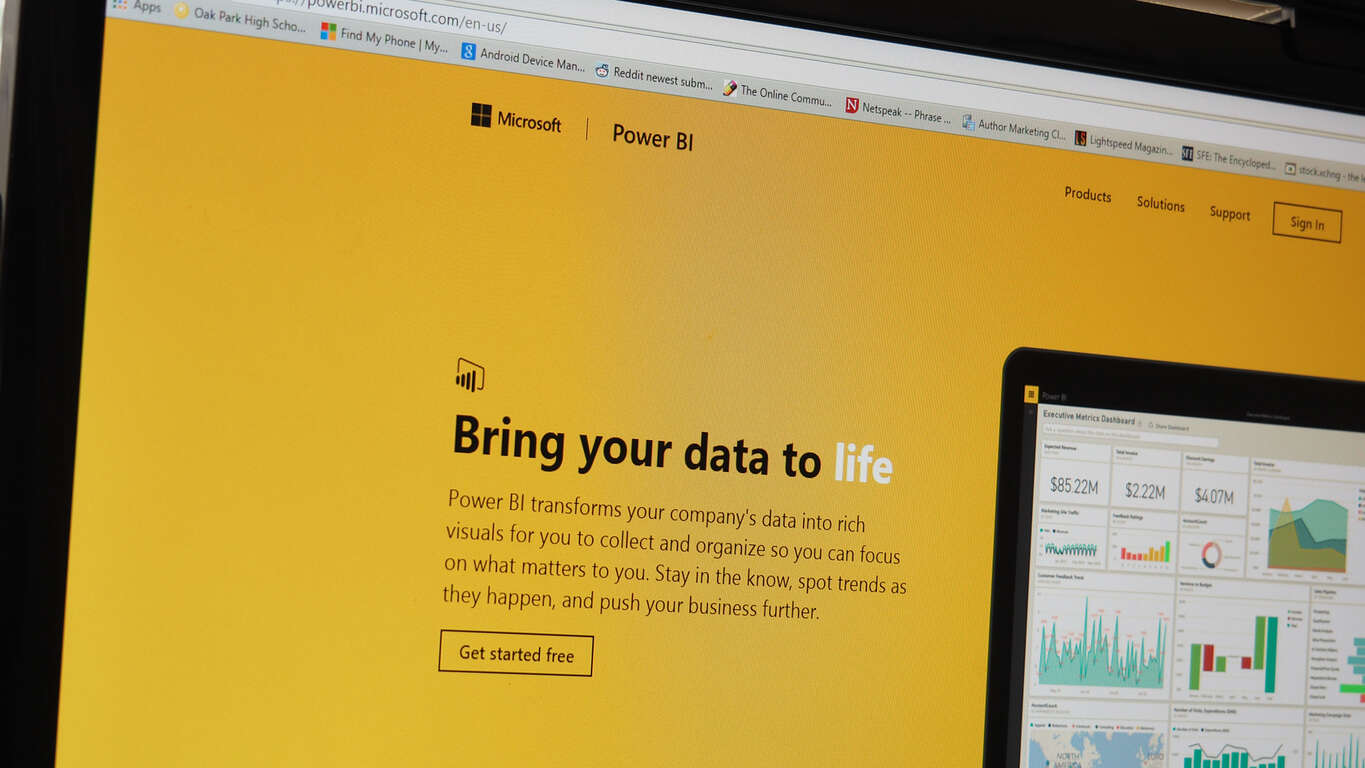
The first-ever Microsoft Data Insights Summit (MDIS) is set to be held March 22-23, 2016 in Bellevue, WA. Microsoft Excel and Power BI teams will be on-hand to share their thoughts on industry trends and advice on Excel and Power BI best practices. There will be a number of guest speakers at MDIS, including Microsoft company veterans and industry experts.
Nate Silver, founder of FiveThirtyEight, is one featured speaker at MDIS and he will share his thoughts on data-based predictions. FiveThirtyEight was formed in 2008 by Silver, and is named for the number of electors in the US electoral college (538). Silver was quite successful in previous presidential elections, where he successfully predicted the results of the election primaries and presidential winner in 49 states. In 2012, Silver correctly predicted the presidential winner in all 50 states.
Silver will be joined by other speakers, including Rob Collie, a former Microsoft engineer behind Power Pivot and Power Pivot’s cloud service. Collie left Microsoft in 2010, to start PowerPivotPro, a training and consulting firm. Now, Collie is the leading Power BI expert in the industry. Check out the full list of MDIS speakers here.
In addition to the speakers, there will be a number of Microsoft Excel and Power BI experts on hand to field any questions you may have; there will be “Ask the Experts” sessions, training workshops, and product capability sessions available for anyone interested.
It’s no secret that Microsoft’s Surface Pro 4 and Surface Book devices, while universally praised as innovative and well-designed machines, suffer from some firmware and display driver issues. The inability to enter Intel’s Skylake’s deeper sleep states, poor battery life when sleeping, display driver crashes, and other issues are confirmed by users and Microsoft alike.
One of the most frustrating bugs suffered by Surface Pro 4 users right now is the “black screen after sleep” problem. Basically, when a Surface Pro 4 is woken from whatever sleep state it manages to enter, the screen sometimes remains off and no combination of pressing and prodding will force it to turn back on. You can tell the machine is actually awake and active because the Windows Hello infrared light turns on and starts scanning.
Fortunately, there’s an easy solution as long as you have your Type Cover handy. What seems to be happening is that the display driver forgets that it’s using the local screen and tries to project to a non-existent external display. The solution in this case is fairly simple:
When the screen is black but the infrared light is on, hit the Win+P combination once.
Wait a few seconds, then hit the Win+P combination again. You’re simply cycling through screen projection options.
After a second or so, the screen should turn on and you should see the “Project” bar on the right side. Bang, you’re back in business.
If your Type Cover isn’t available, then you’ll have to force the Surface Pro 4 to shut down. A longer term solution is also available, but it’s a bit more complicated and intrusive: you can also manually install the Intel HD reference drivers from 12/22/2015 and the issue shouldn’t recur (and you might get better sleep performance as well), but you’ll be out of sync with Microsoft’s official drivers and those Intel drivers cause some issues of their own.
To install the Intel drivers, you’ll need to download and unzip them, and then do the following (this is all easier in desktop mode than tablet mode):
Open Control Panel > Device Manager
Expand “Display adapters”
Right-click on the Intel HD Graphics 520 device, select “Update Driver Software”
Select “Browse my computer for driver software”
Select “Let me pick from a list of device drivers on my computer”
Click “Have Disk…”
Browse to your unzipped drivers, navigate to the Graphics folder
Select “igdlh64.inf” and click “Open”
Follow the rest of the prompts. You may or may not have to reboot your system.
Again, installing the reference Intel HD drivers overcomes some of the current issues, but causes other problems. However, until Microsoft releases new firmware and display drivers that resolve these issues, the Intel drivers do result in a slightly improved experience. As always, do this at your own risk, and if you can live with the poor sleep support and occasional black screens, then sticking with the stock Microsoft drivers isn’t a terrible idea.
Fenice, for those that did not know, is a 3rd-party Twitter app for Windows 10 desktop and Windows 10 Mobile (it’s a Universal app). Fenice is known for having regular updates to its app and each update typically comes with a laundry list of improvements and fixes. In the latest update to the app, Windows Hello support has been added allowing you to enable this form of authentication during the app’s startup. Super cool feature! You can snag the updated app from the download link below.
Here are the improvements for the Windows 10 desktop app:
- Interactive and highlighted mentions, hashtags and links in the mainpage
- You can now enable Windows Hello authentication at the startup
- Notifications with user profile picture and image preview
- You can now set the tweet page to open in a separate window
- New button to go to the lists page quickly
- Improved streaming error handling
- You can now delete saved searches in the new search page
- You can now enable auto translate in the extended tweet page
- New button to restart streaming when we detect it has stopped
- We now clear the live tile when you dismiss a notification
- You can now set the app to show "open in Giradischi" when a media is available [BETA]
- Fixes crashes in some pages
- Now the edit list flyout shows the description correctly
- Fixes an issue that could have resulted in list taking more time than expected to load
- Improved background agent reliability
- Fixes context menu in the search page
Here are the improvements for the Windows 10 Mobile app:
- Interactive and highlighted mentions, hashtags and links in the mainpage
- Notifications with user profile picture and image preview
- You can now enable Windows Hello authentication at the startup
- Improved streaming error handling
- You can now delete saved searches in the new search page
- You can now enable auto translate in the extended tweet page
- We now clear the live tile when you dismiss a notification
- You can now set the app to show "open in Giradischi" when a media is available [BETA]
- Fixes crashes in some pages
- Now the edit list flyout shows the description correctly
- Fixes an issue that could have resulted in list taking more time than expected to load
- Improved background agent reliability
- Fixes context menu in the search page
Rudy Huyn, the man behind several popular Windows Phone apps, has released a new update to 6tin for Windows 10 adding support for GIFs. 6tin is a popular 3rd-party Tinder client and was recently made a Universal Windows 10 app, meaning it works on both your desktop and mobile device.
6tin has been bumped to version 3.1.1 adding the ability to search and send GIFs. You can snag the app from the download link below. 6tin recently received the ability to receive GIFs, like messages, and upload a new profile picture.
Oh, and another cool thing about the 6tin app for Windows 10? It has features that even the official Tinder app on Android doesn’t have yet!
I just learnt that GIF, liked messages and profile image upload are not available on the android app #firstOnWindows10
Announced today is a new partnership for Microsoft and their efforts for worldwide philanthropy. To continue with their campaign Upgrade Your World, Microsoft has partnered with a new organization by the the name of Global Citizen.
Global Citizen is a non-profit organization with the goal to end the three main points of climate change, extreme poverty, injustice and equality. Along with 193 governments, Global Citizen has set out with a 17-point plan, called Global Goals, covering areas of the three main points for reform.
Global Citizens, Global Goals Campaign
For the month of January, Microsoft has teamed up with Global Citizen with their Upgrade Your World initiative to help the goal of ending extreme poverty by 2030.
To launch this partnership, Global Citizen teamed up with Windows and Microsoft Philanthropies, to host a meeting at the Microsoft Loft Space (inside the flagship Microsoft Store) in New York, to bring to attention the efforts of the organization and place the spotlight on Global Goals. Many industry leaders and advocates attended a discussion on the importance of technology in making these goals a reality. From the use of smartphones, computers, tablets to cloud connectivity, the discussion covered the rapid integration of technology having a positive effect on the reaching the goals of Global Citizens.
Alongside Microsoft’s partnership for ending extreme poverty, they will contribute to areas of Global Citizens, Global Goals where their impact can be most useful. Those areas include:
“Ensuring inclusive and equitable quality education and promoting lifelong learning opportunities for all.” Technology will play a key role in transforming education through innovative teaching methods, adaptive curriculum and interactive learning experiences. Moreover, increasing access and standardizing computer science education for all youth will spur innovation in emerging and developed markets across the globe.
“Promote sustained, inclusive and sustainable economic growth, full and productive employment and decent work for all.” Productivity services, mobile technology and cloud services will expand economic opportunity, create jobs and support business growth.
Around the launch of Windows 10, Microsoft started an initiative to tackle many issues across the globe and to call for reform, which included areas like health, poverty, hunger, and equality. This campaign is called Upgrade Your World and is known for its hashtag across Microsoft marketing and events. Upgrade Your World has partnered with non-profit organizations making real efforts to help change world issues, such as The Malala Fund, Keep a Child Alive, and Hour of Code.
By helping with this latest organization, Microsoft is continuing to move forward with its initiative to Upgrade Your World and bring to attention many areas that can be addressed through the use of partnerships, technology, and philanthropy. Do you think this partnership has a positive effect on this goal being reached? Let us know in the comments.
Well, Microsoft may still have its work cut out for it in convincing mobile-focused developers to look in Windows 10’s direction, but at least the folks developing Tweeten are looking to modernize their app for the Windows desktop.
The new Tweeten App isn’t a modern app in the same respect as a Universal Windows app, but it has undergone a modernizing transformation that helps to highlight how aged the original TweetDeck interface can look in comparison. Previously, Tweeten developers were seeking eager Twitter users to help test the app through a beta program that required an email sign up and confirmation process. Now it seems Tweeten is in open beta for users to download right now and comes in traditional 32 and 64-bit variations.
The new app, while not remarkably different that the original Twitter solution TweetDeck, does come with some modern-looking design tweaks and features for Windows desktop. New user-facing adjustments include keyboard shortcuts, adjustable column sizes and video streaming directly from within the app, as well as light and dark theme options that will help compliment other ‘modern’ Windows apps.
As the folks at Windows Central point out, Tweeten app developers seem committed to the continued development of the app with a promise to deliver more features in the future.
As this is a beta, some features are missing currently. We aren’t delivering a Light theme for the app right now – however, we are planning to release an update which will bring the Light theme sometime soon. Additionally, don’t be surprised to see some bugs here and there as this is a beta release.”
While the Windows 10 desktop experience may be lacking regarding the presence of more popular social media and mobile first apps, users would be hard press to find the Twitter experience anything but robust. With other Twitter options such as the official Windows 10 Twitter app, Tweetium, Fenice for Twitter, Aerise and Tweet It! for Windows all delivering pleasant experiences, Windows users have more than their fair share of apps to choose.