
Parallels: MacBook Neo Runs Windows 11 Apps Smoothly, Struggles on Heavy Workloads


 2 min. read
  Published on
Apple’s MacBook Neo has become a hot topic online among those looking for a budget-friendly laptop. If you have been wondering whether Apple’s entry-level MacBook can handle Windows 11 apps, Parallels Desktop may have just provided the much-needed answer. For those unaware, Parallels is one of the most popular apps for virtualization on macOS.
Parallels says the MacBook Neo can run Windows 11 apps
Last week, Windows Central reported that Parallels Desktop developers confirmed the MacBook Neo can run Windows 11 apps, but warned that 8GB of RAM may not be enough for heavy workloads. After initial compatibility checks, the company has published performance insights, and the results are a bit mixed.
According to the developers, Parallels Desktop runs Windows 11 smoothly on the MacBook Neo through virtualization. In fact, the company claims the device delivers around 20% higher single-core CPU performance compared to a Dell Pro 14 running Windows 11 natively with Intel’s Core Ultra 5 235U chip (via Windows Central).
That sounds impressive on paper, especially given Apple silicon’s strong single-core performance. However, multi-core performance is reportedly around 40% lower, largely due to the six-core setup and virtualization overhead.
Graphics performance is also affected, with the company noting that GPU performance is roughly 50% lower, which makes the MacBook Neo a poor fit for demanding workloads like 3D rendering or CAD applications.
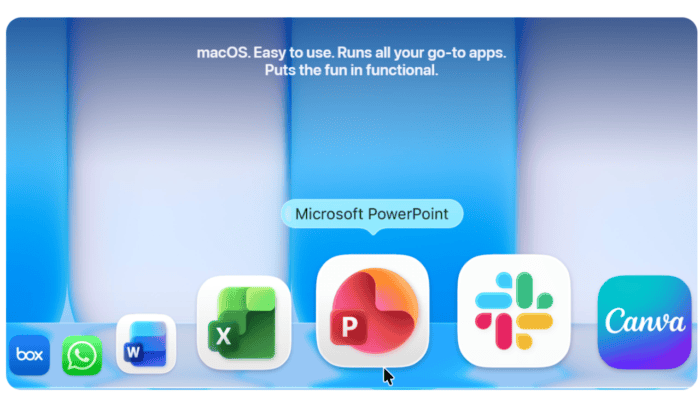
In terms of real-world use, MacBook Neo is decent for productivity software, as Microsoft Office, email, and web apps appear to run fine. In fact, Apple has showcased this by adding Microsoft Office apps in its recent promotional video.
Speaking of heavier workflows or apps that rely on strong multi-core performance, Parallels Desktop suggests MacBook Neo may struggle. That’s mostly because of the amount of memory Apple offers in its entry-level MacBook.
While the base 8GB unified memory works, Parallels Desktop suggests 16GB or more is required for a smoother experience, especially when running macOS and Windows together. The MacBook Neo’s passive cooling system may also throttle performance under sustained load.
While MacBook Neo can handle light Windows 11 apps, it won’t be able to replace modern PCs, especially when it comes to heavy workloads.

Read our disclosure page to find out how can you help Windows Report sustain the editorial team. Read more



Improve this guide




User forum
0 messages