
PowerToys Latest Update Adds a New Dock and Rebuilds Keyboard Manager Tools


 2 min. read
  Published on
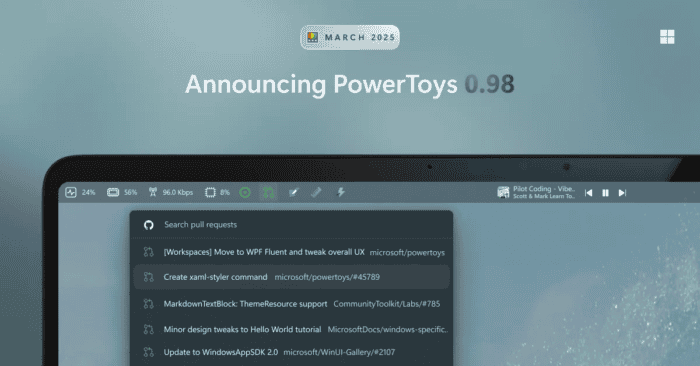
Microsoft just released PowerToys 0.98, and it brings some highly requested updates to the popular utility suite. If you spend time customizing your Windows setup, this release has a few new things you will want to check out. The main highlight is a brand new visual extension called the Command Palette Dock.
Alongside that addition, the company has rebuilt the Keyboard Manager from the ground up and tweaked CursorWrap to handle multiple monitors much better.
A unified look for the keyboard manager
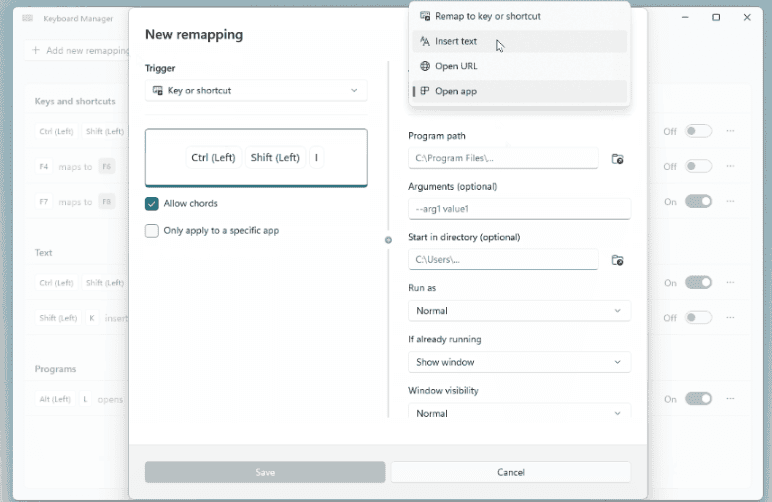
The Keyboard Manager has a completely rebuilt interface. Instead of jumping between separate windows, you now get a single screen to handle all your single key and shortcut remappings. You can also toggle specific remappings on or off without having to delete them entirely. It is still in preview, so you have to enable the new editor in your settings, but your old shortcuts will carry over without any issues.
Pin your favorite tools with the command palette dock
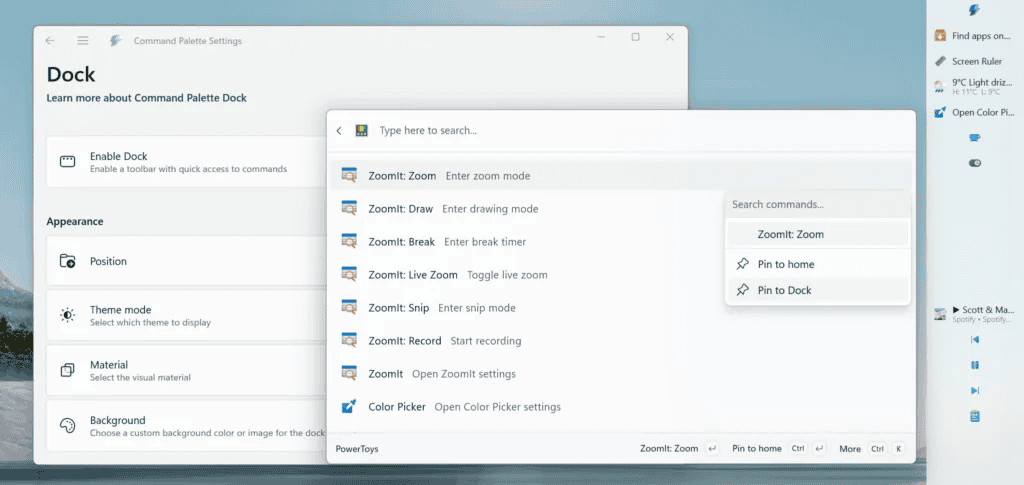
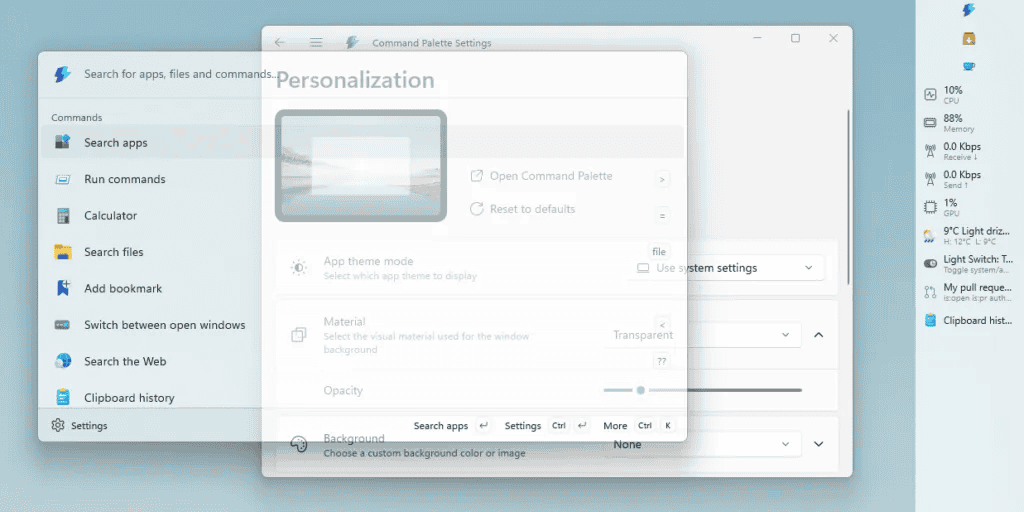
Command Palette now features an optional dock that stays visible on your screen. You can pin the dock to the top, bottom, left, or right edges of your display. It gives you quick access to your most-used commands and extensions. You can right click items in the palette to pin them, and rearrange the dock to fit your daily workflow. The palette itself is also faster now and includes new window transparency options. It’s worth mentioning that a recent PowerToys update fixed some Command Palette issues.
Smarter cursorwrap for multi-monitor setups
CursorWrap just got a rewrite to make it more reliable if you use multiple screens. The underlying engine now understands complex monitor layouts much better. You also get new activation options. For example, you can set CursorWrap to only trigger when you hold the Control or Shift key. You can also disable it entirely if you unplug your extra monitors and only have a single screen connected.
Extra tools get small quality-of-life updates
Other smaller changes include an update to Always on Top. You can now right click a window title bar to pin it to your screen. You can also adjust the transparency of those pinned windows with a quick keyboard shortcut. ZoomIt also received a new video editor to help you trim screen recordings.
Via Neowin


Read our disclosure page to find out how can you help Windows Report sustain the editorial team. Read more



Improve this guide




User forum
0 messages