
SharePoint Online Gets New Toggle to Remove Annoying Permalinks


 2 min. read
  Published on
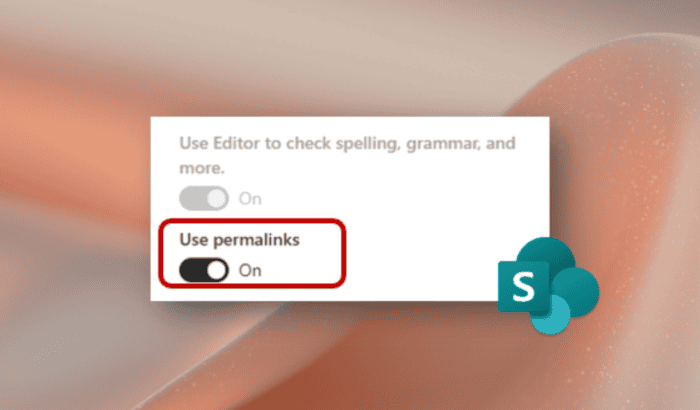
Microsoft is rolling out another quality-of-life improvement for SharePoint Online. Following repeated feedback from organizations using assistive technologies, the company has unveiled a new option that lets admins decide whether heading permalinks should appear across SharePoint pages.
Microsoft is giving SharePoint admins more control
For years, SharePoint has automatically displayed permalinks beside page headings, making it easy for users to copy direct links to specific sections of lengthy documents, onboarding guides, and internal knowledge bases. While useful for collaboration, the feature has also created an accessibility concern for many organizations.
Microsoft says customers relying on screen readers and keyboard-only navigation reported that every permalink introduced another tab stop while moving through a page. On documents containing dozens of headings, that meant users often had to tab through a long series of unnecessary controls before reaching the content they actually wanted.
Instead of removing the feature altogether, Microsoft is now giving organizations the choice. A new “Use permalinks” setting has been added to SharePoint Online, allowing administrators or site owners to enable or disable heading permalinks depending on their accessibility requirements.
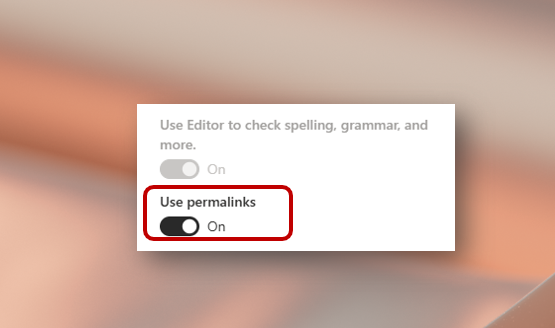
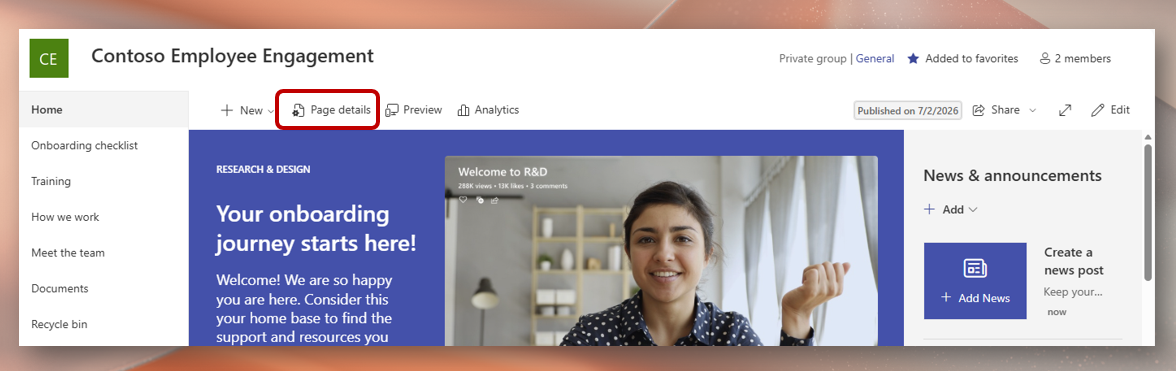
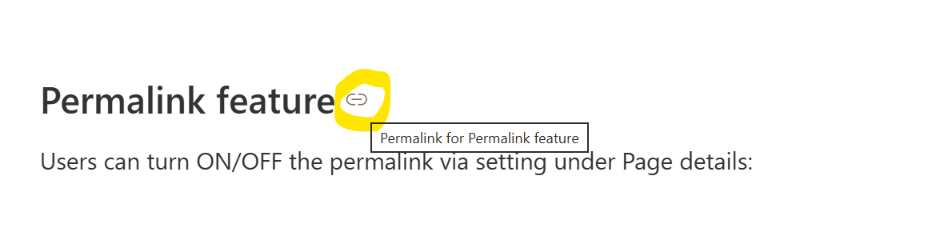
Image credit: Microsoft
When the option is turned off, permalink controls disappear from heading sections, reducing extra keyboard navigation and creating a cleaner experience for users who depend on assistive technologies. Organizations that regularly share deep links inside documentation can still leave the feature enabled if it better suits their workflow.
Rolling out now for enterprise customers
The new setting can be accessed through Page details inside a SharePoint Online page, where administrators can toggle Use permalinks on or off in just a few clicks. Microsoft says the update is now rolling out to SharePoint Online customers with enterprise tenant accounts.

Read our disclosure page to find out how can you help Windows Report sustain the editorial team. Read more



Improve this guide



User forum
0 messages