
Spotify DJ Not Working? 4 Ways to Fix it


 4 min. read
  Published on

You open Spotify expecting DJ to take over your playlist, only to find that the Spotify DJ not working.
The good news is that this does not necessarily mean there is anything wrong with your account, and in this guide we’ll show you how to fix this issue.
What can I do if Spotify DJ is not working?
1. Check whether Spotify DJ is available on your account
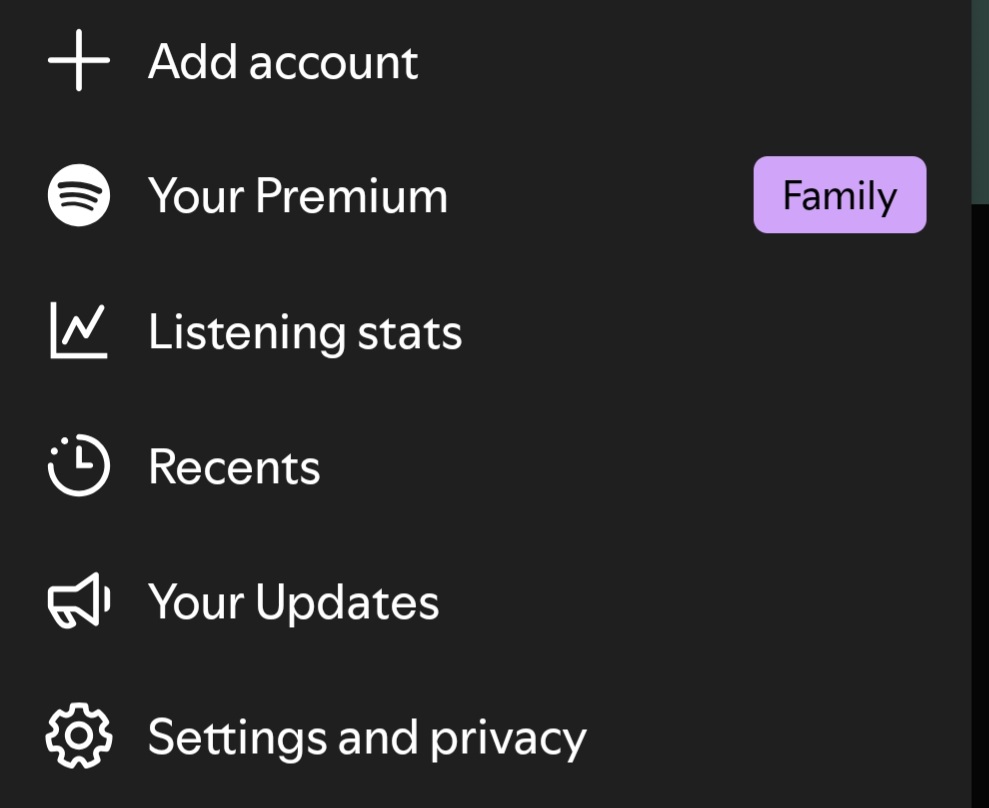
Spotify DJ is available to Premium users, but availability can also depend on your market and Spotify’s ongoing feature rollout. Some DJ functionality may additionally vary by language and region.
Try the following checks:
- Make sure you are signed in to the correct Spotify account.
- Confirm that your Premium subscription is active.
- Search for DJ directly in Spotify instead of relying on the button appearing on the Home screen.
- Open Search, type DJ, and select the DJ result.
- If you recently changed countries or regions, check the country listed on your Spotify account.
If DJ is completely missing, do not immediately assume the app is broken. Feature availability can differ between markets and accounts.
2. Force Spotify DJ to reload
DJ can sometimes become stuck even when normal Spotify playback continues to work.
- Completely close Spotify.
- Remove it from your recent apps.
- Reopen Spotify and wait a few seconds.
- Search for DJ again.
- Start DJ and give it time to load before skipping tracks.
- If possible, test DJ on another device using the same Spotify account.
Keep in mind that some users reported that Spotify app is not opening for them, but we have a separate guide addressing this.
3. Update Spotify
An outdated version of Spotify can cause individual features to behave differently or stop working correctly.
- Open the App Store or Google Play Store.
- Search for Spotify.
- Install any available update.
- Restart your phone.
- Open Spotify and test DJ again.
If you are already using the latest version, reinstalling Spotify may also help. Make sure you know your login details before doing so.
4. Check your internet connection
Spotify DJ requires an active internet connection to generate and stream recommendations.
- Switch from Wi-Fi to mobile data.
- If you are using mobile data, try Wi-Fi instead.

- Temporarily disable any VPN.
- Restart your router if other Spotify features are also having problems.
- Play a regular playlist to compare its behavior with DJ.
If normal Spotify playback works while DJ alone fails, the problem may be specific to the DJ service rather than your internet connection.
That’s all we have for fixing Spotify DJ not working. Start with the simplest checks, including confirming your Premium eligibility, searching for DJ manually, updating Spotify, and testing another internet connection.
This is not the only issue users have reported. Some have also experienced Spotify not responding or problems with Spotify search, which we cover in separate guides.
FAQs regarding Spotify
1. Is Spotify currently down, or is it just me?
Spotify’s official status page currently reports its systems as operational. If normal Spotify playback works while DJ does not, the issue is more likely to be specific to the DJ feature.
2. Will clearing data or reinstalling Spotify delete my account?
No. Reinstalling Spotify does not delete your account. However, you may need to download your offline music again afterward.
3. Why does Spotify DJ work on Wi-Fi but not cellular data?
A network restriction, VPN, carrier setting, weak cellular connection, or data-related issue could interfere with DJ. Testing another connection is one of the quickest ways to narrow down the cause.
4. How long does Spotify usually take to fix server-side bugs?
There is no fixed timeframe. Some problems may be resolved quickly, while others can take several days or longer depending on their cause and scope.
5. What if none of these fixes work?
Check Spotify’s ongoing issues page and Community discussions before repeatedly changing settings or reinstalling the app. Spotify recommends checking its ongoing-issues board for known problems affecting the service.

Read our disclosure page to find out how can you help Windows Report sustain the editorial team. Read more



Improve this guide



User forum
0 messages