
Teams Update Brings Custom Consent Messages for Meeting Recordings


 2 min. read
  Published on
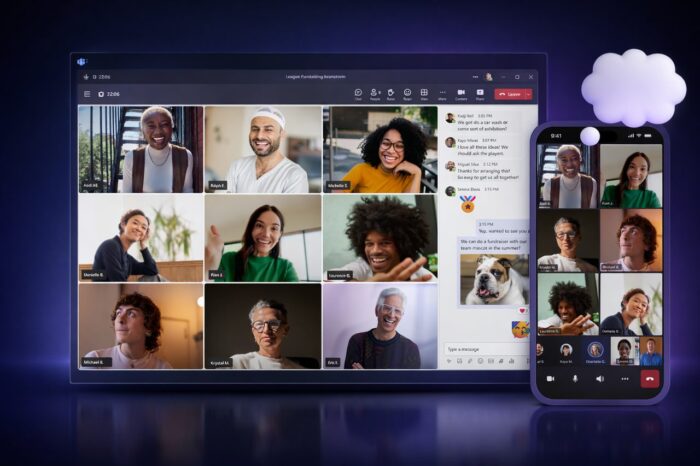
Microsoft continues to refine Microsoft Teams, and the company announced that it is rolling out a new option that lets IT admins customize recording and transcription notification messages to match internal privacy policies and regional legal rules.
The update allows organizations to replace Teams’ default consent language with custom text and custom privacy links, configured per meeting policy. Once enabled, Teams shows these tailored messages to all participants whenever recording or transcription features turn on, helping companies standardize consent language across meetings.
Custom consent messages improve legal clarity in meetings
Admins can define custom strings of up to 200 characters for both implicit notification banners and explicit consent dialogs. If a specific language or scenario lacks a custom message, Teams automatically falls back to the default notification text to avoid gaps in disclosure.
Microsoft designed the feature for organizations that work with external clients or partners and need precise legal wording before sessions can be recorded. The change aims to deliver a more professional and transparent experience, especially in regulated industries or cross-border meetings.
IT teams can apply the setting through the Teams Admin Center by uploading a formatted CSV file. Policies then govern which meetings display the customized notices, ensuring consistent behavior across departments or regions.
Microsoft started rolling out the feature earlier this month, with availability beginning in January 2026. The company expects full rollout across all standard and GCC environments by the end of the month.
Beyond recording notifications, Microsoft has also unlocked several premium Teams features for Enterprise users at no extra cost, continuing a broader push to modernize Teams alongside recent additions such as Brand Impersonation Protection and the removal of the legacy calendar.
Via Neowin

Read our disclosure page to find out how can you help Windows Report sustain the editorial team. Read more



Improve this guide


User forum
0 messages