
Weather Network App Not Working: Quick Fix Guide


 2 min. read
  Published on
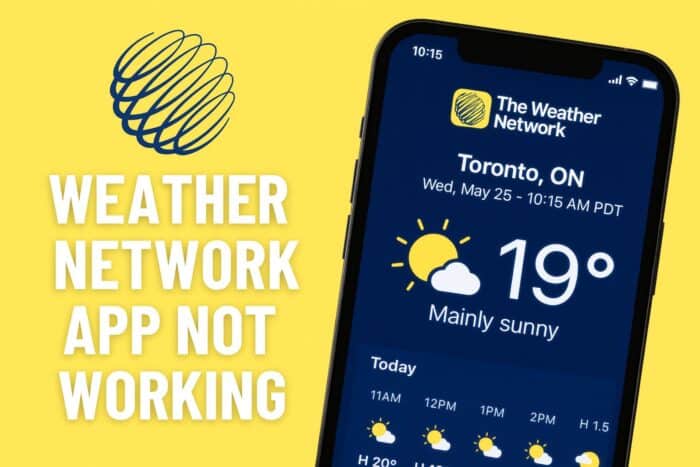
If the Weather Network app is not working on your phone, it can be annoying if you just want to check the forecast. Here are some quick fixes to get it running again.
What can I do if Weather Network app not working?
Table of contents
1. Check your internet connection
- Make sure Wi Fi or mobile data is turned on.
- Test another app or open a website to confirm the connection works.
- If your signal is weak, move to a better spot or switch networks.
- Toggle airplane mode on and off to refresh the connection.

- Restart your router if you are using Wi Fi at home.
2. Restart the app
- Open your phone’s recent apps menu.
- Swipe the Weather Network app away to close it.
- Wait a moment, then reopen it.
- Check if the forecast updates properly.
3. Clear app cache and data
- On Android, go to Settings.
- Tap Apps or Application Manager, then select the Weather Network app.
- Tap Storage.
- Clear cache. If it still does not work, choose Clear data to reset the app.

- On iPhone, you may need to uninstall and reinstall instead.
4. Update the app
- Open the App Store on iOS or the Play Store on Android.
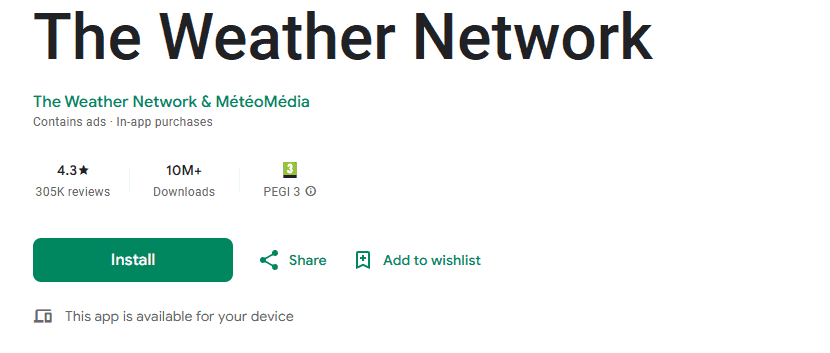
- Search for Weather Network.
- If you see an Update button, tap it.
- Launch the app again to see if the issue is fixed.
5. Reinstall the app
- Uninstall the Weather Network app from your phone.
- Restart your device to clear any temporary glitches.
- Open the App Store or Play Store.
- Download and install the app again.
- Sign in and check if the weather data loads correctly.
If the Weather Network app is still not working after these steps, the problem may be related to your device or system updates. We have a full guide on how to fix the Weather app live tile not working on Windows 10 and another one that shows what to do if the Windows 11 weather taskbar is not showing.
For those using a browser version instead of the mobile app, follow our step by step guide to fix Wundermap not working in Chrome and get the weather map updating again.

Read our disclosure page to find out how can you help Windows Report sustain the editorial team. Read more



Improve this guide



User forum
0 messages