
Windows 10 Extended Security Updates (ESU): Price, Deadline, Eligibility & How to Enroll
You can enroll in ESU any time until the program ends on October 13, 2026


 2 min. read
  Published on
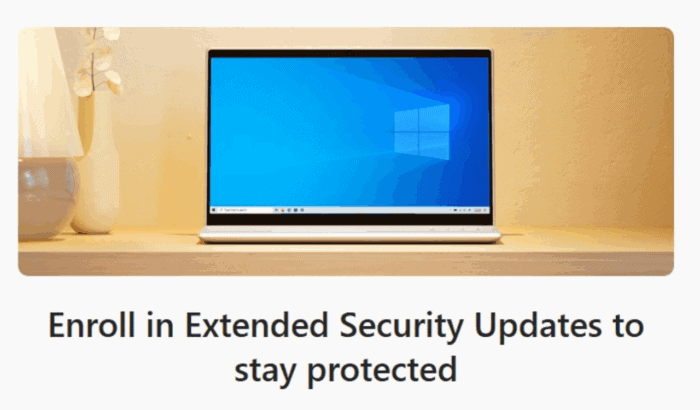
Windows 10 reaches its end of life today, and users have a lot of questions to understand their pathway forward. First things first, if you want to stay on Windows 10 after today, you must enroll in the Extended Security Updates (ESU) program to keep your device safe from vulnerabilities. Now that you are here, we are assuming you have questions about the Windows 10 ESU enrollment deadline.
As you may know, the ESU program will cover Windows 10 PCs until October 13, 2026. While there’s no fixed “one-time” enrollment day, you can’t enroll after the ESU program ends. That’s because, once Microsoft stops issuing security updates after the aforementioned date, enrolling later would serve no purpose. While you can enroll in ESU any time until the program ends, it’s best to do it now to get the most out of it.
Who Can Enroll in Windows 10 ESU Program & What’s Required
- Anyone who has their PCs running Windows 10 version 22H2 with the latest cumulative updates can enroll in the ESU program.
- You need administrative privileges to activate ESU.
- A Microsoft account (MSA) is mandatory for all ESU enrollment options, even for paid plans. Local-only accounts are no longer accepted.
- For users in the European Economic Area (EEA), Microsoft recently made ESU free, removing the prior requirement to sync PC settings to the cloud or use Microsoft Rewards, though account sign-in every 60 days is required.
How to Enroll in Windows 10 ESU Enrollment & Price
Microsoft offers multiple ways to enroll in the Windows 10 ESU program:
- Free consumer option (for personal users):
- Sync PC settings via Windows Backup
- Redeem 1,000 Microsoft Rewards points
- Paid option: $30 USD per device for one year (outside EEA)
- Organizations/commercial users: $61 per device per year, renewable up to three years.
For the uninitiated, ESU enrollment is done through a built-in ESU enrollment wizard in Windows Settings (under “Update & Security”).
What Windows 10 ESU Covers and What It Doesn’t
- ESU only includes critical security updates, no feature updates, bug fixes, or design changes beyond what’s strictly needed for security.
- Technical support from Microsoft for issues beyond ESU isn’t included; you’ll need a separate support plan if you require help.
- The ESU license is tied to your Microsoft account and can cover up to 10 devices under that account.

Read our disclosure page to find out how can you help Windows Report sustain the editorial team. Read more



Improve this guide



User forum
0 messages