
Windows 11 Settings May Soon Let You Update Apps Without Microsoft Store
The ability to uninstall Store-managed apps from the Store’s library page is also being tested


 2 min. read
  Published on
Windows 11 may soon give users a more direct way to manage app updates without relying on the Microsoft Store. As reported by Windows Central, a new “App updates” page has quietly appeared in the latest Insider preview build. It’s reportedly visible inside the Apps section of the Settings app.
From the looks of it, the feature checks for all the app updates available and includes a “Check for updates” button for installed apps. But its purpose is bigger than it seems. Per the report, the feature is still in early stages, as the update doesn’t work yet in testing, and only shows automated checks.

That said, many third-party apps you install outside the Microsoft Store still need manual updates. So, it’s not a permanent solution, but surely an upgrade for Windows 11 users who rely on Microsoft Store apps, if rolled out to the masses.
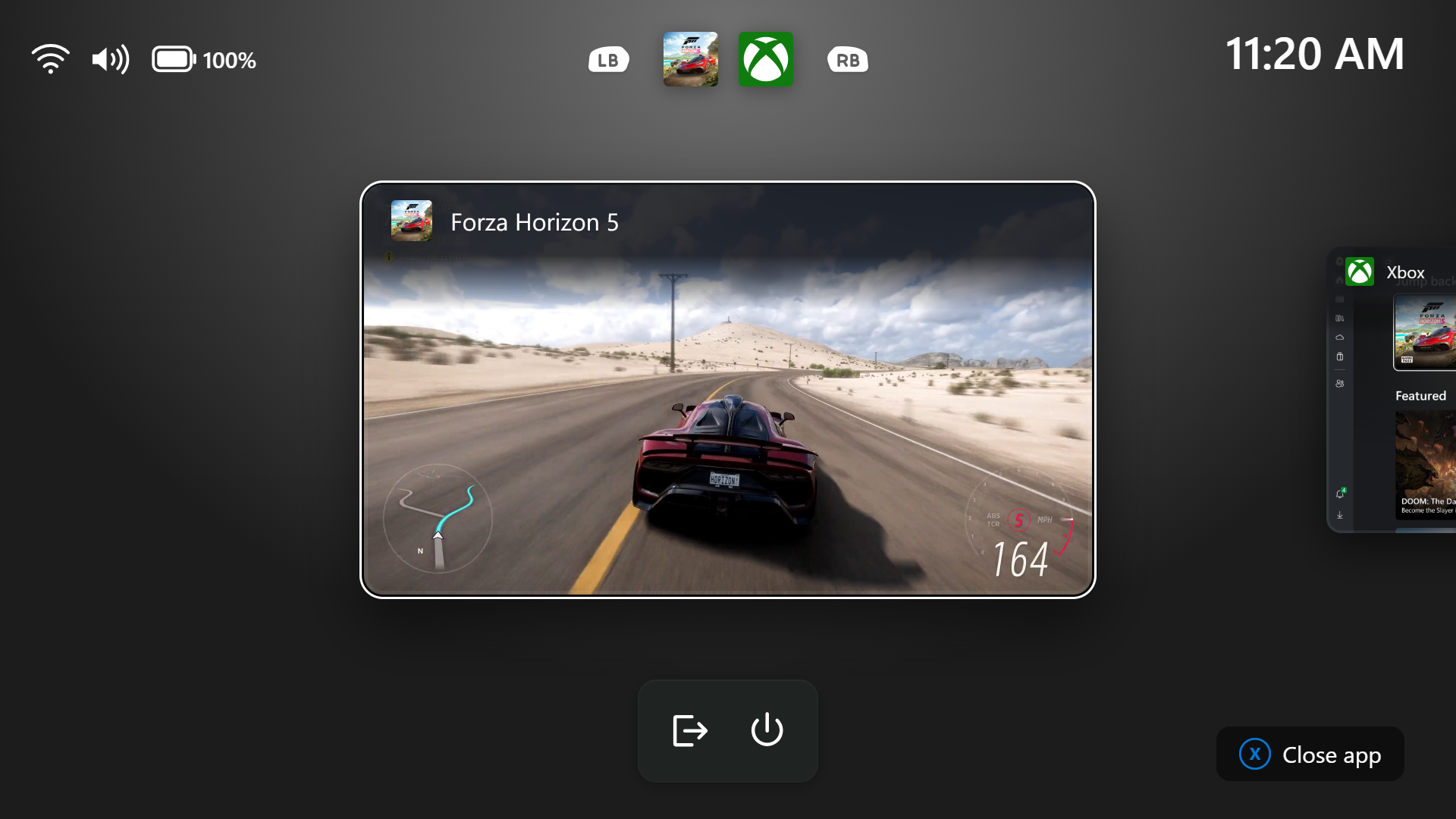
That’s not all, gamers using the Xbox Full Screen Experience may also benefit from this change. That’s because when the gaming mode is enabled, there’s no way you can access the Microsoft Store. With the new option popping up inside the Settings app, gamers could keep apps updated without leaving the gaming mode.
Windows has long lacked a unified location for OS and app updates. While this doesn’t fully merge the two, it finally places both under the same Settings roof, so that’s a good thing to say the least. Not to forget, Microsoft is also testing the ability to uninstall Store-managed apps directly from the Store’s library page. You can read more about it here.

Read our disclosure page to find out how can you help Windows Report sustain the editorial team. Read more



Improve this guide

User forum
0 messages