
How to See Wi-Fi Password as QR Code on Windows 11
This can be done from the Settings app


 2 min. read
  Updated on
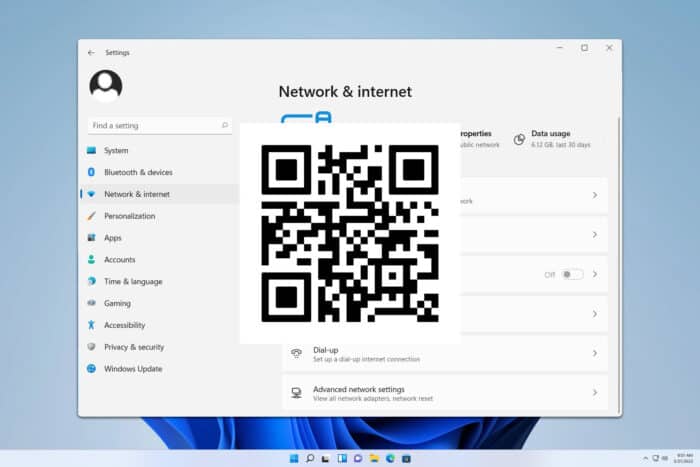
Did you know that you can share the Wi-Fi password as a QR code on Windows 11? That’s right, this feature is now available, and it’s easier to use than you think.
How can I see the Wi-Fi QR code in Windows 11?
Use the Settings app
- Press the Windows key + I to open the Settings app.
- Next, select Networks & internet and go to Wi-Fi.

- Select your current Wi-Fi network.

- Now click on the Show button next to the Wi-Fi network password.

- Scan the QR code with your phone to connect to the network.

How do I find my Wi-Fi password on Windows 11?
To find your Wi-Fi password, you just have to view your network connection settings. We have a whole guide that explains how to view saved Wi-Fi passwords on Windows 11, so don’t hesitate to check it out.
As you can see, it’s pretty simple to share your Wi-Fi password as a QR code on Windows 11, and all that you have to do is visit your network settings to reveal it.
If you want to learn more about Wi-Fi networks, we have a great guide on how to connect to Wi-Fi without a password.
Before you leave, don’t miss our guide on how to change your Wi-Fi password on Windows 11 for more useful information.

Read our disclosure page to find out how can you help Windows Report sustain the editorial team. Read more



Improve this guide

User forum
0 messages