
Chrome may bring real-time Safe Browsing protection to Incognito and Guest mode
Chrome already protects users from dangerous websites, but Google is working to extend real-time checks to private browsing.


 2 min. read
 Published on
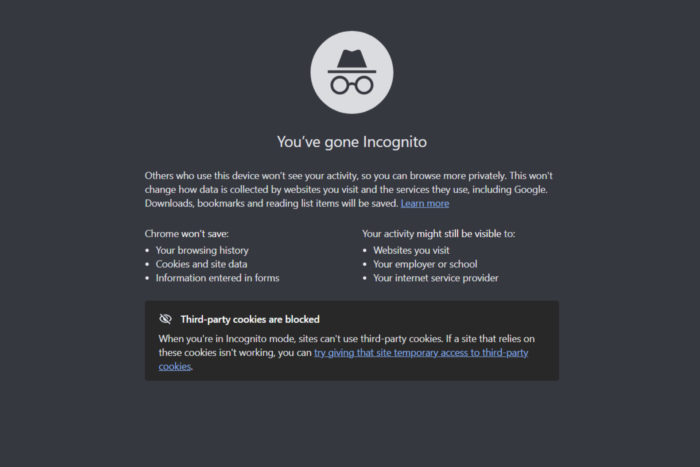
Google is working on extending Chrome‘s real-time Safe Browsing protection to Incognito and Guest mode, so users can get better protection against dangerous websites even when browsing privately.
Chrome already checks websites against Google’s Safe Browsing service to warn users about phishing pages, malware, and other online threats. When you use the browser normally, Chrome checks website addresses against a list of known dangerous sites stored on your device. It can also perform real-time checks to catch websites that Google has recently identified as dangerous.
However, Incognito browsing doesn’t currently get the same real-time checking in all situations. According to Google’s documentation, Chrome can fall back to checking websites against its locally stored list of unsafe sites when you’re browsing in Incognito mode.
That could change with a new Chromium development spotted by Windows Report.
Google is working on enabling real-time website safety checks in Incognito and Guest mode. This means Chrome could check websites against Google’s latest threat information during private browsing sessions instead of relying only on the list stored on your device.
The change covers both Standard Protection and Enhanced Protection users. Standard Protection is Chrome’s default security setting, while Enhanced Protection offers additional safeguards against potentially dangerous websites, downloads, and extensions.
Google is also making sure that the change doesn’t cause Incognito-specific security information to remain on your device. For example, temporary security key updates triggered during an Incognito session stay in memory and aren’t saved to disk.
The feature is still under development and is disabled by default behind an experimental Chrome flag. Google hasn’t announced when it plans to make it available to users.


Read our disclosure page to find out how can you help Windows Report sustain the editorial team. Read more


Improve this guide



User forum
0 messages