
Microsoft Edge for Android Now Supports Custom Themes with Wallpapers While Chrome Users Still Wait
Microsoft Edge quietly rolls out browser themes to help Android users personalize Edge.


 3 min. read
  Published on
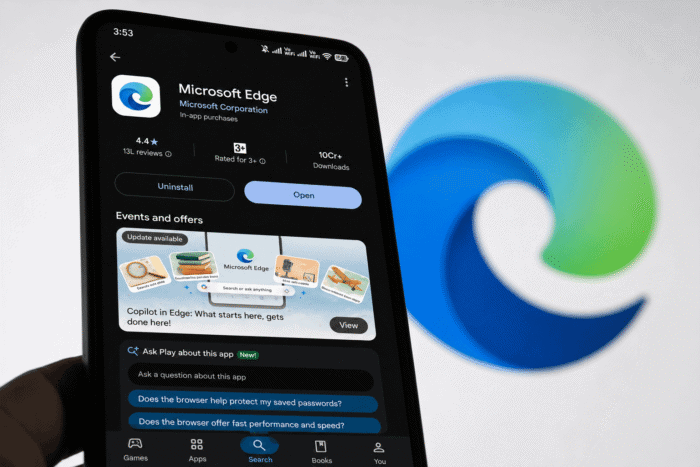
Microsoft Edge on Android just got a whole lot more personal. If you’ve been updating your browser lately, you might’ve noticed something new in Settings: an “Apply theme (Beta)” section that lets you customize Edge with wallpapers and color schemes.
This isn’t just another dark mode toggle. We’re talking full-blown themes that transform how your browser looks.
What’s New in Edge Android
Edge already had the basics: Light, Dark, and System themes. But this new feature goes way beyond flipping between light and dark. First spotted by Windows Report, now you can pick complete visual overhauls that change the entire browser’s personality.
The theme gallery includes wallpapers across different vibes: nature scenes, illustrated artwork, animals, fantasy art, and even Minecraft-themed designs. You can also choose from color palettes in blue, green, orange, pink, and purple variants. A live preview at the top shows exactly how your selected theme will look before you commit, and there’s a “reset to default” option if you change your mind.
Edge Themes: Where to Find It
- Open Edge on your Android phone
- Head to Settings → Appearance
- Look for “Apply theme (Beta).”
- Browse the gallery, preview, and tap to apply
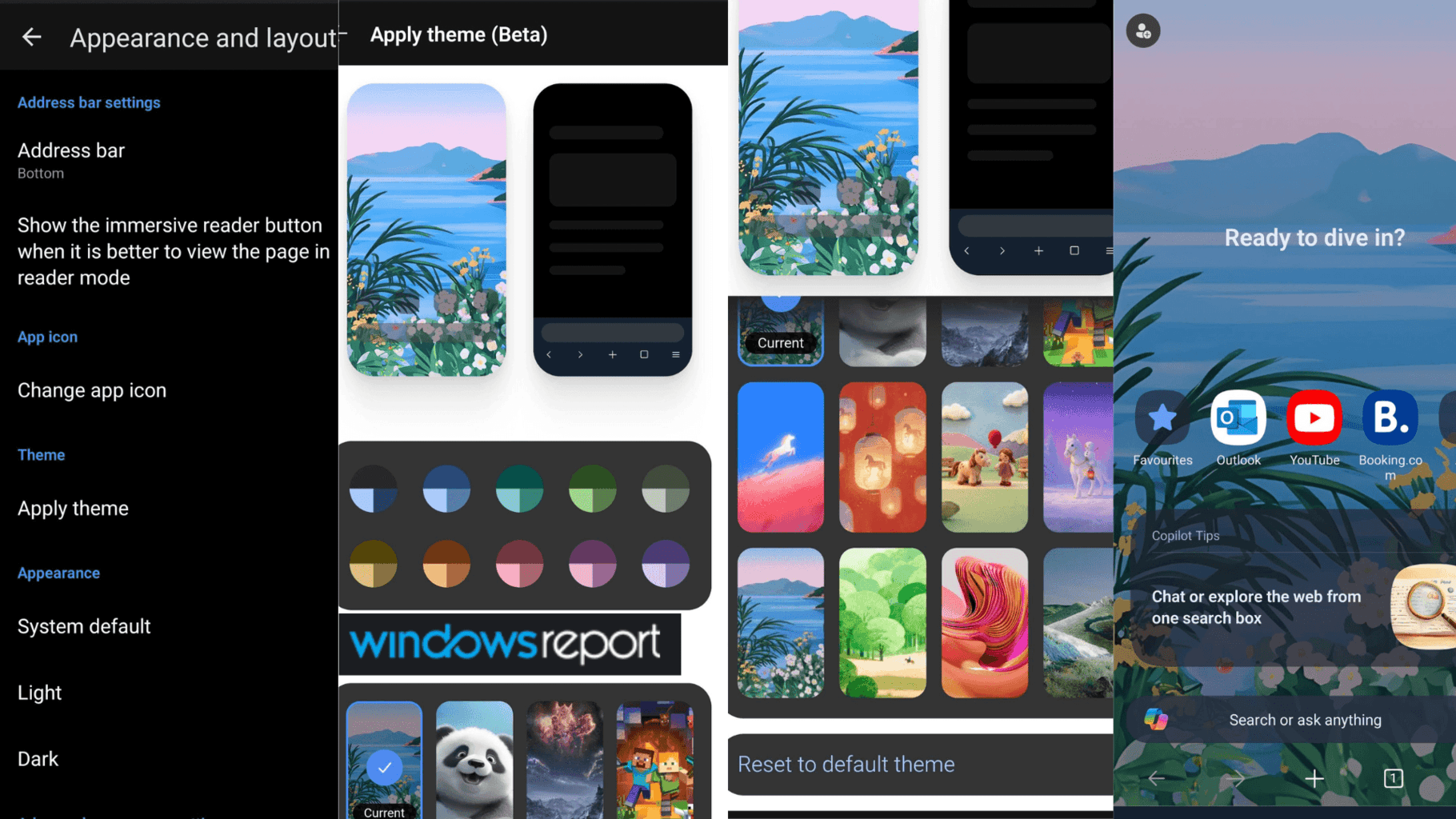
The Beta label means Microsoft is still refining things, but the feature already feels pretty complete with a solid selection of wallpapers and colors to play with.
This joins other appearance controls Edge already has, including Light, Dark, and System themes, forcing dark mode on websites, moving the address bar to the top or bottom, and installing extensions. Edge for Android has full extension support, and add-ons like Dark Reader give you even more control over how websites look while browsing.
What About Chrome?
Want to try it? You can download Microsoft Edge for Android from the Play Store here.
Microsoft has been keeping busy with Edge lately. The company is testing new agentic AI controls in Edge for Business, has confirmed that Edge will no longer load saved passwords into memory on startup for better security, and is facing backlash over the removal of Collections and sidebar apps.


Read our disclosure page to find out how can you help Windows Report sustain the editorial team. Read more



Improve this guide



User forum
0 messages