
Lenovo Vantage is Lagging: How to Stop it in 2 Steps
Reinstalling the app can help with this problem


 2 min. read
  Updated on
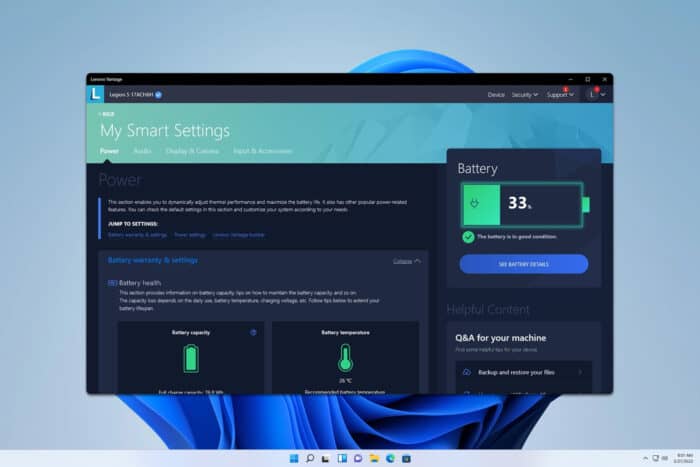
Many reported that Lenovo Vantage software is lagging, and this can be a problem if you use it frequently. However, there might be a way to fix it.
What can I do if Lenovo Vantage is lagging?
1. Uninstall or reinstall Lenovo Vantage
- Click the Start button and select Settings.

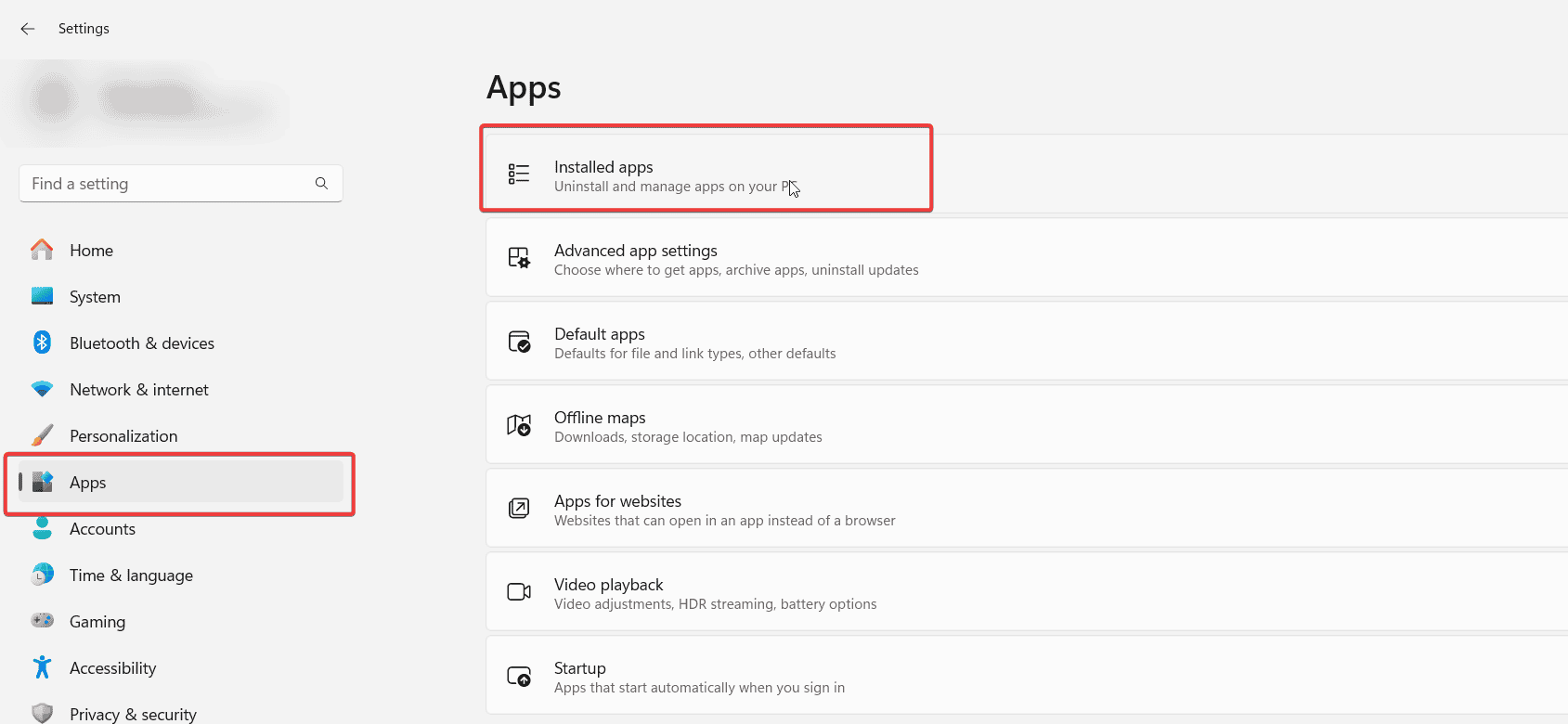
- Navigate to the Apps section and then select Installed apps.
- Locate Lenovo Vantage, click the three dots next to it, and choose Uninstall.
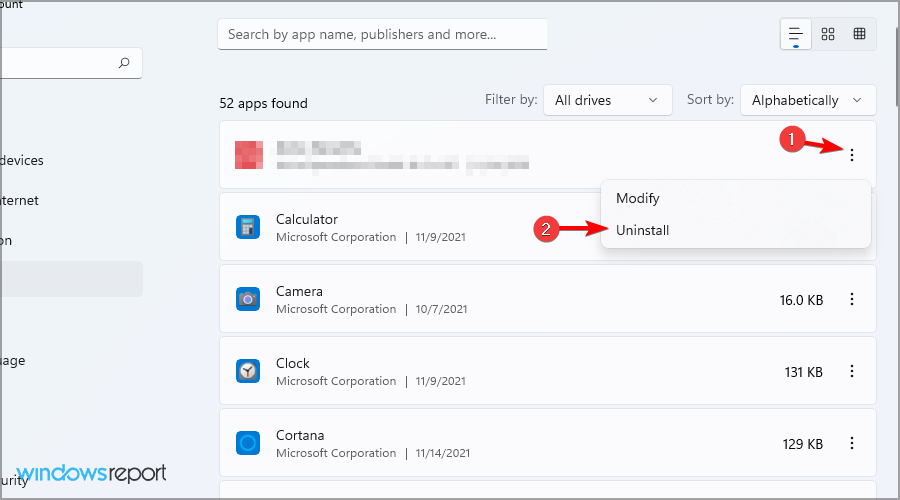
- Follow the instructions on the screen to remove it.
Once removed, check if the problem is gone. If you want, you can try installing the software again by doing the following:
- Open Microsoft Store.
- Look for Lenovo Vantage and select it.
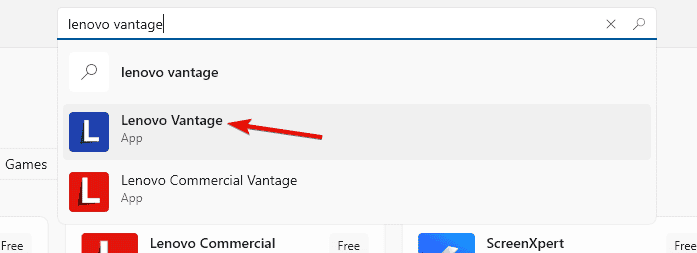
- Next, click on the Get button.
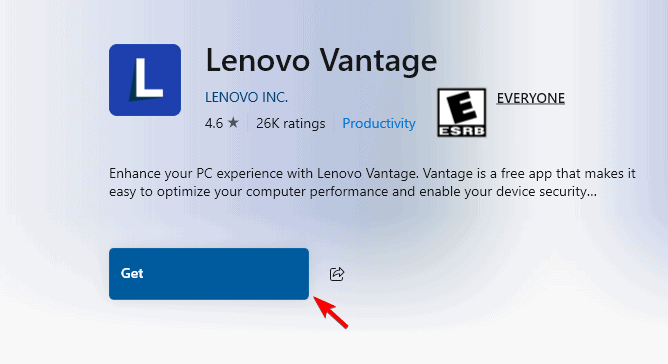
- Wait for the software to download.
2. Use Lenovo Legion Toolkit
- Visit the Lenovo Legion Toolkit download page.
- Click the setup file to download it.
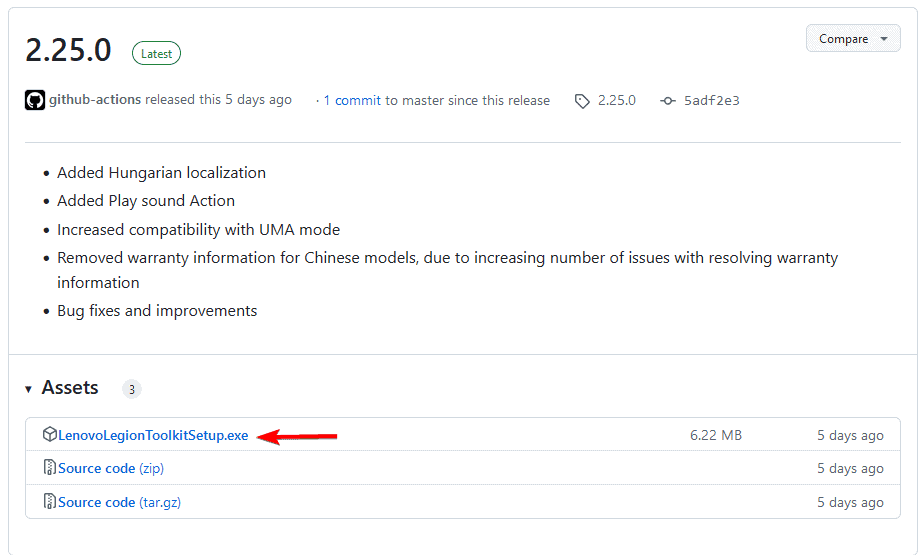
- Once downloaded, run the setup file to install the software.
Many are recommending Legion Toolkit since it’s lightweight and offers similar features, so it’s perfect if Lenovo Vantage is causing lag on your PC. You can also explore other Lenovo Vantage alternatives.
If Lenovo Vantage is lagging, there’s not much you can do as an end user. Reinstalling the software can help, but if that doesn’t work, you might have to uninstall Lenovo Vantage permanently.
Unfortunately, this isn’t the only issue you can encounter, and we have a guide dedicated to Lenovo Vantage crashing.
We also have a guide on what to do if Lenovo Vantage keeps popping up, so don’t miss it for more information.

Read our disclosure page to find out how can you help Windows Report sustain the editorial team. Read more



Improve this guide


User forum
0 messages