
Microsoft Edge’s PDF Viewer Is Getting Faster and Easier to Use
Microsoft is making Edge’s built-in PDF Viewer faster and more responsive. The performance improvements are set to reach users from May 2026.


 2 min. read
  Published on

After refreshing Edge’s Interface, Microsoft is planning to make Edge’s PDF Viewer faster and more consistent with the rest of the browser. The update improves the responsiveness, while the layout and interface options remain the same. These performance improvements are expected to reach users in “May 2026”.
In recent months, Microsoft has transitioned several key components of Edge, including the Settings, History, and Downloads pages, to a new design system called WebUI 2.0. This system helps pages open faster and maintains a uniform appearance across browsers.
Microsoft Confirms Edge PDF Viewer Is Getting a Performance Boost
With this new design system, Edge now loads pages more quickly, menus appear with less delay, and the browser handles system resources more effectively. Many areas of Edge now perform up to 40 percent faster.
For the PDF Viewer, this design system will help files open faster and respond better when users scroll or add notes. The familiar design remains the same, but the tool feels quicker and more responsive than before.
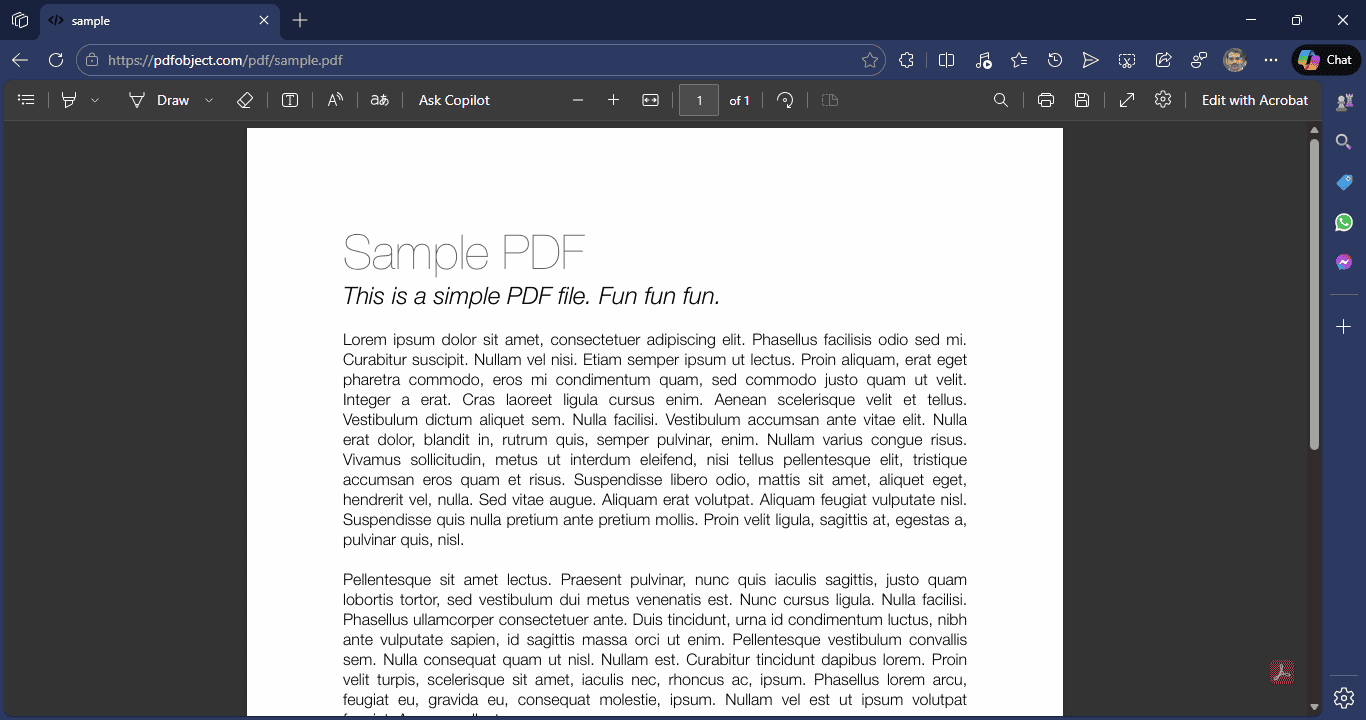
“The PDF Viewer in Microsoft Edge is migrating to WebUI2, enhancing responsiveness and introducing a series of subtle visual upgrades aimed at improving overall usability and utility. This migration ensures UI coherence with the rest of the browser while maintaining the same user experience.”
“The update focuses on improving underlying performance, consistency in design elements, and a smoother interaction without altering any existing workflows for users,” Microsoft says.
Microsoft has added Adobe Acrobat’s PDF rendering engine to Edge’s PDF Viewer. It provides clearer text and images, faster performance, stronger security, and better accessibility while keeping all existing features intact.
Several parts of Edge already use the new design system, including:
- Settings and Sidebar panels
- Downloads and History pages
- Profile and Extensions pages
- Wallet and Copilot panels
The PDF Viewer with performance improvements is set to roll out to Edge users in May 2026.
Recently, Microsoft started rolling out the new Tab Search feature to Edge users, and the company announced that it will protect users against malicious sideloaded extensions.
What’s your take on this? Do you use Microsoft Edge, especially its PDF Viewer? Share your thoughts in the comments below.


Read our disclosure page to find out how can you help Windows Report sustain the editorial team. Read more



Improve this guide




User forum
0 messages