
Microsoft Fixes Long-Standing PowerShell Problems on macOS
PowerShell for macOS is finally getting Apple notarization


 2 min. read
  Published on
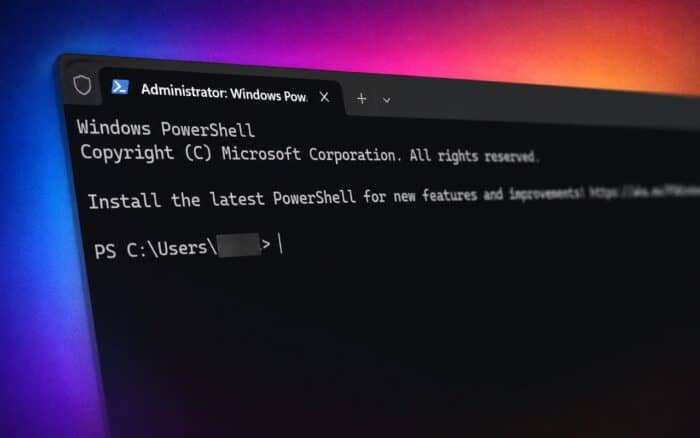
Microsoft is preparing a major cleanup for PowerShell on macOS by fixing several long-standing installation and security issues. The next macOS release of PowerShell will be properly notarized by Apple, which should eliminate the repeated “unidentified developer” warnings many Mac users currently see during installation.
The changes are expected to arrive in the next maintenance release of PowerShell 7.4 or later.
PowerShell will work more smoothly on macOS
Apple’s Gatekeeper security system has often blocked or warned users when installing PowerShell on Mac devices. In many cases, users needed to manually bypass security prompts or use Terminal workarounds before PowerShell could run properly.
Microsoft says future PowerShell packages and tarballs for macOS will fully meet Apple’s notarization requirements. That means macOS should recognize the software as verified and safe without extra user intervention.
The update should make PowerShell easier to deploy for both individual users and enterprise IT teams.
Microsoft is also hardening PowerShell security
Alongside notarization, Microsoft is hardening PowerShell libraries and binaries on macOS to better align with Apple’s modern software security requirements.
The company says the changes also bring PowerShell closer to Microsoft’s own internal security standards for distributed applications.
Another fix targets incorrect file permissions inside the macOS tarball package. Those permission issues could sometimes prevent PowerShell from installing or executing correctly after extraction.
Once the update ships, Mac users should no longer need to change security settings or run special commands just to install PowerShell.
Microsoft still faces several macOS software issues
PowerShell is not the only Microsoft product currently facing macOS-related complaints. Microsoft recently acknowledged that Microsoft Teams can trigger repeated permission popups on Mac systems.
The company also confirmed a new issue affecting Microsoft Outlook, where images may fail to display correctly in some cases.
Meanwhile, Microsoft recently started rolling back its floating Copilot button inside Microsoft 365 apps after users complained that the feature felt intrusive.

Read our disclosure page to find out how can you help Windows Report sustain the editorial team. Read more



Improve this guide




User forum
0 messages