
Microsoft Rolls Back Floating Copilot Button in Word, Excel, and PowerPoint
Office web apps get the changes next week


 2 min. read
  Published on
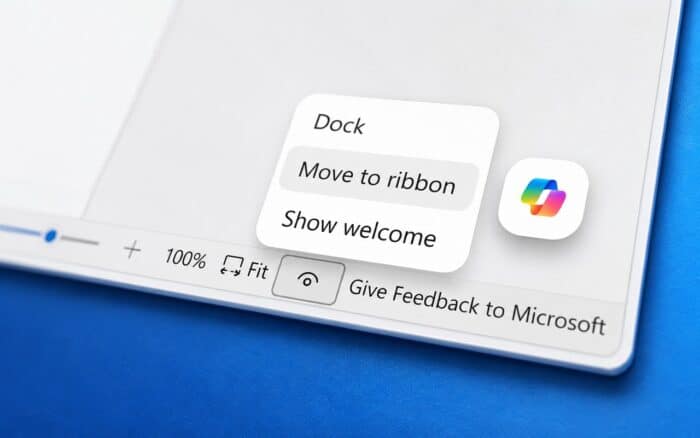
Microsoft is partially reversing its floating Copilot button changes in Word, Excel, and PowerPoint after users complained that the feature felt intrusive while working inside documents and presentations.
The company originally introduced the Copilot Dynamic Action Button to make AI features easier to access across Microsoft 365 apps. The button floats directly inside the workspace instead of staying in the traditional ribbon interface.
Users complained the floating Copilot button got in the way
The floating Copilot button appeared directly inside Word documents, Excel spreadsheets, and PowerPoint presentations. While Microsoft said the feature helped increase Copilot engagement, many users felt it disrupted their workflow.
Some users criticized the placement for covering content or creating distractions while editing files. The backlash pushed Microsoft to rethink how the feature behaves inside Office apps.
Microsoft adds an option to move Copilot back to the ribbon
Microsoft is now giving users more control over where the Copilot button appears. Users will soon be able to right-click the floating Copilot button and move it back into the ribbon interface. This should provide a cleaner experience for people who still want quick access to Copilot without keeping a floating element on screen.
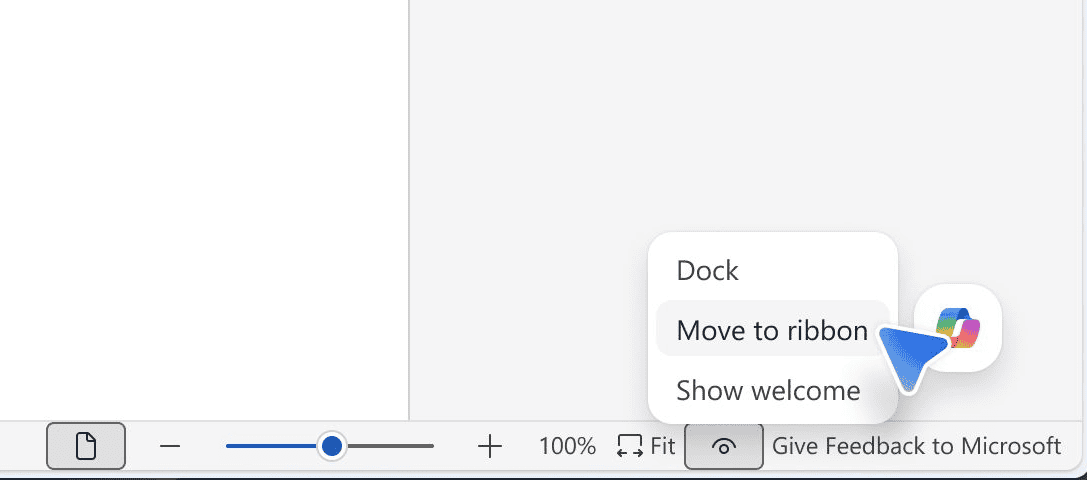
The company is also keeping the existing Dock feature, which turns the floating button into a smaller side caret. Previously, clicking the docked caret reopened the Copilot side panel and restored the floating button automatically. Microsoft is changing that behavior so the docked caret stays locked while users work in documents.
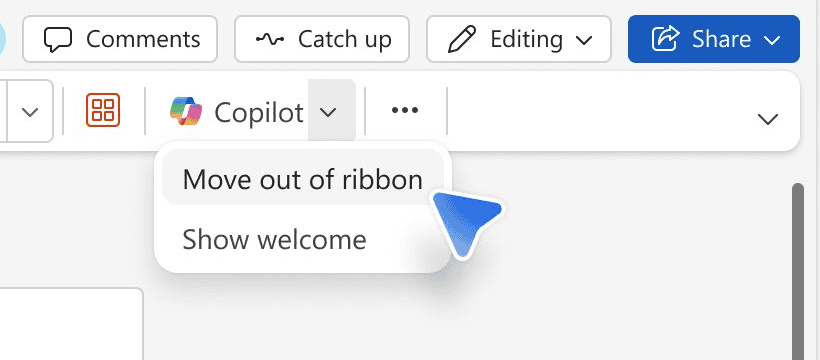
Word, Excel, and PowerPoint are affected
The changes are coming to Word, Excel, and PowerPoint. Microsoft plans to start rolling out the update to web versions of the apps next week, while desktop versions will receive the changes later.
This is not the first time Microsoft has faced criticism over interface changes tied to AI features. Recently, some Edge users also reacted negatively to the removal of Collections and Sidebar apps.
At the same time, Microsoft continues expanding AI integration across Office. The company recently introduced Copilot Agent Mode inside Microsoft 365 apps as part of its broader push toward AI-powered productivity tools.

Read our disclosure page to find out how can you help Windows Report sustain the editorial team. Read more



Improve this guide




User forum
0 messages