
Microsoft Office 97 Clippy Easter Egg Discovered After Nearly 30 Years


 2 min. read
  Published on
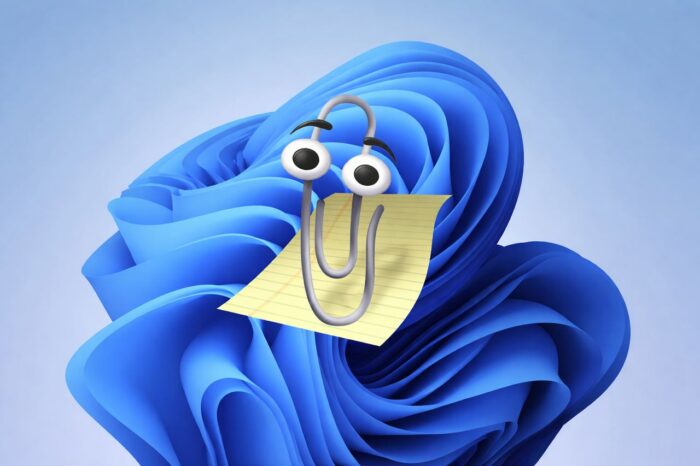
The discovery comes from someone exploring Office 97 on modern systems, likely through a virtual machine. With a specific set of steps, users can trigger a hidden credits screen that shows the development team behind Office 97.
How the Clippy Easter Egg works
To access the hidden screen, users need to:
- Set the system date to any year after 1997
- Open Word 97
- Hold Ctrl and move the Standard toolbar to different positions
- Release the key after each move, then click Clippy
- Enter the phrase “This is not a contest”
- Press Search
After completing these steps, Word displays a credits window listing the Office 97 team. The feature reflects a time when developers tucked playful touches into productivity software, long before modern branding debates and AI assistants.
The Easter egg serves as a nostalgic reminder of an era when Microsoft embraced lighthearted experimentation. Today, the company focuses more on productivity features and AI integration and recently, Microsoft had to debunk that Office is rebranding to Copilot.
In related Office news, Microsoft continues to update modern versions of Word by speeding up link insertion workflows. At the same time, the company has confirmed plans to retire the Send to Kindle option, signaling ongoing cleanup of legacy features.
For users who still keep Office 97 alive in a virtual machine, this Clippy Easter egg offers a small but charming trip back to simpler software times.

Read our disclosure page to find out how can you help Windows Report sustain the editorial team. Read more



Improve this guide




User forum
0 messages