
How to Activate MTV on Your Smart TV or Streaming Device


 4 min. read
  Updated on
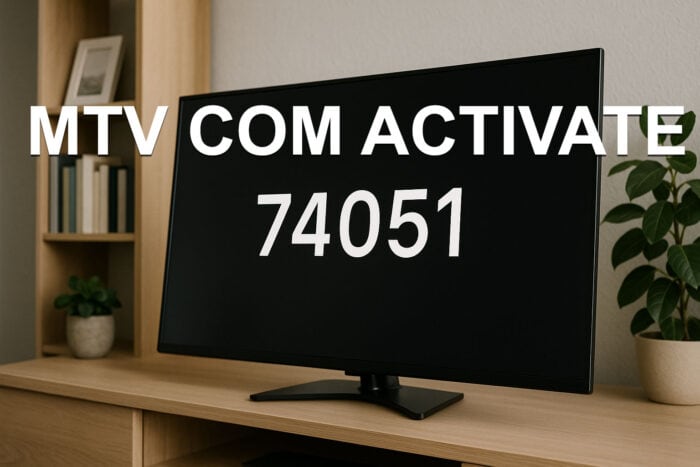
MTV requires activation on your smart TV or streaming device before full episodes unlock. The steps below show you how to connect your device quickly.
Table of contents
How to activate MTV on any device?
Use these steps on Roku, Fire TV, Apple TV, LG or Samsung.
Before you start the steps, make sure the device connects to the internet.
- Open your device app store.
- Search for MTV.
- Install the app.
- Launch the MTV app after installation finishes.
Before entering the code, keep your phone or computer nearby for the activation page.
- Open the MTV app on your device.
- Select Sign In or Activate.
- Write down the activation code shown on the screen.

Before linking your provider, confirm that your subscription includes MTV.
- Open a browser on your phone or computer.
- Visit mtv.com/activate.
- Enter the activation code exactly as shown.
- Choose your TV provider.

- Sign in with your provider account.
Before checking content, let the app refresh once.
- Wait for the confirmation message on your browser.
- Return to your TV.
- The MTV app reloads and unlocks episodes.
You can compare this process with activating other streaming channels, such as following this FXNow activation guide for a similar code based flow.
You can also follow this guide to activate AMC on your device using the same type of code based sign in method.
Activation by device type
Roku
Before running the activation, confirm the Roku device uses the latest software.
- Open the Roku Channel Store.
- Install MTV.
- Launch the app to receive the activation code.
- Enter the code at mtv com activate.
Fire TV
Before entering your code, restart the Fire TV app if the activation screen does not load.
- Install MTV from the Amazon Appstore.

- Open the app and get your activation code.
- Enter it at mtv com activate.
- Sign in with your provider.
Apple TV
Before activation, check that your Apple TV has the correct region selected.
- Download MTV from the App Store.
- Open it and note the activation code.
- Enter the code at mtv com activate.
- Sign in with your TV provider.
Samsung and LG Smart TVs
Before activating, update your TV’s firmware so the app functions correctly.
- Install MTV from the built in store.
- Open the app and get the activation code.
- Enter the code at mtv com activate.
- Sign in with your provider.
Common activation problems and fixes
Code not working
Before retrying the code, confirm the app runs on a stable connection.
- Refresh the MTV app to get a new code.
- Reenter the new code at mtv com activate.
- Check your device network connection.
Provider login failing
Before logging in again, verify that your provider plan includes MTV.
- Reset your TV provider password.
- Try signing in again.
- Contact your provider if the login continues to fail.
App stuck after activation
Before reinstalling the app, restart the device first.
- Force close MTV.
- Reopen it.
- Restart the device if the issue continues.
If you ever activate the History Channel on streaming devices, you can follow this History Channel activation guide which uses a similar sign in approach.
FAQs
Enter it at mtv.com/activate on your browser.
It verifies that your subscription includes MTV.
You need a TV provider that carries MTV.
Codes expire after a few minutes, so generate a new one if needed.
Activating MTV through mtv com activate takes only a few minutes on any major streaming device. Install the MTV app, collect your activation code and link your provider account to start streaming. If you eventually sign into other services on your smart TV, you can compare the process with the Amazon Prime Video sign in steps on smart TVs which follow a similar code entry flow.
You can also compare this activation flow with other smart TV sign in methods, such as linking your YouTube account on your television through TV YouTube verify page.

Read our disclosure page to find out how can you help Windows Report sustain the editorial team. Read more



Improve this guide



User forum
0 messages