
How to Fix Netflix Trouble Accessing Titles Error


 2 min. read
  Updated on
Netflix may sometimes show the error We’re having trouble accessing these titles. This guide can help you fix the problem quickly.
How to fix Netflix we’re having trouble accessing these titles?
Table of contents
1. Check your internet connection
- Restart your router and modem.
- Reconnect your device to the network.
- Run a speed test to confirm your internet is stable.

- Try streaming Netflix again to see if the error is gone.
If the issue persists, Netflix may also display error code nses-uhx, which often relates to browser or cache problems.
2. Clear Netflix app or browser cache
- If using a browser, clear your cache and cookies.
- On mobile, go to Settings > Apps > Netflix > Storage.
- Select Clear Cache and Clear Data.
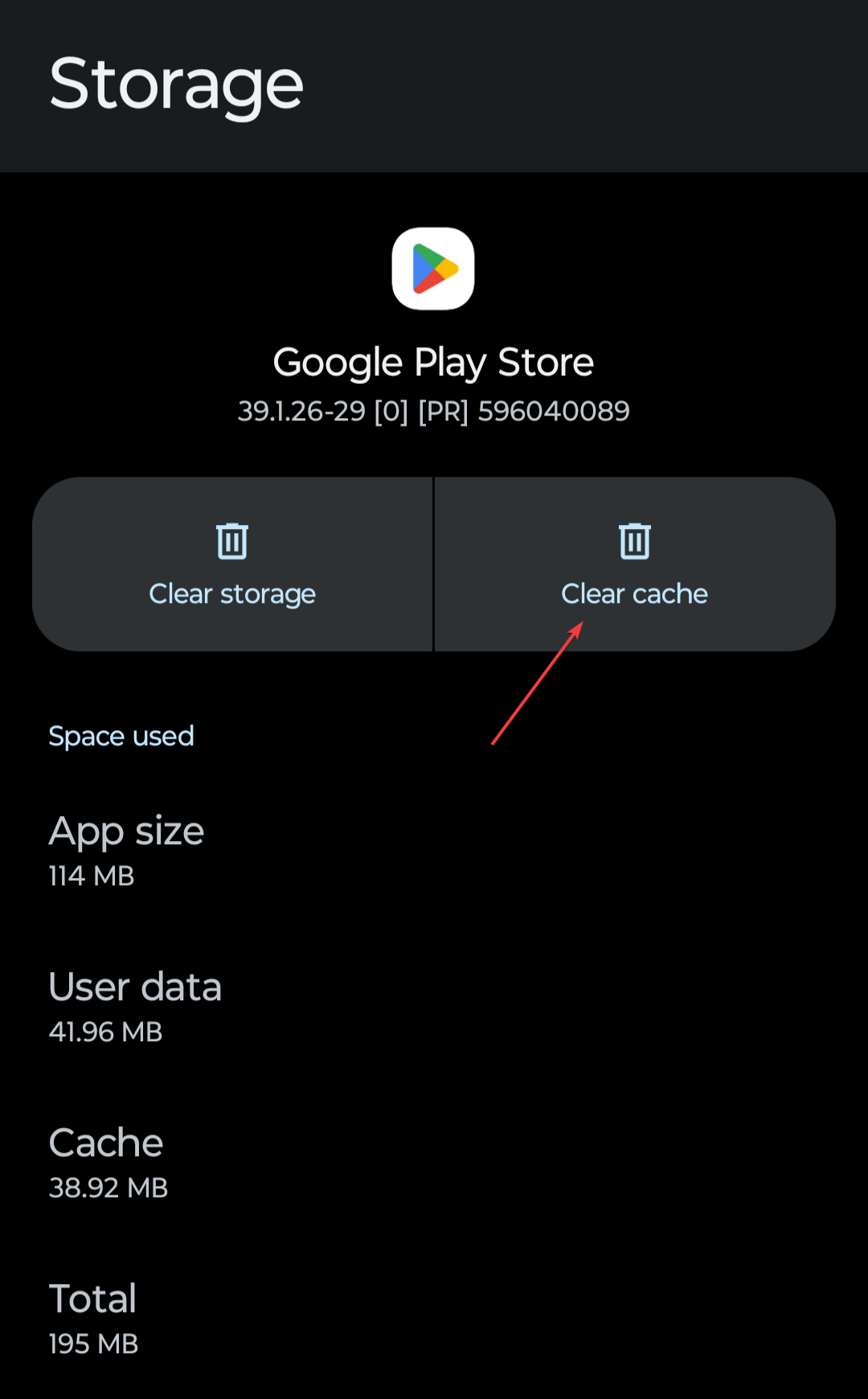
- Restart the app or browser and try again.
For download issues, you may need to troubleshoot the Netflix download error.
3. Update or reinstall Netflix
- Check for updates in your device’s app store.
- If no update is available, uninstall the Netflix app.
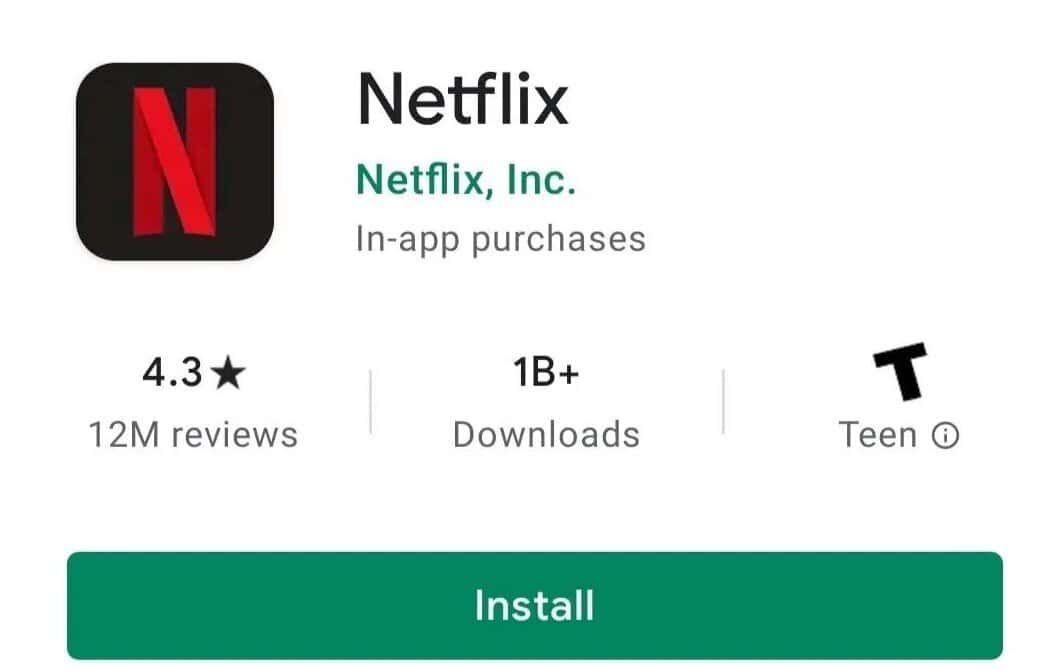
- Reinstall the latest version from the app store.
- Log back in and test Netflix again.
Some devices may also show Netflix error code E100, which requires additional fixes. Using an Amazon Firestick? Check our full guide on fixing Netflix not working on Firestick.
4. Restart your device
- Turn off your device completely.
- Unplug it from power for at least 30 seconds.
- Plug it back in and turn it on.
- Open Netflix to check if the error is resolved.
These steps usually fix the issue. If errors continue, check other Netflix troubleshooting guides such as solutions for nses-uhx or download problems to ensure smooth streaming.
If you are in Canada and still face streaming problems, take a look at our dedicated guide on Netflix Canada not working for region-specific solutions.
For more general solutions that apply across all platforms, check out our complete guide: Netflix not working.

Read our disclosure page to find out how can you help Windows Report sustain the editorial team. Read more



Improve this guide




User forum
0 messages