Millennials prefer Google Docs for collaboration over Microsoft Word

Microsoft is in a bit of a pickle that it is finding difficult to escape from right now. According to a new report, millennials tend to prefer to use Google Docs when it comes to collaboration but will use Microsoft Word for personal use.

This demonstrates a worrying trend that Google is having more success in the workplace than previously thought. It could also prove that Google Docs is much better for collaborating, something we here at Windows Report have to agree on.

Here’s what the Creative Strategies report has to say, taken from ReCode:

“When students write papers by themselves, only 12 percent use Google Docs. But when students write papers in groups — when they collaborate — 78 percent use Google Docs. On the other hand, 80 percent of students use Microsoft Word for individual work, and 13 percent use it for group work. The dynamic is the same for all Millennials, regardless of gender, the phone they use, or where they live: Microsoft Word for individual work, Google Docs for collaborative work.”

When the software giant announced and launched Office Web Apps, it was supposed to represent some well-needed competition to Google Docs in the online space. However, Office Web Apps — especially Word — have always been a problem. For one, the formatting isn’t perfect, and it’s not possible to add a URL by clicking enter on the keyboard after it is pasted. There are times when the program shows two instances of the same account currently viewing a document. (Apparently, Word Online is not smart enough to tell both accounts are one and the same.) Whenever this happens, it is impossible to add a title to the document.

These problems have been going on for ages and still no fix. So as it stands right now, Microsoft has a lot of work to do before it can get millennials excited about its Office Web Apps — and Google will no doubt take advantage of this.

RELATED STORIES YOU NEED TO CHECK OUT:

  • Facebook teams up with Microsoft to deliver Office 365 services to its workforce

How to delay the Windows 10 Anniversary Update

If you don’t want to install the Windows 10 Anniversary Update right now, you can delay it for a few months. This option is available only for Windows 10 Pro, Windows 10 Education and Windows 10 Enterprise users. Unfortunately, the consumer version of Windows 10 doesn’t allow users to defer updates, therefore these users are left with no choice but to accept it.

How to delay the Windows 10 Anniversary Update

  1. Go to Settings
  2. Select Update & Security

advanced options update

3. Select Advanced options

4. Check the Defer Updates box

defer updates anniversary update

This action takes your computer to the Business branch. In this manner, major updates are delivered only after the consumer branch validates them. Validation takes place after at least four months of usage, which is enough time for possible bugs to be detected.

Once you check the Defer Updates box, your computer should receive updates only after November 2016.

Some Windows 10 editions let you defer upgrades to your PC. When you defer upgrades, new Windows features won’t be downloaded or installed for several months. Deferring upgrades doesn’t affect security updates. Note that deferring upgrades will prevent you from getting the latest Windows features as soon as they’re available.

When using Windows for professional purposes, the best solution is to make sure the OS and the subsequent updates are fully stable and reliable before installing them. In this manner, you avoid potential bugs which could have a major financial impact on your business.

Microsoft offers top solutions for business professionals and constantly upgrades its Windows 10 Pro and Windows 10 Enterprise OS. Nevertheless, prevention is better than cure, and you should run the Anniversary Update only after the consumer branch has validated it.

RELATED STORIES YOU NEED TO CHECK OUT:

Microsoft provides some details on how to develop apps for the Windows 10 Anniversary Update SDK

As the Windows 10 Anniversary Update makes it way to consumers over the next few days, the Windows team appears to be forgoing a brief celebratory lap of their accomplishments to instead champion more developer participation with this OS release.

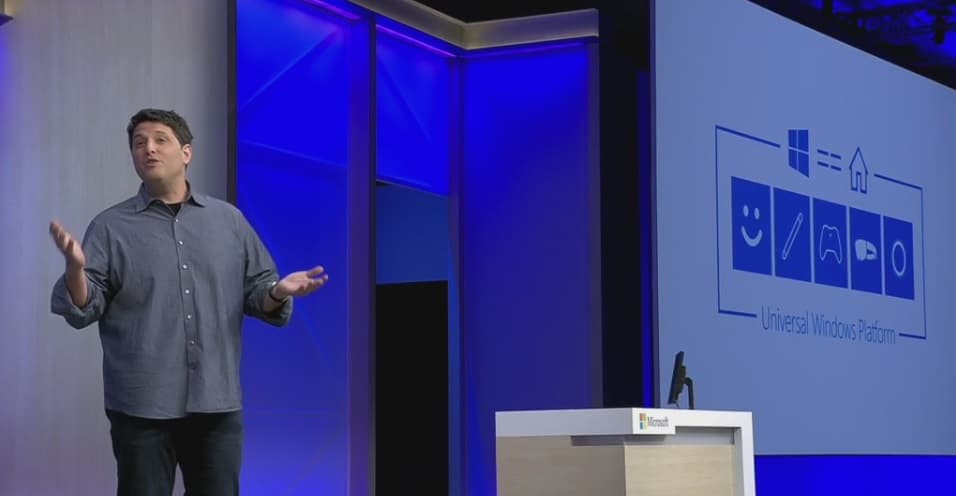
Today, both the Visual Studio and Windows Hardware Certification teams have announced new building and submission tutorials for developers interested in the Windows 10 platform. While the overall process of building and deploying a Universal Windows Platform app remains relatively unchanged from what has been announced during Build 2016, there are some additional features and processes the Windows team would like developers to consider for the platform.

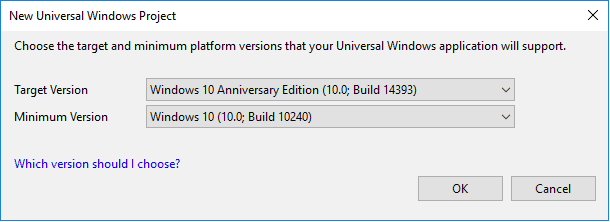
Starting with building Universal Windows apps targeting the Windows 10 Anniversary SDK in specific, developers should be aware that the Visual Studio team has released new development tools to VS 2015 Update 3. The new tools, now enable developers to target Windows 10 AU SDK (build 14393) specifically, which in turn allows them to leverage all the added goodies that have been bundled in the update.

Developers targeting Windows 10 AU can now make use of the 2,700 plus enhancements to the Windows 10 Anniversary Update such as Cortana additions, Windows 10 Inking and pen support, Edge improvements and cross-platform development between desktops, phones, Xbox One and HoloLens.

Updated SDK
Updated SDK

After developers have gone through the process of creating or updating Windows apps using .NET for better Windows 10 AU SDK integration, improved Windows Store integration, possibly deploying larger games to the Xbox, debugging an application through new XAML UI’s and designing support for indirect resources, comes to the new submission process.

Thankfully, the Windows hardware and certification teams have updated their submission process to include versions 1607 of Windows 10 and Windows Server 2016.

As of today, the Windows Hardware Lab Kit (HLK) has been updated to support the two new SKU’s as well as providing improvements to HLK that include exporting failed HLK jobs, improved ability to diagnose failed HLK test and adding playlist support for incremental Windows releases.

The Windows hardware certification team also refined its compatibility policy of Windows 10 to include version 1507/ Windows 10, version 1511 drivers Factory-Installing on Windows 10 and version 1607 images.

For the first 90 days after the release of Windows 10, version 1607, OEMs looking to achieve Compatibility for systems shipping Windows 10, version 1607 may factory-install drivers for components that achieved Compatibility with Windows 10, version 1511. After 90 days, OEMs looking to achieve Compatibility for systems shipping Windows 10, version 1607 can factory-install only drivers for components that achieved Compatibility with Windows 10, version 1607. This is not applicable to OEMs certifying for Windows Server 2016, as all components within the system must be certified for Windows Server 2016 to be considered compatible.

All of this news comes just hours after Microsoft pulls the trigger on its largest update this year for Windows 10. There is little doubt that while Microsoft is focused on transitioning to the cloud, it has its eyes leveled at the men and women who make the current Windows community a vibrant and worthwhile endeavor. Hopefully, these refinements and updates speak to some of the troubles some developers have had transitioning their older apps, programs, and services over to the Universal Windows Platform.

Project Premonition is a Microsoft powered drone created to fight Zika carrying mosquitos

Microsoft’s Project Premonition is an initiative to begin fighting emerging infectious diseases before they even get a foot in the door. By utilizing drones and devices to collect early pathogens, researchers can get a head start on battling epidemics such as Zika, Ebola, Chikungunya, and MERS.

With breaking news about the Zika cases in Florida, Microsoft leaped into action. Harris County, TX is being armored up with mosquito traps that emit carbon dioxide to attract their prey. With Project Premonition inbound, the foot-tall canister traps can detect the vibration of mosquito wings and snap closed. There is a total of 64 compartments on each one.

Once the samples are dropped off with researchers, they can begin testing and analyzing the mosquitos. The pathogens of the Zika virus were originally unknown compared to other infectious diseases. Microsoft Research is continuing to develop algorithms that better identified the potential threats through analyzing the genetic material directly. Through gene sequencing, the data can show more about the species, the animals they have bitten, and what sort of pathogens they have encountered. More algorithms are being developed as more and more data is changed and altered in the pathogens.


The future of Project Premonition doesn’t stop there. Microsoft intends to begin releasing drones into the environment in efforts to scan the area and send back data. Researchers would be able to log when and where mosquitoes are most active. This would be extremely useful to note ideal locations to place traps and keep them at a safe distance as the device is deployed. CNN writes that with improved technologies, scientists hope the traps will eventually be able to identify the type of mosquito in advance. With over 3,600 types of mosquitoes, diseases are only carried by a handful.


Scientists are calling the Project Premonition a game changer, praising the effectiveness of the technology. Check out the Today Show coverage of Project Premonition in Harris County below.

Download Windows 10 Anniversary Update official ISO files

The big day is finally here! Microsoft should start pushing out the long-awaited Anniversary Update for Windows 10 to all eligible users today. But if you don’t want to wait for Windows 10 version 1607 to appear through Windows Update, official Anniversary Update ISO files are also available. With these, you can download the update right away.

download anniversry update iso

For now, the download link only works for Windows 10 Enterprise, as you need to enter your business email to be able to download the ISO file. Of course, as soon as other download links become valid, we’re going to update this article so you can download the Anniversary Update for your version of Windows 10.

UPDATE: We finally managed to find links for downloading ISO files for each specific version. However, downloading ISOs still requires either a MSDN subscription, or using a Media Creation Tool. So, if you don’t have a MSDN subscription, the only way to download ISOs is by using the Media Creation Tool. As soon as we find individual links, we’ll update this article once again. Thanks for your patience!

UPDATE 2: Microsoft has made it much more easier to download the official ISO files for Windows 10 Anniversary Update version 1607. There are customers whose Windows machine may have issues with the Windows 10 media creation tool, so a very easy to follow page has been set up on the Microsoft Software Download Windows 10 site. Thus, follow the link from below and its steps to download a disc image (ISO file) that can be used to install or reinstall Windows 10 or to create installation media using a USB flash drive or DVD.

Official page for downloading ISO files for the Windows 10 Anniversary Update version 1607

download windows 10 anniversary update iso 1607

As always, before proceeding towards the download itself, make sure you have an internet connection, sufficient data storage available on a computer, USB or external drive for the download, as well as a blank USB or DVD (and DVD burner) with at least 4 GB of space if you want to create media. Also, it is very important to know that the links provided by Microsoft are valid for 24 hours only from time of creation.

Download and install Windows 10 Anniversary Update

If you can’t wait for official links to be approved by Microsoft, famous leaker WZor already managed to upload his unofficial collection of Windows 10 Anniversary Update ISOs. Yo can download it from this link.

Download Windows 10 Home Anniversary Update ISO files

Windows 10 Home is the most basic version of Windows 10 aimed at less-advanced users. This version lacks some features included in other versions of the system, like the ability to edit Group Policies.

You can download both 64-bit and 32-bit versions of ISO files for the Anniversary Update for Windows 10 Home edition from here:

Download Windows 10 Pro Anniversary Update ISO files

Windows 10 Pro is the operating system for smaller companies and more advanced users. It contains all features users and business need, but the Anniversary Update brought a few restrictions with it.

You can download both 64-bit and 32-bit versions of ISO files for the Anniversary Update for Windows 10 Pro  from here:

Windows 10 Enterprise Anniversary Update ISO files

Windows 10 Enterprise is aimed at bigger businesses and companies, where IT admins take care of computers.

You can download both 64-bit and 32-bit versions of ISO files for the Anniversary Update for Windows 10 Enterprise edition from here:

download anniversry update iso windows 10

As we said, you’re going to need your business email address to be able to download Enterprise ISO files. Also, Microsoft noted that the media creation tool doesn’t work for this version.

Windows 10 Education Anniversary Update ISO files

You can download both 64-bit and 32-bit versions of ISO files for the Anniversary Update for Windows 10 Education edition from here:

The Anniversary Update isn’t the only thing Microsoft prepared for Windows 10 Education: Windows 10 Pro Education SKU was also announced. Read more about this OS here.

None of the ISO files are available on MSDN yet, but once again, we’re sure Microsoft will make it available as soon as version 1607 starts rolling out to first Windows 10 users.

Some early birds already managed to download and install the Anniversary Update on their computers, and changes are already visible. The Anniversary Update changed the way Start Menu looks, moved Taskbar Properties to the new UI, added a Win+F command that now opens the Feedback Hub, and many more changes

Speaking of the Anniversary Update, you think your computer is ready for it? Why don’t you check to make sure?

RELATED STORIES YOU NEED TO CHECK OUT:

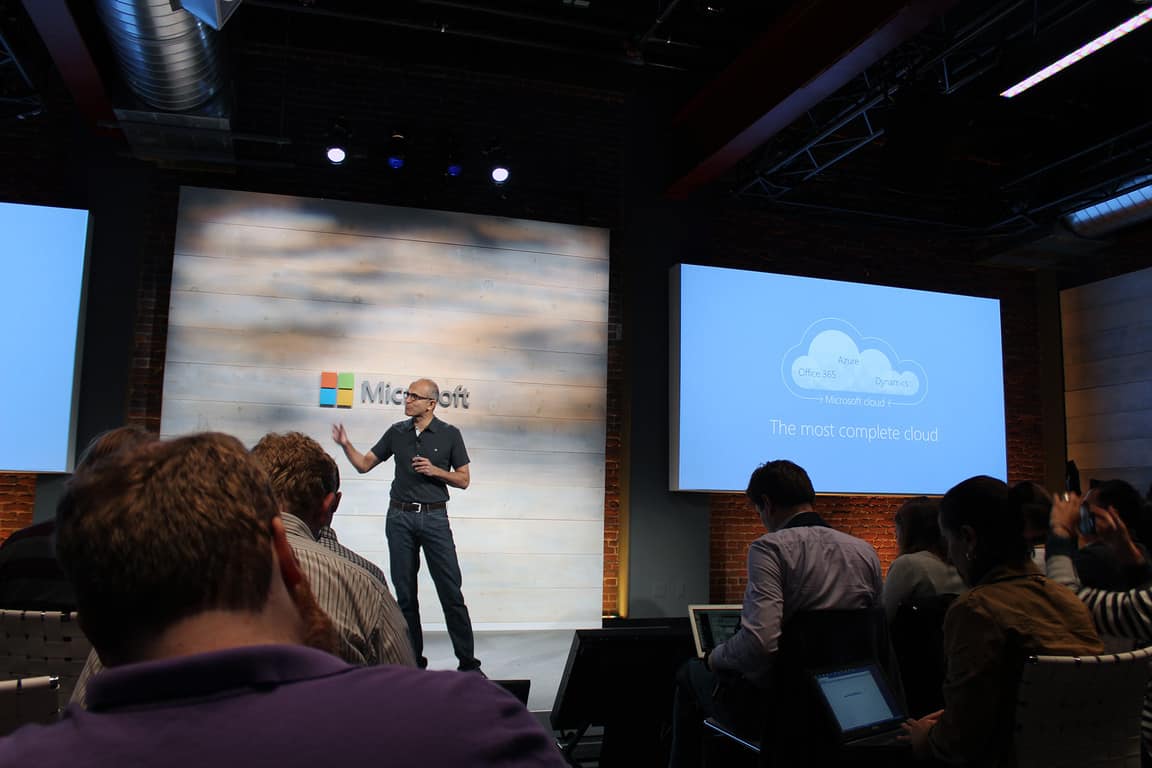
Microsoft’s commercial cloud revenues nearing $10 billion per year

Microsoft’s recent quarterly earnings report all but pointed to the company’s massive shift in focus towards its growing cloud businesses. Unfortunately, due to some rather creative reporting on Microsoft’s part, nailing down exactly how well the company has been doing at chasing industry leader Amazon while putting some distance between itself and other competitors such as Google or IBM has been a bit more difficult.

However, a new Microsoft regulatory filing may be our first glimpse into the success of Microsoft’s cloud businesses as well as an indicator or things to come for investors. The folks over at Geekwire were able to get their hands on a Microsoft regulatory filing that not only shows Azure and Office 365 up 40 percent from its previous year but that the two have helped the company reach close to $10 billion by the end of its fiscal year 2016.

As mentioned earlier, when Microsoft reports its numbers for the quarter, the company has recently begun to factor in run rates rather than pure profit. The way Microsoft calculates its new metric of run rate uses the most recent months’ revenue and multiplying that number by twelve to create an annual figure that can then be analyzed. The company’s new financial math has helped it report a commercial cloud run rate of roughly $12 billion in its last quarterly result.

However, when filing a regulatory 10-K report, Microsoft has to be a bit clearer on its numbers. Instead of the nice ballooned number of $12 billion-plus in revenue, the 10-K report shows a company that is closer to $9.5 billion. While seemingly not as impressive as its quarterly earnings report, it should be noted that following the previously reported 10-K reports Microsoft is on a clear trajectory upwards when it comes to cloud revenue.

Commercial Cloud revenue run rate

Microsoft’s Commercial Cloud, which includes Office 365, Azure and Azure-related services and products, has shown leaping growth year over year. Last year, Microsoft’s Commercial Cloud accounted to $5.8 billion in revenue, and only $2.8 billion in 2014 and the numbers go as low as a mere $700 million all the way back to 2012 reports.

Even with Microsoft reporting an almost $10 billion revenue run rate it’s still trailing far behind Amazon Web Services which reported $7.9 billion for its quarter. The reason for the glaring discrepancy in figures is how the two companies report their figures. Until recently, Amazon made similar use of bundled reporting of its cloud services but has since pulled AWS out and reported it strictly as a singular IaaS and PaaS, whereas Microsoft and Google combine Office 365 and other cloud-based Google Services into their reports. As it stands, AWS is a singular $7.9 revenue generating machine, while some obscured portion of Office 365 contributes to Microsoft’s $9.5 billion, lessening the potential amount Azure by itself brings collects.

However, as Microsoft’s revenue run rate continues its upward momentum, it shouldn’t be long before the company begins to break out Azure from Office 365 when Azure’s numbers can compete directly with AWS as the two cloud services race towards $10 billion mark.

Windows 10 Anniversary Update SDK available, Windows Store open for developer submissions

Microsoft is ringing in a slew of celebratory updates and announcements today as a result of the Windows 10 Anniversary Update rollout. Jumping on the wagon, they have released a blog post announcing that the updated SDK build 14393 and Visual Studio 2015 Update 3 are now publicly available.

SDK Build 14393 contains over 2700 improvements to the Universal Windows Platform, encouraging even more developers to convert and build their apps for multiple Windows devices. More specifically, the updated APIs focus on making natural communication even easier through vision, writing, and speech including improvements to Windows Ink, Cortana APIs, and Windows Hello.

On top of the Anniversary Update SDK and Visual Studio, the team is putting their nose to the grindstone on a few important projects thanks to the feedback of thousands of developers. Some of them include:

  • Desktop Bridge (Project Centennial): The millions of developers using Win32 and .NET to build desktop apps can now get access to the benefits of the Universal Windows Platform and the Windows Store. Using the modern deployment technology of UWP, desktop apps can cleanly install, uninstall and update, as well as get full access to UWP APIs including Live Tiles, roaming storage, push notifications and more.
  • Bash Shell on Windows: We are pleased to deliver a top requested feature from users of popular command-line tools. You can now download the Bash shell from our partners at Canonical directly from the Windows Store. Now you can run native Bash and GNU/Linux command-line tools directly on the new Windows Subsystem for Linux.
  • Improved Tools and Bridges for iOS and Android Developers: Visual Studio now includes Xamarin tools built-in, ready to create apps for Windows and iOS and Android. In addition, our open source Windows Bridge for iOS enables iOS developers to bring Objective-C code into Visual Studio and compile it into a UWP app.

It’s an exciting time for developers interested in building on the UWP. The Windows 10 Anniversary Update has brought a lot of new technologies into eager hands. Microsoft hopes to see more ideas and innovative applications brought into the Windows Store and Dev Center with the new submission process. This includes the acceptance of apps that use the Desktop Bridge.

Experience the Windows 10 Anniversary Update’s new features first hand by downloading the update today! Let us know in the comments what you think.

Watch Major Nelson unbox an Xbox One S live on Facebook at noon PDT

As Microsoft’s Xbox One S gaming console has officially launched today, now is a good time for Xbox fans all around the world to celebrate. Later today, you will be able to join Xbox Live’s Major Nelson for a live unboxing of the brand new console on Facebook:

(update: here’s the video, as the event has already taken place)

+++

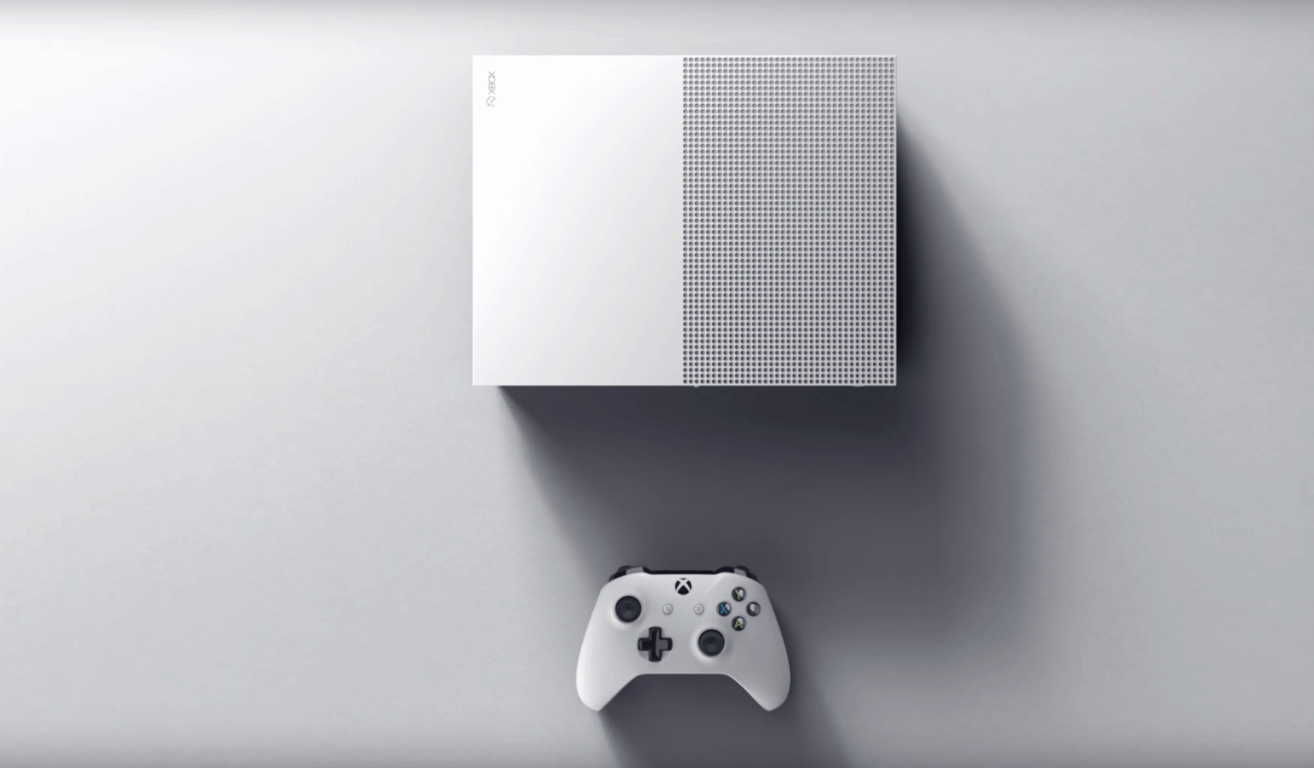
If you’re still considering if the Xbox One S is worth your hard-earned dollars, this event could well help you make your decision. As a reminder, the new gaming console is 40% smaller than the previous model, features an integrated power supply and comes in a gorgeous white finish. If you haven’t done it yet, we invite you to read our previous post featuring several shots of the new console next to its predecessor, and we also published an interesting tour of the Xbox One S hardware components earlier today. Let us know in the comments if you plan to tune in to the live streaming event at 12 PM PT.

Microsoft begins new video series on Windows 10 Anniversary Update

In celebration of Microsoft’s Windows 10 Anniversary Update, the company will be releasing a new weekly video series called “This Week on Windows”. The first video is focused on explaining more about the new features for the AU including experiences brought in for Windows Ink, Cortana, gaming improvements and more.

More specifically the first video covers details about:

  • Windows Ink brings the power of Windows to the tip of your pen
  • Improvements to security with Windows Defender and Windows Hello for apps and websites
  • Increased power efficiency with Microsoft Edge and the arrival of extensions
  • Cortana improvements such as being available over a locked screen, recalling key information across devices, and adding photos for visual reminders.
  • Gamers are able to use voice commands on the Xbox thanks to Cortana, now available in U.S. and U.K. updates. She’s pumped full of new commands and improved language recognization. The virtual assistant will also be able to recommend new games, check in on your friends, turn on Xbox One via Kinect, and so much more.
  • Windows Store is a one-stop shop for play and work. With Xbox titles and Windows store combining, users can find everything they need from video games, subscription choices, bundles, pre-orders, and various other applications across both PC and console.
  • New innovations for the modern classroom with simpler set up and better tools for educators. The “Take a Test” app creates a secure environment for creating exams.
  • The new Skype preview is completely redesigned for the new Windows 10 Anniversary Update with all the expected features.

This is just the first of many videos that will be posted. The blog series is expected to bring the latest Windows news, apps, and tips as an ongoing project.

By the way, while you’re at it, be sure to check out our own Windows 10 Anniversary Update Review video!

The Windows 10 Anniversary Update just went live a few minutes ago for PC users. According to Microsoft, the AU is the most stable build to date with a long list of major features and overhauls to whet your appetite. There isn’t a reason not to update with an average of 20% improved boot speed and longer lasting energy consumption for users so far. Check out our coverage for more information regarding how to manually update today!

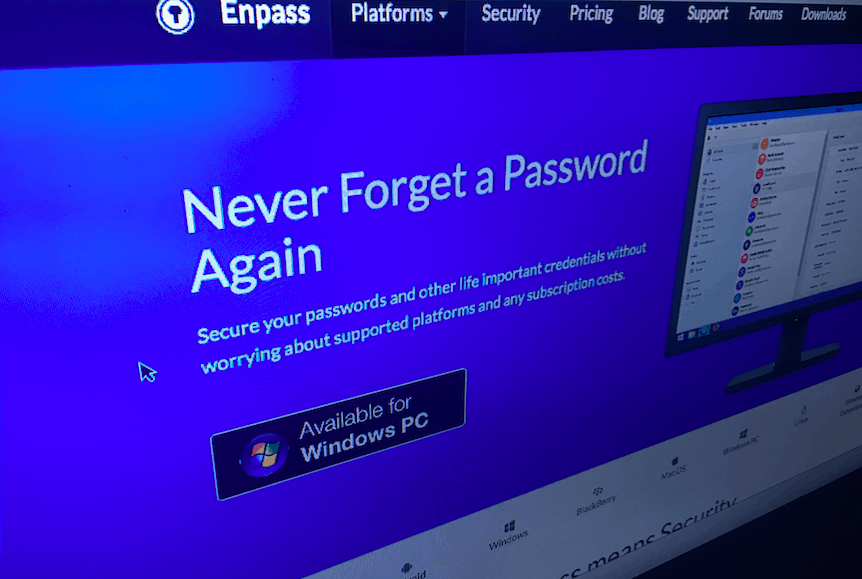
EnPass complains about lack of Edge/UWP APIs, delays password manager extension release

Today Microsoft will further cement its new Windows as a Service business model by releasing the Windows 10 Anniversary Update. This will be the second major update to Windows 10 since launching last year. And some much-requested features, like browser extensions for Microsoft Edge, will finally be coming to Windows 10 with today’s update.

But while Microsoft’s latest browser will be among Windows 10 improved features, one thing will be missing. Windows Central spotted a blog post by Enpass which explains why the password manager app will not be releasing their extension for Edge.

Windows 10, Anniversary Update, Edge, Extensions
Edge Extensions available in Windows Store

Enpass explains that there is no official API which connects an Edge extention with a UWP app. Because their password manager works offline, Enpass wants to have their proposed extension for Edge connect with the Enpass UWP app installed on the same machine.

Since Enpass is an offline password manager, it requires some sort of local communication channel with the Edge extension to share data for auto filling. The connection is generally through localhost web-socket. Unfortunately, we don’t have any official APIs to connect Edge extension with Enpass app installed on same machine.

But currently, the only way to do this is with a manual workaround that is not without risks. Enpass notes Microsoft has previously said such workarounds can make Edge vulnerable to attack. And by relying on something that Microsoft clearly states is a vulnerability, Enpass isn’t even certain their extension would be permitted in the Windows Store.

Accordingly, Enpass is humbly requesting Microsoft and the Windows developer community establish an API to allow Edge extensions and UWP apps to communicate locally on a machine. The exact details for their request can be further read on the Windows Dev Center forums.

While Enpass’s extension won’t be generally available in the Windows Store, it is possible to side load their beta extension, for now at least. The Enpass app can currently be downloaded for Windows 10 and Windows 10 Mobile from the box below.

Enpass
Enpass

Giveaway: Surface Book with Windows 10 Anniversary Update pre-installed!

Last week we had a chance to visit Redmond and check out all the latest features of the Windows 10 Anniversary Update, including Windows Hello, Windows Ink, and updates to Cortana and the Start Menu. Microsoft was kind enough to provide us a Surface Book to check out all these new features and more, and now we’d like to pass that good fortune on to our readers.

We’ve been checking out all the new features in our Anniversary Update Feature Series, and with our quick look video, so be sure to take a closer look at everything included in this latest update. Even if you’ve been running every one of the Windows Insider builds, they’re worth checking out.

As you know, we’re in the process of rebranding WinBeta to a new name and a new focus on all things Microsoft, and soon we’ll be coming to you from OnMSFT.com (launches at the end of this month!). We want you to have the best possible experience when you’re checking out our new site, and all you have to do is check out our Facebook page, follow us on Twitter, or since almost 20,000 of you already follow us, just tweet a mention of our site and the contest and you’ll be entered in a random drawing:

a Rafflecopter giveaway

This Surface Book is the Core i5 128GB / 8GB RAM model, and it comes with a pen and power supply, and it’s loaded with the Anniversary Update (we’ll make sure it’s fully up to date before we ship), and it’s brand new in the box.

The giveaway is US only, and will run for two weeks, ending at 9pm PDT on August 16th, 2016. A US street address to send the Surface Book to the winning entry will be required of the winner, so sorry if you’re outside of US borders, but you won’t be able to receive the Surface Book so don’t try. Other than that, there’s not much to it, so thanks for reading WinBeta, stay tuned for lots more from OnMSFT.com, and good luck!

Here’s whats new inside the Xbox One S: smaller SoC, new optical drive, more

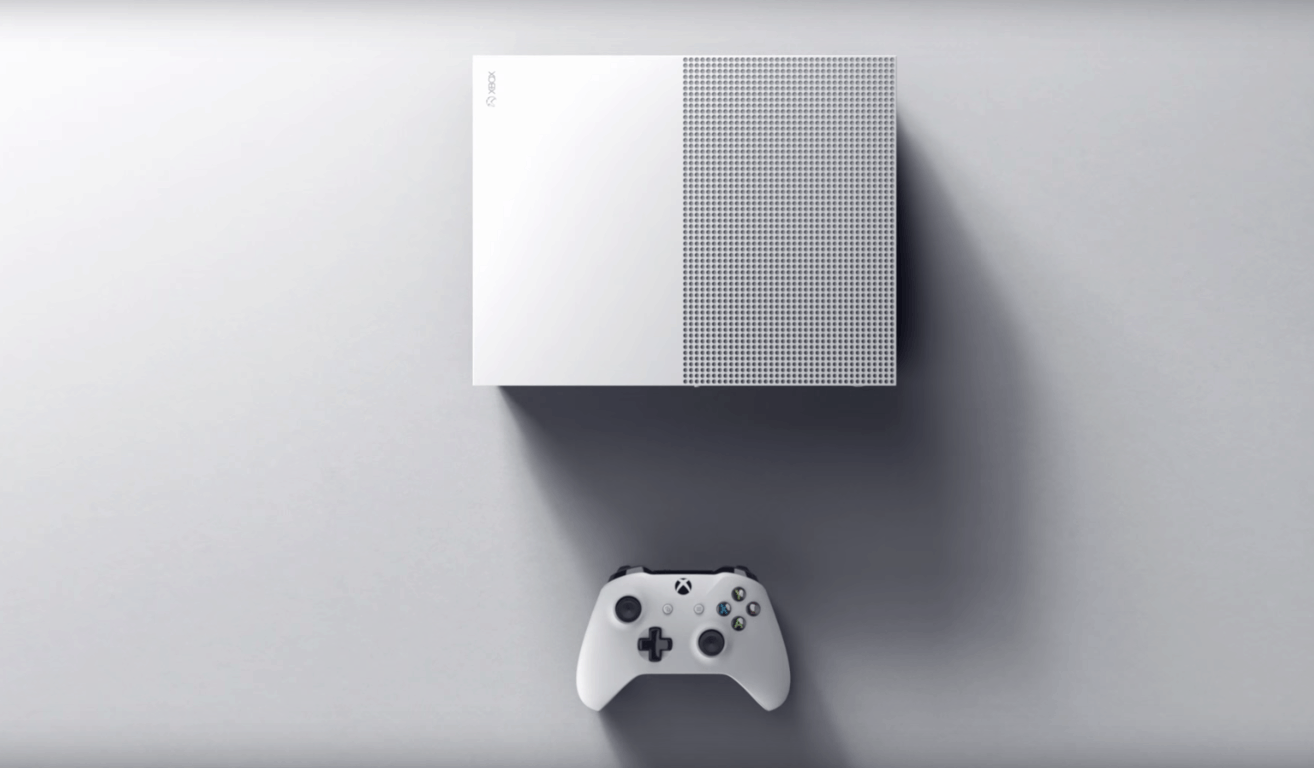
Microsoft’s Xbox One S gaming console is now officially available in a $399 2TB launch edition, nearly two months after the company first unveiled it during its E3 2016 press conference in June. While the new console improves the previous model in almost every way, we didn’t know all the details about its hardware components. However, Microsoft’s senior director of product marketing and planning Albert Penello just gave an interview to Eurogamer and his detailed answers may finally satisfy your curiosity (via Windows Central). We have selected the most interesting bits from the interview below.

The Xbox One S SoC

The new Xbox One SoC is fabricated at TSMC and uses its 16nm Fin FET process, allowing for more power efficiency:

The SoC in the Xbox One S is designed in the 16nm Fin FET process, which results in a die that is 240mm2; 33 per cent smaller and consumes less power than the 28nm SoC in the original Xbox One. for the Xbox One S consoles shipping this year the SoC is fabricated at TSMC.

Reducing the power consumption of the SoC opened up opportunities to reduce the size of the chassis significantly. We designed the console to make sure it had great acoustic performance and reliability for the consumer. The cooling solution uses an aluminum heat sink with two heat pipes and a single 120mm axial fan to draw air through the whole system.

Additionally, the new SoC has kept the same design from its predecessor, though the GPU frequency has slightly increased to enable HDR support. However, this additional power won’t make much a difference on non-HDR Xbox One games:

The SoC in Xbox One is the same design as the previous processor. Same GPU, same number of CUs, same memory, same CPU. As we discussed, we did make some refinements for 4K support and to fit in the new chassis. We also used this opportunity to increase the GPU frequency from 853 MHz to 914 MHz. By making this change, developers creating HDR titles do not have to incur any performance hit. We also decided to make the extra six per cent available to all titles. So some games (ones that utilize dynamic resolution and/or unlocked framerates) may see a very minor performance improvement. Our testing internally has shown this to be pretty minor, and is only measurable on certain games, so we didn’t want to make it a “selling point” for the new console.

The original Xbox One (black) next to the Xbox One S (white) (credit: CNET)

HDR Support

As we previously reported, the Xbox One S will only support the HDR 10 standard which has been embraced by Sony and Samsung:

HDR10 is the standard HDR format for the UHD Blu-ray spec, and our understanding is that the majority of consumer TV sets will support HDR10, with Dolby Vision as an option. Dolby Vision looks to be a great technology and we have discussions with Dolby often.

Furthermore, if you had concerns about an upcoming fragmentation between HDR and non-HDR Xbox One games, Penello explained that developers are actually allowed to release HDR patches to their existing games:

This is totally up to the developers. Having an HDR TV set myself, I would love to see this happen but it’s not something we require.

4K video support

New hardware on the Xbox One S will enable support for 4K video streaming from Netflix and other video streaming services:

There are several components required to support the 4K UHD video playback that result in a combination of changes in the new console. First, we added a 4K HEVC decoder to the SoC to render the compressed video streams efficiently in hardware. Next, we updated the video output to HDMI 2.0 and HDCP 2.2.  The interface revisions are all integrated into the SoC and enable outputting video at the higher bandwidths required for 4K UHD and HDR formats, as well as the copy protection tech required for protected content.

Lastly, the Xbox One S features a brand new Blu-ray UHD DVD drive, and Penello also explained that it’s not possible to enable support for 4K Blu-ray DVDs on the original Xbox One via a firmware update.

I have seen people online believe that you can do a ‘firmware’ upgrade to our existing BD drive to support 4K, but that’s not true. In addition to DSP firmware updates, the drive in the Xbox One S also includes a new optical pickup to support three-layer UHD Blu-ray format discs. Plus HDMI 2.0 video output with HDCP 2.2 copy protection is also a BD-UHD certification requirement, both of which are included in Xbox One S and weren’t implemented on the other Xbox One consoles.

We invite you to read Penello’s full interview on Eurogamer, and the Xbox team also just published an helpful article to answer all your questions about 4K, HDR and TV setups. Let us know what do you think of the Xbox One S hardware components by dropping us a comment below.

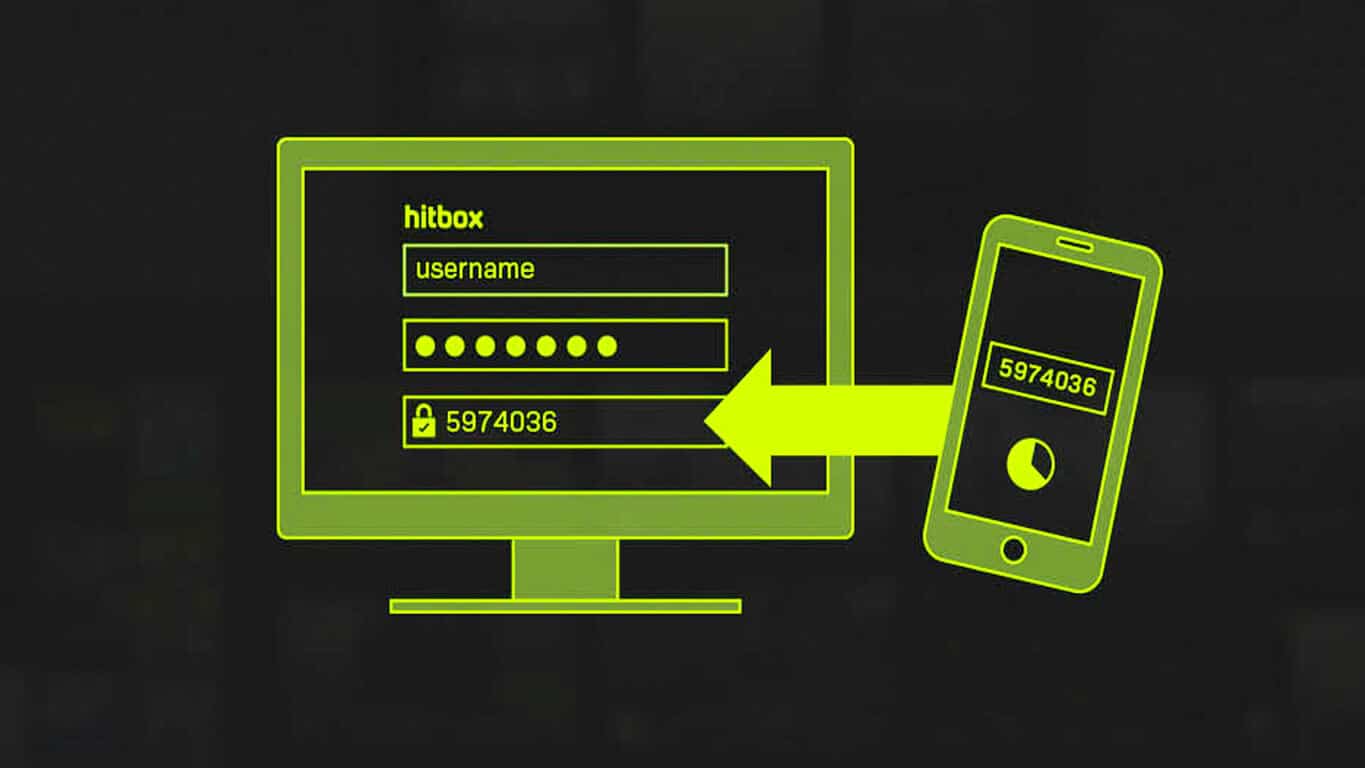
Third-party Hitbox app for Windows updated with Hitbox account and follower support

As we recently announced, the third-party Hitbox app recently hit the Windows Store. It was a momentous occasion, as the app became a great way to use the Hitbox streaming platform to watch live broadcasts of the games you love straight from your Windows device(s).  While there is still no official Hitbox app for Windows, Jonathan Antoine, the developer of the app, has shown commitment to the Windows platform and even recently released a Windows 10 Mobile version of his app. Today, an update has hit the third-party app, further showing the developer’s dedication to the Windows platform.

Overall, the update brings in support for Hitbox account and follow/unfollow support, allowing users to sign-in with their Hitbox account and manage the users they follow. It is just the latest addition, as the app already lets people search for games, streams and recorded videos, access trending channels and games, and access all the live streams and videos of games.

Hitbox on Windows Phone

So, if you’re using this app, be sure to press that download button now! Even if you are not using the app, we have done you a favor and have included a download link for you below.


Microsoft officially launches the 2TB Xbox One S, available now

The wait for Microsoft’s new gaming console is finally over: Microsoft’s $399 2TB launch edition Xbox One S is now available in select markets at Microsoft Stores or your local retailer. If you can’t wait to get your hands on the new console, hurry up as it’s currently selling out fast, with Xbox Wire Editor in Chief Will Tuttle explaining in a new blog post today that “demand is extremely high and the 2TB launch edition is only available in limited quantities.”

As a reminder, here are the main highlights of the new gaming console:

  • Xbox One S offers a great value as one of the top 4K Ultra HD Blu-ray players on the market – which means you can watch your favorite movies in stunning 4K.
  • You can play over 100 console exclusives, and with High Dynamic Range (HDR) support for video and gaming, Xbox One titles like Gears of War 4, Forza Horizon 3, Scalebound andNBA 2K17 will look even better thanks to a higher contrast ratio between lights and darks, bringing out the true visual depth of your favorite games. And don’t forget about the growing library of backward compatible Xbox 360 games.
  • You can also stream movies or TV shows in 4K Ultra HD with content from partners like Netflix available now. More content from Amazon Video and others is on the way!
  • Xbox One S is 40 percent smaller than the original Xbox One, featuring a built-in power supply. No more brick!

While the Xbox One S improves the original Xbox One console in nearly every way, the new hardware lacks a dedicated port to plug in the Kinect sensor. However, it’s not all bad as Microsoft can offer you a free Kinect USB adapter if you currently own an original Xbox One with Kinect. According to Tuttle, “Kinect continues to play an important role in our Xbox ecosystem, especially with the introduction of Cortana on Xbox One this summer.”

Lastly, waiting a few more weeks to get a cheaper Xbox One S may be a good idea: Microsoft plans to release 1TB and 500GB Xbox One S options starting at $299 USD later in August, and the Xbox One S Madden NFL 17 Bundle and Xbox One S Halo Collection Bundles will also launch on August 23 (you can already pre-order them on the US Microsoft Store). If you will be able to spend some quality time with the console today, feel free to share your impressions with us in the comments below.

Xbox One owners can now play Layers of Fear: Masterpiece Edition and Battleship

Xbox One owners are spoilt for choice this week with several video games debuting on the system. Batman: The Telltale Series, Risk: Urban Assault, and Dead Island Retro Revenge all came out today. F1 2016 is also now available to pre-order. Joining these titles are Battleship and Layers of Fear: Masterpiece Edition, both of which can be bought, downloaded, and played right now.

Battleship is a video game version of the classic board game. It features both offline and online multiplayer. Here’s the official game description: With a modern, dynamic and interactive 3D board, BATTLESHIP brings the classic franchise to a new level for a memorable experience.

Deploy your fleet and shoot at your opponent’s grid to find and destroy enemy ships before yours are sunk. Enjoy the game you know and love with the Classic mode or get more tactical in a brand new way to play with the “Clash at Sea!” mode.

Buy Battleship on Xbox One

Layers of Fear: Masterpiece Edition on the other hand is and action and adventure title with a focus on story and exploration. Here’s the official game description: Layers of Fear is a first-person psychedelic horror game with a heavy focus on story and exploration. Delve deep into the mind of an insane painter and discover the secret of his madness, as you walk through a vast and constantly changing Victorian-era mansion. Uncover the visions, fears and horrors that entwine the painter and finish the masterpiece he has strived so long to create.

Layers of Fear: Inheritance expands the plot from Layers of Fear and tells the story of the painter’s daughter, who comes back to her childhood home to face her past. Can she forgive her father, or will she resent all that has happened? Relive her experiences and witness the full scope of the tragedy that has swallowed up the family.

Buy Layers of Fear: Masterpiece Edition on Xbox One

Have you bought any new Xbox One games so far this week? Let us know which ones in the comments below.

Risk: Urban Assault and Dead Island Retro Revenge out now on Xbox One

Two new video games came out today on Microsoft’s Xbox One console, Risk: Urban Assault and Dead Island Retro Revenge.

Dead Island Retro Revenge is an old school-style spin-off of the popular Dead Island video games and features retro graphics and gameplay that should look familiar to fans of brawler games like Double Dragon. It was previously available as part of a bundle but is now available to buy individually. Here’s the official description: Time for some 16-bit retro revenge! Hell-bent on saving his cat, Max must carve a bloody path through a zombie-infested California, tearing his way through hordes of the undead, battalions of corrupt soldiers, and a slew of evil-minded ex-cons. Pull off crazy combos, collect power-ups, wield super weapons, and unleash insane magic attacks as you fight to become the amazing 16-bit side-scrolling hero you’ve always believed yourself to be!

Buy Dead Island Retro Revenge on Xbox One

Risk: Urban Assault is a digital interpretation of the famous Risk board game and is set in a post-apocalyptic world. The gameplay features several major cities around the world and a host of unique strategies and attacks. Here’s the official game description: Lead your troops to victory with Risk Urban Assault! In a post-apocalyptic world, rally your armies and march across some of the most famous cities around the globe. From Shanghai to New York, be cunning and play strategically to defeat driven opponents. Use diplomacy, build facilities or take advantage of your commanders’ special abilities, you now have smart new ways to establish your domination! Fight until all cities are yours!

Buy Risk: Urban Assault on Xbox One

Are you interested in either Risk: Urban Assault and Dead Island Retro Revenge or is there another upcoming Xbox One game that’s caught your eye? Let us know in the comments below.

Upgrade to Windows 10 for free using this loophole

The free Windows 10 upgrade offer ended on July 29, but you can still get Windows 10 for free even if you missed that boat. Normally, if you want to upgrade to Windows 10 now, you have to shell out $119. However, there is still a loophole available allowing you to get Windows 10 for free.

Microsoft already announced that Windows 10 would remain free for assistive technologies users, but hasn’t done anything to prevent other users from taking advantage of this exception. In other words, even if you are not using a computer running assistive technologies, you can pretend you are and upgrade to Windows 10 for free.

It appears that Microsoft doesn’t perform any verification at all to make sure your computer is running assistive technologies. This loophole practically allows all Windows users to upgrade for free whenever they want.

We’re not sure whether Microsoft left this loophole on purpose or not, so as to allow more users to upgrade to Windows 10. It does seem very unlikely that the tech giant is not aware of the existence of this loophole.

If you want to upgrade to Windows 10 for free, go to Microsoft’s page and hit the Upgrade now button. Although Microsoft hasn’t revealed when exactly the free upgrade offer for customers using assistive technologies would end, you should hurry up and upgrade to Windows 10 now while you still can.

When does the free upgrade offer extension end?
We have not announced an end date of the free upgrade offer for customers using assistive technology. We will make a public announcement prior to ending the offer.

RELATED STORIES YOU NEED TO CHECK OUT:

Is my computer ready for Windows 10 Anniversary Update?

The Windows 10 Anniversary Update is around the corner, but before you upgrade, you should check if your computer is compatible with Microsoft’s latest OS. If your device is not fully capable of running Windows 10, you may experience serious issues once you install the OS, possibly making you regret the moment you decided to upgrade.

Here’s how to check if your computer is ready for the Anniversary Update

  1. Download  the KB3035583 update which will install the Get Windows 10 app on your machine
    1. Go to Windows Update > Check for Updates
    2. Select the KB3035583 update > install it
  2. Right-click the Get Windows 10 icon > select Check your upgrade status

Get Windows 10 icon Check your upgrade status

3. Click on the hamburger menu > select Check your PC

Get Windows 10 check your PC4. A list with all the possible issues will appear, informing you about the features that may not work properly.

check-windows-10-compatibility

However, sometimes Get Windows 10 may display inaccurate information, suggesting you to delete certain programs which you may have already removed.

The compatibility check tells me that I need to uninstall a program I already uninstalled over a week ago (PerfectSpeed by Raxco).  The check ran yesterday but I uninstalled the program well over a week ago and I can’t find a trace of it anywhere on my computer.  Will this be a problem when my computer finally upgrades?  (I currently have Windows 7).

Other users even removed the video card, installed a new card compatible with Windows 10, but when they ran Check my PC again, it showed that the video card they had previously removed was not Windows 10 compatible.

The minimum system requirements for properly running Windows 10 are:

  • Processor: 1 gigahertz (GHz) or faster processor or SoC
  • RAM:1 gigabyte (GB) for 32-bit or 2 GB for 64-bit
  • Hard disk space: 16 GB for 32-bit OS 20 GB for 64-bit OS
  • Graphics card: DirectX 9 or later with WDDM 1.0 driver
  • Display: 800×600

RELATED STORIES YOU NEED TO CHECK OUT:

Microsoft and CardioDiagnostics partner to create Azure powered monitoring tools

Microsoft’s Azure cloud technology has made significant strides in the bringing healthcare to a higher quality. One such example is that of cardiologists experimenting in mobile cardio telemetry. That is to say, a device that can securely share collected data in real time across the cloud to be monitored by medical professionals.

In today’s Microsoft News Center blog post, the company shared insight into the potential of its monitoring device led by Ziad Sankari and his team from CardioDiagnostic. The medical pioneering company has put themselves on the map for developing an algorithm that is capable of analyzing the electrical activity of the heart and detecting specific patterns with quick recognition. In n effort to create products and technology for their innovation, CardioDiagnostic praised Microsoft Azure’s services as being scalable, available and durable. In compliance with the Health Insurance Portability and Accountability Act (HIPAA), Azure provided their project with the peace of mind that patients data is safe.

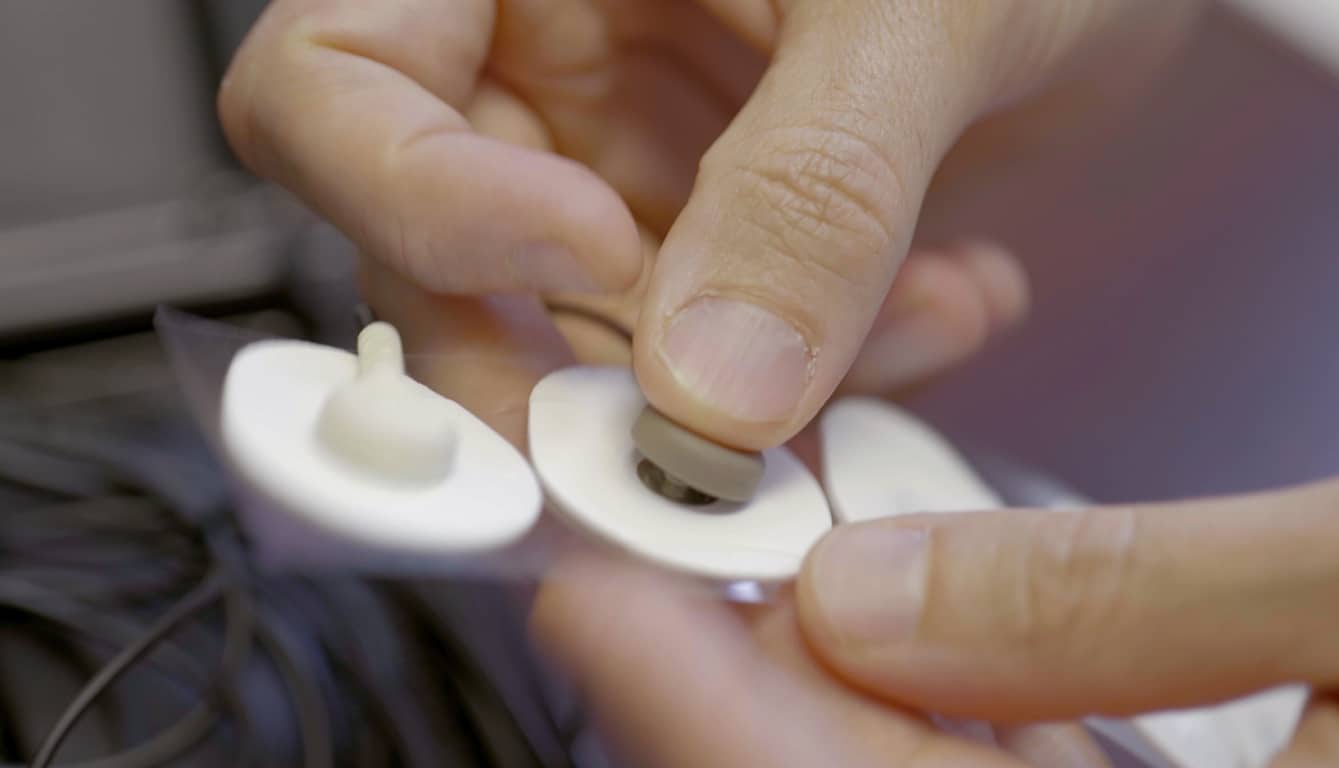
The device is about the size of a mobile phone that is then hooked up to electrodes. It can be worn in any setting necessary by the patient without the need to be even remotely near a trained medical professional. In fact, they can even use the monitor while it is charging. The data is sent in real time through the cloud for a consistent monitoring of the patient’s wellbeing. The technology makes it possible to detect arrhythmias or abnormalities that might occur. These early detection will not only help the team understand correlations with these symptoms and cardiac anomalies, but could potentially save lives with quick response. Perhaps the most important part of the device is the emergency button, keeping an alert close at hand for a surprise situation or discomfort.

It never ceases to amaze what applications Microsoft’s technology might have their hands in. With a growing healthcare field ripe for significant technological advancements, the company continues to sow fields of possibilities through their secure and effective Azure cloud.

Microsoft releases Node.js Tools 1.2 for Visual Studio 2015

A quick and minor update snuck in over the weekend for the Node.js Tools for Visual Studio (NTVS) settling into the version to 1.2. This version, as with others, is focused on increasing a developer’s productivity with basic upgrades to current tools already available.

  • Faster, better ES6 IntelliSense
  • More reliable debugging
  • Improved Performance
  • Improved Unit Testing Experiences

Overall, the small update to the plug-in improved a lot of stability and performance issues, including reducing the out-of-memory crashes that many users were experiencing beforehand.

Visual Studio (NTVS) is an open source project that is available on the GitHub repository. The update is compatible with VS Community 2015, VS 2015 Express for the Web, and VS 2015 Professional or above. The update doesn’t apply for Visual Studio Express for Windows. Check it out or download the newest version here.

Microsoft and PicsArt partner to help empower Brazilians through sports

Microsoft is devoting a ton of resources and technology to helping Olympics fans keep up with the Rio games. For example, Bing, Cortana, and Outlook are offering up-to-date info on the games, their schedules, and their results, and Microsoft Azure is being utilized by NBC Olympics for cloud encoding and hosting with video workflows during the Games’ production.

But The Olympics aren’t Microsoft’s only efforts at helping sports impact Brazilians–the company is also partnering with the developers of the popular Windows 10 photo editing app PicsArt to help Brazilians empower themselves through sports. In their blog post today, the developers announced that they’re partnering with Microsoft to #SupportBrazil:

For the duration of the summer games, we’re partnering with Microsoft to promote a special Superhero Clipart package that will, indeed, give you superpowers (it’s true). It’s easy and fun and the best part is we’re donating 100% of the proceeds to Coletivo do Esporte, an initiative focused on empowering Brazilians to achieve more in their lives through sports.

Before…
After…


You can go here to turn yourself into a superhero by following a few easy steps. The clipart is available in general to PicsArt users for $1.99 via in-app purchase.

Update: This story was edited to clarify that this partnership does not directly involve the Olympics but rather is aimed at assisting the Coletivo do Esporte initiative.

Xbox and the Coalition are bringing a million dollar prize pool to Gears eSports Pro Circuit

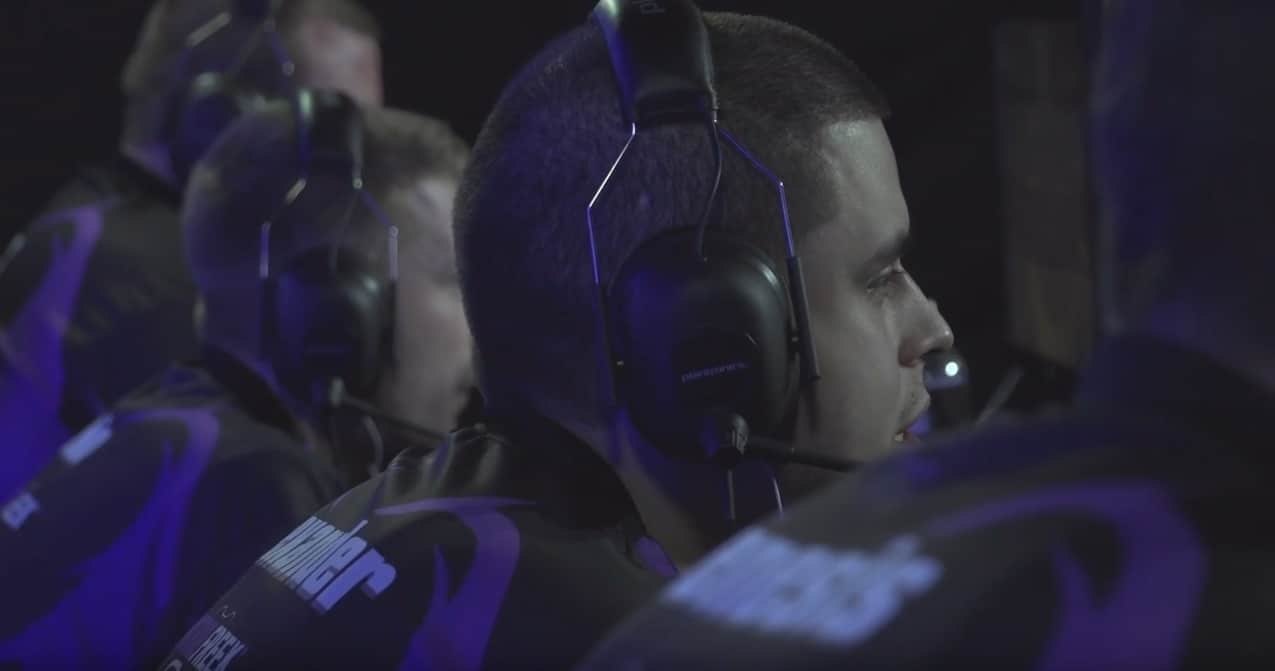
Once again, the Xbox team and eSports pair up, this time to bring a million-dollar prize pool to competitively elite Gears of War 4 players. Jack Felling, an eSports Producer and The Coalition associate, announced today that the Gears eSports Pro Circuit for Gears of War 4 will not only be holding a one-million-dollar prize pool, but contestants from around the world will be taking part in the tour starting November 25, 2016 until Summer 2017.

The details of the Pro Circuit are as followed:

Players worldwide can earn “Gears Pro Points” by competing in regional MLG GameBattles online ladders and in daily and weekly tournaments. Gears Pro Points qualify players for the international circuit open LAN events that take place every 1-2 months from the Gears of War 4 game launch in October 2016 to July 2017. The Gears Pro Circuit features more international crossplay and competition than ever before in Gears of War history as top teams from North America, Europe, Latin America, and Oceania will qualify via Gears Pro Points to be flown around the world to compete against each other at these events. Teams that don’t qualify for the top travel spots will still be able to compete at local events or any international event of their choosing.

Gears of War players will enjoy large open events with a double elimination format playing the new Escalation competitive game mode (5v5) on Gears of War 4.

Can’t wait for Gears of War 4 and want to start competing in Gears this summer? MLG will be hosting a $25,000 USD Gears of War 4 launch event in October 2016. Players will be able to sign up for regional GameBattles online ladders and tournaments, and more details about qualification and the event itself will be announced in the coming weeks. The top team from each region in Europe, Latin America, and Oceania will be flown to compete against five North American teams to make up the eight teams at the Gears of War 4 launch event at the MLG Arena in Columbus, Ohio, USA.

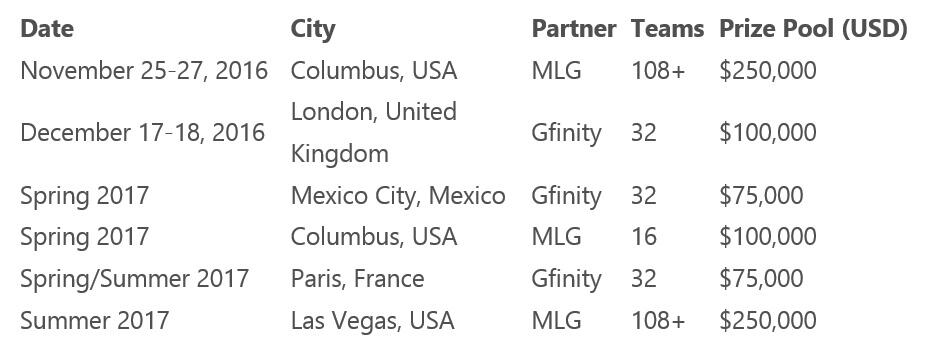
To participate in the local events in your region, the circuit will be stopping by at these locations on these specific dates and timeframes:

Gears eSports calendar

Additional prizes and perks include a $100,000 event that will take place at some surprise location that has yet to be announced, a launch event a month before the tour begins in November 2016 and players from around the world will be able to start competing online in weekly tournaments with cash prizes worth $50,000.

For the less daring or skillful, spectators can tune into the ten-month long event via the Gears eSports Weekly Broadcast hosted by MLG. The broadcast will feature live matches from online tournament play as well as pro and amateur key ladder matches from across the globe including North America, Europe, Latin America, and Oceania.

For even more information, visit www.gears.gg or follow @eSportsGears on Twitter and GearsofWar on Facebook. Remember, for anyone interested: you have just under four months to get those twitch reflexes in order.

NBC Olympics chooses Azure for Summer Games streaming

Microsoft has just announced that NBC Olympics has chosen Microsoft Azure as the trusted cloud provider to power the network’s Olympic streaming coverage. This represents the second time that NBC Olympics has chosen Azure for streaming coverage, and Microsoft will also be working with Adobe Primetime and its Primetime TV publishing and monetization platform to bring a authenticated streaming coverage live and on-demand to Olympic fans.

Overall, Microsoft Azure will provide cloud encoding and hosting with video workflows for NBC Olympics’ production and NBCUniversal and NBCOlympics.com’s record 4,500 hours of online content. Scott Guthrie, executive vice president of the Cloud and Enterprise Group at Microsoft, put the situation best:

“We always strive to deliver more content in real time to more channels and devices around the world…During the Sochi Olympic Games, NBC Olympics had more than 1 million concurrent live viewers watching a collective average of 600,000 hours of coverage per day. We are planning for even greater viewing numbers for Rio, and are excited to power the experience again using Microsoft Azure.”

Azure_Event-16
Azure

Rick Cordella, senior vice president and general manager, Digital Media, NBC Sports Group, also expressed confidence in the reliability of Azure. He said:

“The Rio Olympics have nearly three times as many events per day as the Sochi Games…With the Azure cloud platform, Microsoft is partnering with us to deliver the secure, scalable cloud we depend on to bring the Games to millions of viewers on whichever device they prefer, via end-to-end live streaming entirely in the cloud.”

NBC Sports Windows 10 app

With the start of the Rio games on Friday, there will be many ways to keep up with the Olympic Action. Bing will provide a schedule that offers daily updated Events to Watch. Outlook also debuted new Interesting Outlook calendar functionality in Outlook.com and Outlook on the web for events starting with the Summer Games, enabling viewers to add their favorite events from the Olympics calendar to their schedule. Lastly, with the NBCSports App, and the freshly updated MSN Sports app, fans will have around-the-clock Olympics coverage.

Microsoft’s recent partnership with Red Hat may help secure US government contracts

While Microsoft’s recent partnerships and collaborations with the open sourced community may be signs of the times for the transitioning software company, the move to embrace more open development may also represent a strategic play for expanding its government contracts portfolio.

According to Bloomberg’s Government Analyst Picks, a daily briefing of stories and sources that cover federal markets, Microsoft’s newly formed partnership with Red Hat Inc. could see the use of its Azure Government Cloud increase among federal agencies.

Thanks in part to Red Hat’s already bustling presence in federal use, Microsoft can now leverage its new Azure Certification tie-ins into Red Hat’s Cloud and service provisions. Joining forces with Red Hat now offers governments who prefer either Red Hat or Azure Government Cloud the flexibility of having both services at their disposal.

On July 27, Microsoft announced that its Azure platform has become a Red Hat Certified Cloud and Service Provider. This allows Azure’s public cloud to integrate with Microsoft data centers and a selection of Red Hat products. It also means the government doesn’t have to choose between Microsoft Azure Government and Red Hat products.

Bloomberg Government data shows that Microsoft Azure and Red Hat contract obligations totaled $4.6 and $73.9 million, respectively, in fiscal 2015. There were no overlapping contracts, but this may change as a result of the partnership. Now that government agencies have more flexibility, both companies’ government contract dollars may grow.”

As Microsoft continues to transition and rebrand itself as the cloud-powered productivity company, it also seems to be attempting a retrench in the enterprise, education, and government sectors with the help and use of the open source community. However, instead of seeking to extinguish already existing players, Microsoft seems prepared to offer its services alongside them for the benefit of the customer and longevity of its brand.

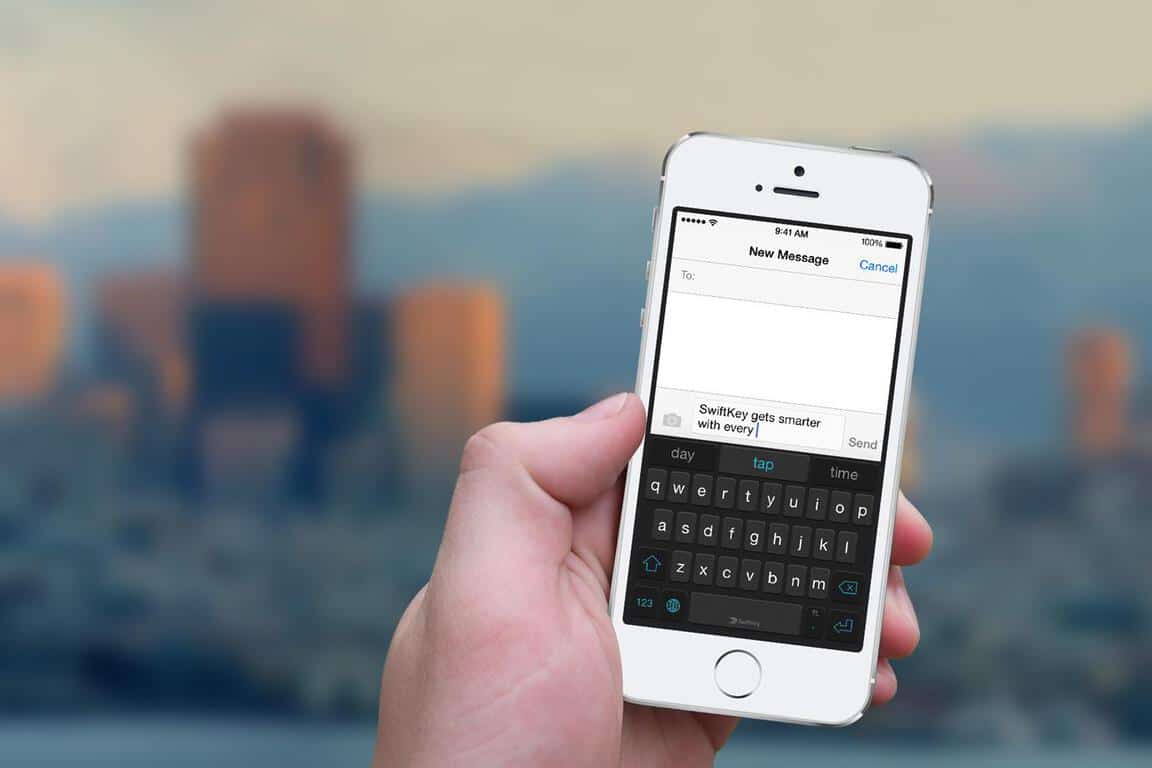
Microsoft’s recently acquired Swiftkey turns off cloud sync due to “unexpected predictions”

Swiftkey, the developer of a popular mobile predictive keyboard that Microsoft acquired in February, recently turned-off its cloud sync feature following various reports of unusual predictions from users (via Security Week). Nine days ago, Reddit user JawaharlalNehru reported that the predictive keyboard was giving him someone else’s suggestions on his Android phone, including predictions in German as well as sensitive information such as email addresses and more.

As many Reddit users have since contributed to the thread, with some of them expressing their distrust in the service, Swiftkey has since acknowledged the problem. According to the team, the issues only affected a limited number of users and did not pose a security issue. Additionally, Swiftkey’s cloud sync service will be turned off while the team is looking into the issue:

This week, a few of our customers noticed unexpected predictions where unfamiliar terms, and in some rare cases emails, appeared when using their mobile phone. We are working quickly to resolve this inconvenience.

While this did not pose a security issue for our customers, we have turned off the cloud sync service and have updated our applications to remove email address predictions. During this time, it will not be possible to back up your SwiftKey language model.

The vast majority of SwiftKey users are not affected by this issue. If you have any reason to believe you are seeing unfamiliar predictions, please contact [email protected].

In the meantime, you can still use Swiftkey but you won’t be able to sync your predictions across devices. As one of the most popular predictive keyboard apps on mobile devices, Swiftkey had to react quickly to avoid the bad buzz and we’re now waiting for the team to give an update on the service’s status. If you use Swiftkey on your mobile devices, sound off in the comments to tell us if you have been affected by the issue and if you still trust Swiftkey with your personal data.


Pre-ordered Xbox One S consoles are being shipped already, ready for delivery Aug 2nd

Just a little less than two months after being officially unveiled at E3, the Xbox One S finally launches tomorrow. Microsoft is celebrating with select launch events for the new slimmed down Xbox One, and Microsoft has confirmed that the new console will be generally available on shelves starting tomorrow.

Reports have also been surfacing of Xbox One S shipping notifications for pre-ordered consoles. Fan site XboxOneUK says pre-order customers are receiving confirmations from Microsoft that their consoles are shipped and will be arriving on time. So if you pre-ordered Microsoft’s latest console well in advance, you should be able to rest assured that it is on its way and will be delivered on schedule, but check your inboxes for a shipping notification. You can also sign into your Microsoft account and view recent orders to find out your shipping status.

Microsoft’s latest console, the Xbox One S, is a 40% smaller refresh of the current generation. In addition to being as capable of the original Xbox One, the Xbox One S is able to play 4K resolution video and High Dynamic Range imaging. It also doesn’t need a bulky power brick, unlike the original Xbox One. And there are options to get it with up to a 2TB HDD for storing a ton of games.

So if you are interested in picking up Microsoft’s latest console but didn’t place a pre-order, you can grab one in stores starting tomorrow, depending of course on availability.

Microsoft aims latest Surface Book ad at Hispanic market

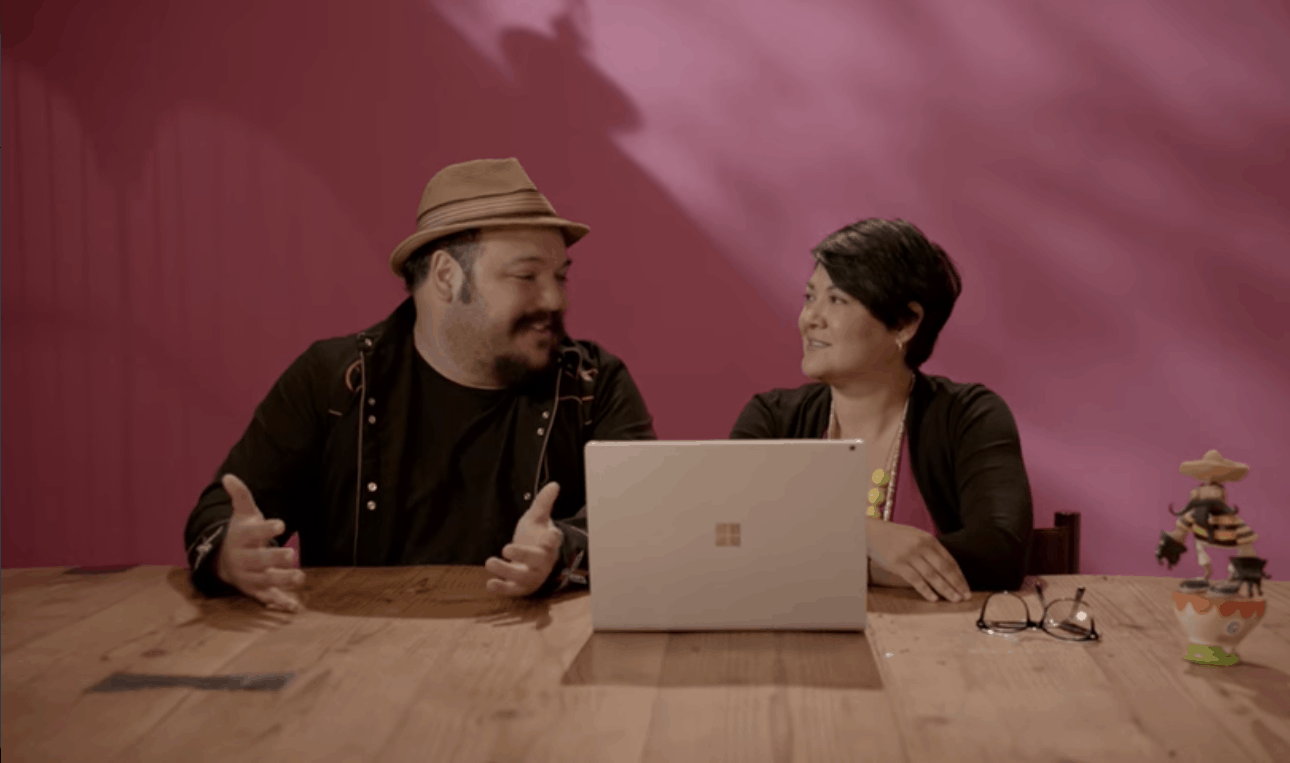
Microsoft has launched a new promotional video for its Surface Book innovative notebook (via Windows Central). The ad features Mexican animator Jorge Gutiérrez and his partner Sandra Equihua, who both created the animated film The Book of Life in 2014. In the following video, they explain how the Surface Book and the Surface Pen allow them to express their creativity and bring their ideas to life. Gutiérrez explained:

It’s like this superpowerful computer and a tablet had a perfect baby. It’s a typewriter for writing scripts, it’s a sketchbook for sketches, it’s a canvas for painting. You can’t do that on a Mac”.

Microsoft also uploaded a Spanish version of the 30-second ad on the Surface YouTube channel, and it seems to be the first Surface ad in a non-english language:

Additionally, it seems that the Mac reference is starting to become a trend in these Surface promotional videos. A week ago, Microsoft released a similar ad for the Surface Pro 4 featuring professional climber and mountain guide Melissa Arnot who explained that the versatile hybrid tablet allowed her to do things that she couldn’t do on a Mac. However, we’re still far from Apple’s popular “Get a Mac” campaign that ran from 2006 to 2009. Let us know in the comments what do you think of this latest Surface promotional video.


Microsoft reveals more info on upcoming Xbox Fanfest at gamescom in Cologne, Germany August 17-18

Microsoft has announced some of the details for the upcoming Xbox FanFest,  happening August 17-18 in Cologne, Germany as part of gamescom. Events will include a FanFest Showcase on August 18th, a special Xbox day-time activity on August 17th, free Xbox swag, meet and greets, and more.

Tickets for the event will be distributed on a first-come, first-serve, one per-person basis, and will be distributed Wednesday morning, August 17 in Cologne, Germany.  The location for the distribution, meanwhile, is still top secret, and will be shared on Twitter, Facebook, and Snapchat on 10:00 CEST on the morning of August 17th. Of course, every ticket holder has to be over 18 years of age, and Parents with children under the age of 18 will not be allowed. Ticket holders are also expected to have a valid, government-issued, picture ID.

Microsoft has previously held press events at gamescom, but is forgoing one this year and holding FanFest instead.

Would you pay for a “Design Lab” custom Xbox One S or Project Scorpio console?

The first 2TB Xbox One S are expected to ship to customers on tomorrow August 2nd, and Microsoft’s new gaming console is definitely a beauty. However, if you enjoyed the black coating of the previous generation model, the new Xbox One S will only be available in white as of now (well, unless you pre-order that custom-designed Gears of War 4 Limited Edition console).

While Microsoft has yet to reveal if it plans to sell non-white versions of the Xbox One S, it seems that some Xbox enthusiasts would like the company to allow customers to customize their console through the Xbox Design Lab. Reddit user Tastybread suggested the option yesterday and already received plenty of comments.

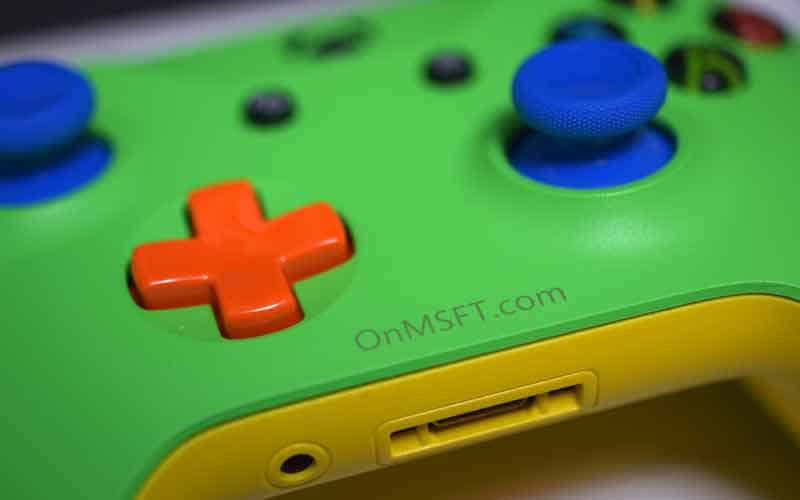
As a reminder, Microsoft introduced the Xbox Design Lab during its E3 2016 keynote: it’s a straightforward tool which allow customers to customize an Xbox One purchased from the Microsoft Store, with some eight million color combinations possible. We even used it to create our custom Xbox controller that we will give away as part of our rebranding to OnMSFT.com.

Overall, the comments on the Reddit thread are very interesting. It seems that some Xbox fans are definitely open to the idea of customizing their gaming console, but Microsoft would have to make it affordable for gamers. Others are saying that the limited edition consoles currently offer more value to fans, as some of these consoles actually feature pretty extensive customizations including custom system sounds.

As for Microsoft, the idea could well make business sense if custom gaming consoles could improve the average selling price of the Xbox One S. As of now, the cheapest Xbox One S with a 500GB hard drive sells for $299, which is pretty low when you remember that the launching price of the Xbox One was $500 (Kinect included) back in November 2013. Purchasing an Xbox Design Lab controller currently costs $79.99, which is 33% higher than standard controllers (an engraving option is also available for $9.99).

Do you think Microsoft should consider allowing customers to customize their Xbox One S if  Xbox Design Lab controllers become a popular option for Xbox enthusiasts? Let us know what you think in the comments below.

Windows 10 now on over 21% of all desktops, says NetMarketShare

A year after Microsoft introduced its free upgrade offer to Windows 10 for PCs running Windows 7 or Windows 8, the company finally put an end to this year-long opportunity last Friday. Microsoft’s significant upgrade push didn’t avoid some controversy during the past year, as many users complained that its Windows 10 upgrade prompts have been too aggressive and confusing, but there is no denying that the Windows 10 launch has been an overall success for the company.

On June 29, the Redmond giant announced that Windows 10 was already running on 350 million devices (including PCs, phones, Xbox One gaming consoles and more), which was 50 million more devices than the previous milestone announced by the company on May 5. As we’re now just one day from the release of the Windows 10 Anniversary Update, we expect the company to release an update on the number of devices running the latest OS pretty soon.

In the meantime, Windows 10 currently enjoys a 21.13% desktop operating system share according to the latest data from NetMarketShare. While Windows 8 and Windows 8.1 now represents less than 10% of the PC market (their respective market share currently clock at 2.09% and 7.8%), Windows XP still closes the podium with a 10.34% market share, far from the seven-years-old Windows 7 which currently leads with 47.01%.

It will take some time before Windows 10 catches up to Windows 7.
It will take some time before Windows 10 catches up to Windows 7 (credit: NetMarketShare).

Obviously, Windows 10 has still a long way to go before eventually catching up to Windows 7. Microsoft is well aware of this, as the company recently acknowledged that it won’t met its goal of 1 billion devices running Windows 10 in 2018. However, Windows 7 won’t claim the top step eternally as PC manufacturers have until October 31 to sell off all their stocks of computers running Windows 7 Professional or Windows 8.1. In other words, all new PCs will come with Windows 10 in just three months.

OEMs will have to stop selling PCs with Windows 7 by October 31, 2016.

Now that the free upgrade for past operating systems is over, it will be interesting to see how the Windows 10 market share will evolve over the next few months. Let us know in the comments if you think the new operating system will be able to maintain its steady growth in the future.

Classic Microsoft game Chip’s Challenge comes to Windows Store for Windows 10

Remember the classic video game from Microsoft, Chip’s Challenge? Probably not because it is older than you and your grandparents. A developer has done the hard work and has brought the title to the Windows Store for both Windows 10 and Windows 10 Mobile.

The game is free to play and doesn’t seem to have any form of graphical improvements, just the regular game with touch inputs included. Nothing special here as there are several games out there similar in style and gameplay to Chip’s Challenge.

Here’s the full description:

149 increasingly difficult levels, including a few hidden ones, await Chip in this tile-based puzzle game. Use tools such as keys, and special shoes to bypass obstacles. Manipulate switches to and use dirt blocks to build bridges across waterways. Avoid enemy creatures, grab all the computer chips in the level, and hurry to the exit: On top of everything else, there’s a time limit!

For those who are unaware, Chip’s Challenge was first released on the Atari Lynx, then no too long after, it was released as part of the Microsoft Entertainment Pack 4 for Windows 3.1. It was then later released in the Best of Microsoft Entertainment Pack, and then alongside Chip’s Challenge 2 on Steam back in 2015.

Chip’s Challenge was fun decades ago, but we doubt the excitement can hold up in 2016 when compared to other similar titles. Then again, we haven’t yet played the Windows Store version, but we hope to do a review in the coming days.

Download Chip’s Challenge right here from the Windows Store.

RELATED STORIES YOU NEED TO CHECK OUT:

Doom is receiving a multiplayer DLC in August 5, 2016

Doom is a first person shooter video game that has been released for Xbox One, PlayStation 4 and Windows PC on May 13, 2016. Many Doom fans series were very happy to see this game being released and even if it is not as successful as the previous titles from the series, we can say that the game is still quite strong.

According to reports, all upcoming DLCs that will be released for Doom game will be focused on the multiplayer part of the game, but it will be handled in a way that it won’t split up friends.

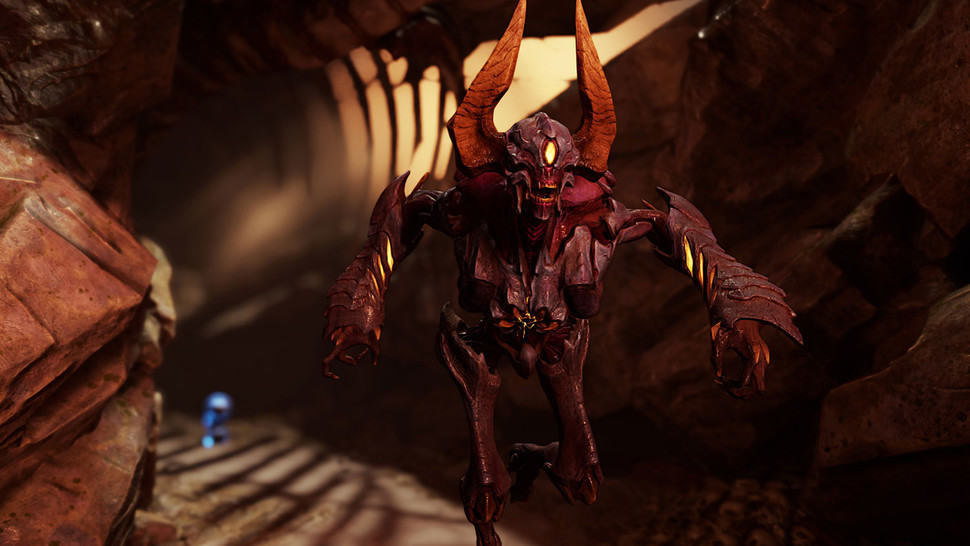
Doom didn’t receive any DLC until now and a few months have already passed since the game was released. The first DLC that will be released for Doom is named Unto the Evil and it will be released in one week (August 5, 2016). This new DLC comes with new weapons and equipment, a new demon and three new multiplayers map, where you will be able to play with your friends.

However, not all players will want to purchase the DLC and usually if a friend of yours doesn’t have a DLC of a game, you will not be able to play together the new content that a DLC comes with. Well, the developer has come up with a great idea and it will allow you to invite your friends and play the three new maps with them without any problems. Doom has a new feature called “PartyPlay” and it will allow players who don’t own DLC content to play it without any problems, but only if the friend who they are in party with has purchased the DLC.

In other words, if a friend of yours already has the new “Unto the Evil” DLC for Doom, you will be able to join his/her party and play the three new multiplayer maps when the downloadable content is released.

Do you play Doom in multiplayer mode? Will you want the “PartyPlay” feature to be available in other multiplayer games?

RELATED STORIES TO CHECK OUT:

Mike Ybarra: we’re working to allow any developer to upload Universal Apps to Xbox
Since the Xbox Summer Update released yesterday, Universal Windows Apps have been available to Xbox users – apps such as Groove Music and DailyMotion are just a couple of the apps already available in the ever-converging Xbox and Windows Store’s, however, Universal Apps on Xbox are currently limited to approved developers only and is not like the Windows Store where any developer can publish an app to it.

Mike Ybarra, Head of Platform Programming at Xbox, tweeted out to say that they are currently working out the details on allowing any developer to upload Universal Apps to the Xbox platform:

Without the final details being known, it is unclear if they will allow all developers to upload their Universal Apps on Xbox or if there will be tightened restrictions for the platform. Nonetheless, if plans go ahead, we could be seeing a hefty influx of new apps making their way to Xbox “soon”.

We’ll keep an eye out for the finalised details in the coming days and weeks ahead.

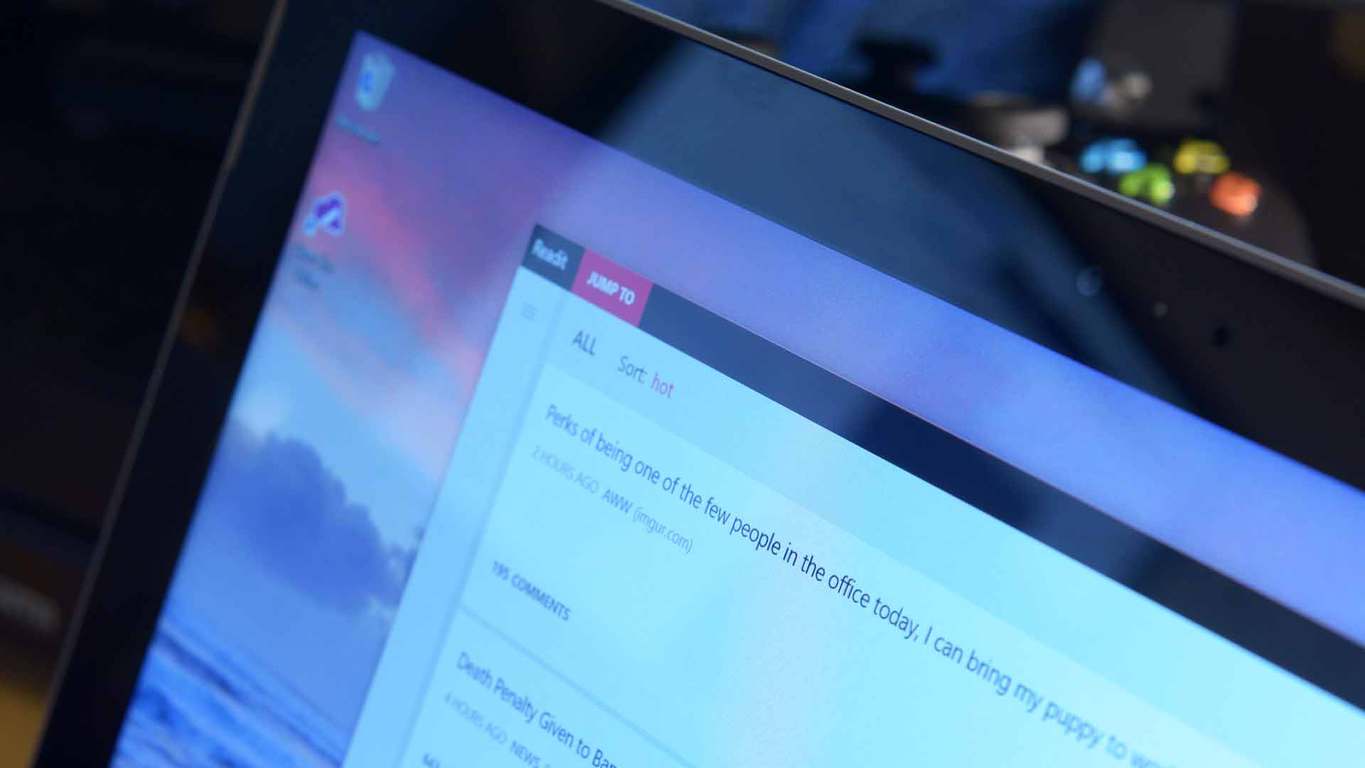
Readit on Windows 10 updated, now has a true dark theme and many more improvements

Readit, a third-party Reddit client for Windows 10 devices, has received yet another huge update which brings a large number of improvements and fixes.

The most notable improvements in the latest update are the changes to the themes. The dark theme is now a true dark theme, making the app more suitable for AMOLED screens, along with the light theme being made lighter. Here’s the full list of improvements:

  • Dark theme is now darker (enjoy AMOLED users)
  • Light theme is now a bit lighter
  • Changed some animations in the post viewer such as the comments header and parallax effect added to post content, also the comment count now slides in where the loading indicator is instead of moving abruptly
  • New comment UI, transparent with a new hierarchy indicator
  • Changed the way subreddit post notifications work
    • A toast will only display on screen for the first new post it finds (this applies to every subreddit that you enabled notifications for)
    • All other posts found will be added to the action center silently (at most 4 other notifications for each sub)
  • Added support for the “suggested sort” that mods can set on posts (such as q&a for AMAs)
    • If a suggested sort is set and you visit the link, the suggested sort will be loaded automatically
    • You will know this as it will be indicated with a “(suggested)” tag either in the mobile context menu or the desktop’s dropdown
  • Comments should scroll a bit more smooth than before
  • The app is now ready for Xbox release, just waiting for the store to allow it

Several bugs have also been fixed, which should lead to a smoother and more stable Reddit experience:

  • Fixed cloud sync (roaming data) not syncing correctly for some users
  • Fixed adaptive UI on desktop/tablets not triggering
  • Fixed vevo videos/copyrighted videos not loading
  • Fixed swipe view in profiles for all category options
  • Fixed a bug where posts would fail to load if a youtube url contained uppercase characters randomly
  • Fixed “Select a post…” message disappearing in desktop randomly when there is no post selected
  • Fixed arrow keys navigating posts when in a textbox
  • Fixed links not loading when launching from live tiles for subreddits

The update is available now in the Windows Store.

Readit
Readit
Price:
Free

Mike Ybarra: Groove Music will support background music on Xbox Preview soon

Microsoft’s Mike Ybarra revealed today that Groove Music will have background music on the Xbox One soon and that ability will come to other apps too later on.

Background music is a highly requested feature on the Xbox One and it will soon be available for all Preview members to try out.

Mike mentions that the feature is already available, but corrects himself in a tweet he posted shortly after:

If your Xbox is enrolled in the Preview Program, you will receive the update “very soon” and you will be able to play your favourite music while playing your favourite games, however, not all apps will support it at the same time, as it is up to individual apps to implement the new feature.


Microsoft officially announces the Xbox One Summer Update, rolling out now

Microsoft has announced that the Xbox Summer Update is now rolling out to Xbox One users worldwide. This update brings major improvements to the Xbox platform, including highly requested features such as background music and Cortana integration.

On the Xbox Wire blog, Mike Ybarra, Head of Platform Engineering at Xbox, gave a rundown of the changes that are included in this update:

  • Background music – music apps can now play music in the background whilst playing a game or using another app
  • Cortana – Cortana will now become your digital assistant whilst gaming, with support for Kinect or a headset
  • Game Collection improvements – it is now faster to find games as well as launch them, whilst also managing updates with the new ‘Updates’ screen
  • Language region independence – regardless of the location of the console, any supported language can now be set on Xbox
  • Xbox and Windows Store begin their new relationship – while not fully complete, the Xbox and Windows Store’s are now beginning their road to a new and fruitful relationship, as they begin to be combined
  • Facebook Friend Finder – find friends from Facebook who use Xbox
  • Sharing improvements – now it is easier and quicker to share GameDVR clips and achievements from Home

The Xbox app and gaming on Windows 10 have also seen some improvements:

  • Top Windows 10 PC games are now available to view from Xbox Live
  • 60 fps game clip recording with the Game Bar
  • Improved full-screen support for Game Bar

With these improvements, the Xbox app is now available on iOS and Android.

The Update will appear automatically when it is ready to be installed on your console.

How to update

  1. Scroll left from Home to open the guide.
  2. Select Settings.
  3. Select All Settings.
  4. Under System, select Console info & updates.
  5. Available updates will show in the second button down in the first column.
    If an update is available, the button will read Update Available. If your console is already on the current release build, the button will be grayed out and will read No update available.

Xbox
Xbox
Price:
Free


‎Xbox
‎Xbox
Price:
Free