
Raycast Reimagines Windows Run With a Modern, Smarter Approach


 2 min. read
  Updated on
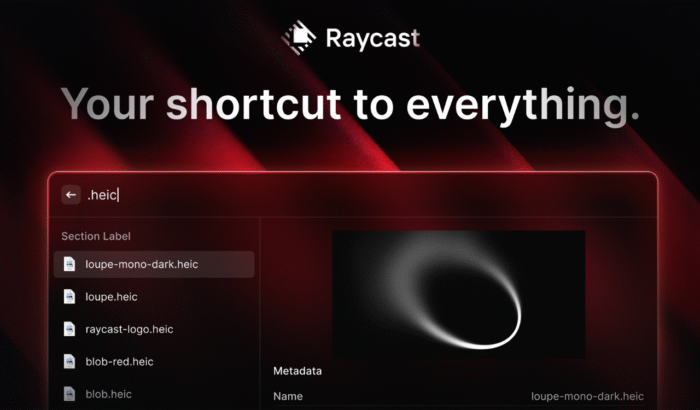
Microsoft has been quietly rethinking one of Windows’ oldest tools, the Run dialog. While the classic Win + R shortcut has barely changed for decades, the company is working on a new, modern run dialog. Yes, Windows itself is still playing catch-up, third-party tools like Raycast are already showing what a next-gen Run command can look like.
Raycast says that its version of Windows Run is a modern replacement for the traditional Run dialog, which is built around discovery rather than memorization. Rather than forcing users to remember obscure commands, it lets you browse, search, and understand what you’re launching. That too, from a single interface.
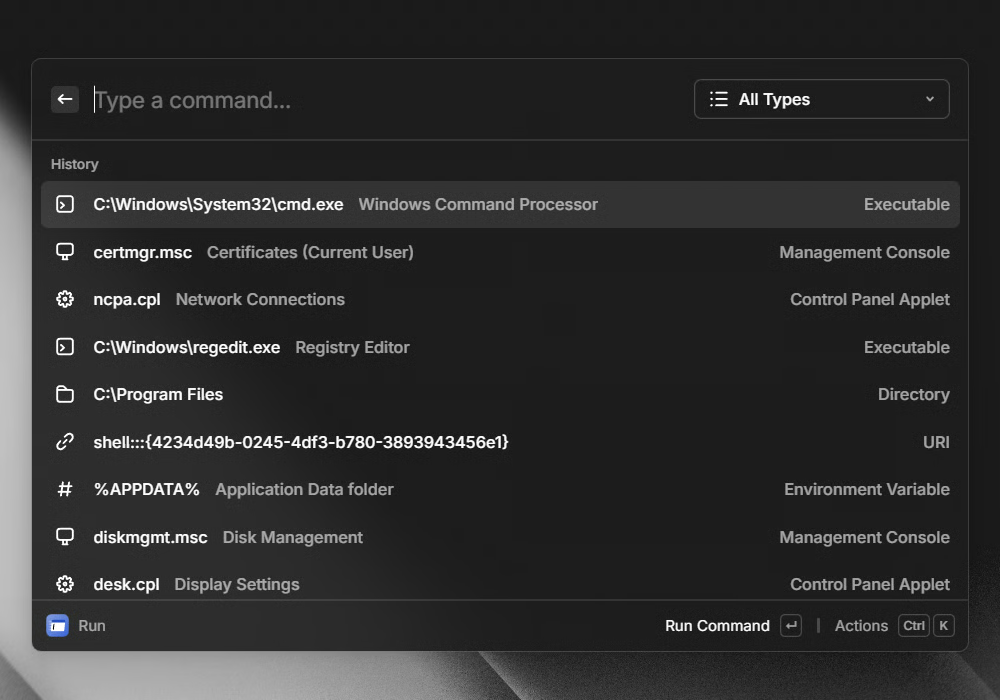
In a support document spotted by folks at Neowin, Raycast has detailed its new Run, which it calls “Raycast Run,” is backward compatible with the classic Windows Run dialog. Your existing command history is preserved, but now it’s fully manageable and searchable. The difference lies in context.
Raycast shows human-readable descriptions for system tools, Control Panel applets, and MMC snap-ins, so you know exactly what you’re opening before you hit Enter. The tool supports launching standard Windows apps like Notepad, Calculator, and Paint, alongside system utilities such as Registry Editor, Command Prompt, and Task Manager.
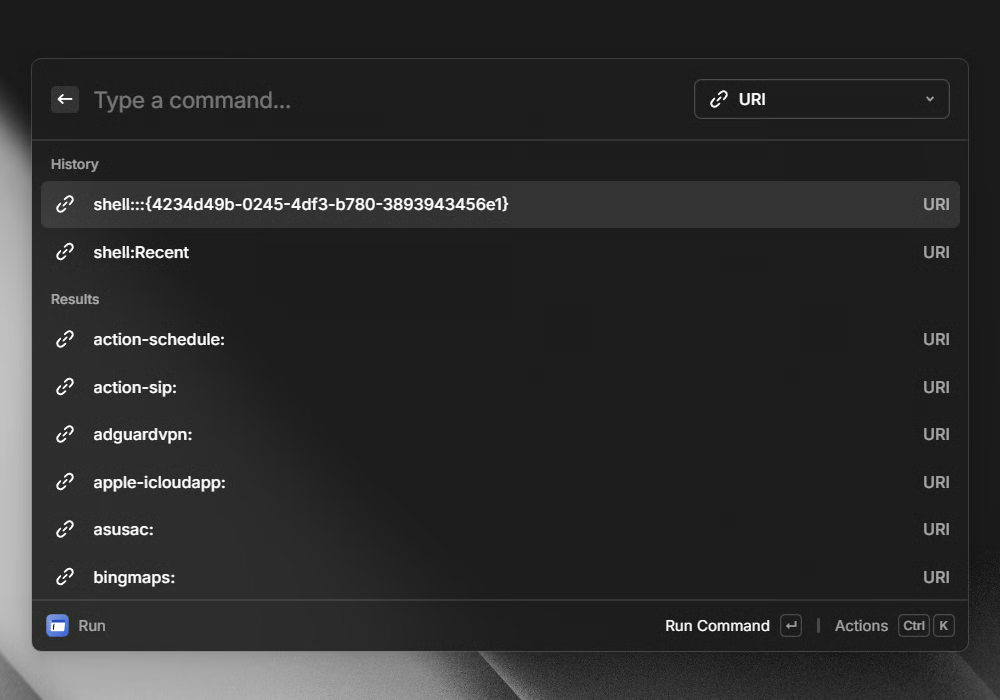
That’s not all; you can also search and open Control Panel applets, management consoles like Disk Management, environment variables, directories, and even registered shell URIs. Raycast has also introduced filters to narrow results by type, which makes it easier to jump straight to apps, tools, or system components.
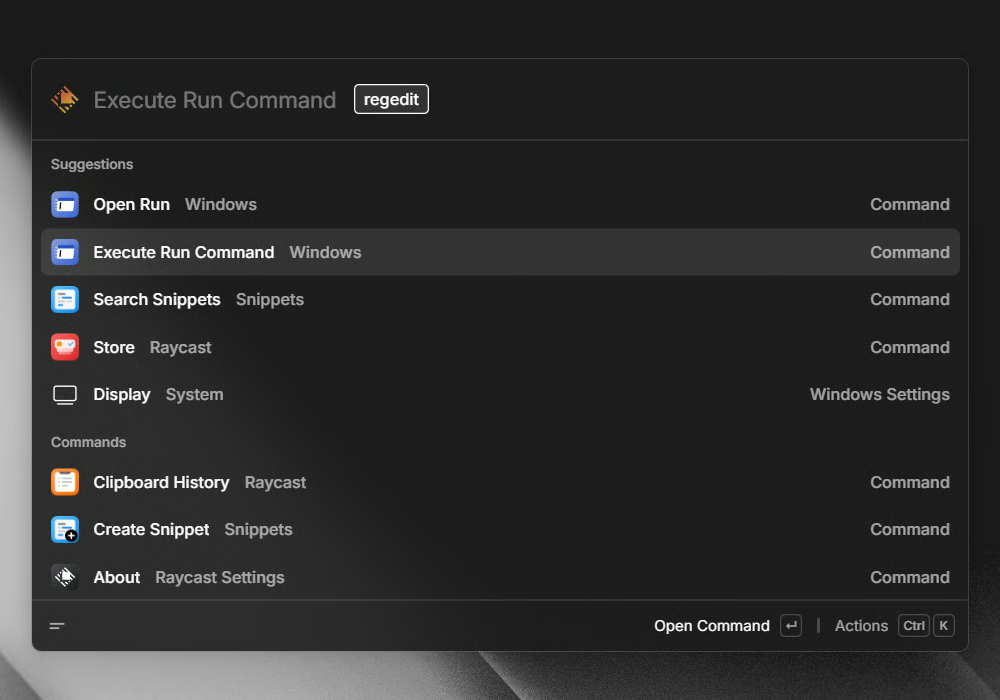
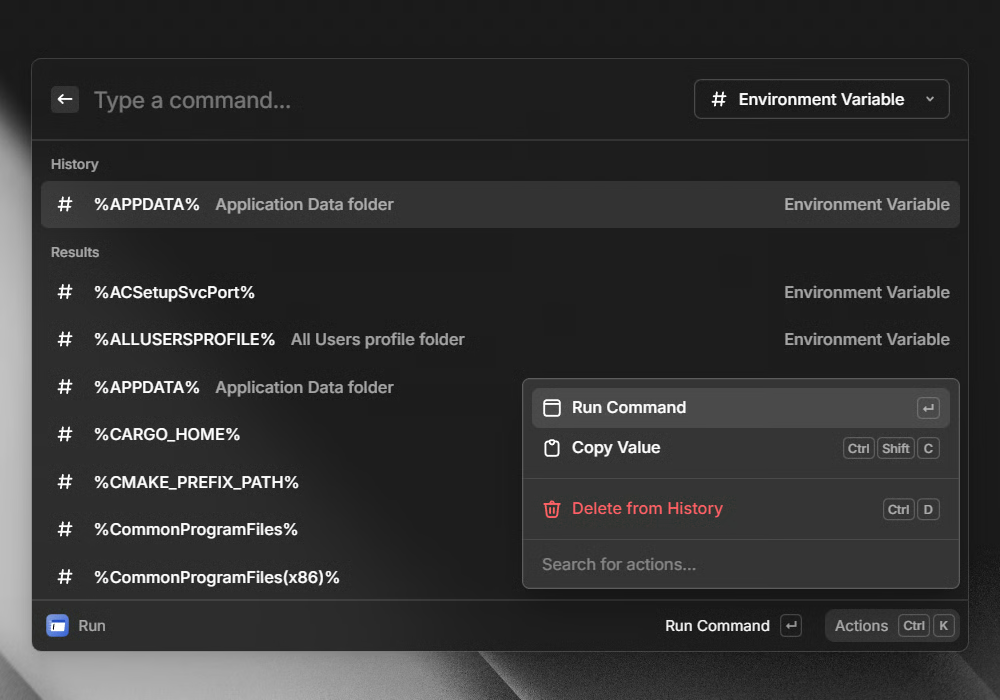
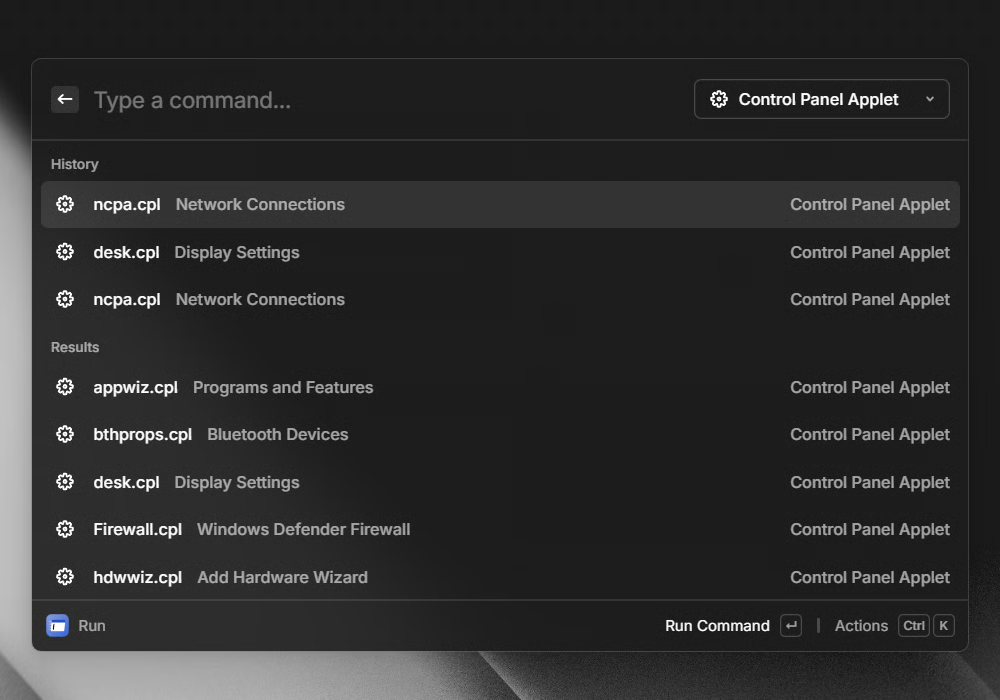
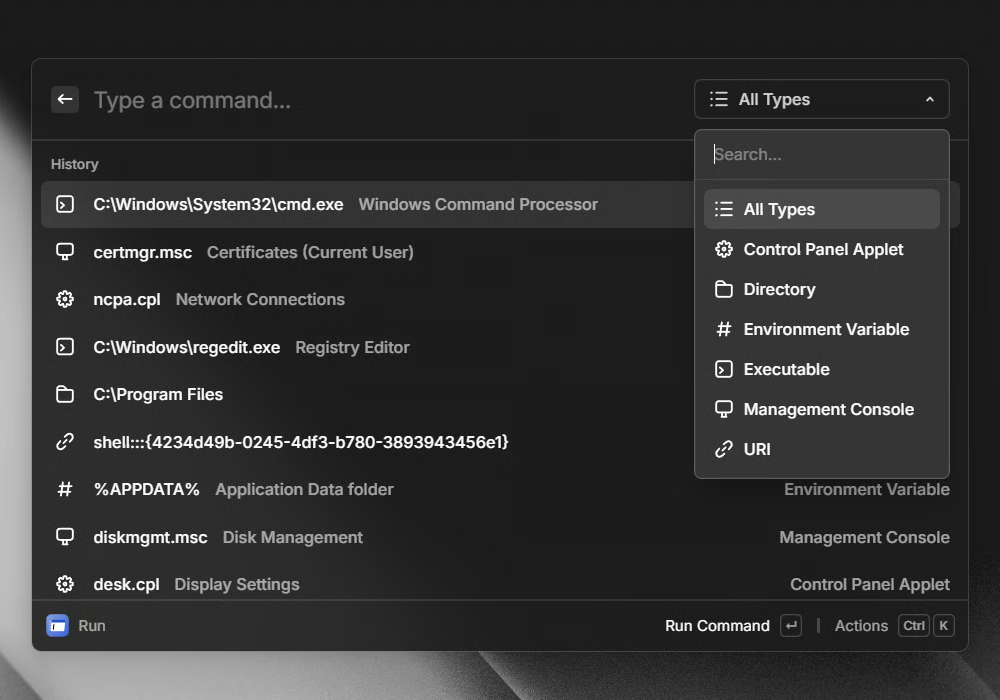
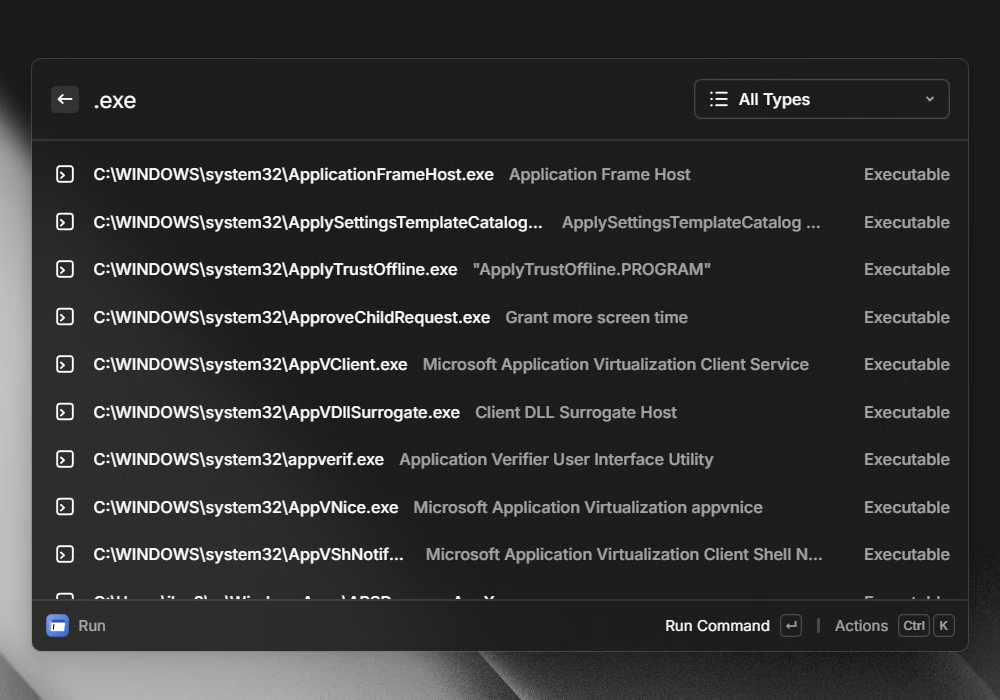
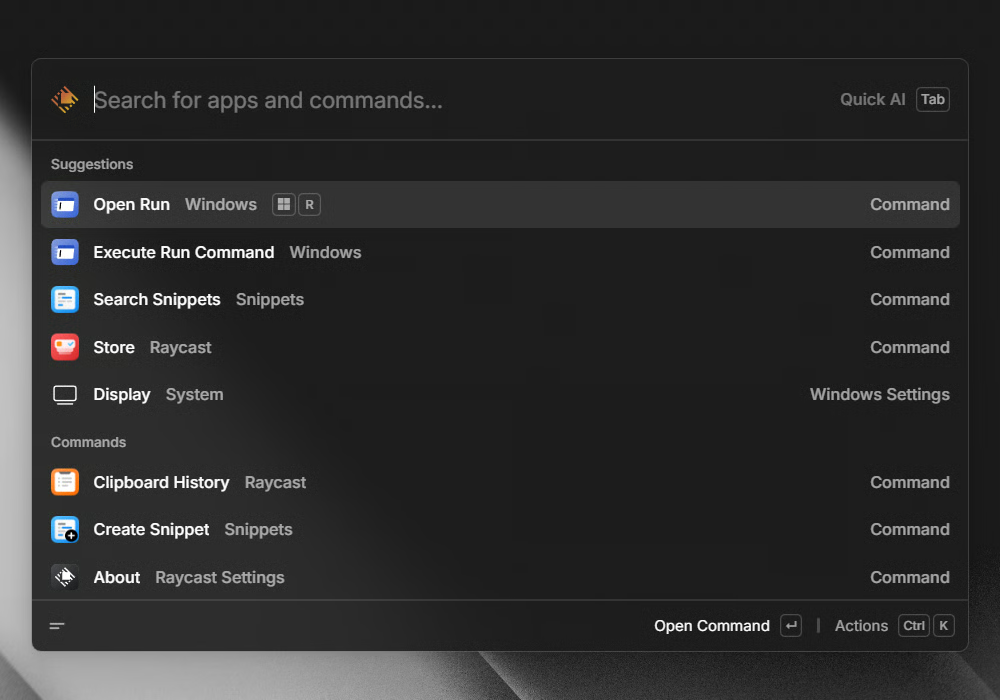
For power users, commands can be executed directly from the root search, skipping extra steps entirely. To keep muscle memory intact, Raycast even allows remapping Win + R to open its Run interface instead of Windows’ default dialog.
Putting it simply, until Microsoft delivers a truly modern Run experience of its own, Raycast has already teased what the future of Windows productivity could look like. Not to forget, you can now enable the modern Run dialog in Windows 11 using Vivetool.
Article feature image source: Raycast

Read our disclosure page to find out how can you help Windows Report sustain the editorial team. Read more



Improve this guide


User forum
0 messages