
We Tested Copilot Actions in Microsoft Edge Beta. Here's What It Can Do
Our hands-on testing shows Copilot Actions can close tabs, open websites, handle multi-step requests, and organize related sites into tab groups.


 2 min. read
  Published on
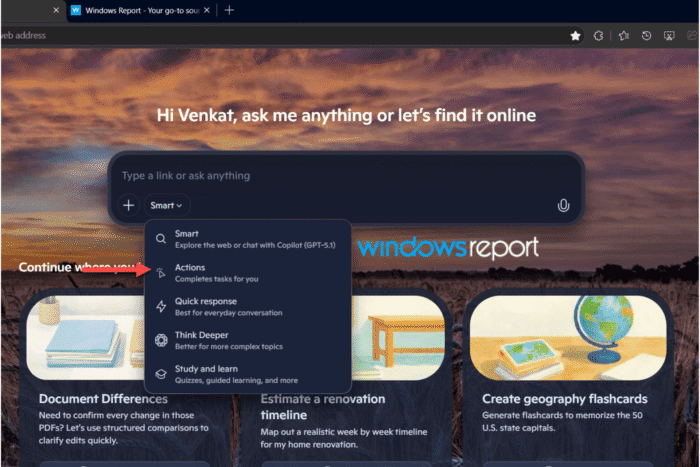
A new Copilot Actions mode has appeared in Microsoft Edge Beta. The feature adds browser automation to the Copilot New Tab page, letting users type a natural-language command and have Copilot close tabs, open websites, or organize tab groups.
Copilot Actions is part of Microsoft’s effort to let Copilot perform tasks in the browser instead of only answering questions.
During testing, Windows Report found Copilot handled straightforward commands, multi-step requests, and even sorted related sites into semantic tab groups.
The Actions mode appeared for us in the Copilot mode picker alongside Smart, Quick response, Think Deeper, and Study and learn. Selecting it opened a dedicated Copilot conversation for each task.
Simple commands worked as expected. “Close all other tabs except this one” and “close tabs to the right” both completed successfully, updating the tab layout.
Multi-step requests worked too. We asked Copilot to close all tabs and open the Google homepage, and it closed the extras first, then navigated the remaining tab to Google in a single request.
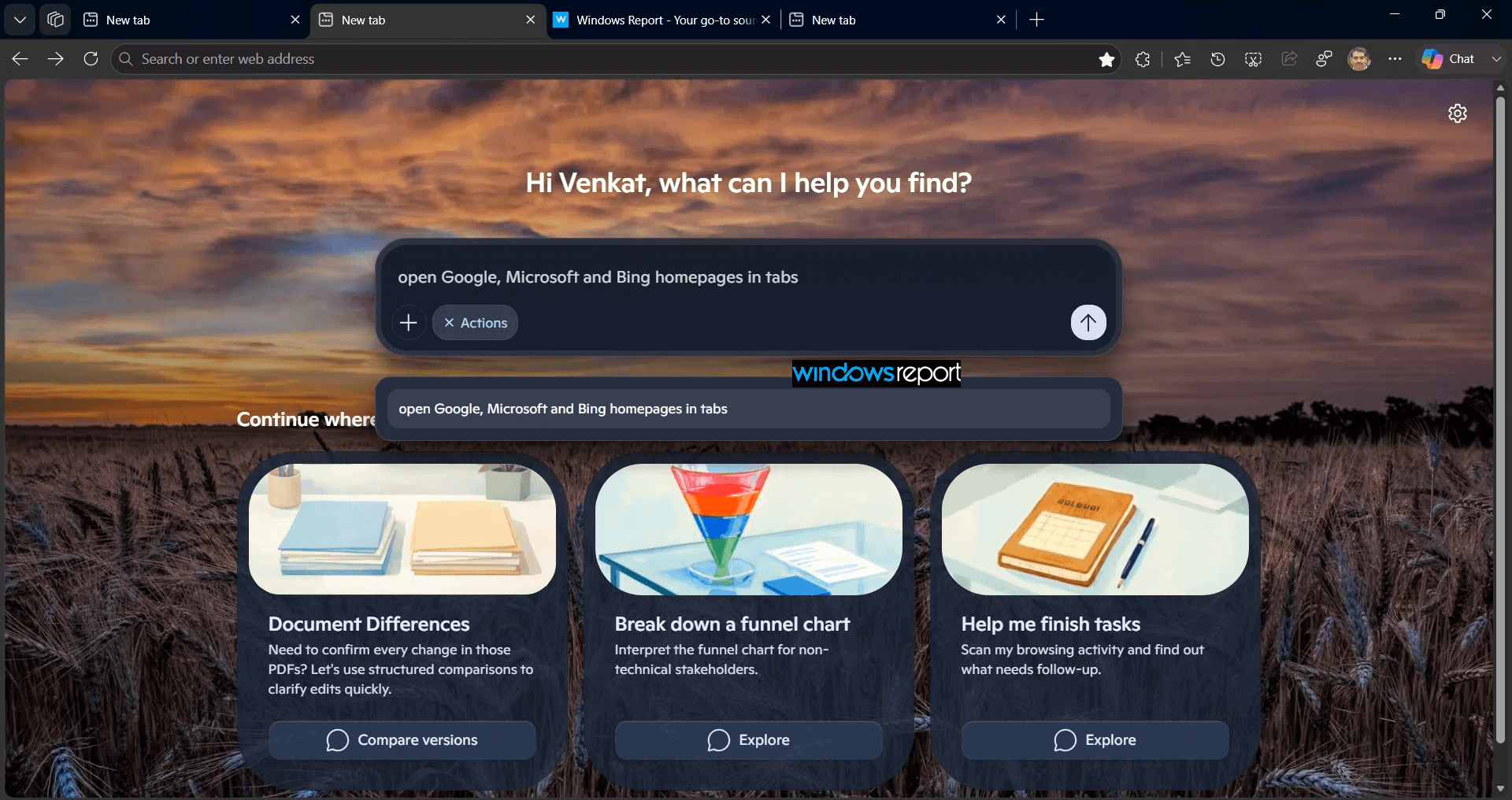
Copilot also opened several websites in response to a single request. Asking for Google, Microsoft, and Bing launched all three, each in its own tab.
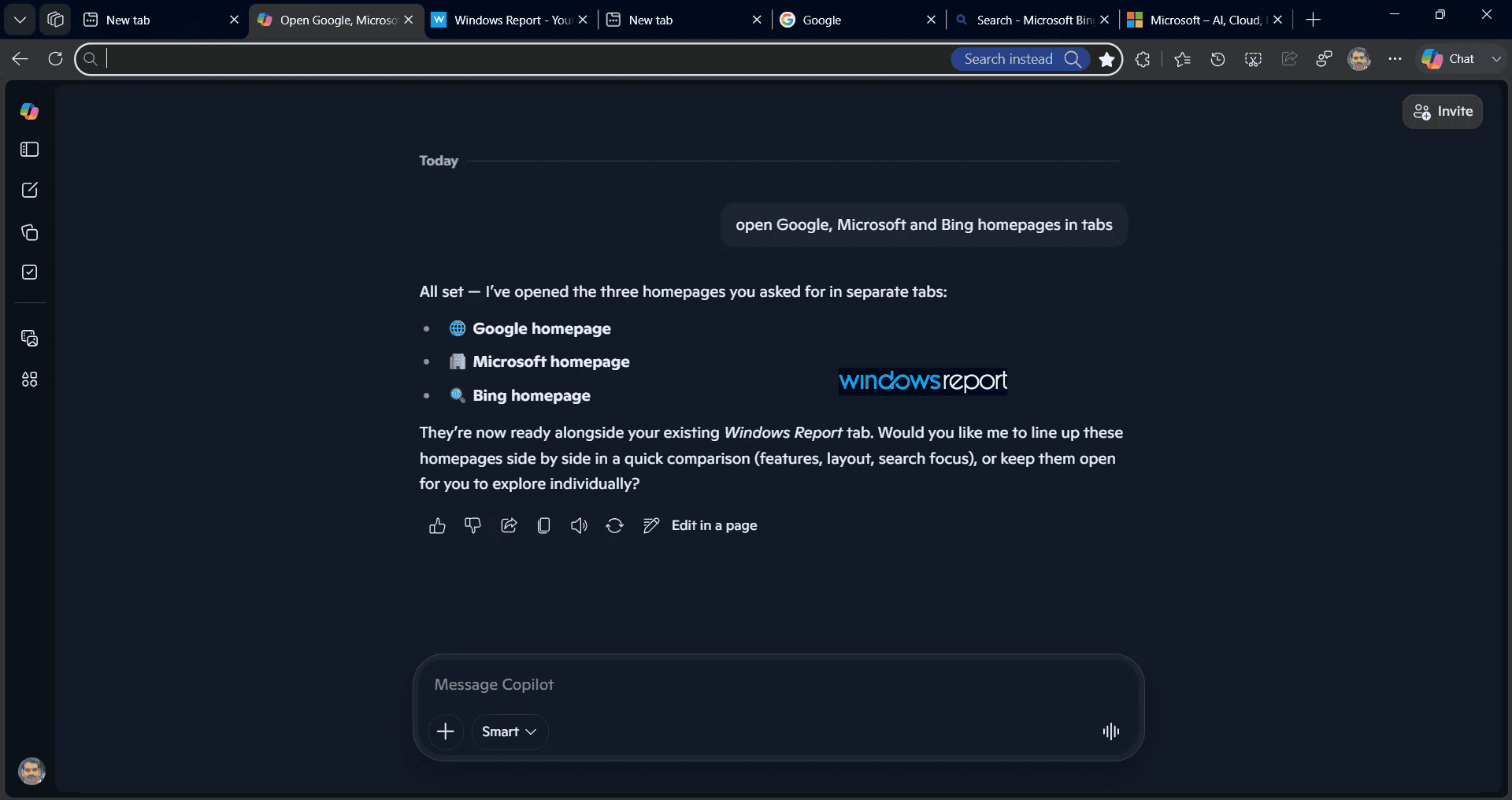
Tab organization revealed another capability. When we asked Copilot to “group all tabs,” it created an Edge tab group and automatically assigned it a name and color. We followed up by asking it to rename the group to “research,” and it made the change without further input.
The standout moment came when we opened homepages for Google, Microsoft, Bing, Chrome, and Microsoft Edge, then asked Copilot to organize them. It split them into two groups, Search Engines and Browsers, and sorted each website into the appropriate group.
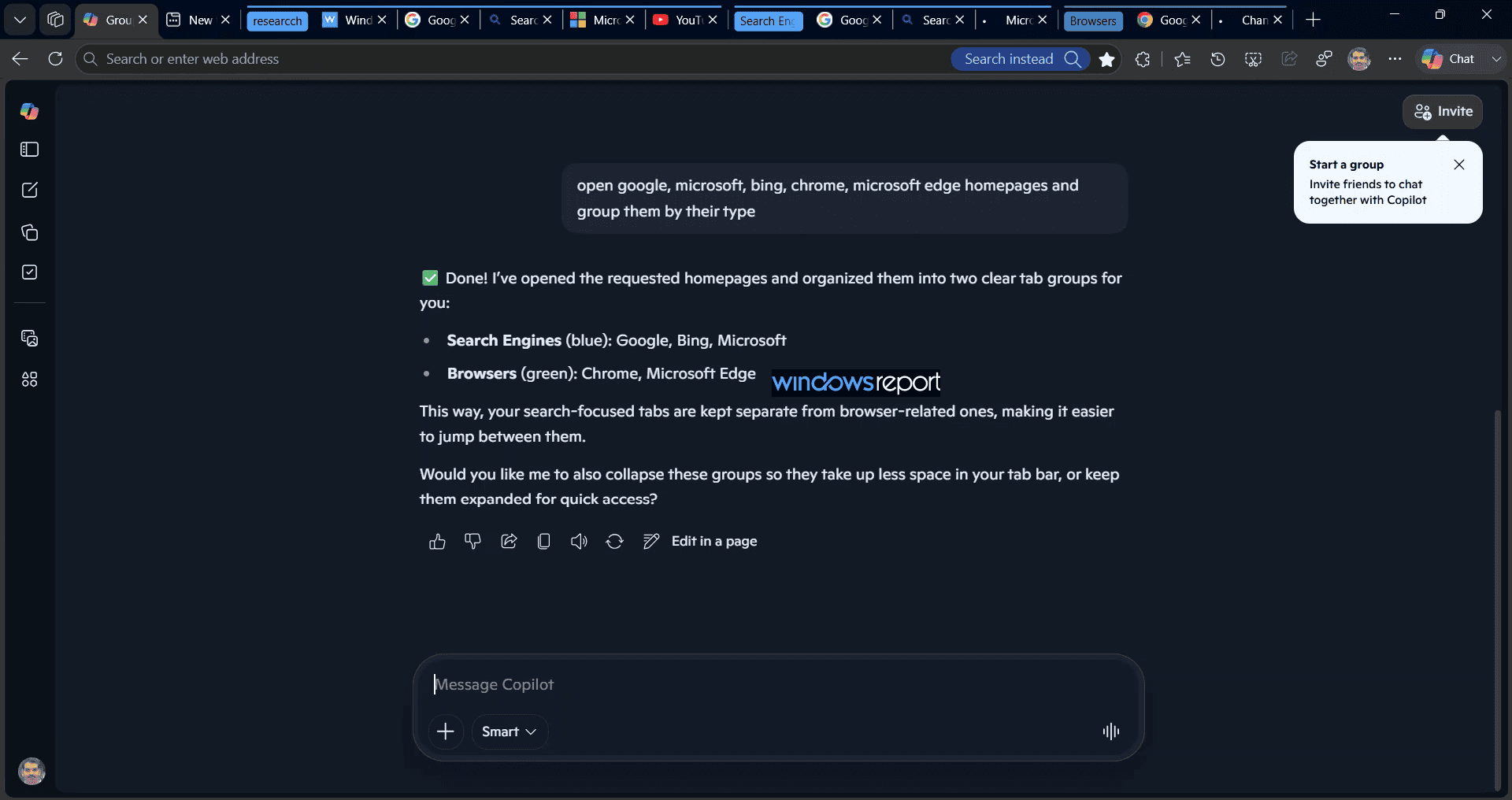
Copilot did more than execute browser commands here. It classified the websites before organizing them into separate tab groups.
Copilot couldn’t open internal edge:// pages like Settings, Downloads, or Favorites, and it told us those pages are restricted. Regular websites had no such issue.
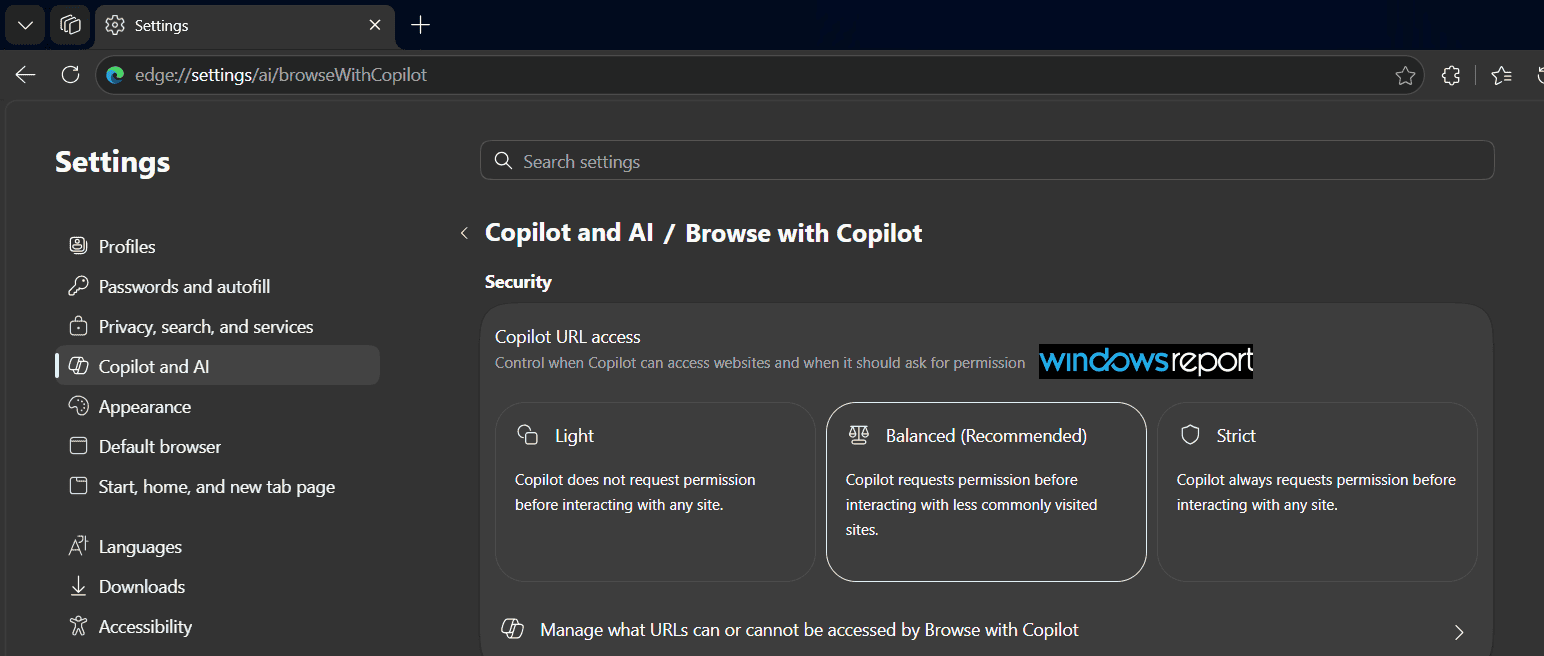
Microsoft’s documentation describes “Browse with Copilot” as the browser automation experience formerly known as “Copilot Actions” in Edge. In the Edge Beta build we tested, however, the capability appears as an Actions mode on the Copilot New Tab page, while Edge Settings use the Browse with Copilot name.


Read our disclosure page to find out how can you help Windows Report sustain the editorial team. Read more



Improve this guide



User forum
0 messages