
Windows 11 Canary Update KB5081339 Makes Sharing Bluetooth Audio Easy


 2 min. read
  Published on
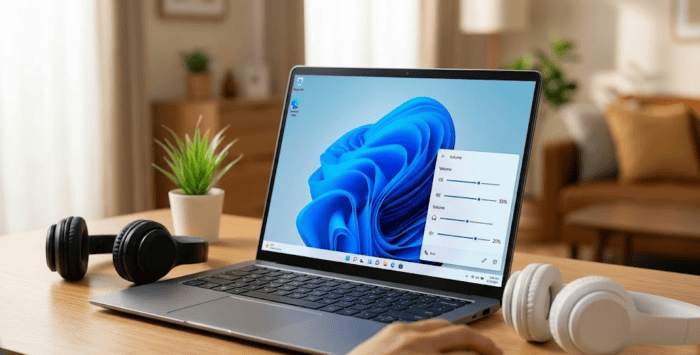
Microsoft is rolling out a new test version for Windows 11 users in the Canary channel. The new KB5081339 update brings a very handy fix for people who like to listen to music or watch movies together. Sharing your computer audio with a friend just got a lot better, so you will no longer have to fight over how loud the volume should be.
Here’s how the new audio sharing works
Connecting two pairs of Bluetooth headphones to one laptop is great for traveling or quiet spaces. Before this Windows 11 update, changing the volume meant both people had to listen at the exact same level. Now, Windows 11 gives you separate volume sliders for each connected headset. You can easily turn up your own sound while your friend keeps theirs turned down low.
It brings easy controls right on your screen
Finding these new controls is very simple. You just click on the sound icon in the bottom corner of your screen to open the quick settings menu. The audio panel now shows individual bars for every device actively playing sound. This small change makes sharing a screen much more comfortable for everyone involved.
Alongside the audio tweaks, this update completely redesigns the Windows 11 Feedback Hub. Microsoft cleaned up the main page to make it much easier to report bugs and suggest new ideas. The new layout features a simple submission form, an updated side menu to track your past reports, and better built-in tools for highlighting areas in your screen grabs.


Read our disclosure page to find out how can you help Windows Report sustain the editorial team. Read more



Improve this guide



User forum
0 messages