
Windows 11 finally gets movable taskbar, Microsoft says "The Choice is Yours"
Windows 11 taskbar customization options are out for Insider with the new Experimental build


 3 min. read
  Published on
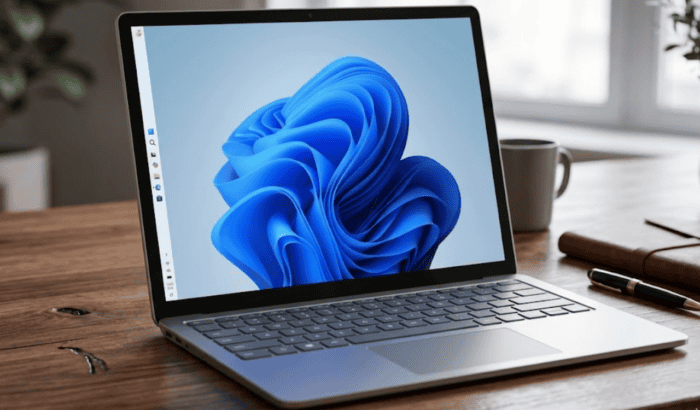
When Microsoft first launched Windows 11 back in 2021, it removed the movable taskbar and redesigned taskbar from scratch, dropping vertical and top orientations to place in on bottom center. Needless to say, many users were quite frustrated with this change. For many power users and those with ultrawide monitors, not being able to move the taskbar to the top or sides of the screen was a major dealbreaker.
Microsoft was fully aware of all this, but didn’t speak much about it until recently, when Windows chief Pavan Davuluri outlined a big reset plan to fix Windows 11 from scratch. In the official announcement, Davuluri mentioned about reintroducing movable taskbar, allowing users to customize it the way they want. Well, the good news is that the movable taskbar is finally here.
Windows 11’s new taskbar customization options are rolling out to Insiders
Microsoft is rolling it out to Windows 11 Insiders with the latest Experimental (Dev) Build 26300.8493. With the new taskbar customization option, Windows 11 users will be able to reposition the taskbar on any edge of the screen. Yes, you read that right, move to top, bottom, left, or right, wherever you want. You can further choose icon alignment for every taskbar position at the top or center when the taskbar is on the left or right. For the top and bottom taskbar, you can keep the icons left-aligned or centered.

Since you have the option to move taskbar wherever you want, Start, Search, and other flyouts relative to the taskbar opens accordingly. Microsoft, in an example, showcases Start opening from the top when the taskbar is on the top. You can check the demo image below.
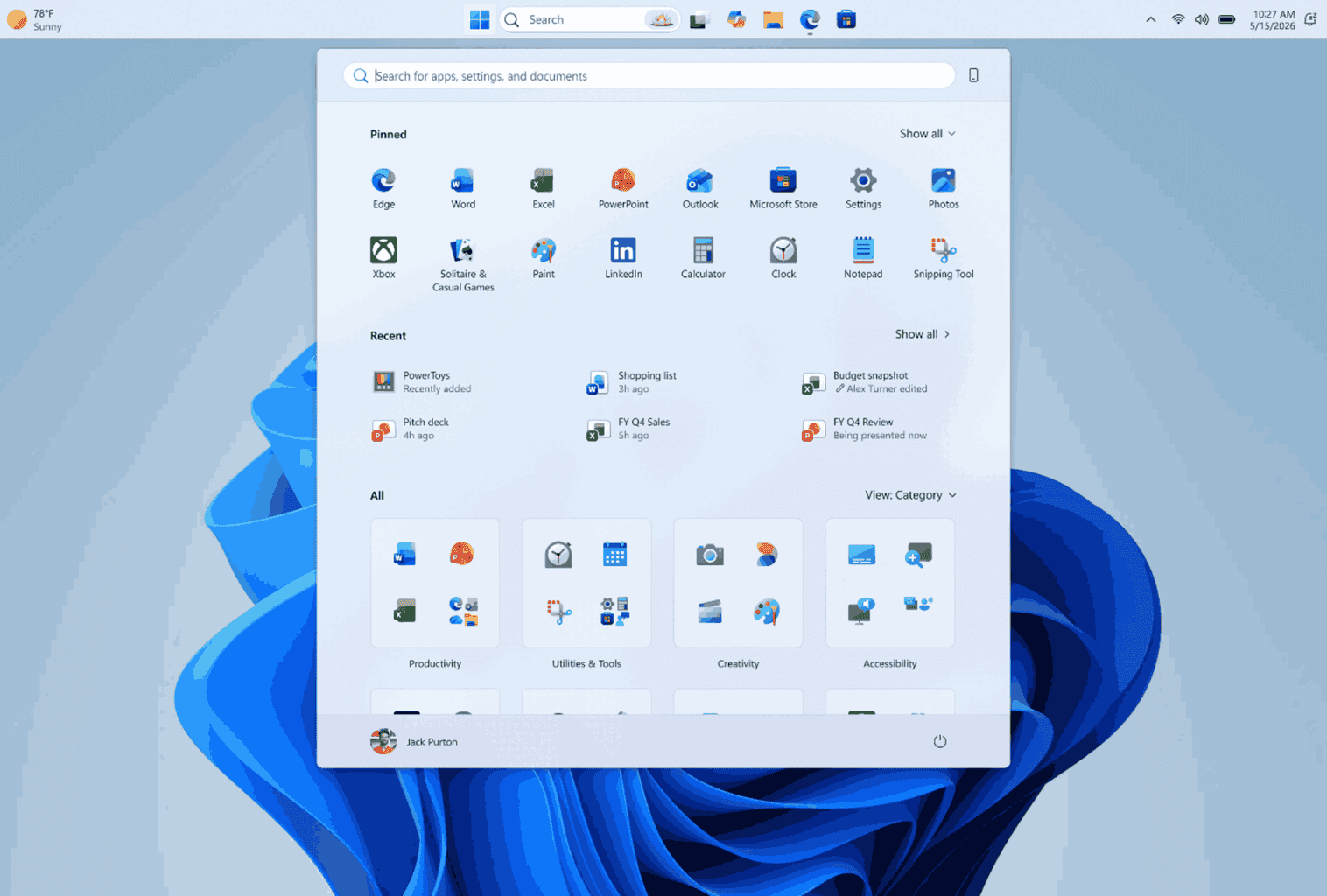
Microsoft also understands that some users also like to see labels for each app window on the taskbar (personally, I don’t). That’s why it is giving users to choose “Never combine” option for taskbar buttons. You can choose it from by going to Settings > Personalization > Taskbar > Taskbar Behaviors. When enabled, it allows showing labels, with each app window appearing as a separate labeled button. Microsoft says this makes it easier to identify and switch between windows.
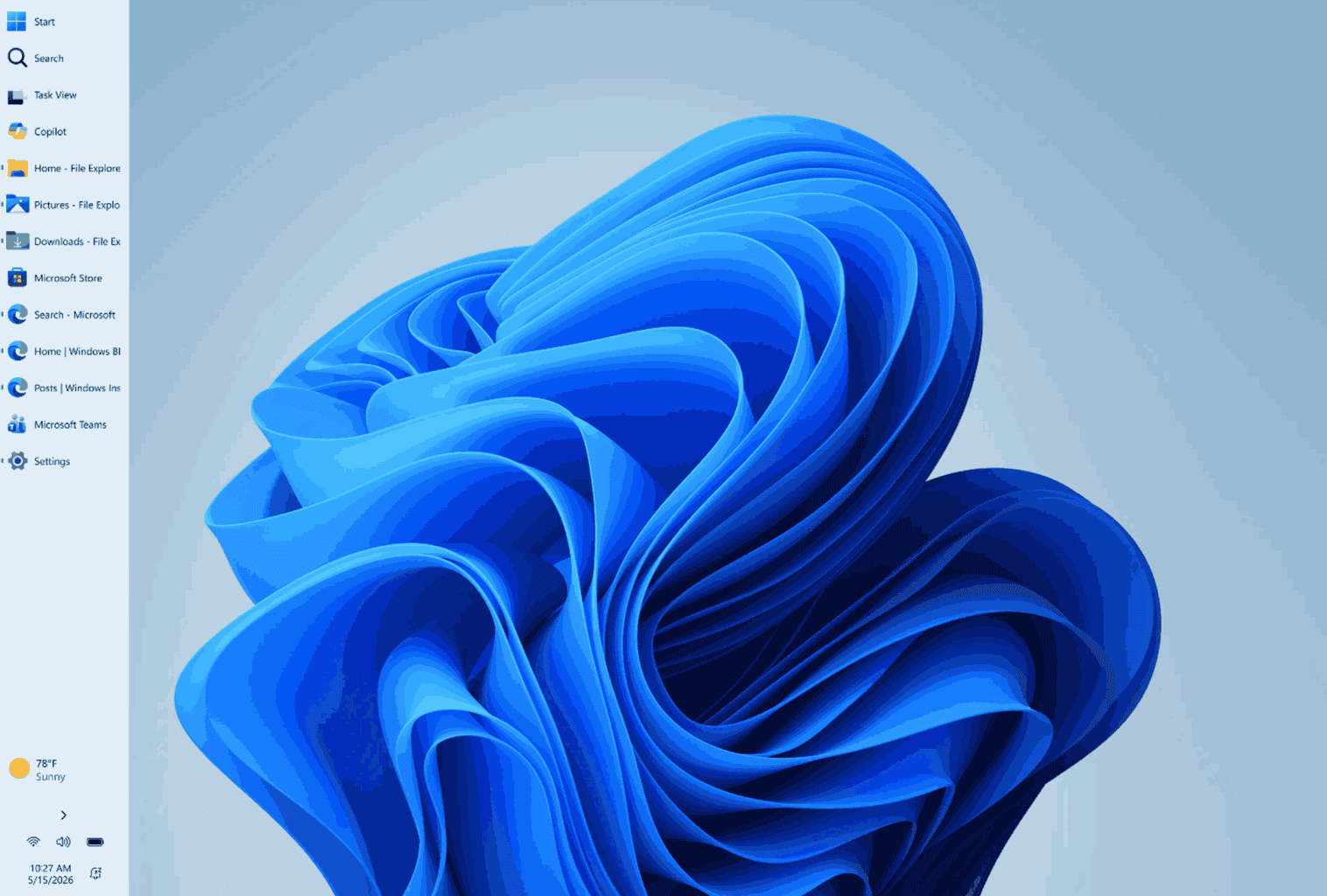
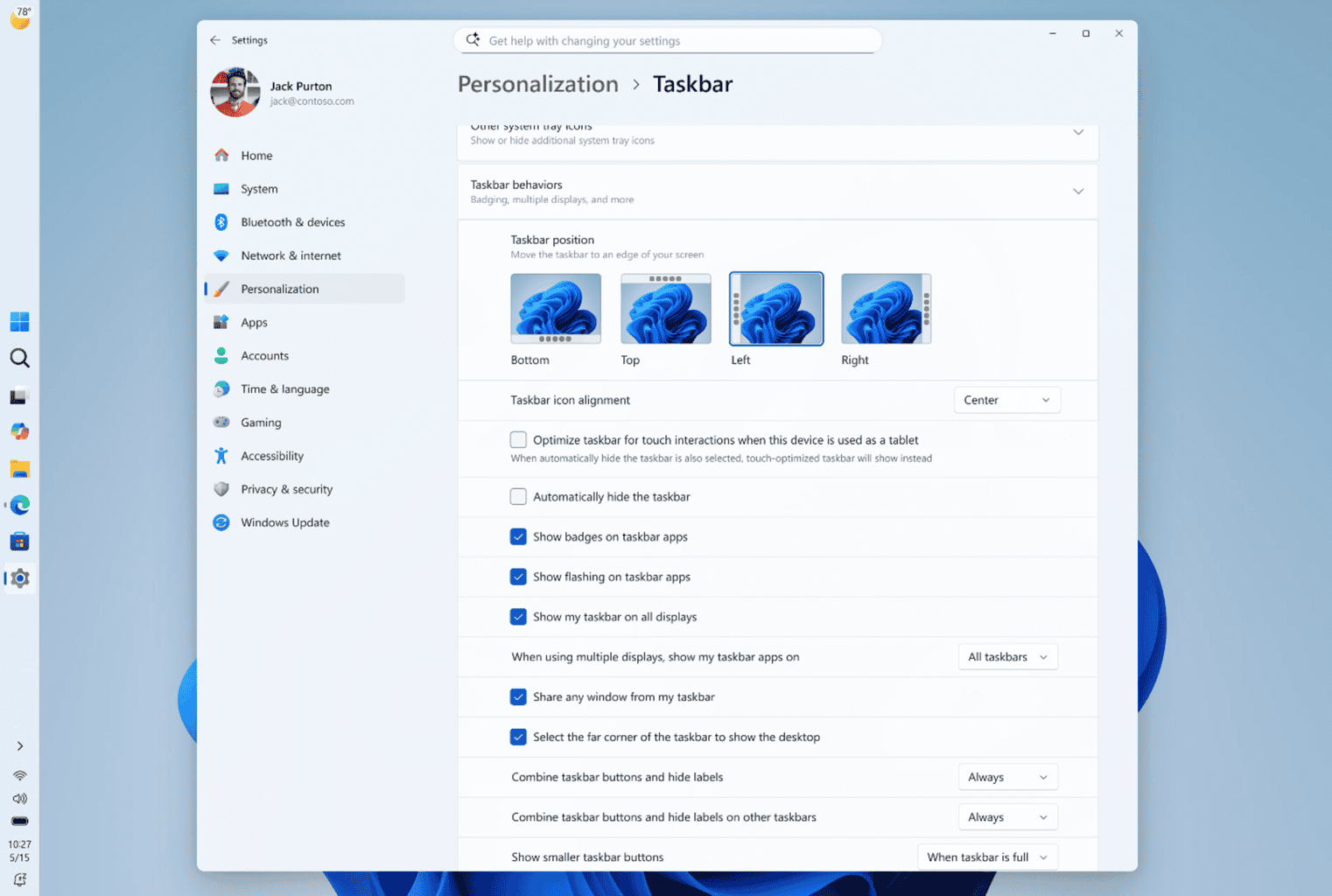
Image credit: Microsoft
There’s more on offer
Alongside, Microsoft is also allowing Windows 11 users to make taskbar smaller, while also letting you resize Start menu. In case you missed, Microsoft has also released three new builds besides the one we mentioned above. You can check all the changes and improvements in our separate coverages for those builds by clicking the links below:
- Beta: Build 26220.8474
- Experimental (26H1), Including Canary 28000 series: Build 28020.2134
- Experimental (Future Platforms), Including Canary 29500 series: Build 29591.1000
Let us know what you think about the new taskbar customization features in the comments below.

Read our disclosure page to find out how can you help Windows Report sustain the editorial team. Read more



Improve this guide




User forum
0 messages