
Windows 11 Gets Better Multi-Monitor Alerts with KB5065789


 2 min. read
  Published on
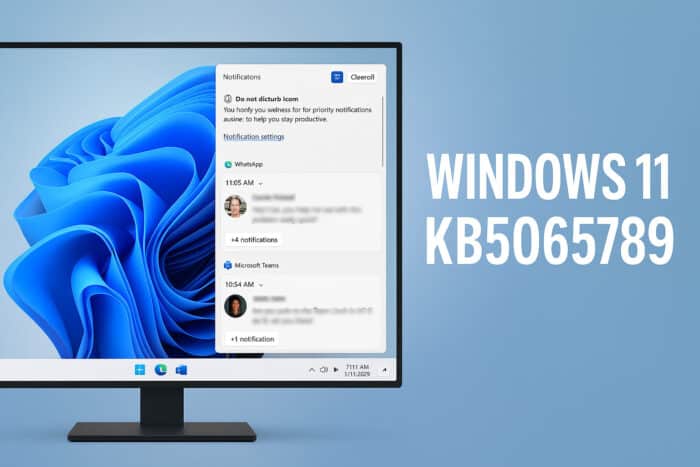
Good news for multi-monitor users, as Microsoft is improving the Windows 11 experience with the KB5065789 update. This small but welcome change brings several quality-of-life improvements, especially for those using multiple displays.
Windows 11 KB5065789 Brings Good News for Multi-Monitor Users
Improved Personalization Features
We previously wrote about update KB5065789, which introduced better personalization features. Among them are the ability to move on-screen indicators for brightness, volume, and airplane mode, perfect for customizing your setup across monitors.
Notification Center Comes to Secondary Monitors
According to Microsoft’s KB5065789 documentation, one of the most requested features is finally here:
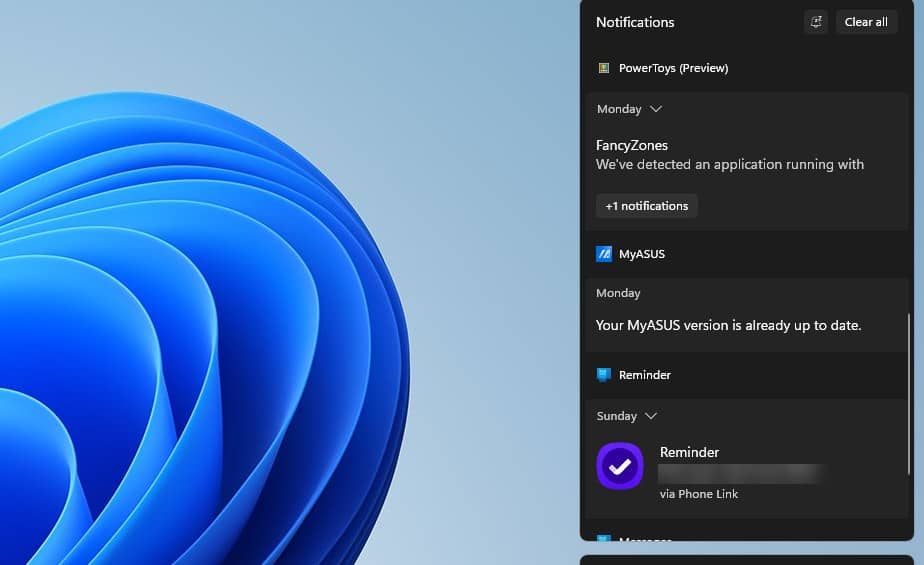
“The Notification Center functionality is now available on secondary monitors. To open it, select the date and time in the system tray on the taskbar.”
Until now, notifications were only visible on the primary display, forcing users to switch focus constantly. With this change, notifications will appear on all monitors, making multitasking much smoother.
A Long-Awaited Upgrade
For years, Windows users have asked for more flexible notification management in multi-monitor setups. This update delivers that convenience, allowing you to check alerts without switching screens or minimizing windows.
More Updates Focused on Productivity
Microsoft continues to refine the Windows 11 experience, and recent updates like 25H2 have also focused on productivity and usability improvements.
Share Your Thoughts
Are you excited to see the Notification Center appear on your secondary display? Let us know what you think about the KB5065789 update in the comments below.

Read our disclosure page to find out how can you help Windows Report sustain the editorial team. Read more



Improve this guide




User forum
0 messages