
Windows 11 KB5101684 Improves File Explorer and Search


 3 min. read
  Published on
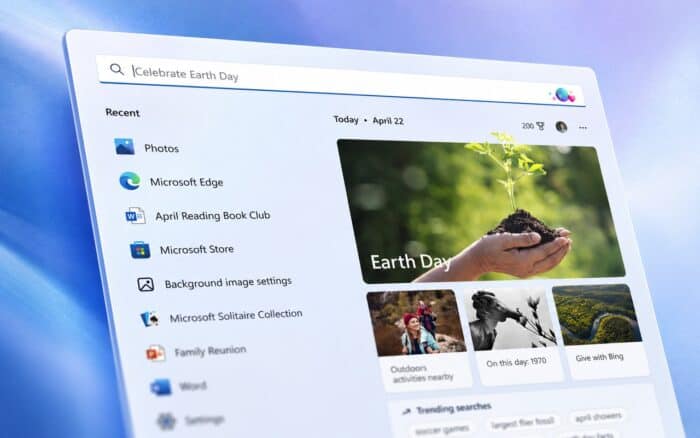
Windows 11 Preview Update KB5101684 is now available for versions 25H2 and 24H2, bringing File Explorer improvements, better search results, Voice Isolation, and new touchpad controls.
Microsoft says the optional preview update raises the operating system builds to 26200.8973 and 26100.8973. The new features will roll out gradually, so some users may not see every change immediately.
File Explorer and Search improvements
Microsoft has changed how File Explorer displays file sizes in Details view. Files now use suitable units such as KB, MB, and GB instead of displaying every size in kilobytes.
Users can also middle-click folders in the Address Bar or Home page to open them in new tabs.
KB5101684 fixes a grey flash that could appear while File Explorer Home loads. It also stops the page from unexpectedly scrolling to the top and improves thumbnail clarity in the Recommended section.
Windows Search now handles spelling mistakes and partial app names more effectively. Searches inside Settings should also place more relevant results near the top.
Voice Access gets Voice Isolation
Voice Access now includes Voice Isolation, which reduces background noise and filters out voices from other people to improve speech recognition.
Microsoft previously tested the feature in Windows 11 Insider Preview Build 29634.1000.
Users can select one of three recognition modes:
- Voice Isolation
- Remove background noise only
- No filtering
Voice Isolation requires a one-time voice setup. The background noise option works without setup and removes sounds such as typing and door slams.
The update also adds Korean language support and improves Voice Access launch reliability.
Widgets and touchpad controls change
Taskbar widget notification badges now use the Windows accent color instead of red, making alerts less distracting. New users will also see only the Weather widget on the Lock screen by default.
New precision touchpad settings let users control scroll speed, zoom speed, and accelerated scrolling. Accelerated scrolling increases movement speed when users repeat a gesture, which can help when navigating long documents.
Microsoft previously introduced these controls in Beta Preview Build 26220.8925.
Start menu and input fixes
The Start menu should remember the selected layout more reliably. Microsoft has also improved keyboard navigation when focus sits on the apps list.
Fluid dictation now remains disabled by default for new users, and Windows displays an introductory message when they first activate it.
Additional fixes improve mouse cursor size persistence and help system dialogs open at a suitable size on smaller tablets.
Windows 11 26H1 users can instead install KB5101681, which adds an update pause calendar and improved widgets. The update also includes Voice Typing and new touchpad controls.

Read our disclosure page to find out how can you help Windows Report sustain the editorial team. Read more



Improve this guide



User forum
0 messages