
Top 5 Original Xbox Emulators for Windows PCs


 4 min. read
  Published on
If you want to relive the golden era of the original Xbox, a reliable emulator is your best option. The best Xbox emulators for PC let you play classic titles like Halo: Combat Evolved, Fable, and Ninja Gaiden directly on your computer without needing the console.
Below are the top 5 emulators for original Xbox games on PC that offer the best mix of compatibility, performance, and ease of use.
Table of contents
What Are The Best Xbox Emulators for PC?
1. CXBX Reloaded – Best performance
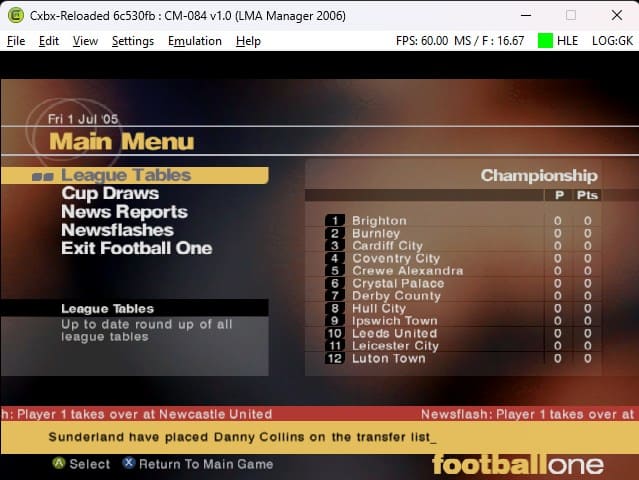
CXBX Reloaded is the most popular and reliable emulator for the original Xbox. It can run many commercial Xbox titles smoothly while providing great controller support and graphics accuracy.
Its clean interface makes game management easy, and since it is actively developed, compatibility improves with every update. Many fans prefer CXBX Reloaded for its stability and frequent bug fixes.
Other great features:
- Excellent compatibility with major Xbox titles
- Native controller and HD resolution support
- Constant performance improvements
- Open source and regularly updated
For a broader overview of how emulators work and ways to use them effectively, see this guide on Xbox 360 emulators.
2. Xemu – Best cross-platform option
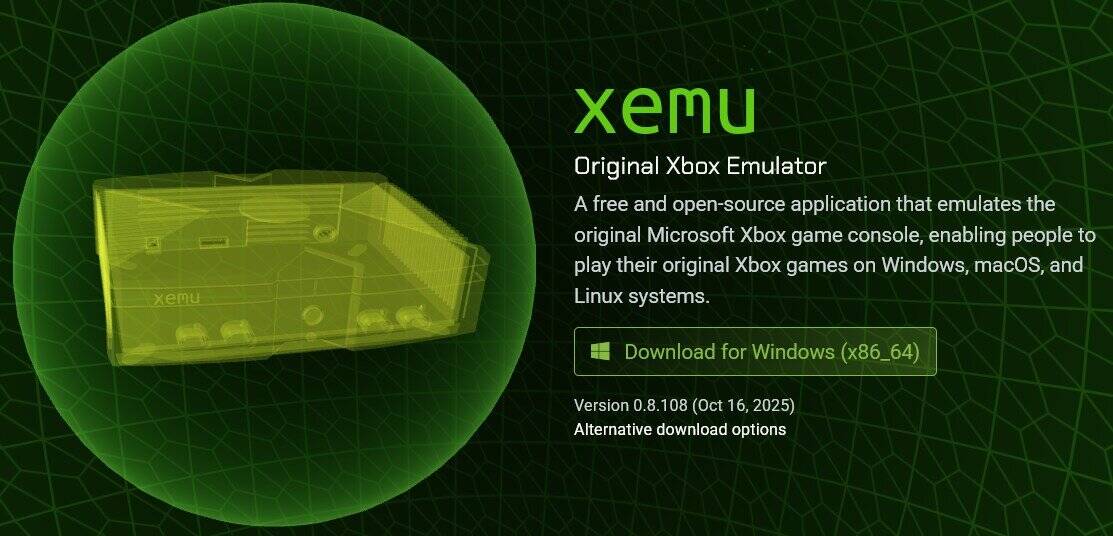
Xemu is a powerful open source emulator known for high accuracy and broad compatibility. It runs on Windows, Linux, and macOS, so you can experience Xbox classics on almost any device.
It focuses on accurate emulation rather than raw performance, preserving the original look and feel of Xbox titles. Xemu supports BIOS files, memory card saves, and LAN multiplayer.
Other great features:
- Save and load game states
- Cross-platform compatibility
- Realistic emulation fidelity
- Network support for multiplayer
3. DXBX Emulator – Best for older PCs
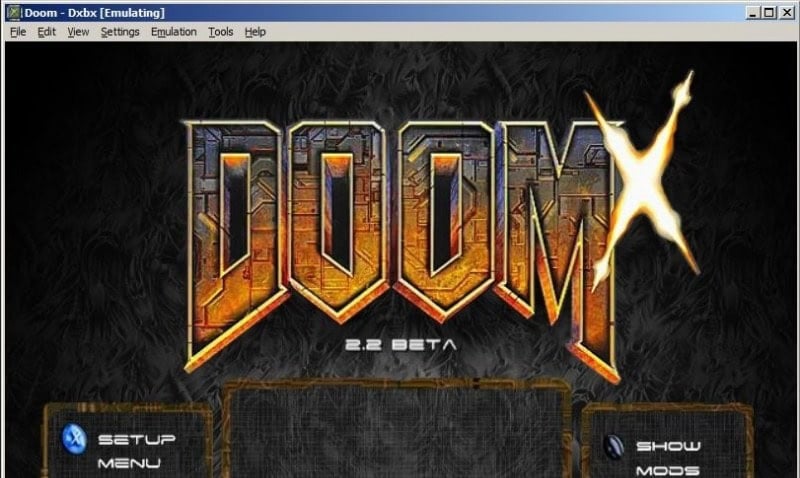
DXBX Emulator is built from the original CXBX project but optimized for older or lower spec PCs. It efficiently converts Xbox files (.xbe) into Windows executables, reducing performance overhead.
While it is not as actively maintained as CXBX Reloaded, DXBX remains one of the fastest options for running early generation Xbox titles on legacy systems.
Other great features:
- Lightweight and fast performance
- Converts Xbox games to .exe for smooth playback
- Customizable screen resolution
- Simple setup and UI
4. Xeon Emulator – Best for classic stability
Xeon Emulator is old but still a classic favorite among Xbox fans. It was the first emulator to run Halo: Combat Evolved successfully on PC, proving its capability early on.
Though it has not been updated in years, Xeon remains a solid choice for users who want to test a few games without complex setup steps.
Other great features:
- Straightforward installation process
- Includes Halo compatible BIOS file
- Low system requirements
- Historical significance in Xbox emulation
If you want to try another emulator type, learn how to download the Xenia emulator for PC which focuses on Xbox 360 titles.
5. CoinOPS – Best for all in one retro experience
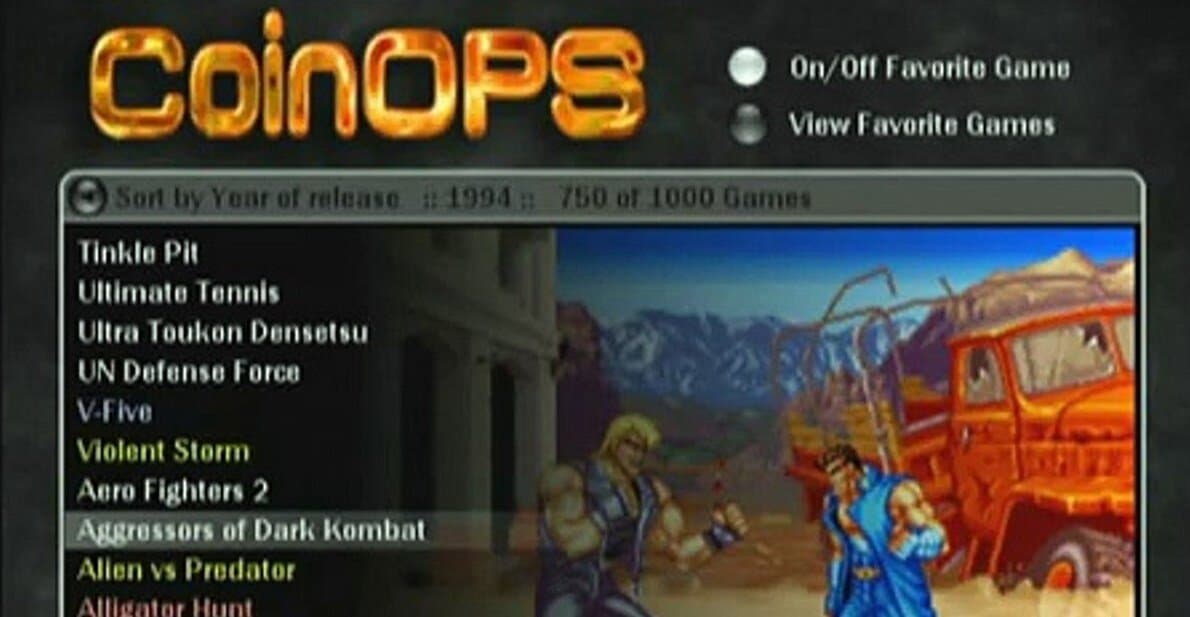
CoinOPS is more than just an emulator. It is a full gaming frontend that includes support for original Xbox emulation alongside classic arcade titles. It offers an elegant interface that makes it easy to browse and launch your favorite Xbox games.
It is especially great if you want to build a retro gaming library that mixes Xbox titles with older systems.
Other great features:
- Beautiful visual interface and menus
- Integrated ROM and media management
- Supports multiple emulation cores
- Great for home arcade setups
FAQs
Not all titles work perfectly, but popular emulators like CXBX Reloaded and Xemu support hundreds of Xbox games with solid performance.
Emulators themselves are legal. Downloading copyrighted game files you do not own is illegal in many regions.
Some emulators like Xemu require BIOS and MCPX files for accuracy, while others like CXBX Reloaded do not.
CXBX Reloaded and Xemu both allow HD resolution upscaling, offering clear visuals and smooth performance on modern displays.
Final Thoughts
For the best mix of stability and visuals, CXBX Reloaded and Xemu lead the pack. DXBX and Xeon are dependable legacy options, while CoinOPS delivers a polished frontend experience for collectors and enthusiasts.
To enhance input compatibility on Windows, consider using an Xbox 360 controller emulator with your favorite PC titles.

Read our disclosure page to find out how can you help Windows Report sustain the editorial team. Read more



Improve this guide




User forum
0 messages