
5 Best Data Recovery Tools for Windows 8 PCs


 5 min. read
  Updated on

Losing important files on Windows 8 can be frustrating, whether caused by accidental deletion, corrupted storage, or system crashes. Here are the top five data recovery software tools that work with Windows 8, which can easily restore your files.
What is the best data recovery software for Windows 8?
Table of contents
1. Stellar Data Recovery – Reliable all-rounder
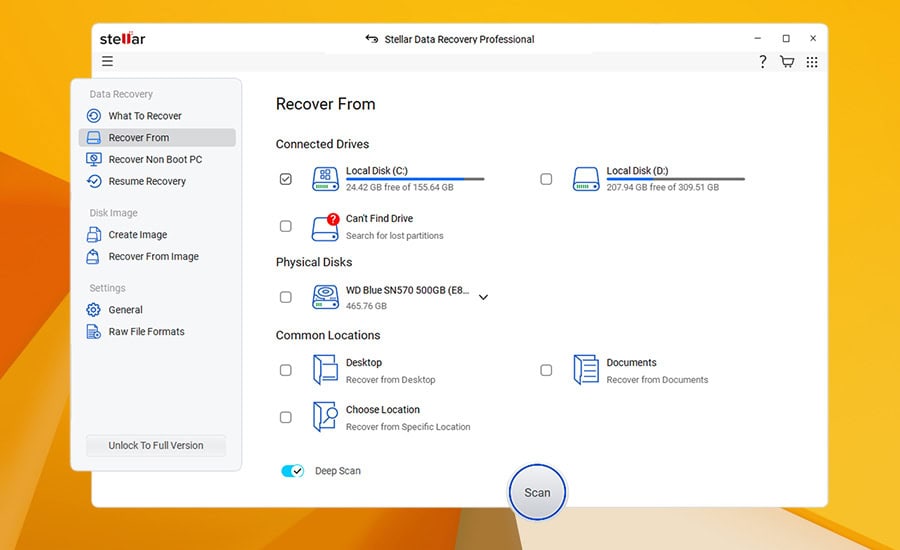
Stellar Data Recovery is one of the most trusted tools for retrieving lost files on Windows 8. It works with multiple file types, including photos, videos, documents, and archives. Whether your files were accidentally deleted, lost after formatting, or trapped on a corrupted drive, Stellar can handle the recovery with high success rates.
The software is also optimized for external storage, letting you restore files from USB drives, SD cards, and even RAID arrays. Its clear interface makes the recovery process simple, even for beginners, while advanced users can take advantage of deep scan options.
Other great features:
- Recovers data from encrypted drives
- Supports RAW file recovery
- Advanced scanning algorithms
- Preview option before saving recovered files
- Works with multiple file systems (NTFS, FAT, exFAT)
2. EaseUS Data Recovery Wizard – Easy to use
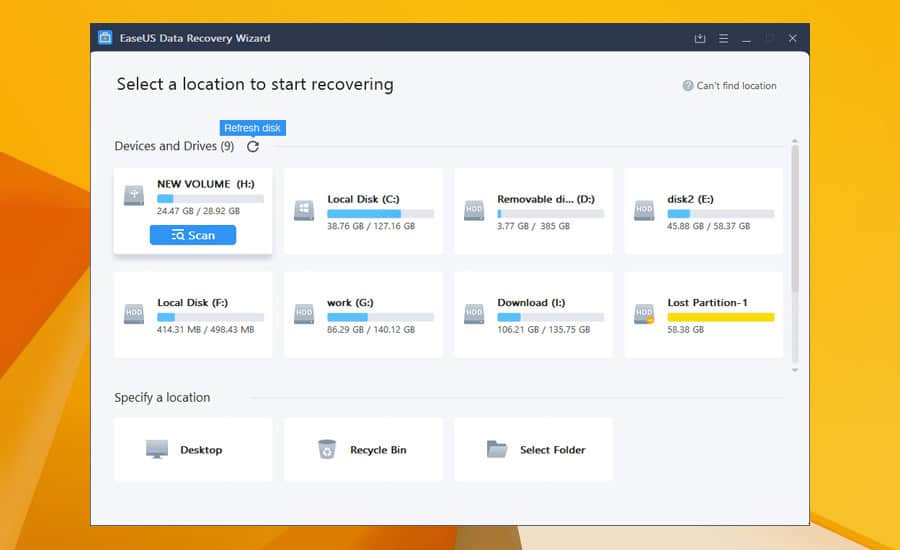
EaseUS is known for its beginner-friendly design, making it ideal for Windows 8 users who want quick results without complex settings. With its fast scanning process, you can preview and recover files in just a few clicks. It supports recovery from accidental deletion, partition loss, and OS crashes.
This tool is particularly helpful if you need to restore files from portable storage devices like USB drives and external hard disks. EaseUS also lets you recover up to 2GB of data in the free trial version, so you can test its capabilities before upgrading.
Other great features:
- Supports over 1000 file formats
- Recovers data from formatted drives
- Bootable media option for crashed PCs
- Cloud backup integration
- Simple wizard-style recovery process
⇒ Get EaseUS Data Recovery Wizard
3. Disk Drill – Supports 400+ file types
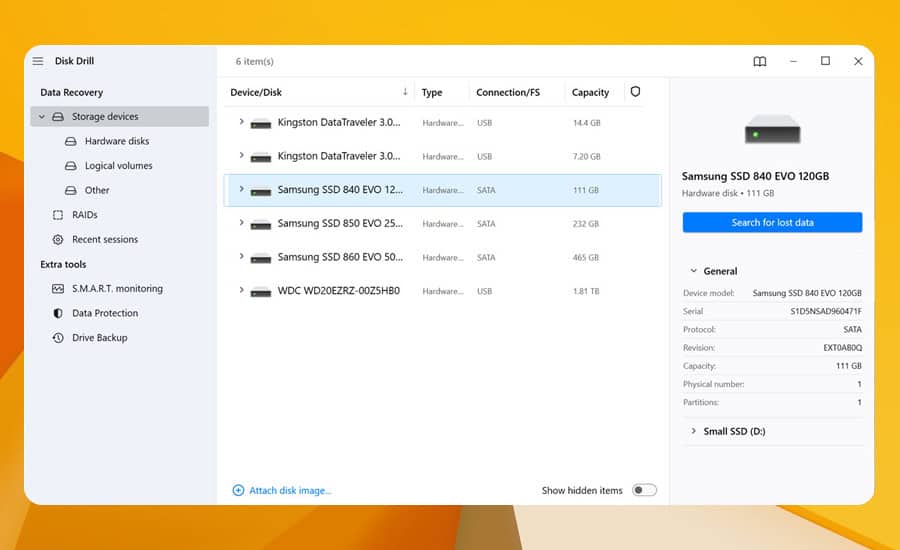
Disk Drill provides flexibility by supporting over 400 file types and offering cross-platform recovery options. Its Recovery Vault and Guaranteed Recovery features proactively protect your data, ensuring that even if files get deleted, you can retrieve them later with minimal effort.
The software also shines in cases where entire partitions are lost. It can rebuild damaged file systems and restore data from unallocated space. With a sleek design and powerful scanning modes, Disk Drill is a solid choice for both personal and professional recovery tasks.
Other great features:
- Recovery Vault file protection
- Advanced partition recovery
- Works with external storage devices
- Modern, intuitive interface
- Supports Windows and macOS
4. Recuva – Lightweight and free option
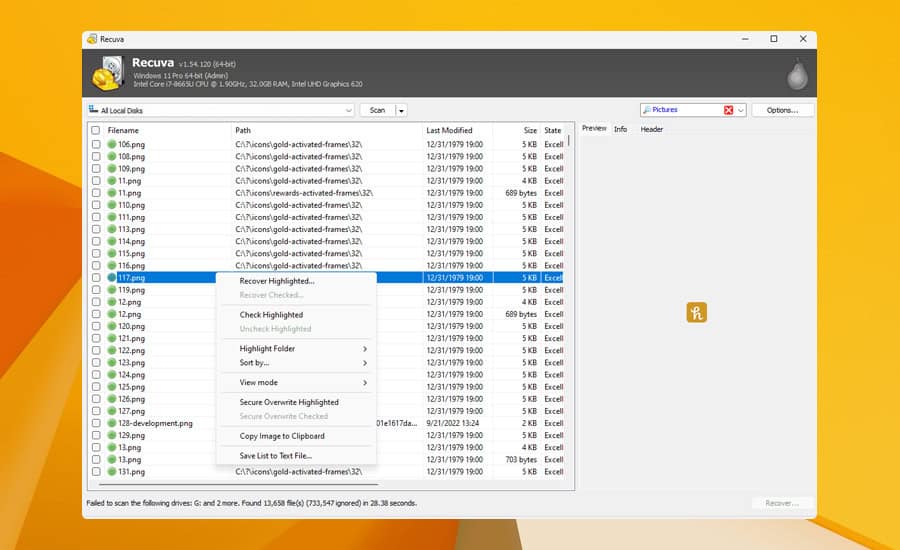
Recuva is a lightweight yet powerful recovery tool designed by Piriform, the creators of CCleaner. It specializes in restoring deleted files from hard drives, memory cards, and other storage devices, making it perfect for quick recoveries on Windows 8. Its interface is minimal, and the step-by-step recovery wizard makes the process approachable for all users.
Unlike many paid solutions, Recuva offers a free version that covers most basic recovery scenarios. For more advanced needs, the Pro version provides support for virtual hard drives and automatic updates. This combination of affordability and functionality makes Recuva stand out.
Other great features:
- Secure overwrite for sensitive files
- Deep scan mode for difficult recoveries
- Portable version available
- Recovers emails and documents
- Supports multiple file systems
5. MiniTool Power Data Recovery – Professional grade
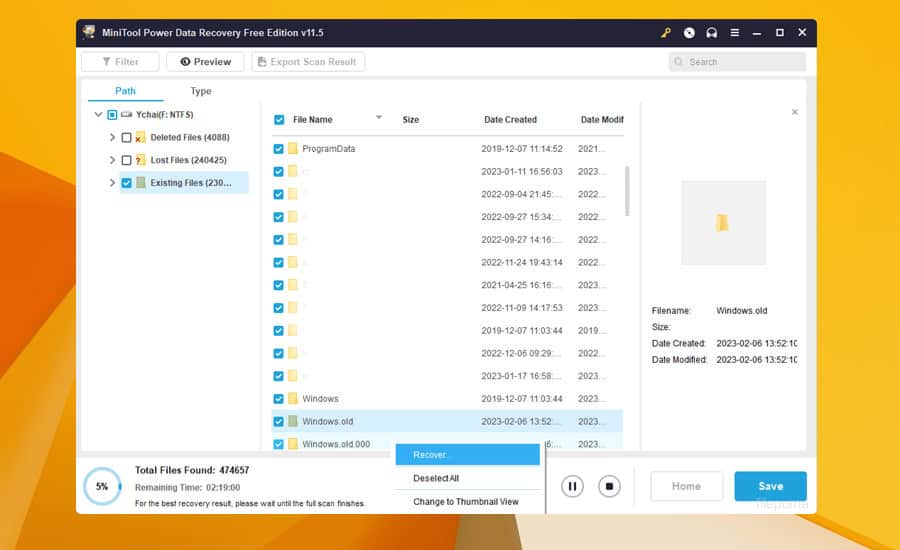
MiniTool Power Data Recovery is a professional-grade solution built for handling severe data loss cases. It can recover files from formatted, inaccessible, or damaged disks, as well as from deleted partitions. Its strong performance makes it popular with IT technicians and regular users alike.
The tool also includes a clean interface with clear category sorting, helping users quickly find the type of data they want to recover. MiniTool is especially efficient at restoring large files, such as HD videos or system backups, without corruption.
Other great features:
- Recovers data from lost partitions
- Works with CDs, DVDs, and ISO images
- Capable of scanning large volumes
- File preview before recovery
- Supports external and internal drives
⇒ Get MiniTool Power Data Recovery
Windows 8 users still have reliable ways to restore lost files thanks to these tools. For those who also run older systems, you may want to review this guide on the best data recovery software for Windows 7 since many solutions are cross-compatible.
For those using modern systems, we have an entire article dedicated to data recovery software for Windows 10, so don’t miss it.
If you’re interested in broader solutions, check our roundup of file recovery software for PC to see how different tools compare. And if your main issue is with external storage, our tutorial on recovering deleted files from USB drives provides detailed steps.
To do that properly, visit our full guide on data recovery software for USB drive and get the right tools for the job.
By choosing one of these recovery programs, you’ll improve your chances of safely restoring your important files and getting your Windows 8 system back on track.

Read our disclosure page to find out how can you help Windows Report sustain the editorial team. Read more



Improve this guide



User forum
0 messages