
AI Mode Is Coming to Your Chrome Toolbar, and Google Wants You to Pin It There
Chrome is testing a new pinnable "Google Search AI Mode" toolbar button that opens AI Mode as a side panel on your current page.


 3 min. read
  Published on
Google has made AI Mode part of the search experience and integrated it into Chrome as well. Now, Google wants to make it unavoidable in Chrome by allowing users to pin the Contextual Tasks button labeled “Google Search AI Mode” to the toolbar, thus providing quick access to Google Search’s AI Mode.
Chrome already offers AI Mode via an address bar shortcut and a button under the New Tab page search bar. Recently, we came across Google testing sending Chrome searches to AI Mode instead of traditional Google Search results. It clearly shows Google is prioritizing AI Mode search over traditional search.
Another push to make AI Mode more prominent is to allow users to pin Contextual Tasks to the Chrome toolbar so that users can instantly dive into AI Mode for the current page and start asking questions and adding files for AI Mode to answer.
In Chrome, when you click the AI Mode button, Contextual Tasks open in a separate tab. To avoid this, as spotted by Windows Report, Google is working on adding a “Google Search AI Mode” button to the toolbar. Once added via the customization dialog in Chrome, it appears as the familiar AI Mode icon and opens Contextual Tasks in a side panel alongside the current page.
Google tested this in the past in Chrome Canary, but it was short-lived. Now, Chrome is making the AI mode (aka Contextual Tasks) button an integral but optional part of the Chrome toolbar.
How to Add the “Google Search AI Mode” Button to the Toolbar in Chrome

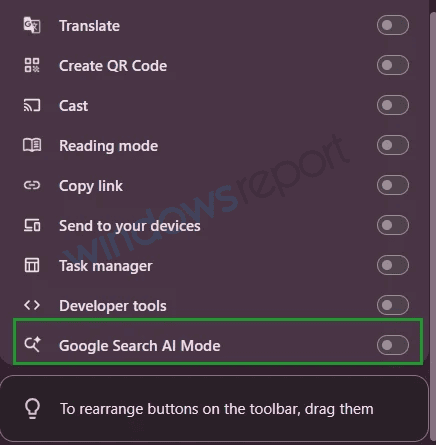
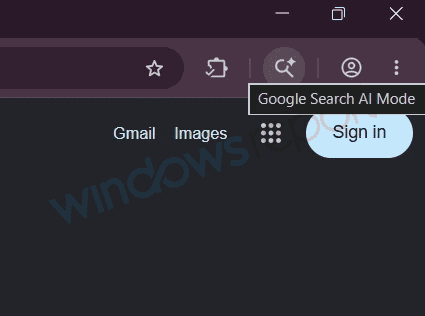
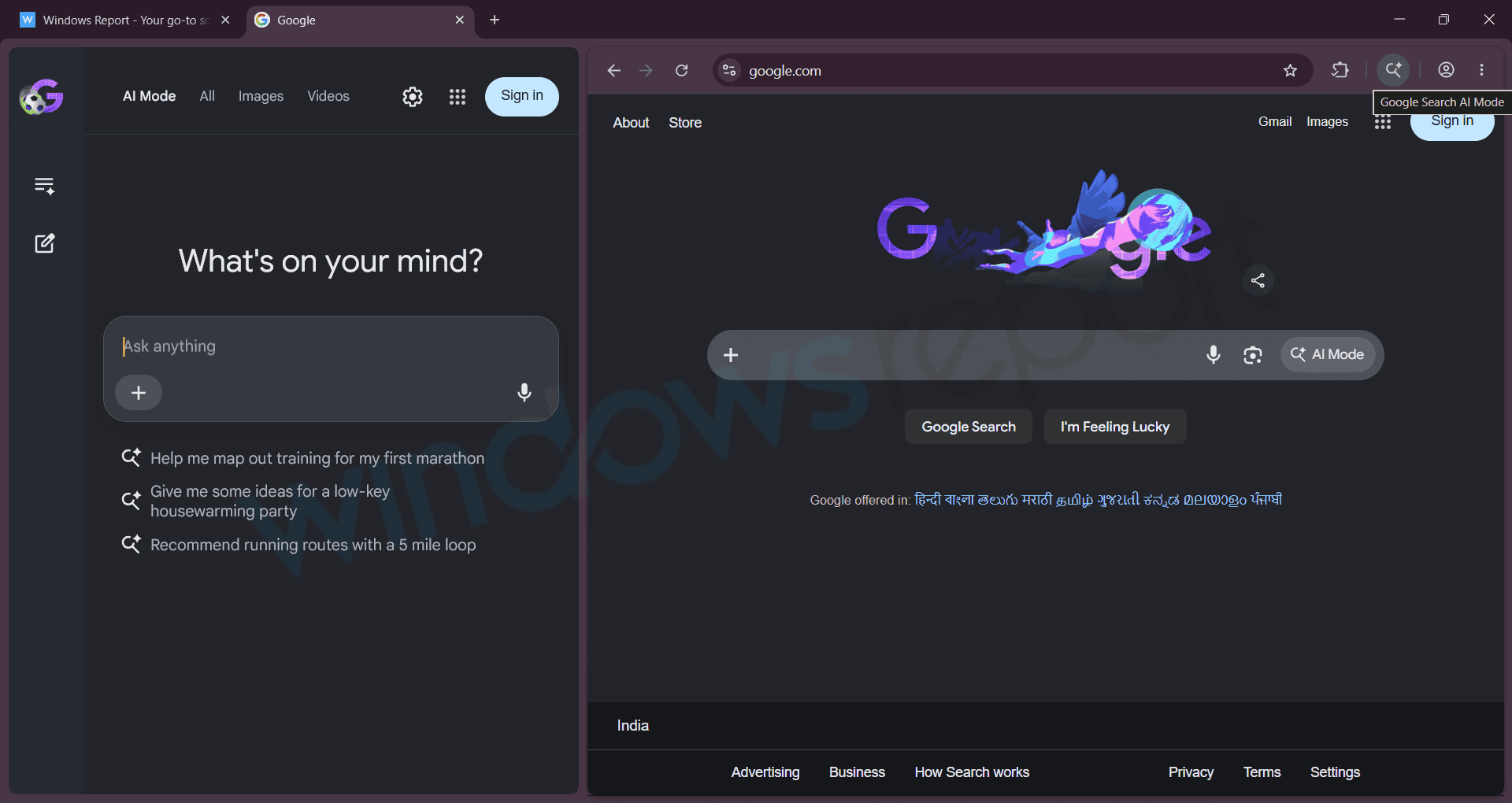
Note: It’s worth noting that Google is experimenting with the toolbar option label as “Browse with AI” or “Google Search AI Mode”, and neither could be the final name. However, the aim is clear: to allow users to open AI Mode directly from the Chrome toolbar.
Chrome is also testing stacked Split Views for Tabs, and finally lets you always hide the bookmarks bar on the New Tab page. Additionally, Google is experimenting with a floating AI search bar on Windows and an AI autofill feature that chooses the credit card during shopping.


Read our disclosure page to find out how can you help Windows Report sustain the editorial team. Read more



Improve this guide


User forum
0 messages