
Bing Video Creator Tutorial: Create Short AI Videos in Minutes


 3 min. read
  Published on
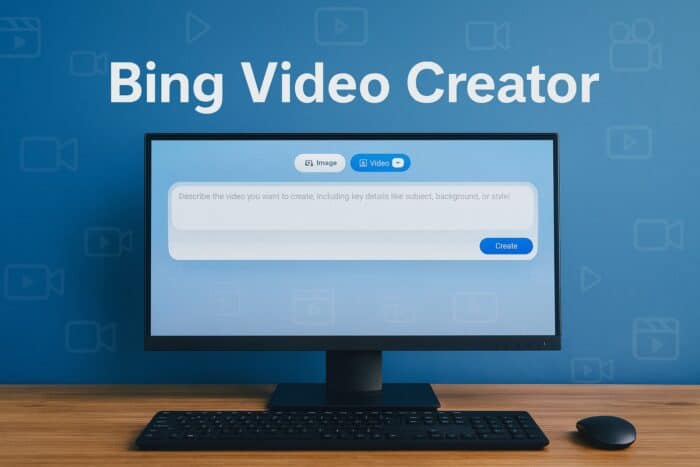
Creating short videos is now easier than ever with Bing Video Creator. This guide will show you how to turn your ideas into motion in just a few seconds.
Table of contents
How to Use Bing Video Creator?
Use the mobile app
Follow these easy steps to create your first AI video using Bing:
- Download or open the Bing mobile app on your iOS or Android device.

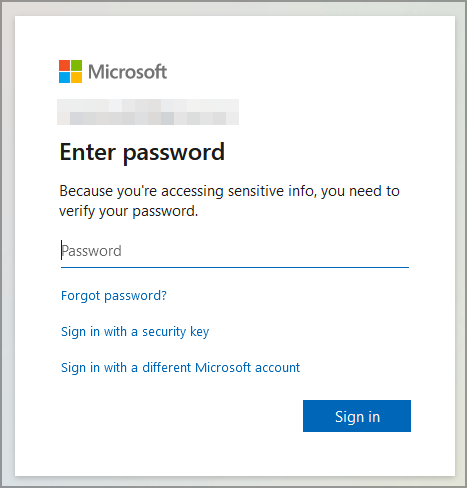
- Sign in with your Microsoft account or create one if you do not have it yet.
- Tap the Copilot icon and select Video Creator from the menu.

- Type a detailed prompt describing what you want to see in the video. Example: a futuristic city skyline at sunset, camera zooming in.

- Tap Create to start generating your video.
- Wait a few seconds for processing. Bing will notify you when it is ready.
- Preview, download, or share your AI-generated video directly from the app.
If you want to personalize your Bing experience further, check out how to turn off SafeSearch in Bing.
Tips for Writing Better Prompts
To get high-quality and realistic clips, make your prompt detailed and vivid:
- Describe the scene such as location, mood, or lighting.
- Add actions using verbs like running, spinning, or flying.
- Mention camera angle such as wide shot, aerial, or close-up.
- Include art styles like cinematic, anime, or photo-realistic.
- Keep prompts under 200 characters for faster generation.
Example: A close-up shot of raindrops hitting a window during a thunderstorm with cinematic lighting.
Bing Video Creator Limitations
Before using Bing Video Creator, keep these restrictions in mind:
- Length: Each video lasts around 5 seconds.
- Format: 9:16 vertical ratio, suitable for TikTok or Instagram.
- Audio: Sound is not yet supported.
- Storage: Videos remain available for 90 days.
- Speed: Fast Mode uses Microsoft Rewards points, while Standard Mode is free but slower.
To keep your browsing experience clean, learn how to delete your Bing search history permanently.
Best Uses for Bing Video Creator
- Social media content: Create quick visuals for Instagram Reels or YouTube Shorts.
- Marketing teasers: Generate short promo clips for products or services.
- Storyboarding: Visualize ideas for presentations or creative projects.
- Education: Produce short concept videos for classroom use.
FAQs
Yes, it is free in Standard Mode. You can use Microsoft Rewards points to speed up generation.
Currently, it is available on the Bing mobile app. Desktop support is expected soon via Copilot.
Yes, Microsoft confirmed that Bing Video Creator integrates OpenAI’s Sora model for generating realistic motion.
Video generation usually takes less than one minute in Standard Mode and only a few seconds in Fast Mode.
Final Thoughts
Bing Video Creator makes text to video generation simple, fast, and accessible. Whether you are a marketer, educator, or content creator, it is a great way to turn your ideas into motion instantly.
To explore more tools that enhance your browsing and creative experience, visit our detailed guide on the Bing browser. You can access Bing Video Creator directly from the Bing app and start experimenting today to see how creative AI can enhance your workflow.

Read our disclosure page to find out how can you help Windows Report sustain the editorial team. Read more



Improve this guide
User forum
0 messages