
Chase Bank Login Guide: How to Securely Access Your Account on Mobile App & Online Portal


 4 min. read
  Published on
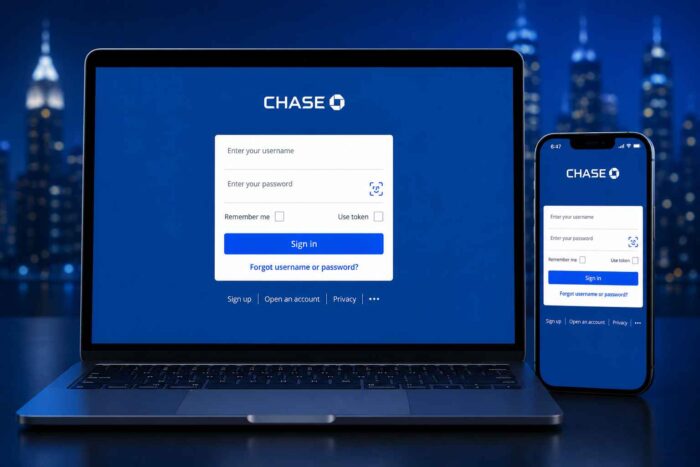
Logging into your Chase Bank account is the quickest way to check your balance, review transactions, pay bills, transfer money, and manage Chase cards. The process is straightforward, whether you are using a computer, phone, or tablet. In this guide, we’ll walk you through steps to login to Chase securely on mobile and online portal.
How to Login to Chase Bank online portal on PC
Chase currently lets customers sign in using their username and password. The homepage also offers passwordless sign-in, while existing customers can recover forgotten credentials from the same screen.
How to log in to Chase Bank via website
- Open chase.com in your browser.
- Find the Sign in box near the top of the page.
- Enter your Username and Password.
- Select Sign in.
- Complete any additional verification Chase requests.
Chase may request an additional check when you use a new device. It can also happen when unusual account activity is detected.
What to do if you forgot your Chase username or password during login?
You can select “Forgot username/password?” on the Chase login screen. Follow the prompts to recover your credentials. If you have never enrolled, choose “Not Enrolled? Sign Up Now.” Chase says new customers can enroll through chase.com before using the same credentials in its mobile app.
How to login to Chase Bank on Android and iPhone
The Chase Mobile app provides another way to access your accounts. After enrollment, use the same Chase username and password you use online.
Chase Bank Mobile app sign-in steps:
- Open the official Chase Mobile app.
- Enter your Chase username.
- Enter your password.
- Tap Sign in.
- Complete verification if Chase asks for it.
The app supports fingerprint and facial recognition on compatible devices. Chase also allows additional security through your phone’s unlock code.
How to login to Chase Bank without your password?
Chase has expanded its sign-in options beyond traditional passwords. Its website supports passkeys, which use your device’s fingerprint, face recognition, or passcode. Passkeys currently work through the Chase website rather than the mobile app. You can still use your regular username and password if you prefer.
This can be useful when switching between computers or logging into a supported browser. Your passkey may also be restored when your device account restores saved passkeys.
Why Chase Bank login might not work?
A failed login does not always mean your account is locked. Start with the basics before assuming there is a bigger problem. Check that you are using the exact chase.com address. Chase specifically recommends checking the address bar before entering sensitive information.
If your credentials are rejected, use the official recovery option instead of repeatedly guessing your password. A browser cache issue can also interfere, so trying another browser may help. For app problems, update the Chase Mobile app and restart your phone. If Chase requests additional verification, follow the on-screen instructions rather than attempting repeated logins.
FAQs related to Chase Bank login
1. How do I login to my Chase Bank account?
Head to chase.com, enter your username and password, then select Sign in. You can also use the Chase Mobile app with the same credentials.
2. Can I log into Chase from my phone?
Yes. Download the official Chase Mobile app and sign in using your existing Chase credentials. Compatible devices can also use biometric authentication.
3. Can I sign in without a Chase password?
Yes, Chase supports passkeys through its website. You can authenticate using your device’s biometric security or passcode.
4. What if I forgot my Chase login details?
Choose “Forgot username/password?” from the Chase sign-in screen. Follow the recovery process provided by Chase.
5. Is it safe to use Chase online?
Chase says its website and mobile app use encryption and multiple security measures. It also offers two-step verification and biometric sign-in options.
Tip: Always make sure that you have landed on the official Chase website or accessing mobile app. Never enter your banking credentials into a suspicious link, popup, or unfamiliar website.

Read our disclosure page to find out how can you help Windows Report sustain the editorial team. Read more



Improve this guide




User forum
0 messages